Volume Rendering, NeRF, and 3D Gaussian Splatting
Name: Yu-Rou Tuan (andrew id: yurout)
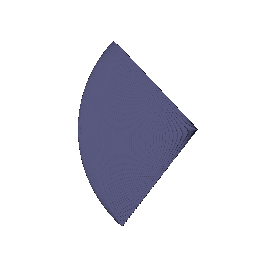

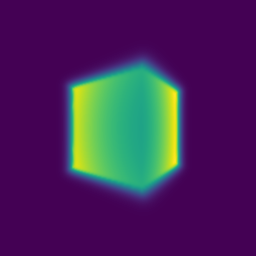
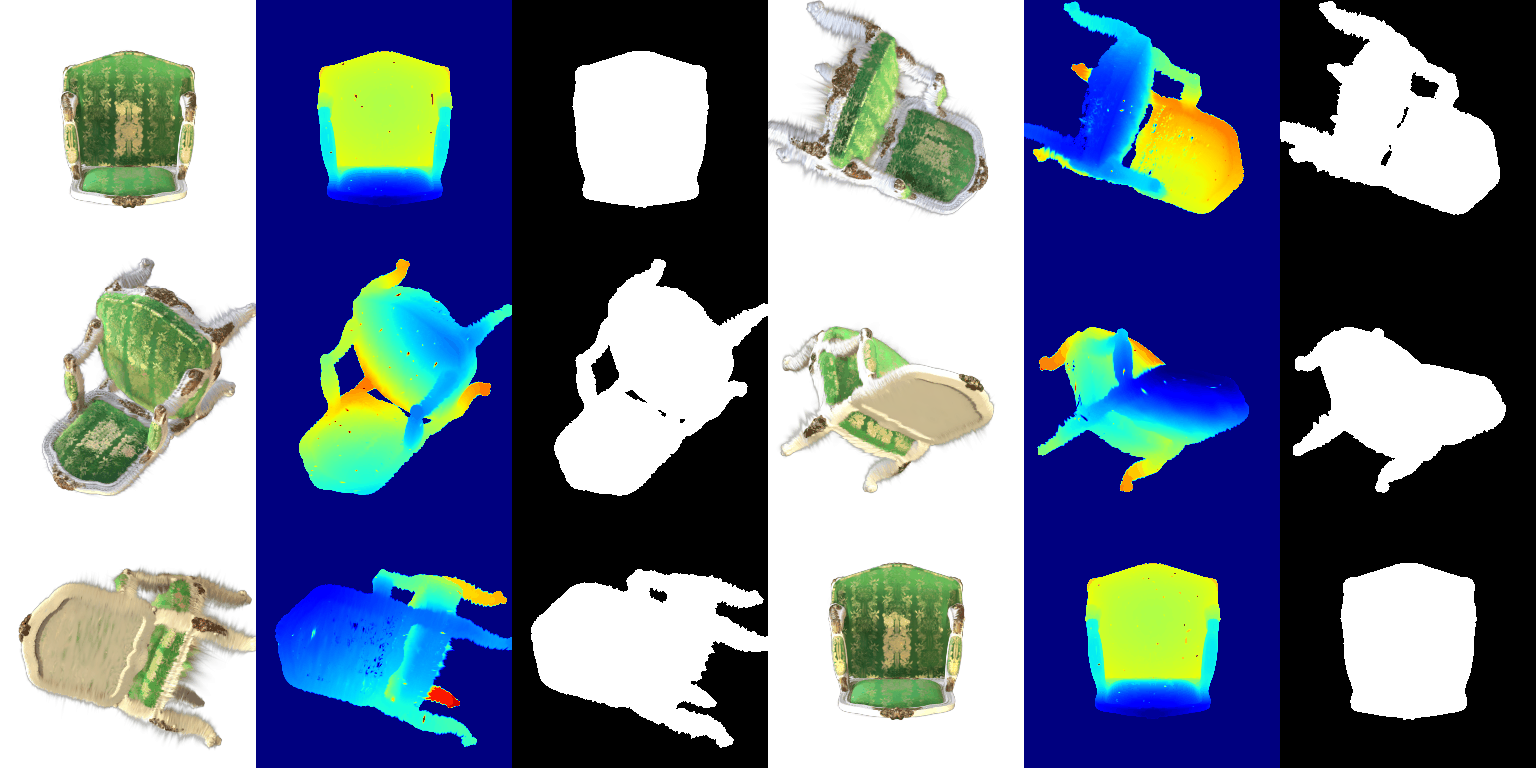
After training:
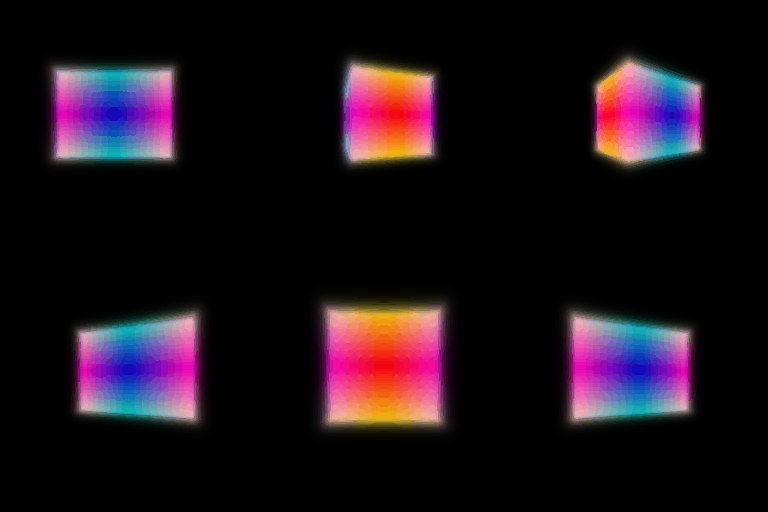
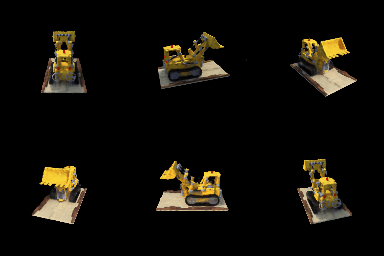
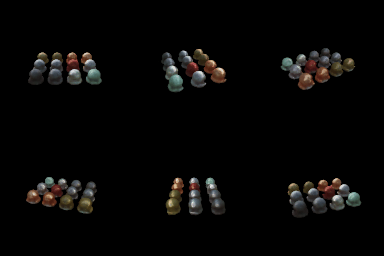

The trade-off is that the more the color can depend on direction, the easier it is for the network to cheat: it can fit each training image by changing color per view instead of getting the geometry right, and then novel views look worse. Keeping the direction encoding low frequency and feeding it in late limits how much it can do that.
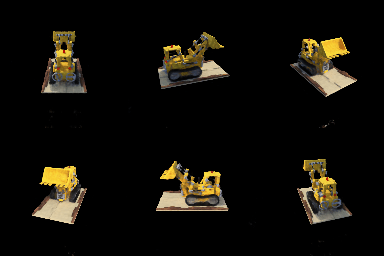
The coarse network uses 64 evenly spaced samples. Its weights are used as a distribution to draw 128 more samples, mostly near the surface, and the fine network renders with all of them.
| Val PSNR | Time per step | |
|---|---|---|
| Single network, 128 samples | 24.35 dB | 6.1 ms |
| Coarse/fine | 24.47 dB | 9.1 ms |
Coarse/fine is about 1.5x slower since there are two networks and more samples. At this low resolution the quality gain is small. It should matter more at higher resolution, where evenly spaced samples miss thin details.
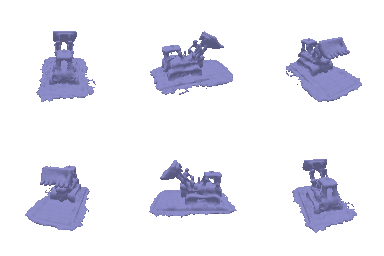
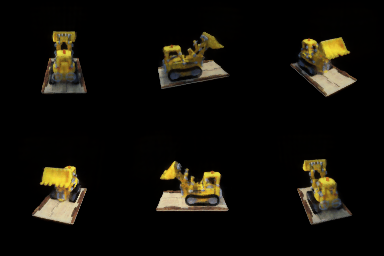
alpha and beta. alpha is the density inside the object, so it controls how opaque the surface is. beta controls how quickly density falls off around the surface. Small beta gives a sharp jump at the surface, large beta makes it a blurry, thick shell.
1. How does beta bias the SDF? With high beta, density leaks out in front of the surface, so the rendered surface ends up smoother and slightly off from the true zero level set. With low beta, density is almost a step function, so the surface sits right at the zero level set.
2. Easier to train with low or high beta? High beta. Density is spread out, so many samples along a ray get gradients even when the SDF is still wrong. With low beta only the points very close to the surface get any gradient, which makes it hard to get started.
3. More accurate surface with low or high beta? Low beta. The rendering weights peak right at the zero crossing, so the geometry has to be correct to match the images, while high beta lets a blurry surface still look fine.
Settings. I tried three values of beta with everything else the same (alpha = 10, eikonal weight 0.02).


beta = 0.05 worked best and is the result shown above. With 0.02 the network barely learned anything, since only points right at the surface get gradients. With 0.2 it only learned a blurry blob and no surface could be extracted. In both cases the mesh was empty. I also used Softplus instead of ReLU in the SDF network so the SDF stays smooth, which helps the eikonal loss.
| Parameter | Learning rate |
|---|---|
| opacities | 0.05 |
| scales | 0.005 |
| colours | 0.02 |
| means | 0.0005 |
Trained for 1000 iterations with L1 loss.
PSNR: 29.52 SSIM: 0.939

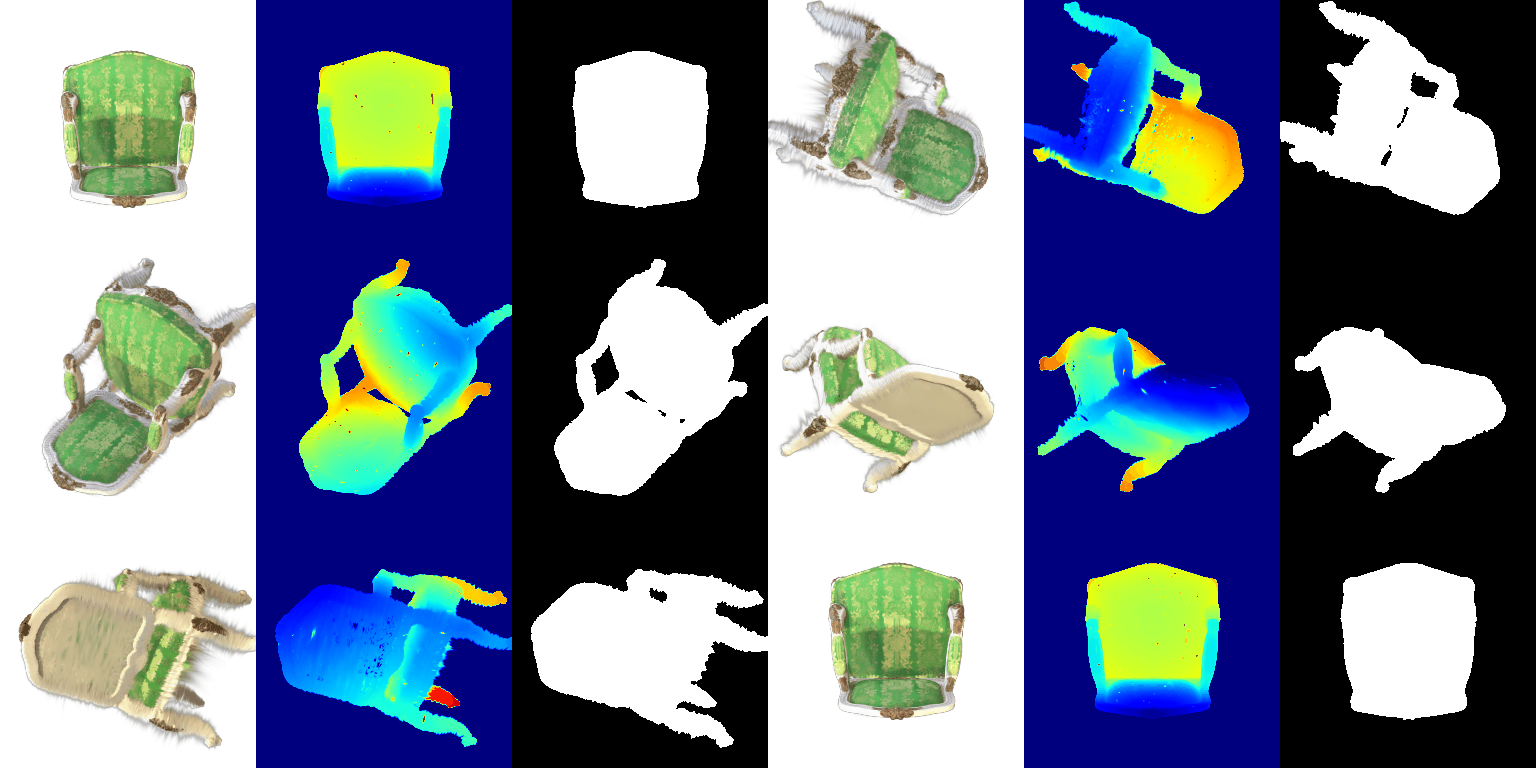
Left: DC only. Right: full SH. Same view in each pair.

With SH the green fabric has darker shading and the gold pattern stands out more. DC only looks flatter and a bit washed out because it's the average color over all directions.
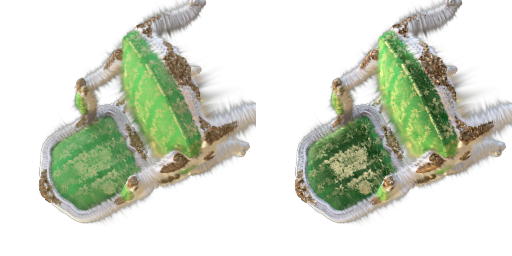
The seat and back are a lot darker with SH, and the pattern on the seat has more contrast. With DC only, every surface gets the same color from every angle.

From below the two look almost the same. The bottom is mostly flat beige with little view-dependent effect, so SH doesn't add much here.
Baseline (same setup as part 6: isotropic, random init, 1000 iterations)
PSNR: 18.60 SSIM: 0.681
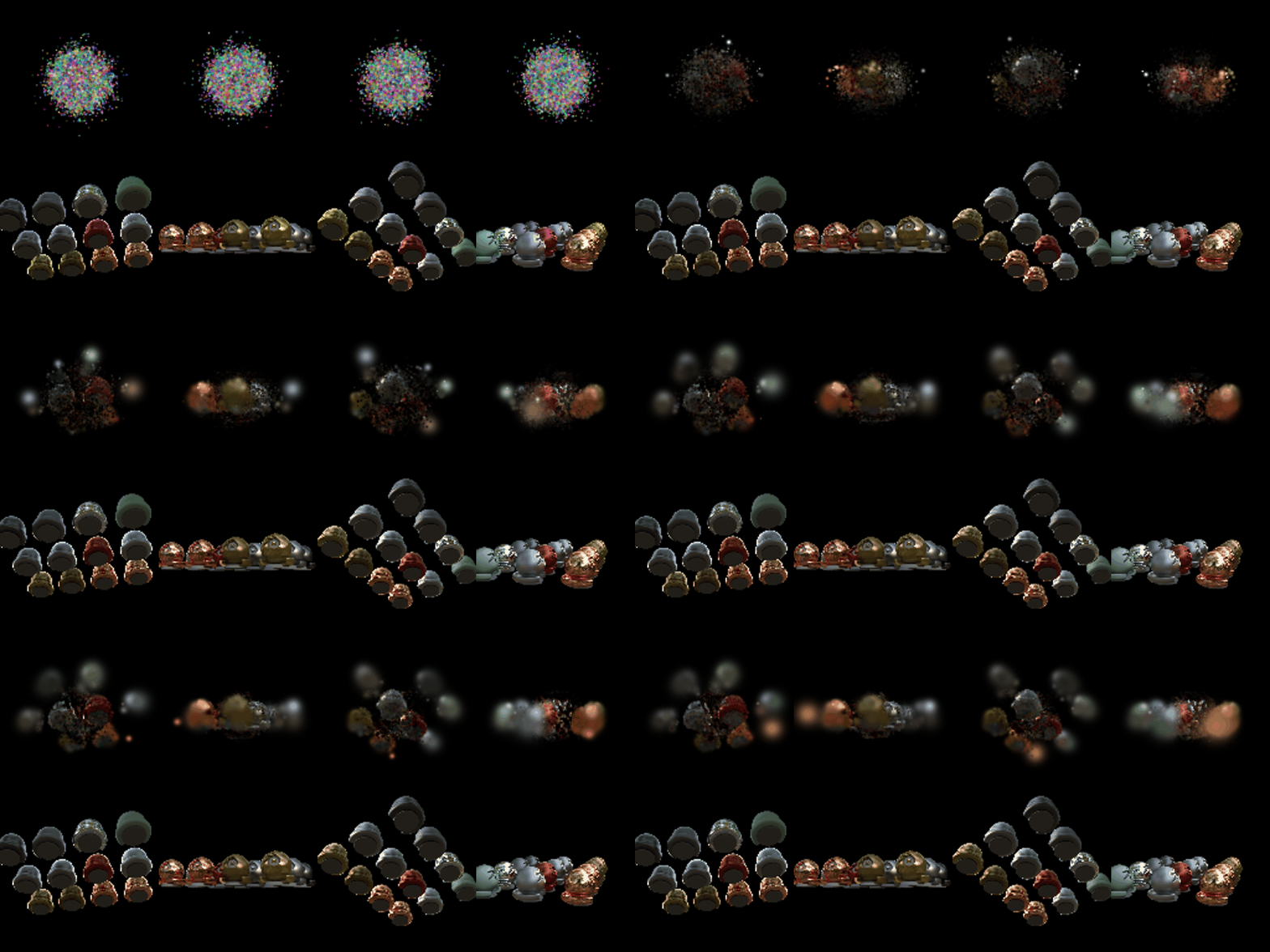
Improved
| Parameter | Learning rate |
|---|---|
| opacities | 0.05 |
| scales | 0.005 |
| colours | 0.02 |
| means | 0.002 |
| quaternions | 0.001 |
Trained for 5000 iterations with L1 loss.
PSNR: 22.95 SSIM: 0.844
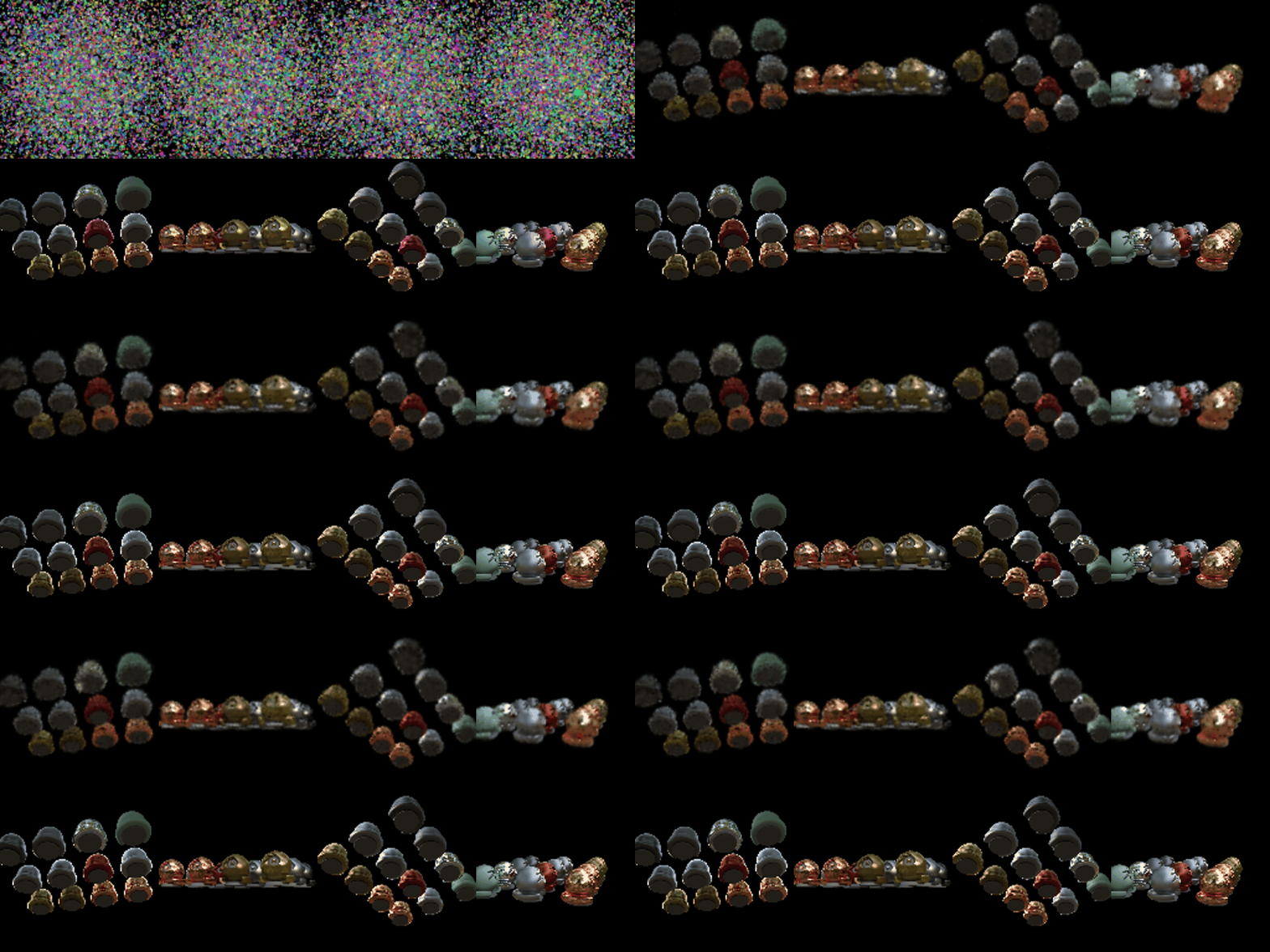
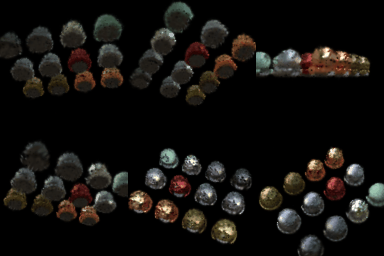
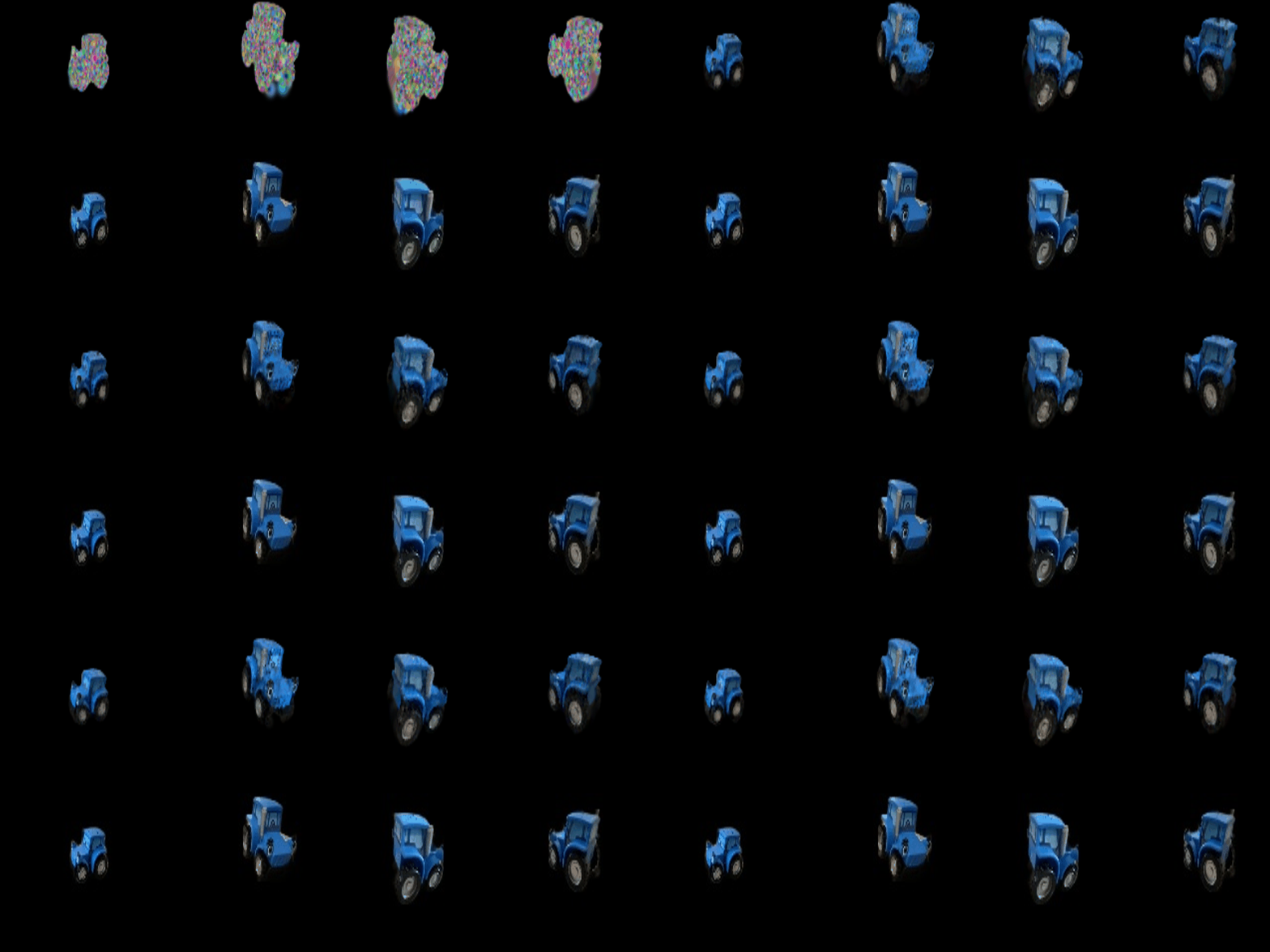
The baseline only ends up with a blurry blob near the middle and most of the spheres on the outside never show up. The improved version gets all the objects and is close to the ground truth, though the edges are still a little soft.
What I changed: