1.1 360-degree Renders 5 pts
Create a 360-degree gif video that shows many continuous views of the provided cow mesh.

1.2 Re-creating the Dolly Zoom 10 pts
Recreate the dolly zoom effect in PyTorch3D.
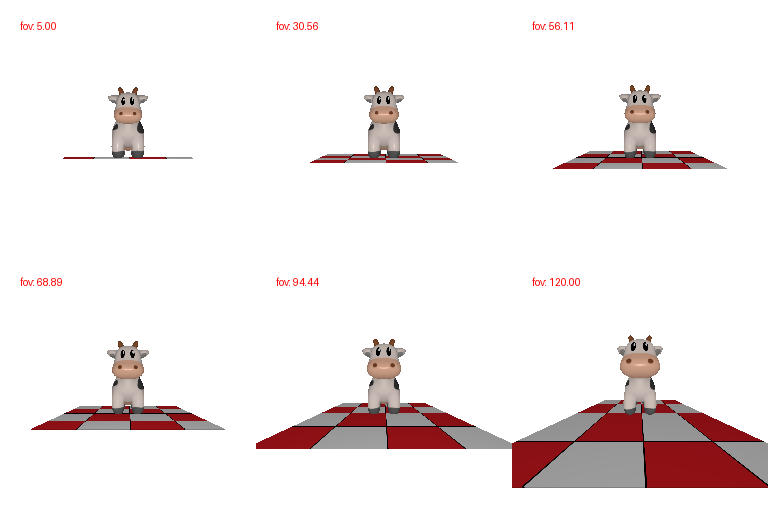
d = h / tan(fov/2))
to keep the cow's apparent size constant.2.1 Constructing a Tetrahedron 5 pts
Construct a tetrahedron mesh and render it from multiple viewpoints. List how many vertices and faces your mesh has.

Vertices: 4 · Faces: 4
2.2 Constructing a Cube 5 pts
Construct a cube mesh and render it from multiple viewpoints. List how many vertices and faces your mesh has.
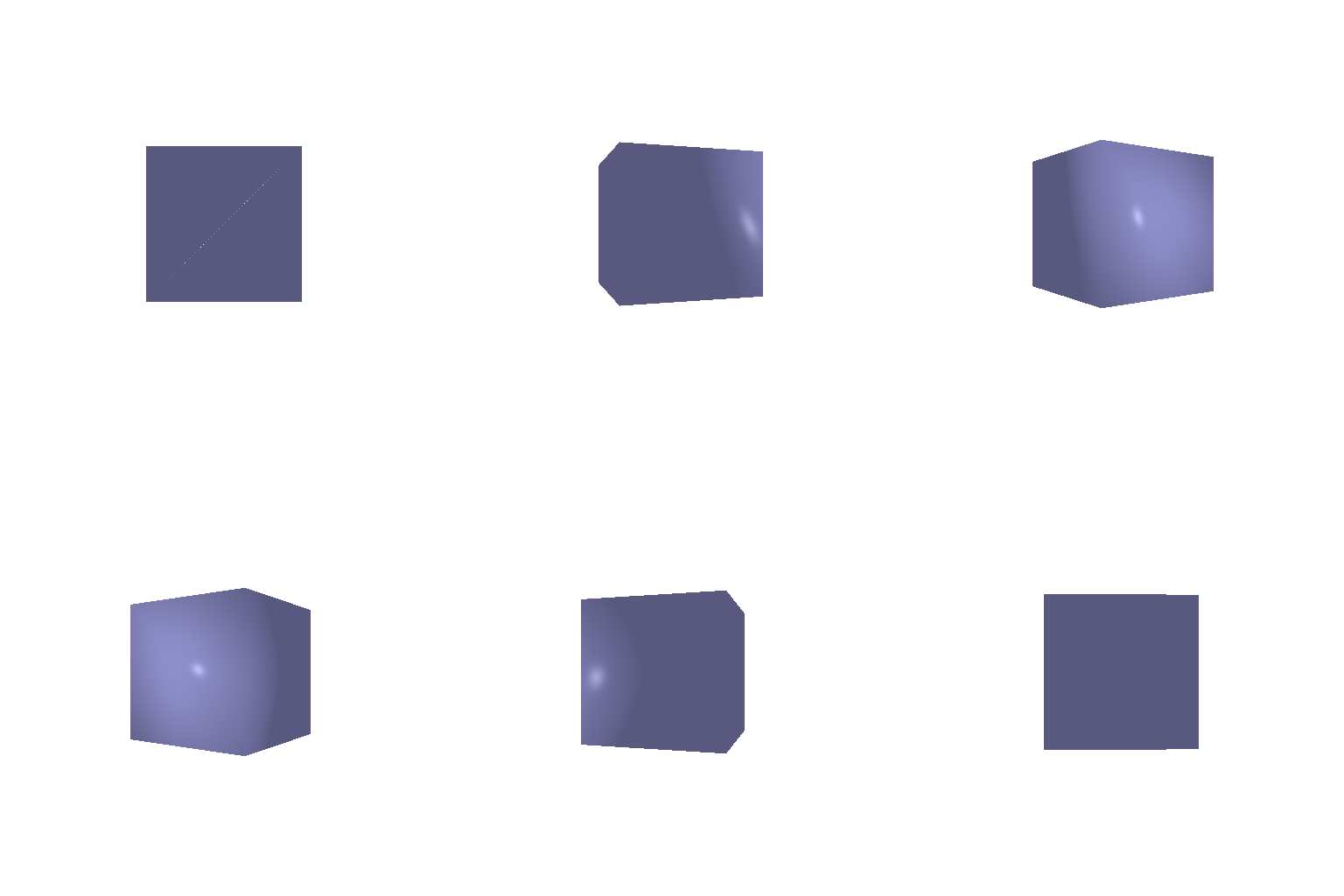
Vertices: 8 · Faces: 12 (6 quad faces × 2 triangles each)
3. Re-texturing a Mesh 10 pts
Retexture the cow mesh so that the color smoothly changes from the
front of the cow (color1) to the back of the cow
(color2), interpolated linearly by z-coordinate. Describe
your choice of color1 and color2.
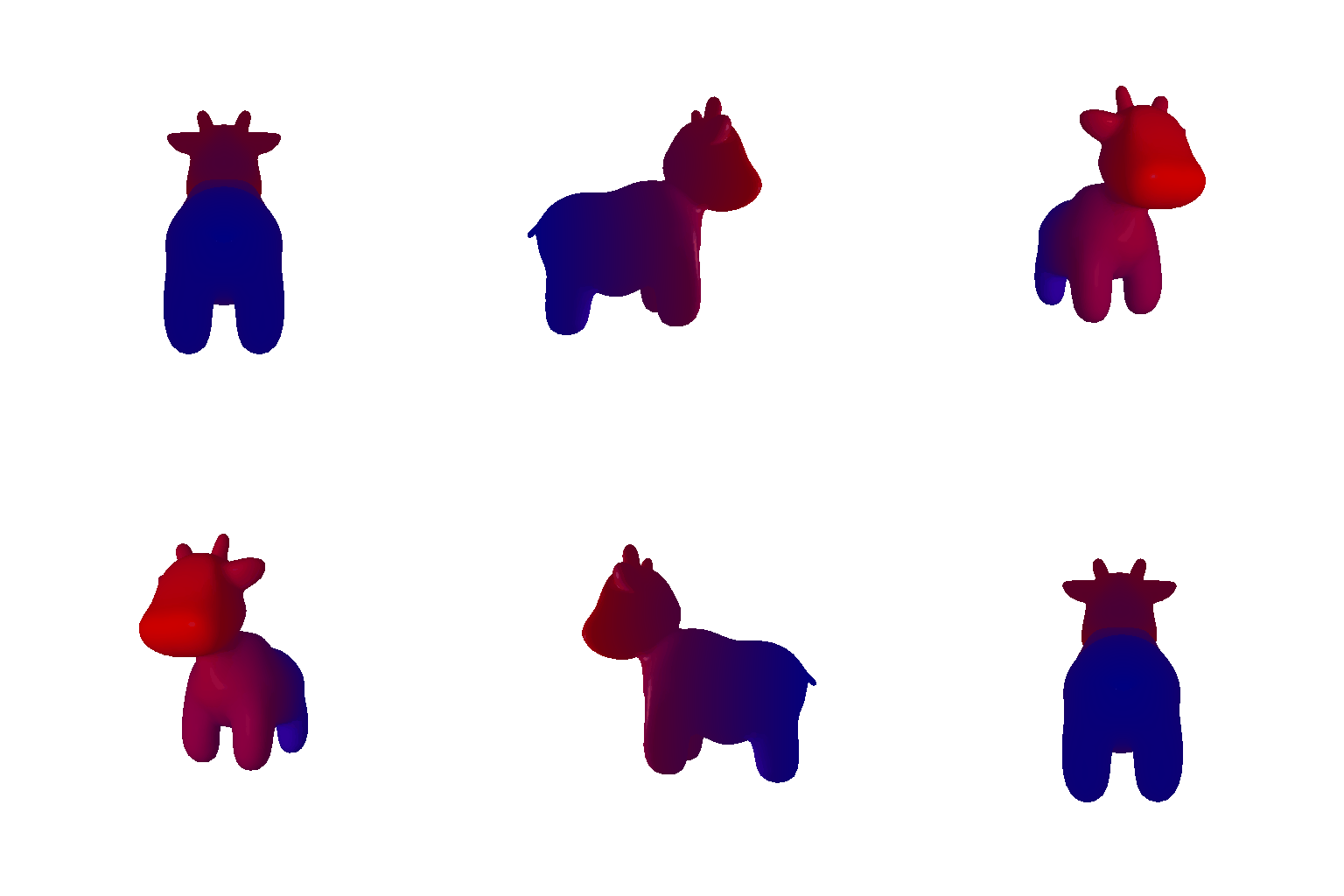
color1 (front, z_min) = [1, 0, 0] (red)
· color2 (back, z_max) = [0, 0, 1] (blue)
Red and blue look nice and also have pretty high contrast, so this gradient from head red to body blue is my choice.
4. Camera Transformations 10 pts
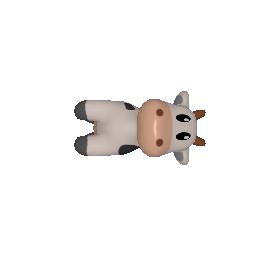
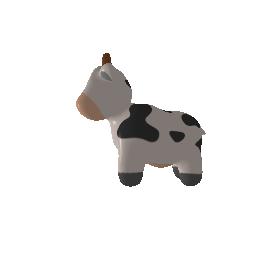
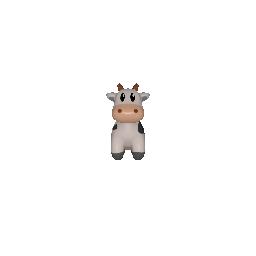
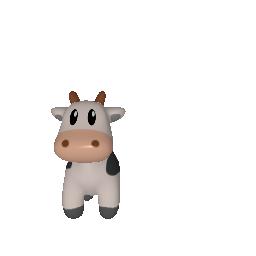
For each image below, find the relative camera transformation
(R_relative, T_relative) that produced it,
where the new camera extrinsics are R = R_relative @ R_0
and T = R_relative @ T_0 + T_relative. Describe in words
what R_relative and T_relative are doing for
each.
Transform 1
R_relative = [[0, 1, 0], [-1, 0, 0], [0, 0, 1]]
T_relative = [0, 0, 0]
R_relative is a 90° rotation about the camera's own
viewing (z) axis. T_relative is zero, so the camera doesn't move
at all.
Transform 2
R_relative = [[0, 0, 1], [0, 1, 0], [-1, 0, 0]]
T_relative = [-3, 0, 3]
R_relative is a 90° rotation about the vertical
world y-axis. T_relative repositions the camera so that after
the rotation it still sits at the correct distance and angle looking towards
the cow.
Transform 3
R_relative = [[1, 0, 0], [0, 1, 0], [0, 0, 1]]
T_relative = [0, 0, 2]
R_relative is the identity, so the viewing angle is
unchanged from the default. T_relative
moves the camera straight back along its own viewing axis, increasing
the distance (zooming out) from 3 to 5.
Transform 4
R_relative = [[1, 0, 0], [0, 1, 0], [0, 0, 1]]
T_relative = [0.5, -0.5, 0]
R_relative is again the identity, so the viewing angle
doesn't change. T_relative shifts the camera sideways
(no change in distance), which re-centers the frame off the
cow's middle.
5.1 Rendering Point Clouds from RGB-D Images 10 pts
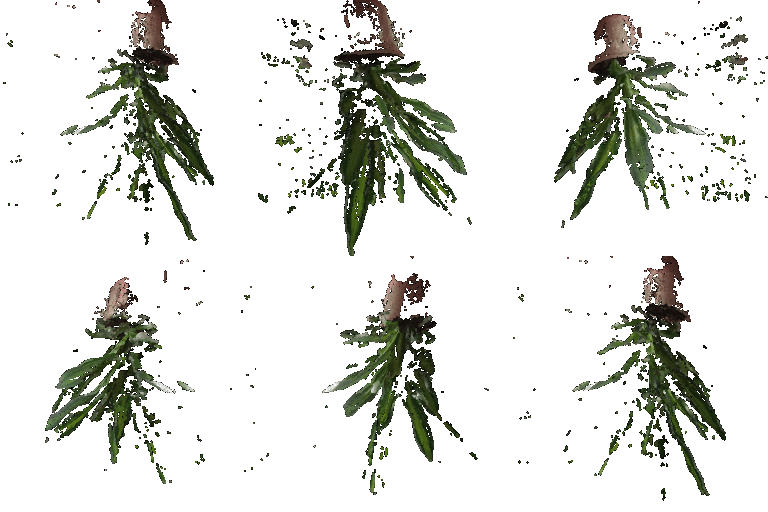
Construct 3 point clouds from the two provided RGB-D images of a plant: the point cloud from image 1, the point cloud from image 2, and the union of the two. Show a gif of each, side-by-side, from multiple viewpoints.


5.2 Parametric Functions 10 + 5 pts
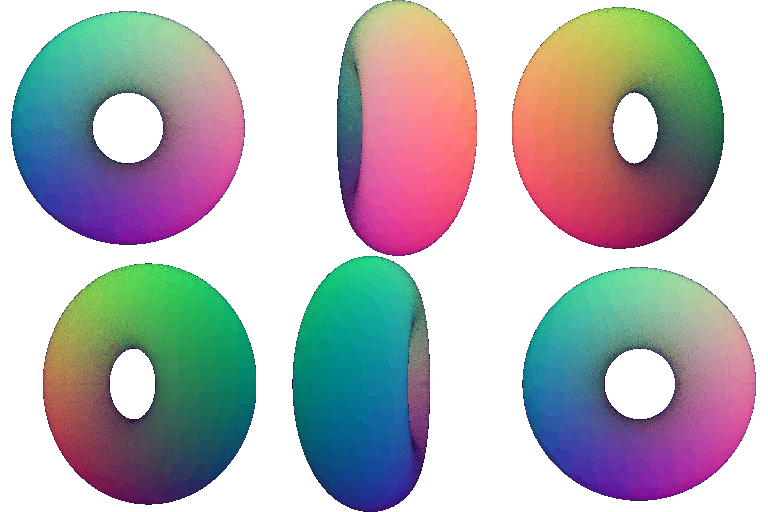
Render a torus point cloud by sampling its parametric function, and make sure the hole is visible. Then render a 360° gif on any new object of your choice.
Torus 10 pts
New object: Trefoil knot +5 pts

5.3 Implicit Surfaces 15 + 5 pts
Render a torus as a mesh defined by an implicit function, using marching cubes. Discuss the tradeoffs between rendering as a mesh vs. a point cloud. Then render a 360° gif on any new object of your choice (can differ from 5.2).
Torus 10 pts

(sqrt(x²+y²) - R)² + z² - r² = 0.Mesh vs. point cloud tradeoffs 5 pts
The tradeoff is mostly in speed and quality. Mesh rendering gives higher visual quality for the same resolution. because faces are interpolated across their surface, a torus with only ~50K vertices still renders as a smooth surface with no gaps. Point clouds, on the other hand, rely on splatting a fixed-size disk per point, so getting a gap-free surface either takes far more points or a bigger point radius, which then blurs fine detail and makes it look fuzzy rather than crispy (it's visually quite obvious when compare 5.1/5.2 gifs with the 5.3 mesh gifs). On the other hand, getting the point cloud is straightforward: sample the parametric function and the job is done. Getting the mesh required a more expensive step: evaluate the implicit function on a dense 3D voxel grid and run marching cubes to extract the surface, which is both slower and cost more memory than just sampling points directly. Point clouds are also easier to edit/combine (Q5.1), whereas merging or editing meshes needs to respect face connectivity (a lot of work). So overall: point clouds are cheap, flexible, and quick to generate, while meshes cost more to build but render higher quality.
New object: Trefoil knot +5 pts

dist_to_curve(x,y,z) - tube_r = 0).(Extra Credit) 6. Do Something Fun +10 pts
Create your own 3D structures, or render something in an interesting way, or creatively texture something — the (3D) world is your oyster!

scale = 1 + A·sin(f·y + t)),
giving a jelly-like ripple as the cow spins, textured with a rainbow
gradient from its normalized (x, y, z) position.(Extra Credit) 7. Sampling Points on Meshes +10 pts
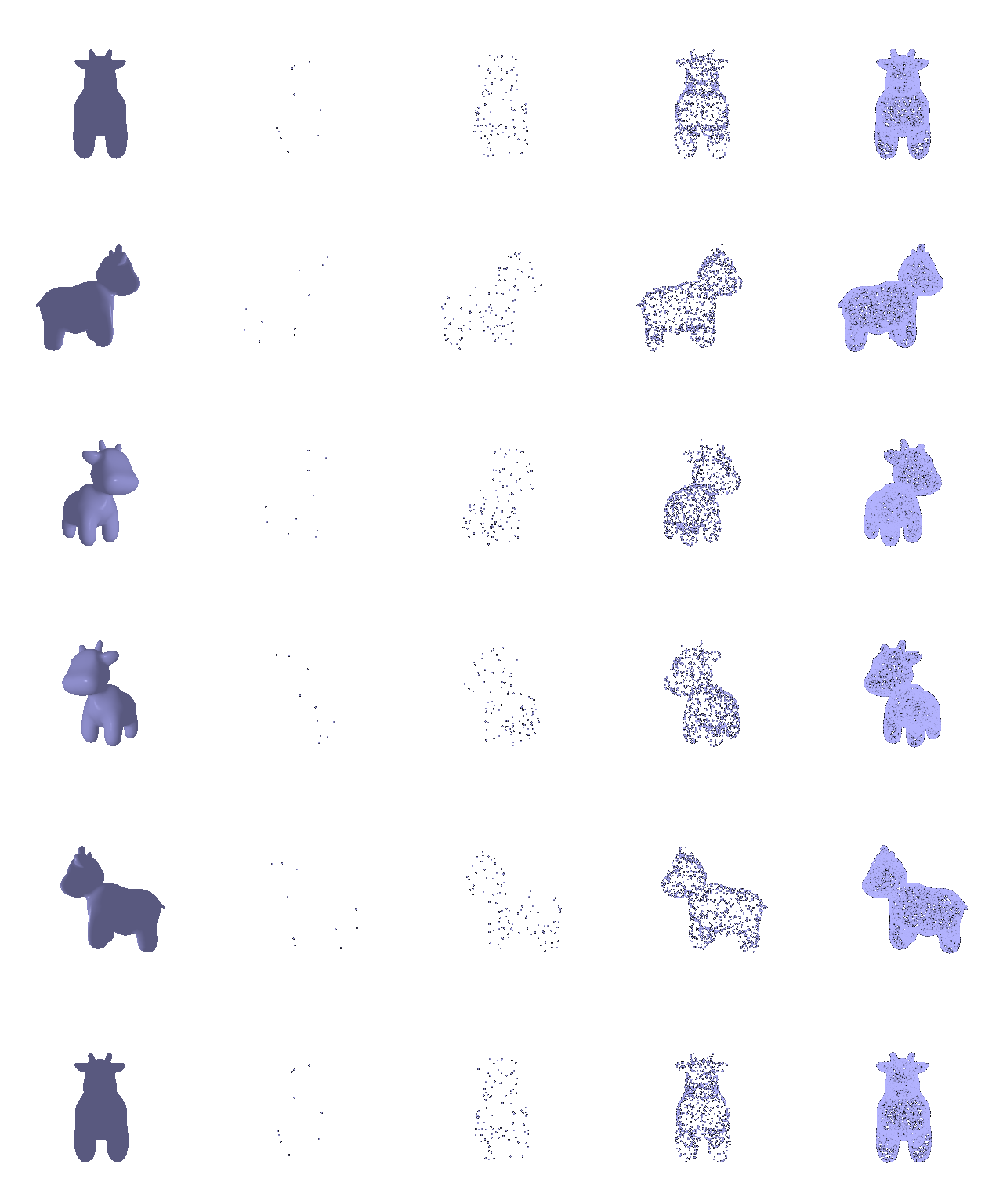
Write a function that takes a triangle mesh and a number of samples, and outputs a point cloud via area-weighted stratified sampling. Using the cow mesh, sample 10, 100, 1000, and 10000 points. Render each point cloud and the original mesh side-by-side.