Assignment 1
Question 1
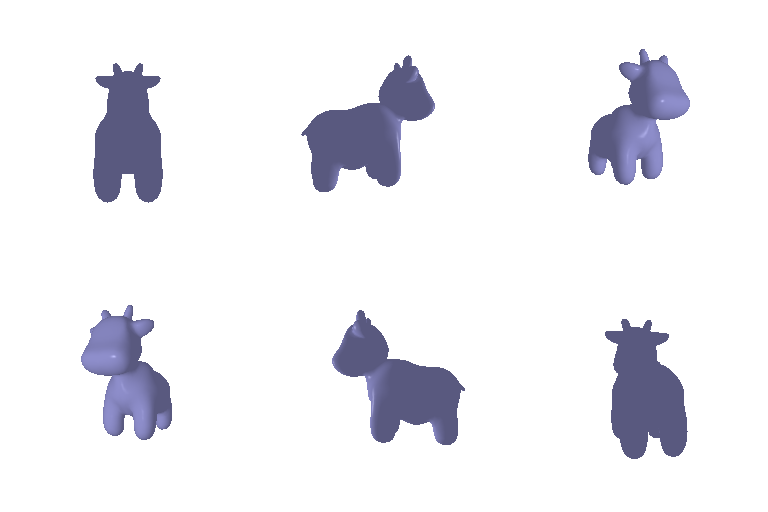
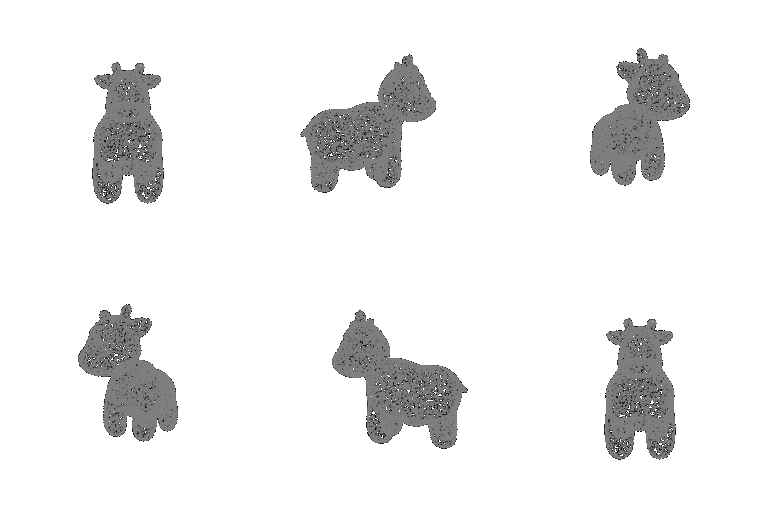
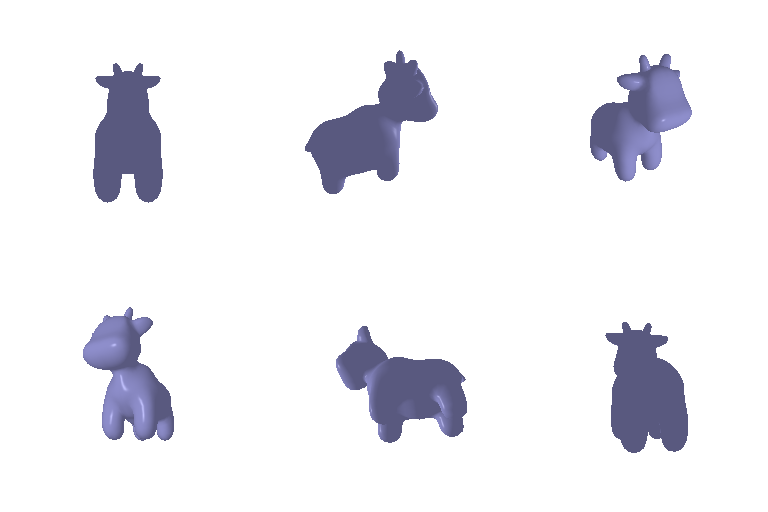
1.1: 360 degree renders
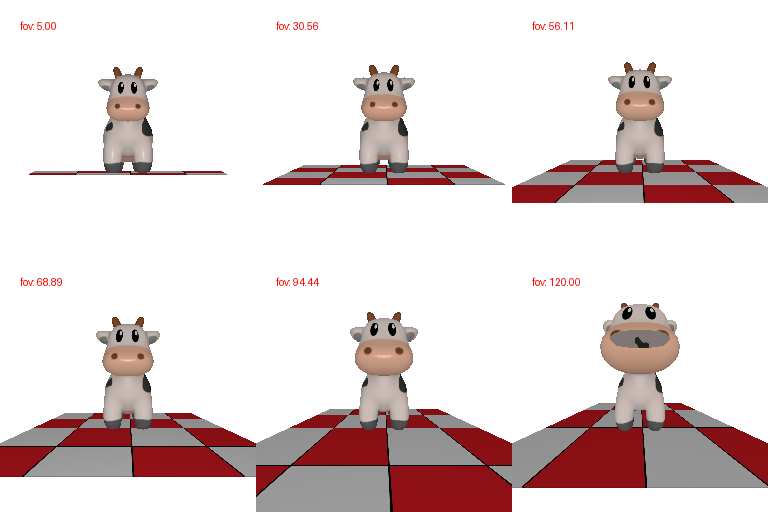
1.2: Dolly zoom
Question 2
2.1: Tetrahedron
Number of vertices in tetrahedron mesh: 4
Number of (triangle) faces in tetrahedron mesh: 4

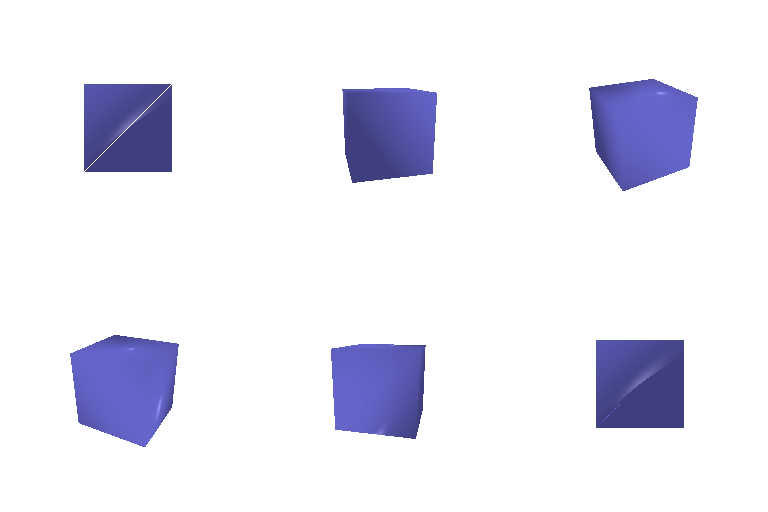
2.2: Cube
Number of vertices in cube mesh: 8
Number of (triangle) faces in cube mesh: 12
(each face is a square, each square is 2 triangles, hence 6 faces and 12 triangle faces)
Question 3
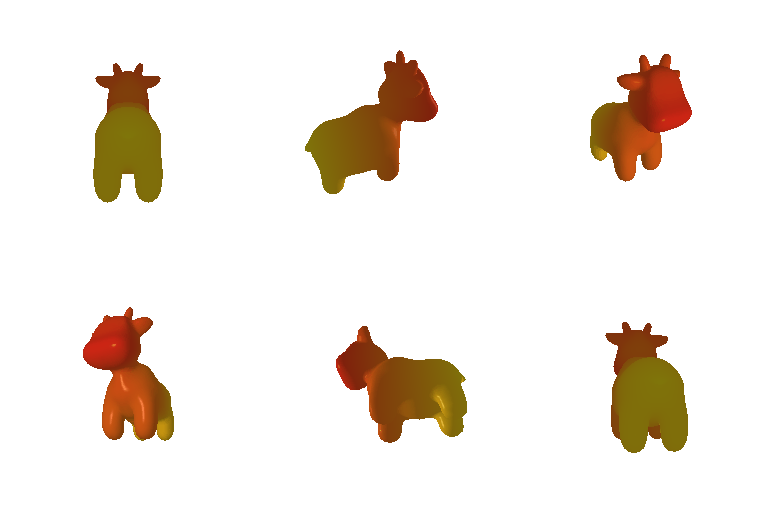
Color1: [255, 47, 26]
Color2: [255, 235, 20]
Question 4
Image 1: Mesh rotated along Z axis 90 degrees

R_relative = [[0, 1, 0], [-1, 0, 0], [0, 0, 1]]
T_relative = [0, 0, 0]
Explanation:
The mesh is rotated along the Z axis by 90 degrees. This means that the camera hasn't moved to produce this render, only the mesh.
This implies that T_relative is all zeros.
R_relative can be described as a vertical stack of (transposed) unit vectors of the coordinate system canonical to the mesh.
The new X axis points in the direction of the Y axis of the camera coordinate system. Hence the top row is [0, 1, 0].
The new Y axis points in the negative direction of the X axis of the camera coordinate system. Hence the middle row is [-1, 0, 0].
The new Z axis points in the same direction as the Z axis of the camera coordinate system. Hence the bottom row is unchanged and is [0, 0, 1].
Image 2: Mesh moved away from the camera

R_relative = [[1, 0, 0], [0, 1, 0], [0, 0, 1]]
T_relative = [0, 0, 2]
Explanation:
The mesh is not rotated. Hence R_relative can stay the same.
The mesh is moved further away. This is along the positive Z axis of the camera coordinate system.
After some trial and error, the distance of translation is determined to be +2.
Hence T_relative is [0, 0, 2]
Image 3: Mesh translated to the left and down

R_relative = [[1, 0, 0], [0, 1, 0], [0, 0, 1]]
T_relative = [0.5, -0.5, 0]
Explanation:
The mesh is not rotated. Hence R_relative can stay the same.
The mesh is moved to the left and down.
In camera coordinates, this is positive X axis and negative Y axis displacement.
After trial and error, the displacement is determined to be 0.5 in positive X axis and 0.5 in negative Y axis.
Hence T_relative is [0.5, -0.5, 0]
Image 4: Mesh rotated along Y axis -90 degrees

R_relative = [[0, 0, 1], [0, 1, 0], [-1, 0, 0]]
T_relative = [-3, 0, 3]
Explanation:
The mesh is rotated along the Y axis by -90 degrees.
R_relative can be described as a vertical stack of (transposed) unit vectors of the coordinate system canonical to the mesh.
The new X axis points in the direction of the Z axis of the camera coordinate system. Hence the top row is [0, 0, 1].
The new Y axis points in the same direction of the Y axis of the camera coordinate system. Hence the middle row is unchanged and is [0, 1, 0].
The new Z axis points in the negative direction as the X axis of the camera coordinate system. Hence the bottom row is [-1, 0, 0].
However, to achieve this rotation, the camera must move as well around the Y axis to keep the mesh in frame.
This implies that T_relative is non-zero and depends on the distance between the camera and the mesh before translation and rotation.
The camera views the mesh along the X axis and is the same distance away from the mesh as before the transformation.
This means the Z axis (along which the camera viewed the mesh before) translation must add up to be 0 and the distance along the -X axis must be the same distance.
Hence T_relative is [-3, 0, 3] as the previous distance from camera to mesh was 3 units along the Z axis.
Question 5
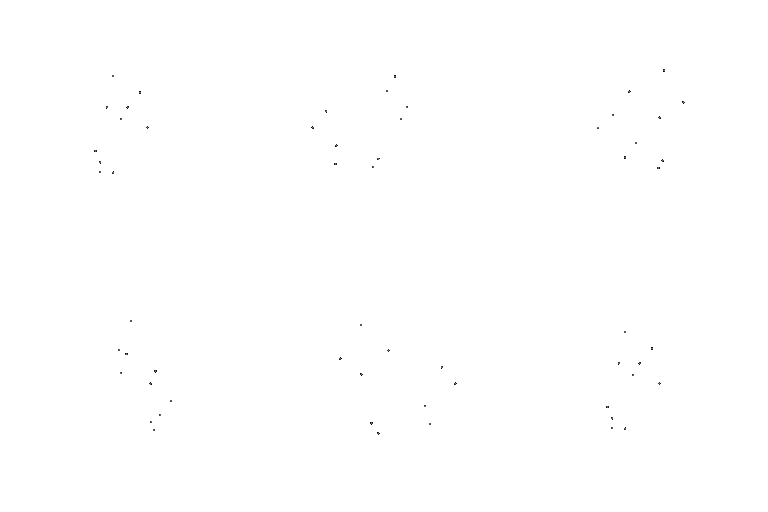
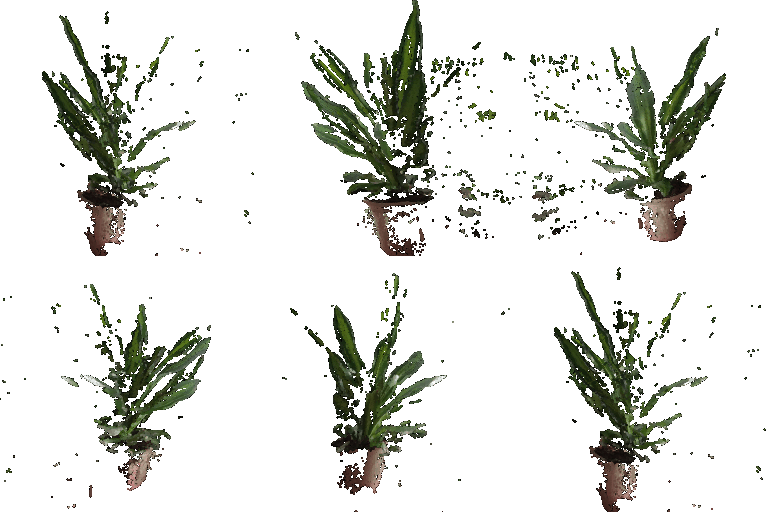
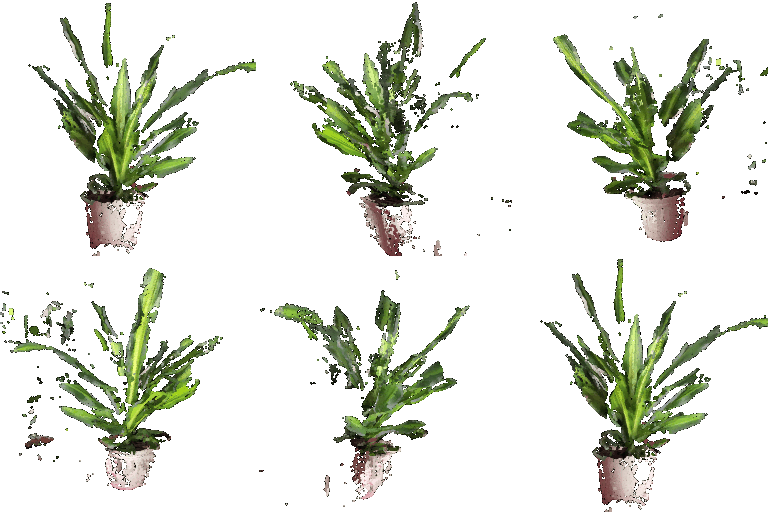
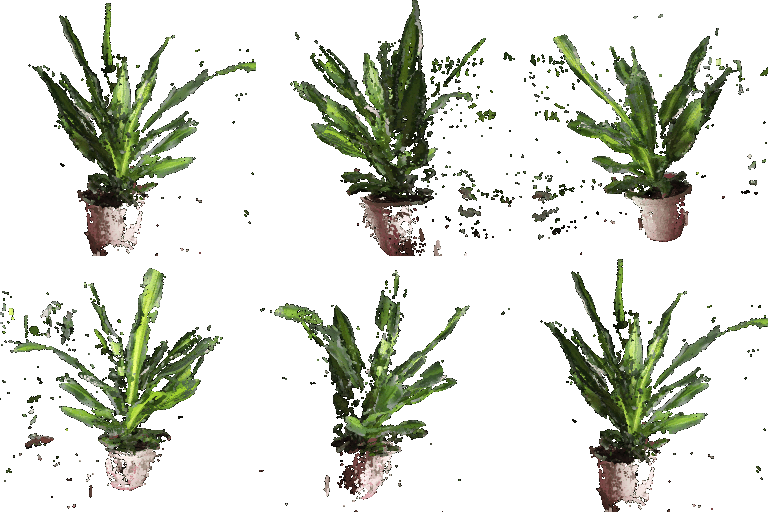
5.1: Rendering Point Clouds from RGB-D Images
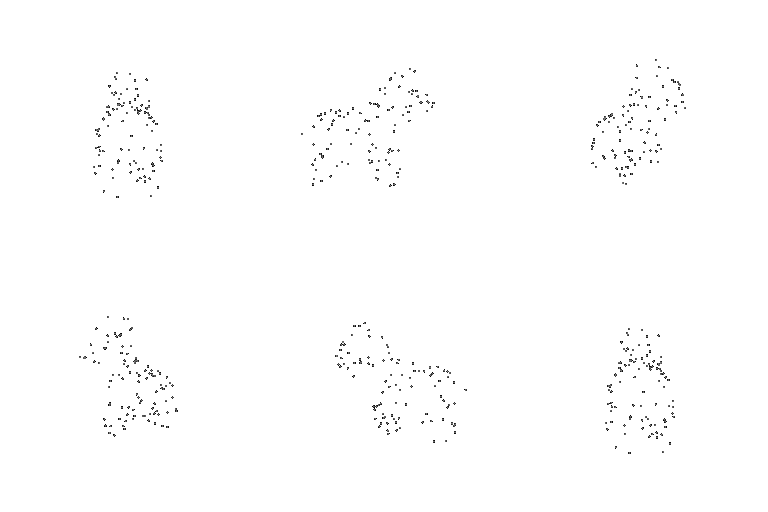
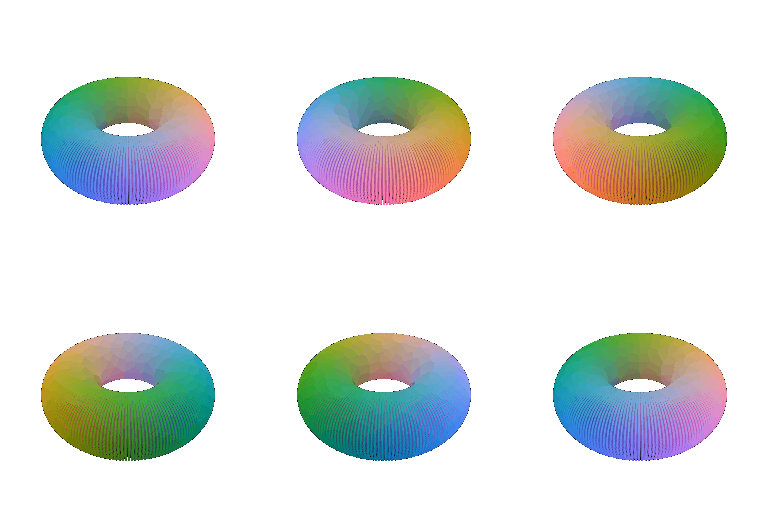
5.2: Parametric functions

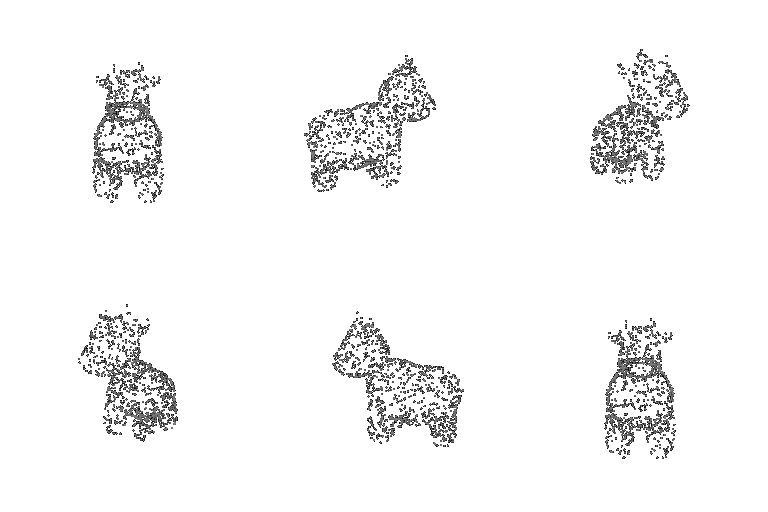
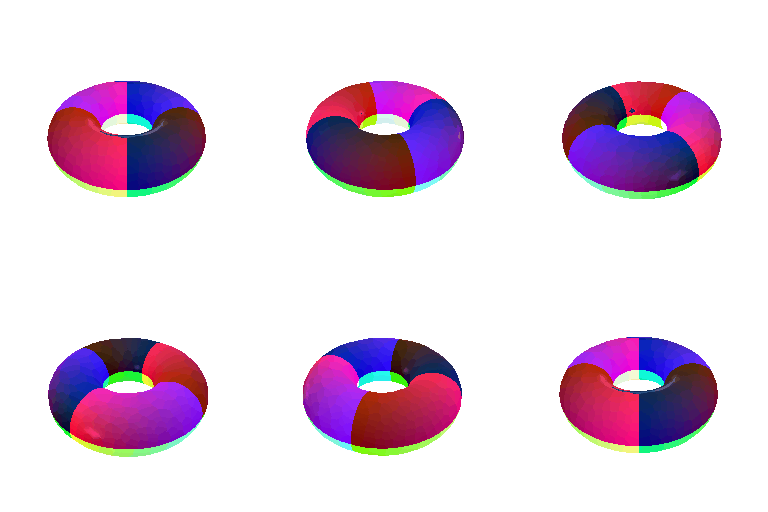
5.3: Implicit surfaces

Tradeoffs between mesh rendering and point cloud rendering:
- Point clouds will take up much more memory and storage to represent a 3D shape as compared to a mesh since faces in a mesh only need 3 numbers to represent them instead of multiple points in a point cloud.
- Rendering meshes can be faster than rendering point clouds since Z-axis occlusion can be calculated and rendering mesh regions that are not visible by the camera can be skipped. Also, mesh rendering has a longer history of both hardware and software development, leading to better performance on average compared to point cloud rendering.
- Editing point clouds would be easier than editing meshes in a volumetric fashion as entire groups of points can be added, moved or deleted. But in the case of meshes, the face topology needs to be edited, which lends itself to easier editing for surfaces.
- Point clouds are superior for precise data as they can represent exact points in 3D. However, meshes end up interpolating data and provide a more approximate representation.
Question 6: Extra credit
Rendering hypocycloids with parametric functions for the Steelers logo

Question 7: Extra credit