Assignment 1

Tianle Lyu · Andrew ID: tianlel
16-825 Learning for 3D Vision

0. Setup

Setup Test Code and Terminal Output

import torch
import pytorch3d
import fvcore
import iopath

print("PyTorch:", torch.__version__)
print("PyTorch3D:", pytorch3d.__version__)
print("fvcore:", fvcore.__version__)
print("iopath:", iopath.__version__)

print("CUDA available:", torch.cuda.is_available())

if torch.cuda.is_available():
    print("CUDA version:", torch.version.cuda)
    print("GPU:", torch.cuda.get_device_name(0))

print("Setup successful!")
$ python test.py
PyTorch: 2.7.1+cu128
PyTorch3D: 0.7.9
fvcore: 0.1.5.post20221221
iopath: 0.1.10
CUDA available: True
CUDA version: 12.8
GPU: NVIDIA A100-SXM4-40GB
Setup successful!

0.1 Rendering your first mesh

Setup result image

1. Practicing with Cameras (15 Points)

1.1. 360-degree Renders (5 points)

360-degree render of the cow

1.2. Re-creating the Dolly Zoom (10 points)

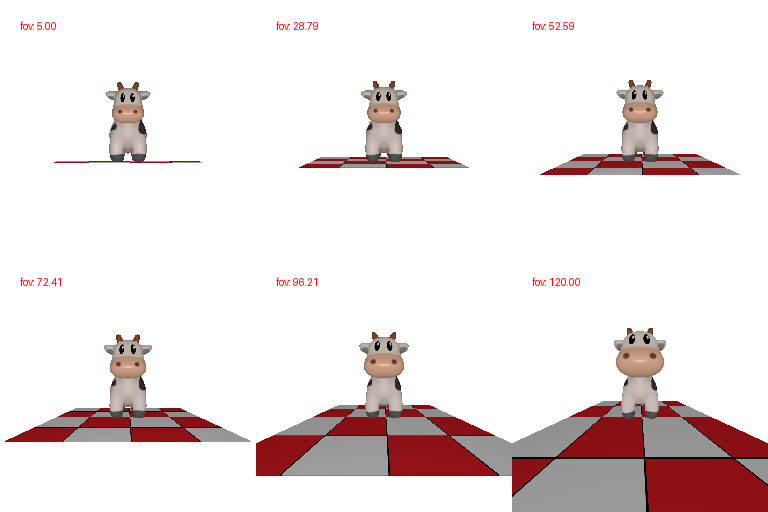
Dolly Zoom

2. Practicing with Meshes (10 Points)

2.1 Constructing a Tetrahedron (5 points)

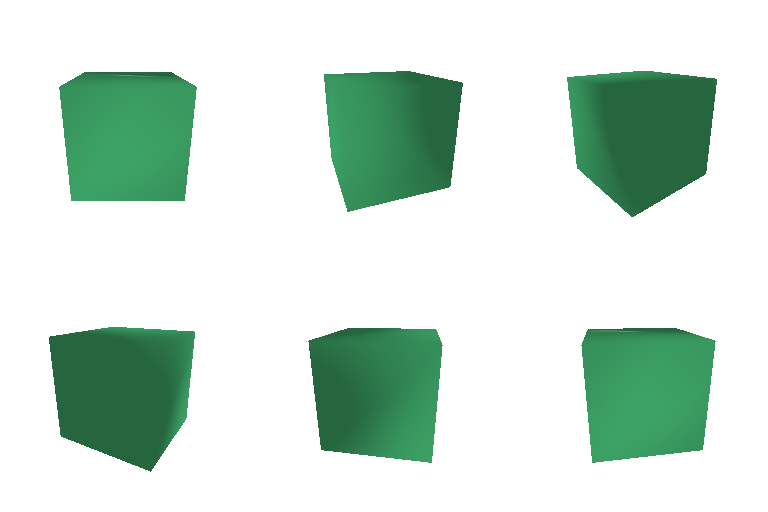
Constructing a Tetrahedron
My tetrahedron contains 4 vertices and 4 triangular faces.

2.2 Constructing a Cube (5 points)

Constructing a Cube
My cube contains 8 vertices and 12 triangular faces.
Each of the cube's 6 square sides is represented by 2 triangles.

3. Re-texturing a Mesh (10 Points)

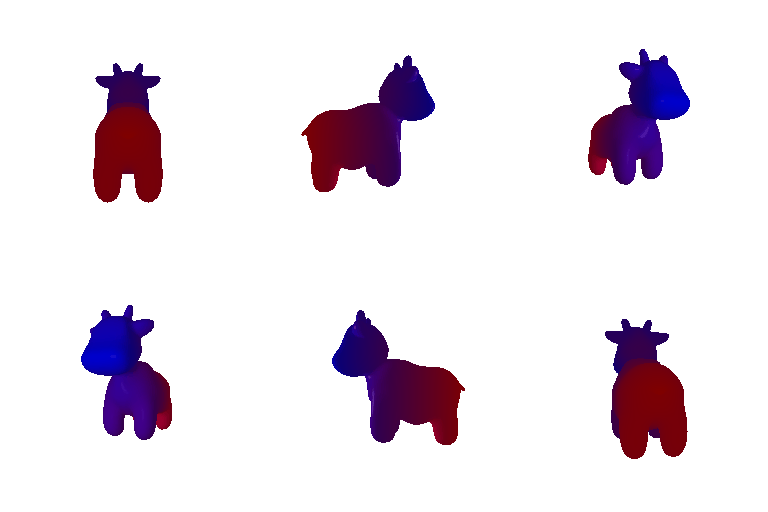
Re-texturing a Mesh
I selected blue [0, 0, 1] as color1 and red [1, 0, 0] as color2. I computed an interpolation weight from each vertex's normalized z-coordinate. Vertices at z_min are blue, vertices at z_max are red, and the vertices between them receive a linear blend of the two colors.

4. Camera Transformations (10 Points)

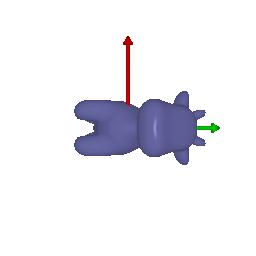
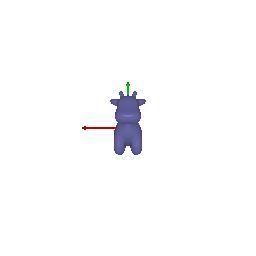
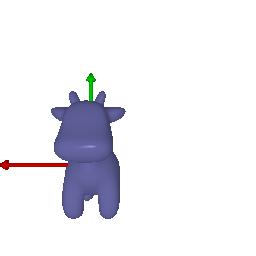
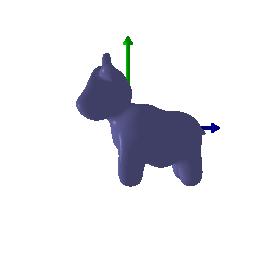
Camera transformation 1 Camera transformation 2 Camera transformation 3 Camera transformation 4

Each relative transformation is composed with the original camera extrinsics according to:

R = R_relative @ R_0
T = R_relative @ T_0 + T_relative

The four transformations, shown from left to right, are described below.

Transformation 1. Rotate 90° about the z-axis
R_relative = [[ 0,  1,  0],              T_relative = [0, 0, 0]
              [-1,  0,  0],
              [ 0,  0,  1]]

The relative rotation turns the camera by 90° about the z-axis while leaving its translation unchanged. As a result, the cow appears rotated within the image plane.

Transformation 2. Move the camera backward
R_relative = [[1, 0, 0],                 T_relative = [0, 0, 3]
              [0, 1, 0],
              [0, 0, 1]]

The identity rotation preserves the original camera orientation. The positive z-translation increases the camera's distance from the cow, so the cow occupies a smaller portion of the image.

Transformation 3. Translate the camera in the image plane
R_relative = [[1, 0, 0],                 T_relative = [0.5, -0.5, 0]
              [0, 1, 0],
              [0, 0, 1]]

No additional rotation is applied. The translation changes the x- and y-components of the world-to-view transformation by +0.5 and -0.5, respectively, shifting the cow’s position in the rendered image.

Transformation 4. Rotate 90° about the y-axis
R_relative = [[ 0,  0,  1],              T_relative = [-3, 0, 3]
              [ 0,  1,  0],
              [-1,  0,  0]]

The relative rotation turns the camera by 90° about the y-axis, producinga side view of the cow. The additional translation repositions the camera so that the cow remains visible and stays approximately three units from the origin.

5. Rendering Generic 3D Representations (45 Points)

5.1 Rendering Point Clouds from RGB-D Images (10 points)

3
I used the provided unproject_depth_image function to convert each RGB-D observation into world-space 3D points with corresponding pixel colors. The third point cloud is the union of the first two point clouds, created by concatenating their points and color features.

5.2 Parametric Functions (10 + 5 points)

3 3
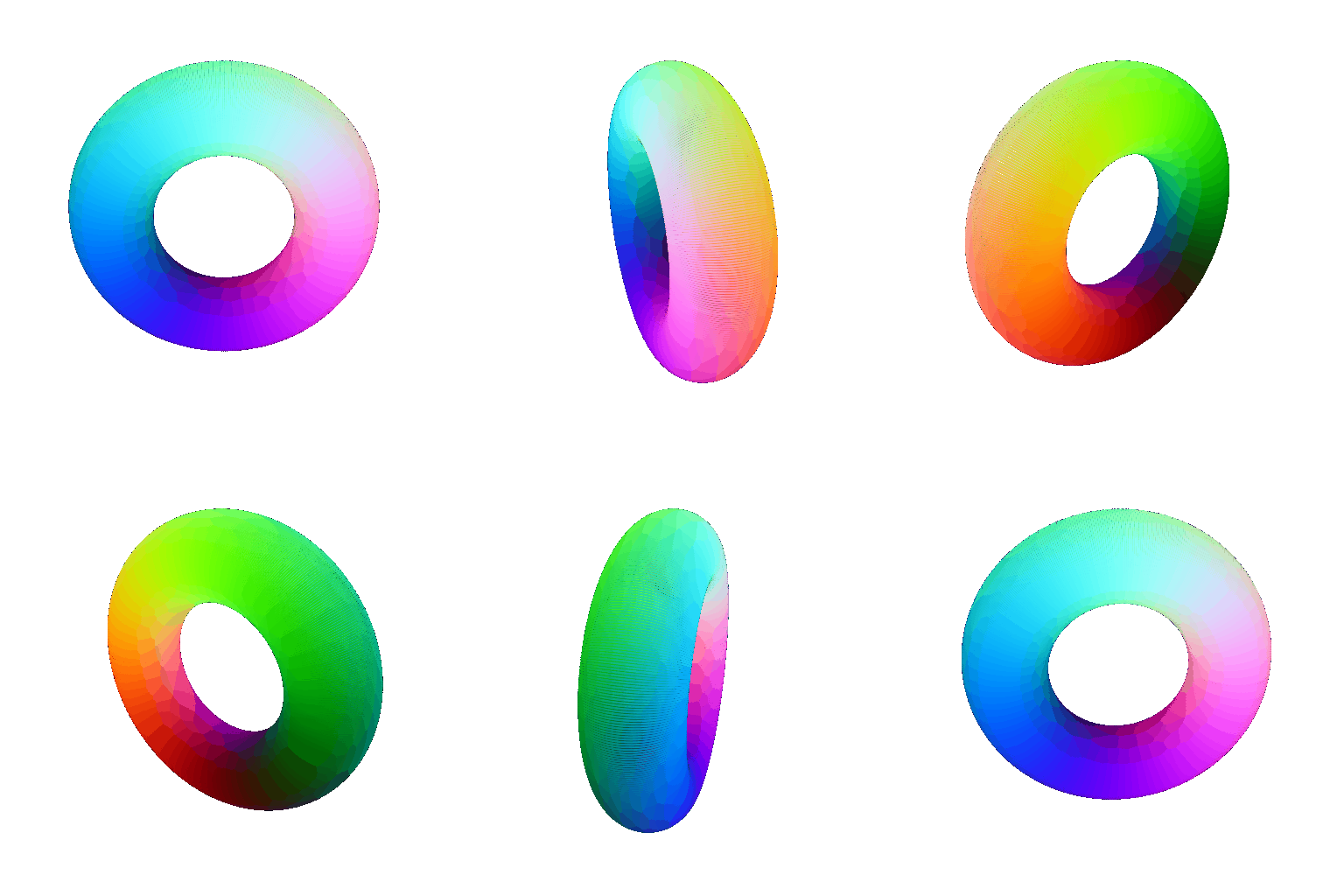
I generated the torus by sampling two angular parameters. I used a major radius of 1.0 and a minor radius of 0.35. The point colors were computed from the two parameter values.

For my custom parametric object, I created a Möbius strip. Unlike an ordinary ring, a Möbius strip has a half twist and only one continuous surface.

5.3 Implicit Surfaces (15 + 5 points)

3 3
Meshes explicitly represent surfaces using vertices and triangle faces. They generally produce continuous surfaces, stable shading, and clear silhouettes, but constructing connectivity can require additional processing such as Marching Cubes. Point clouds are simpler to create and are a natural representation for RGB-D sensors, but they do not explicitly contain surface connectivity. Their rendering quality depends strongly on sampling density and point radius, and sparse point clouds can contain visible gaps.

(Extra Credit) 6. Do Something Fun (+10 points)

3
For the creative rendering, I used an intergalactic spaceship mesh downloaded from Free3D. I loaded the OBJ geometry and its diffuse texture through the accompanying MTL file. Because the original model was not centered or normalized, I computed its bounding box, translated its center to the origin, and uniformly scaled it to fit the camera view. I then created a 360-degree animation using a continuously changing camera azimuth and added dynamic lighting to emphasize the geometry and surface details of the spaceship.

Model source: Free3D spaceship model

(Extra Credit) 7. Sampling Points on Meshes (10 points)

3
I sampled triangle faces with probabilities proportional to their surface areas. After selecting a face, I generated uniform barycentric coordinates using the square-root sampling method and computed the final point as a weighted combination of the triangle's three vertices. Compared with directly using mesh vertices, this method produces samples distributed uniformly over the mesh surface. As the number of samples increases from 10 to 10,000, the point cloud more closely approximates the original cow mesh.