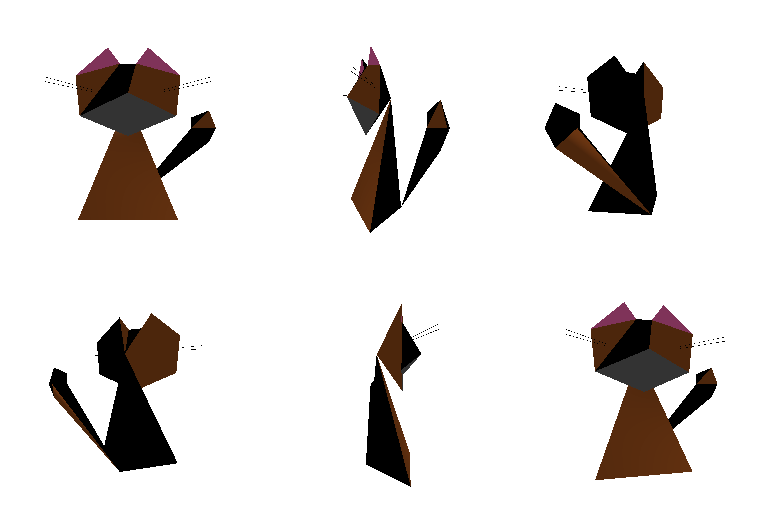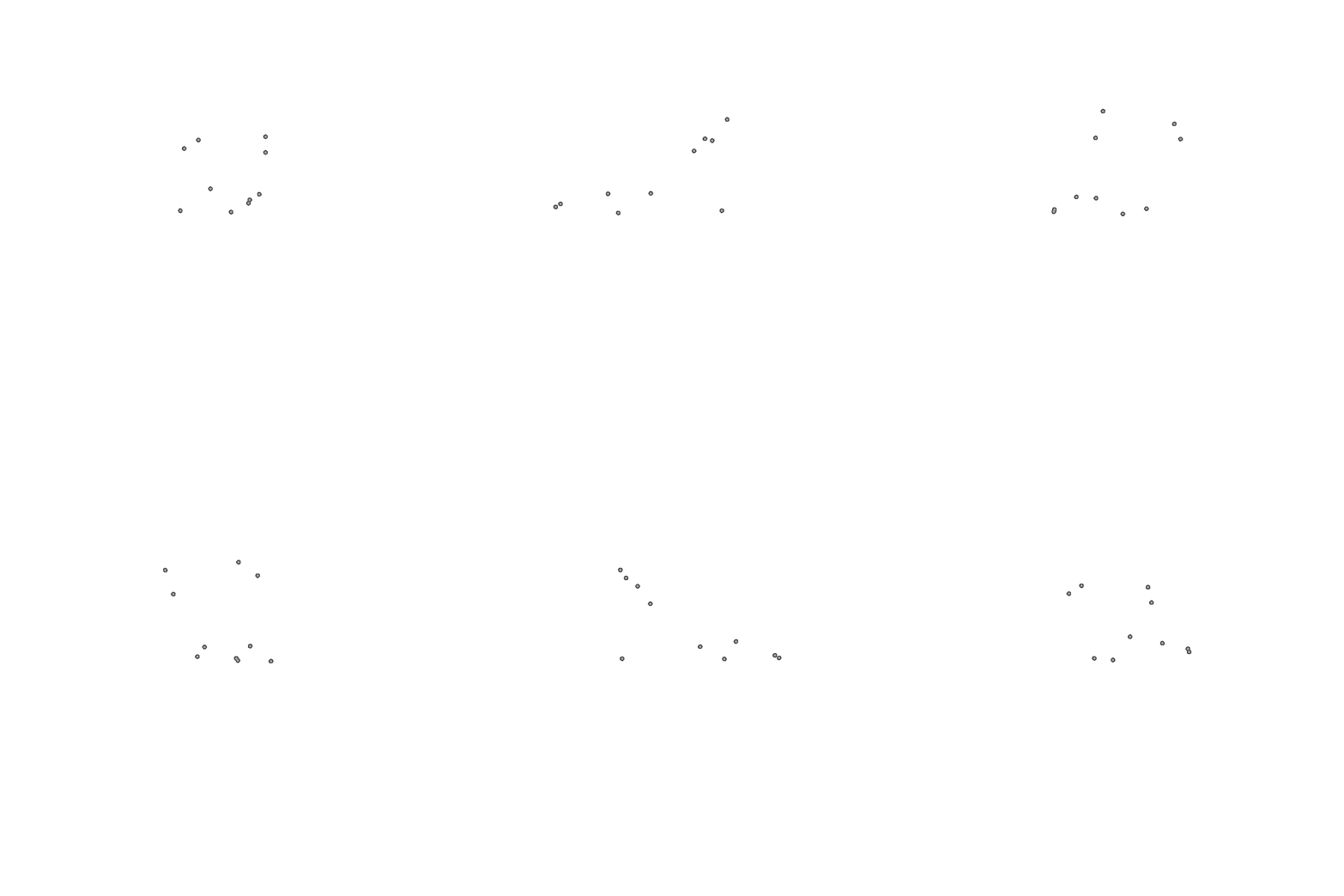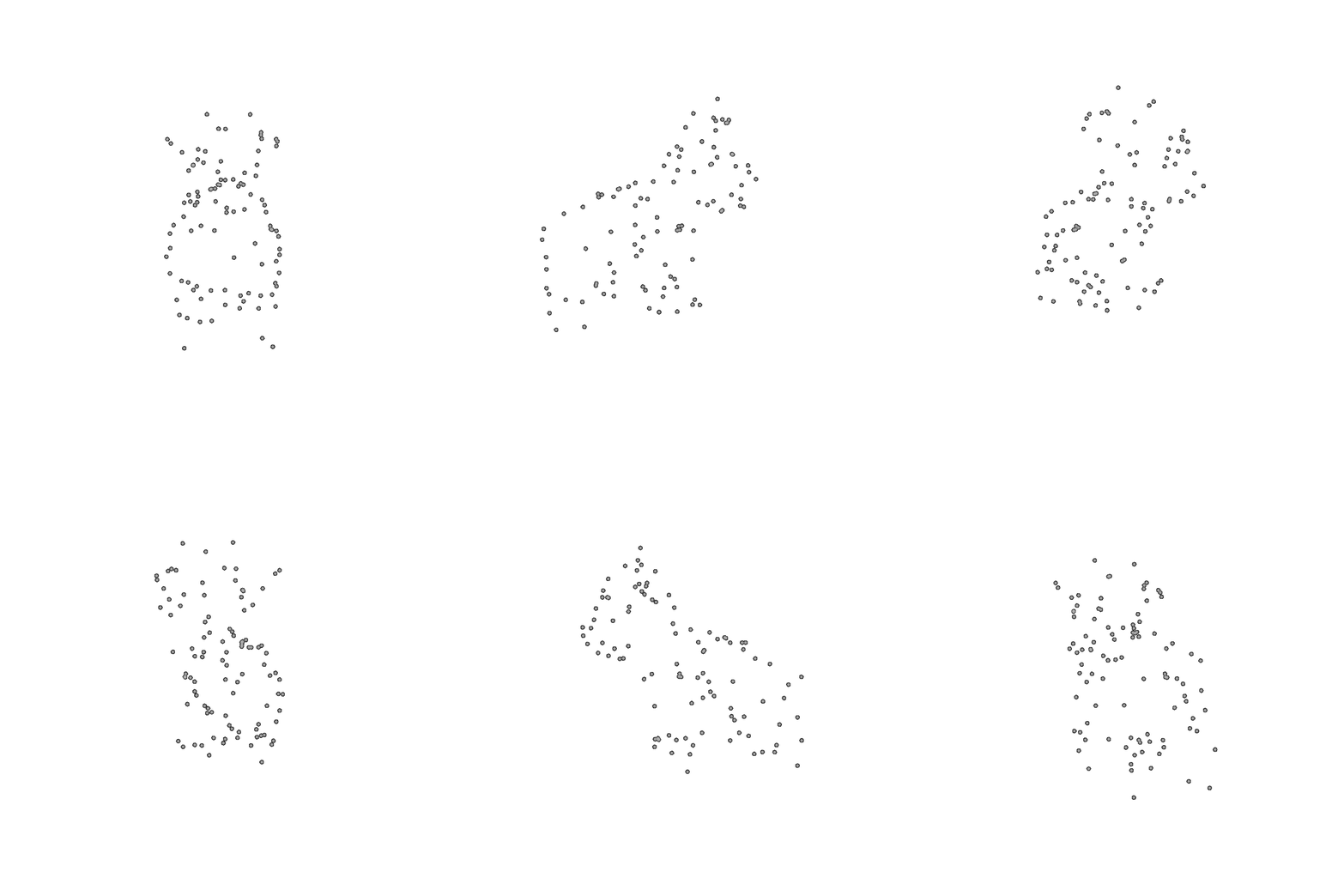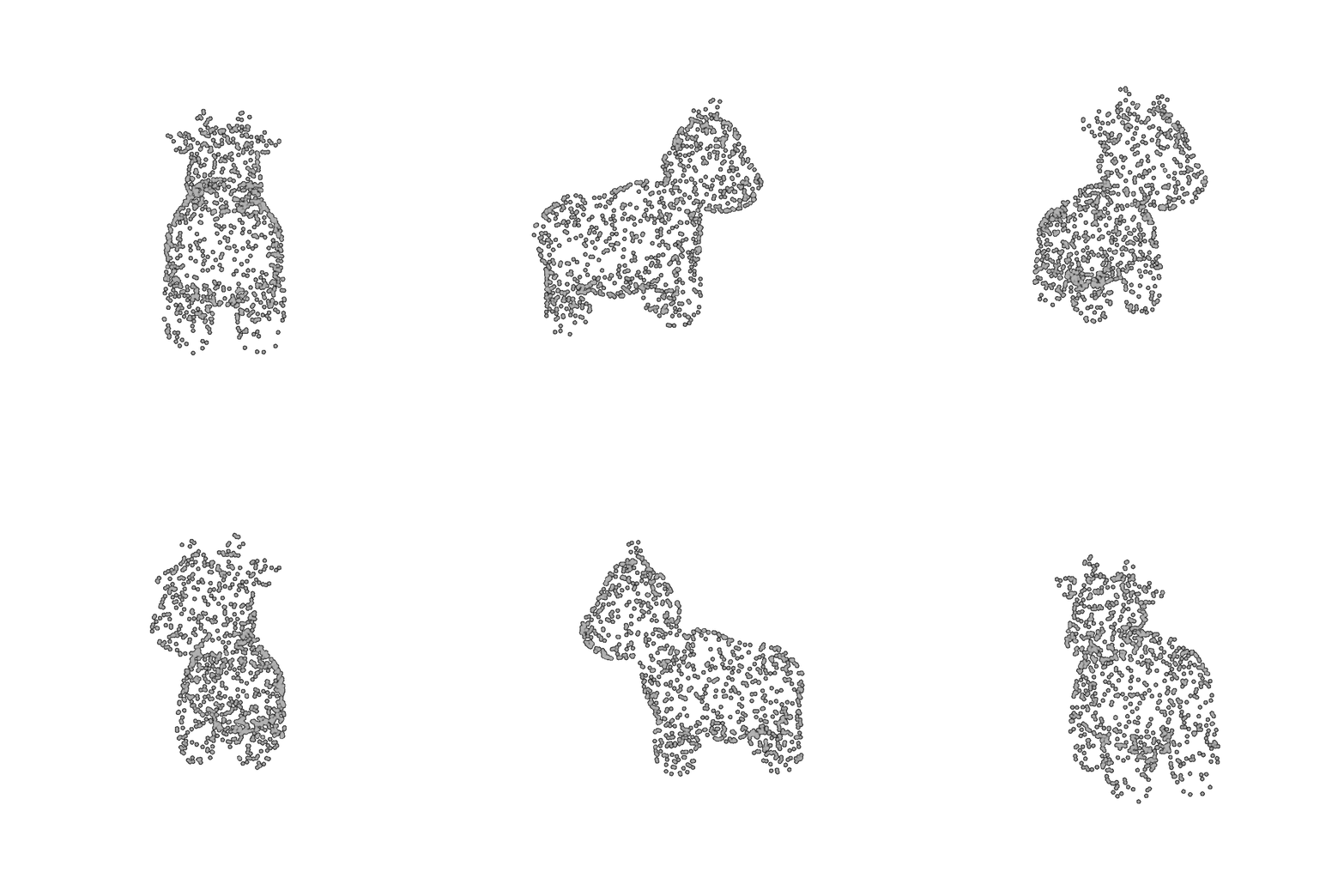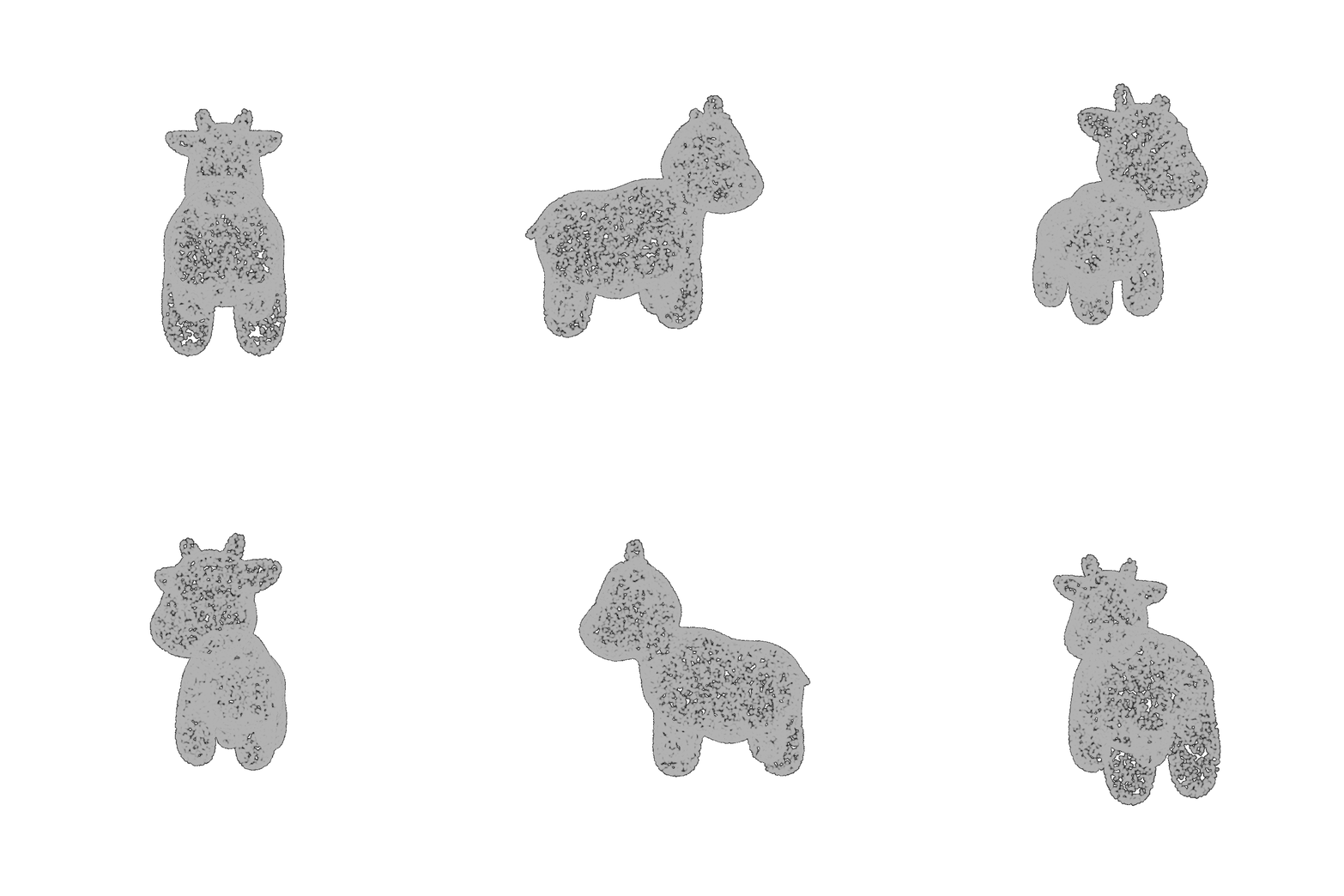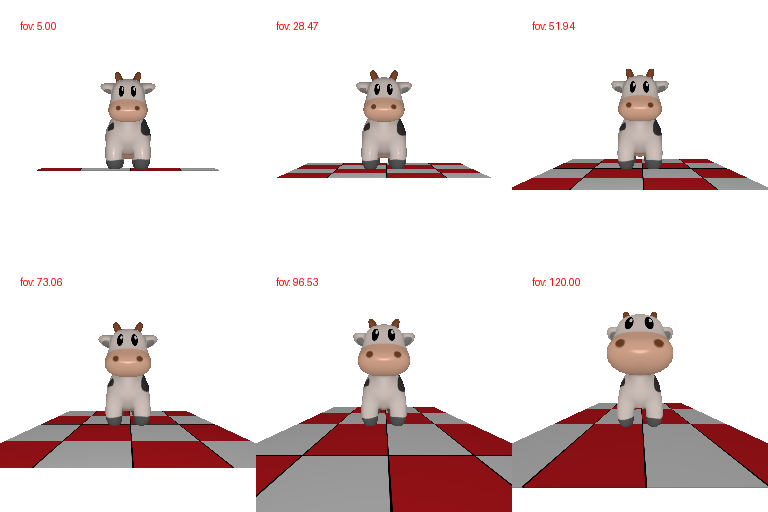

Mesh has 4 vertices and 4 triangle faces

Mesh has 8 vertices and 12 triangle faces

Picked a purple and a pink (my favorite colors) to transition between
Color1 = [0.7, 0.7, 1.0]
Color2 = [1.0, 0.0, 0.7]
R_relative=[[0, 1, 0], [-1, 0, 0], [0, 0, 1.0]],

T_relative=[0, 0, 0],


R_relative=[[1, 0, 0], [0, 1, 0], [0, 0, 1]],

T_relative=[0, 0, 1],


R_relative=[[1, 0, 0], [0, 1, 0], [0, 0, 1]],

T_relative=[0.5, -0.5, 0],


R_relative=[[0, 0, 1], [0, 1, 0], [-1, 0, 0]],

T_relative=[-3, 0, 3],


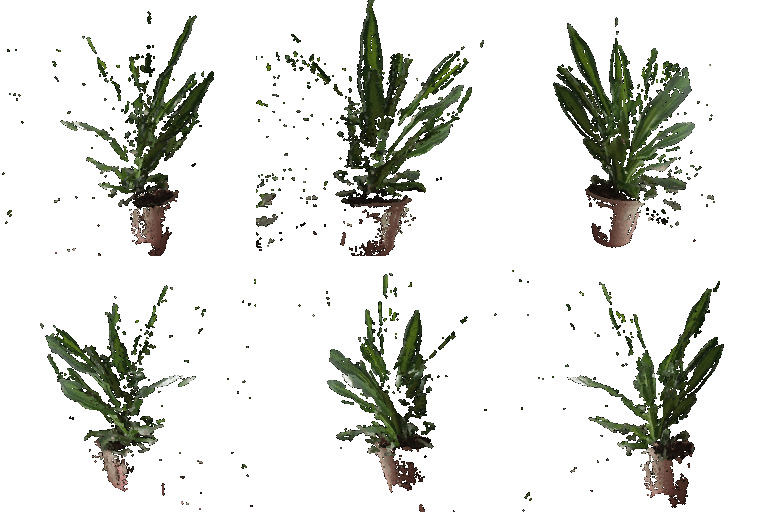
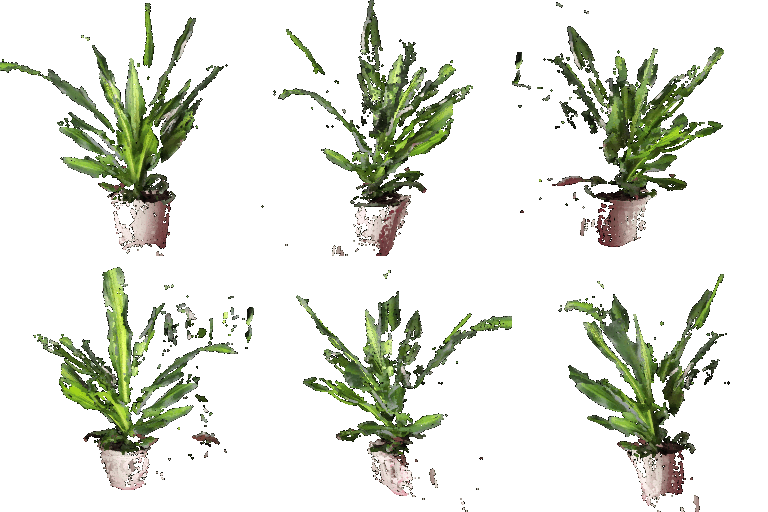

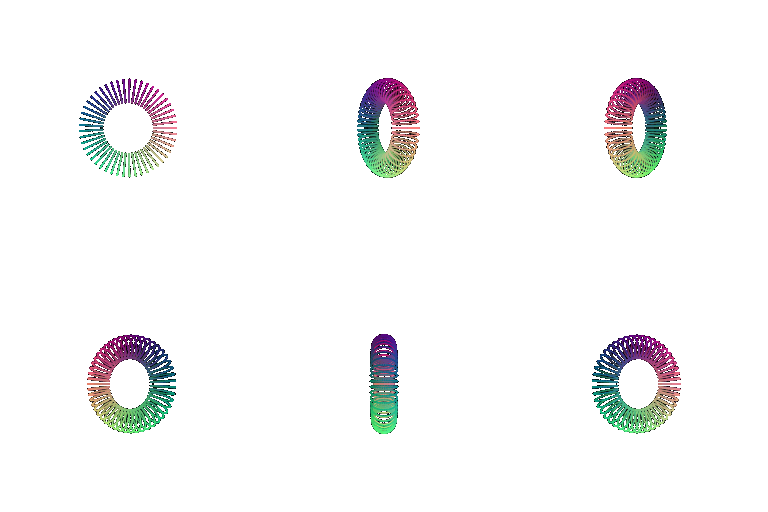

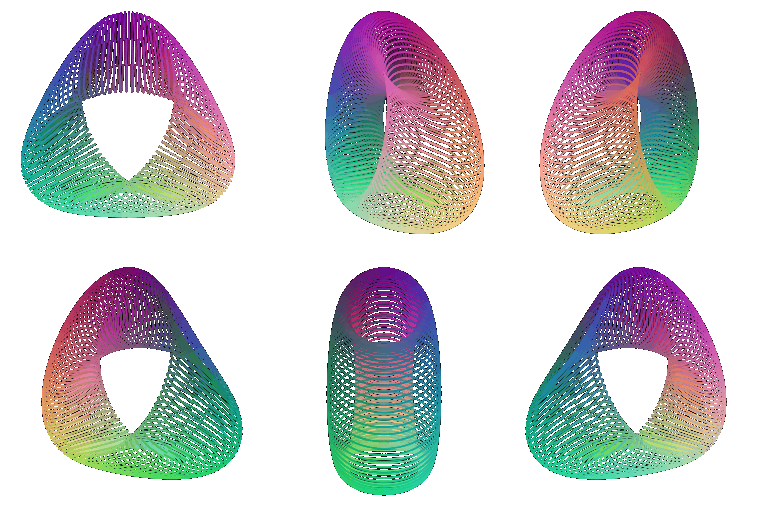
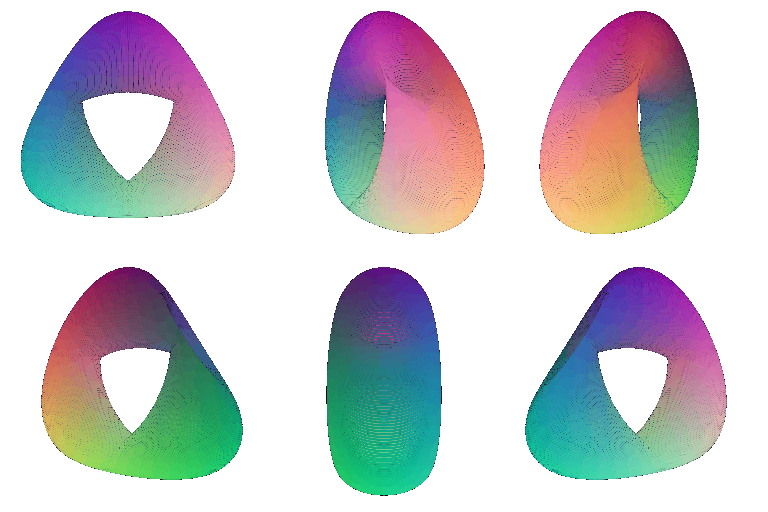
Function for the random object
phi = torch.linspace(0, 2 * np.pi, num_samples)

theta = torch.linspace(0, np.pi, num_samples)

phi, theta = torch.meshgrid(phi, theta)

x = torch.sin(theta) * torch.cos(phi) + 2 * torch.sin(2 * phi)

y = torch.sin(theta) * torch.sin(phi) + 2 * torch.cos(2 * phi)

z = torch.cos(theta)
In addition, discuss some of the tradeoffs between rendering as a mesh vs a point cloud. Things to consider might include rendering speed, rendering quality, ease of use, memory usage, etc.
Meshes represent the surface using vertices connected by faces, which provide a continuous, well-defined surface. Because of this, they generally can produce higher-quality and closed renderings. However, they need to store the connectivity information between vertices which increases their complexity and memory usage. Additionally, modifying meshes is not as easy.
Point clouds store positions of individual points, which makes them easier to create and manipulate. However, if the number of sampled points is too less, they can appear to have holes and cannot be used to define explicit edges of the object. Increasing the number of points improves the appearance, but also increases memory usage and rendering time.
In terms of rendering speed, point clouds are faster for a smaller number of points. Meshes are preferred when a continuous surface is needed with well defined edges. Point clouds are easier to modify. Overall, meshes provide better surface quality and can be textured, colored a lot easier. However, point clouds are more simple and flexible, with lower memory usage, and also lower quality.

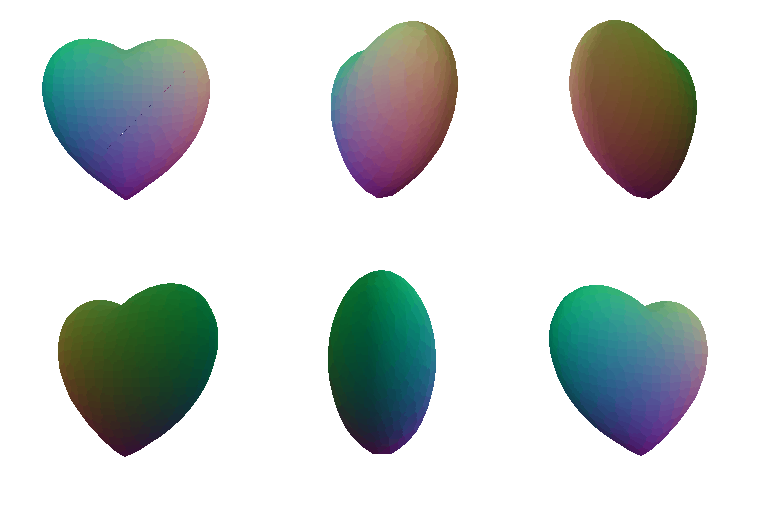
voxels = (X**2+ 9/4 * Z**2 + Y**2 - 1)**3 - X**2 * Y**3 - 9/200 * Z**2 * Y**3