16-825 Assignment 1: Rendering Basics with PyTorch3D
1. Practicing with Cameras
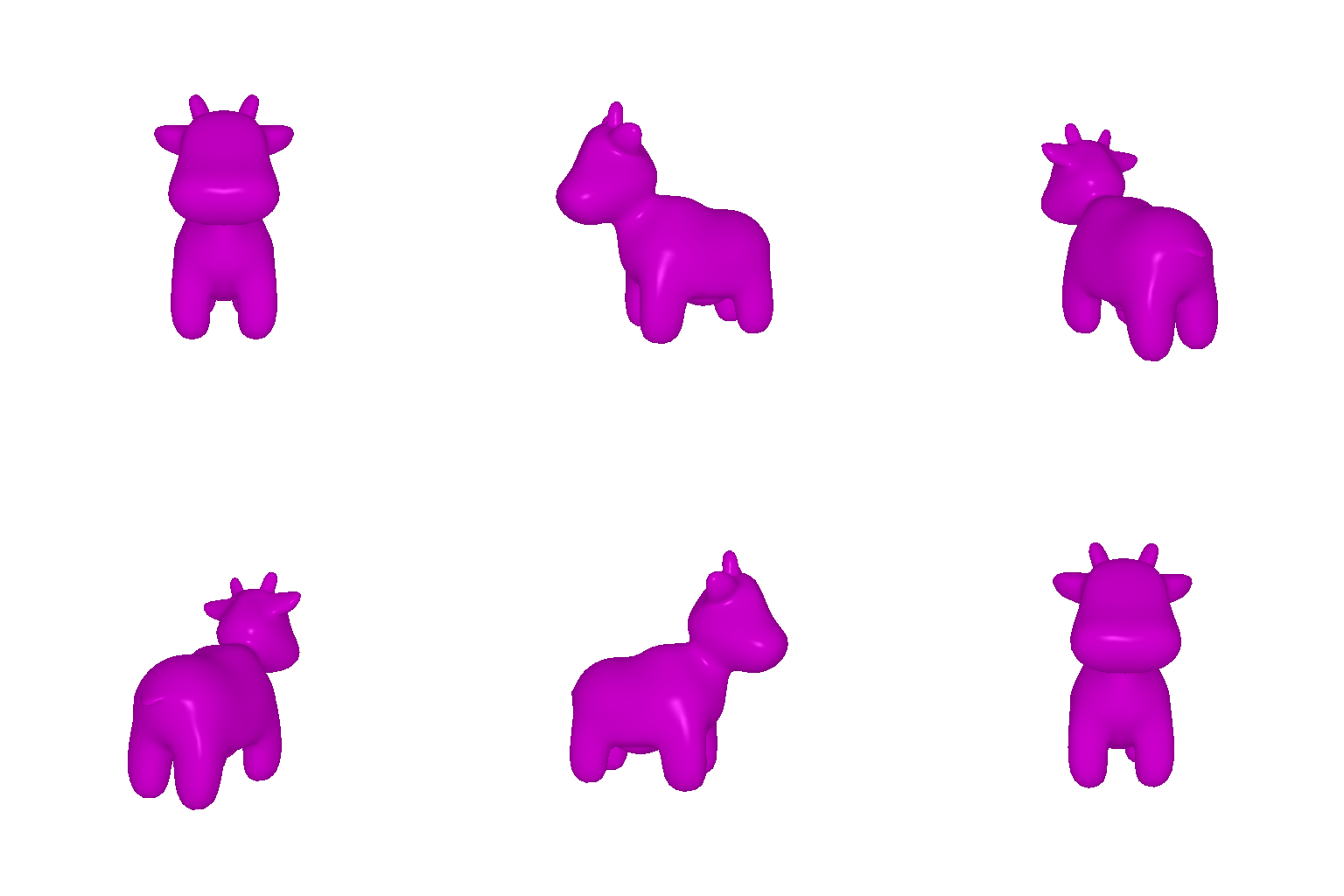
1.1 360-degree Renders
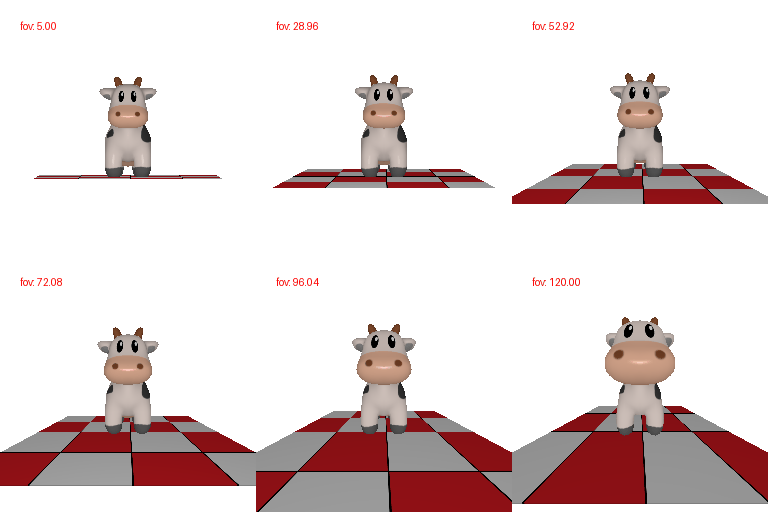
1.2 Re-creating the Dolly Zoom
2. Practicing with Meshes
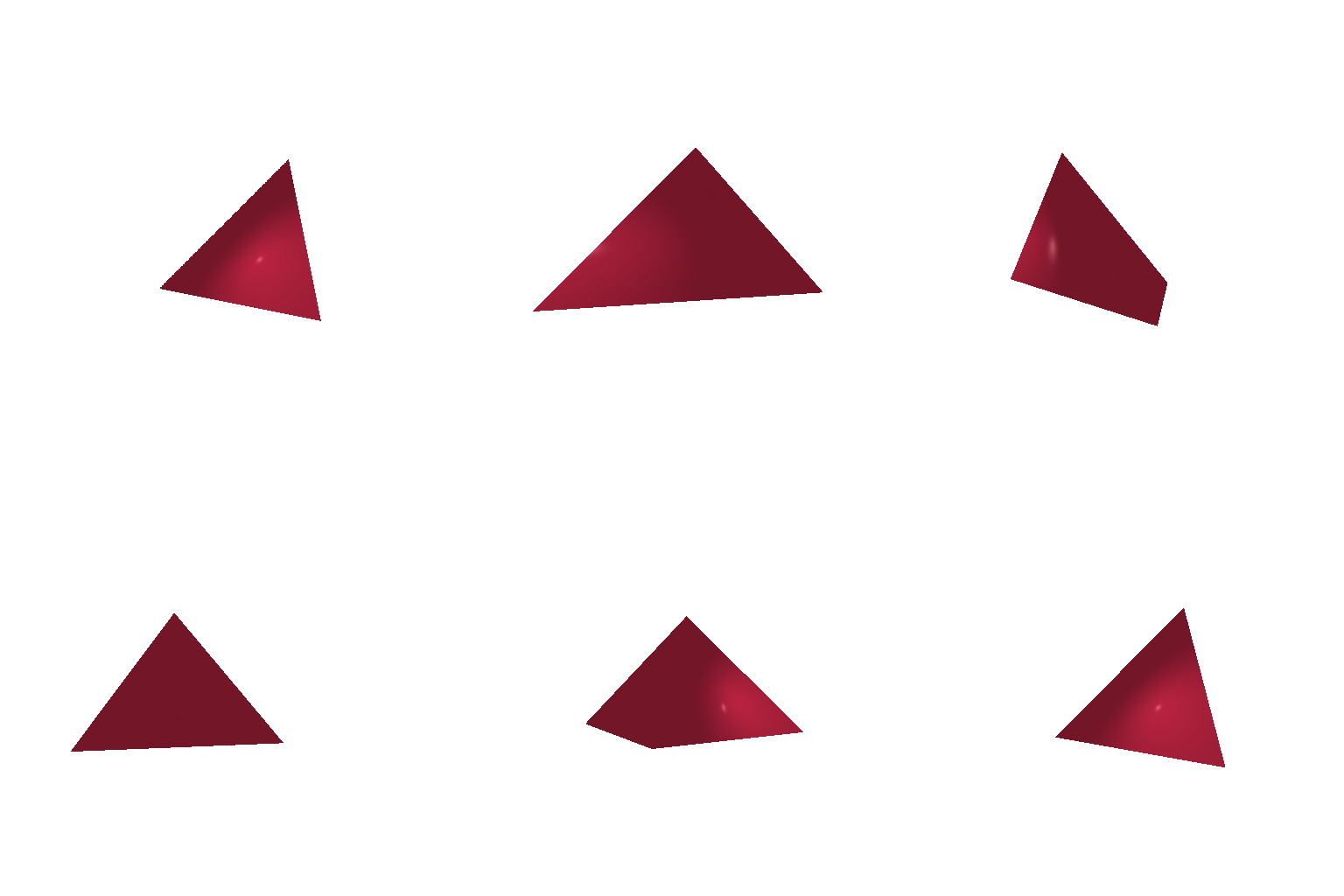
2.1 Constructing a Tetrahedron
4 vertices, 4 triangle faces.
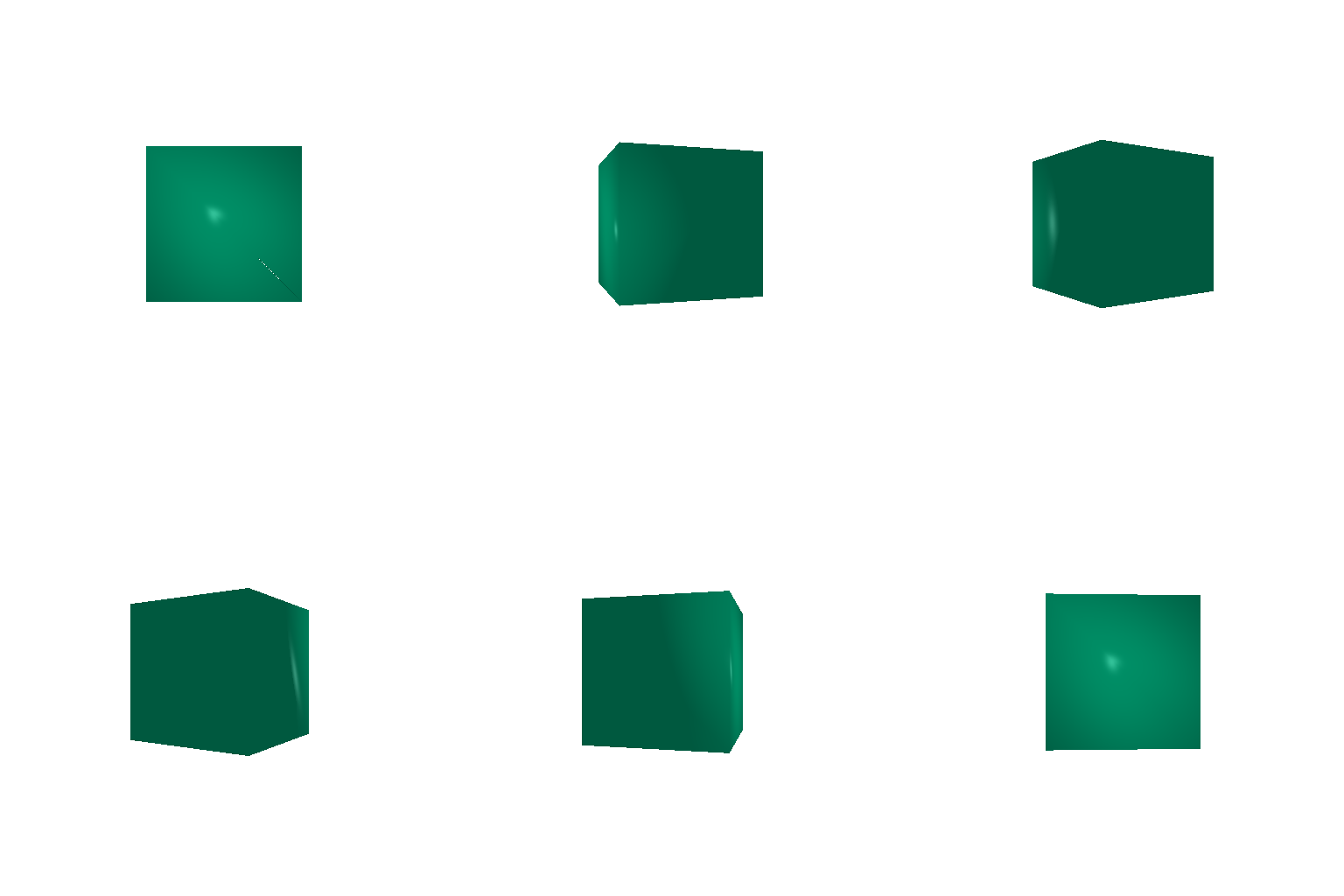
2.2 Constructing a Cube
8 vertices, 12 triangle faces.
3. Re-texturing a Mesh
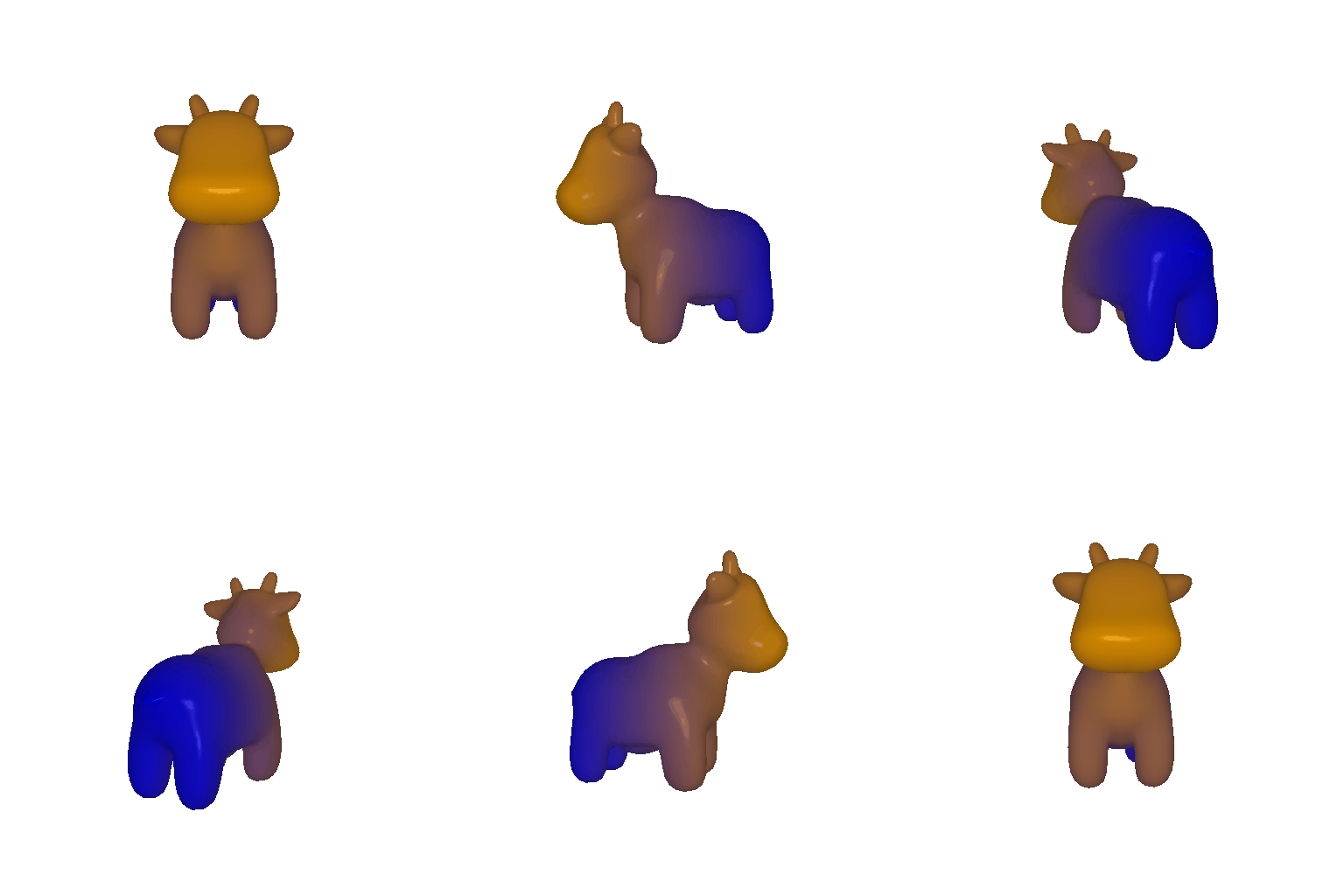
Selected 2 distinct colors for contrast: blue (front) and orange (back).
4. Camera Transformations
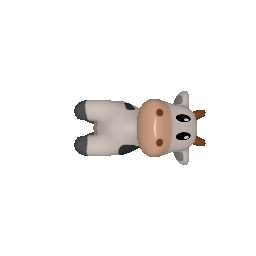
Rrelative =
010
-100
001
Trelative =
000
R_relative rotates the camera 90 degrees about the viewing axis. T_relative does not move the camera.
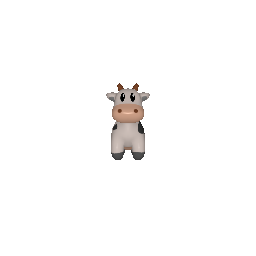
Rrelative =
100
010
001
Trelative =
002
R_relative does not rotate the camera. T_relative moves the camera 2 units further back along the z-axis.
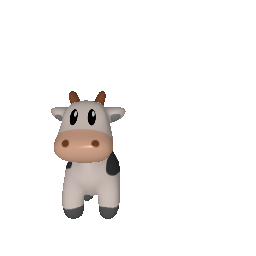
Rrelative =
100
010
001
Trelative =
0.5-0.50
R_relative does not rotate the camera. T_relative shifts the camera sideways and up.
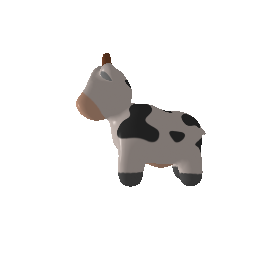
Rrelative =
001
010
-100
Trelative =
-303
R_relative rotates the camera 90 degrees about the vertical axis. T_relative repositions the camera to the side of the cow.
5. Rendering Generic 3D Representations
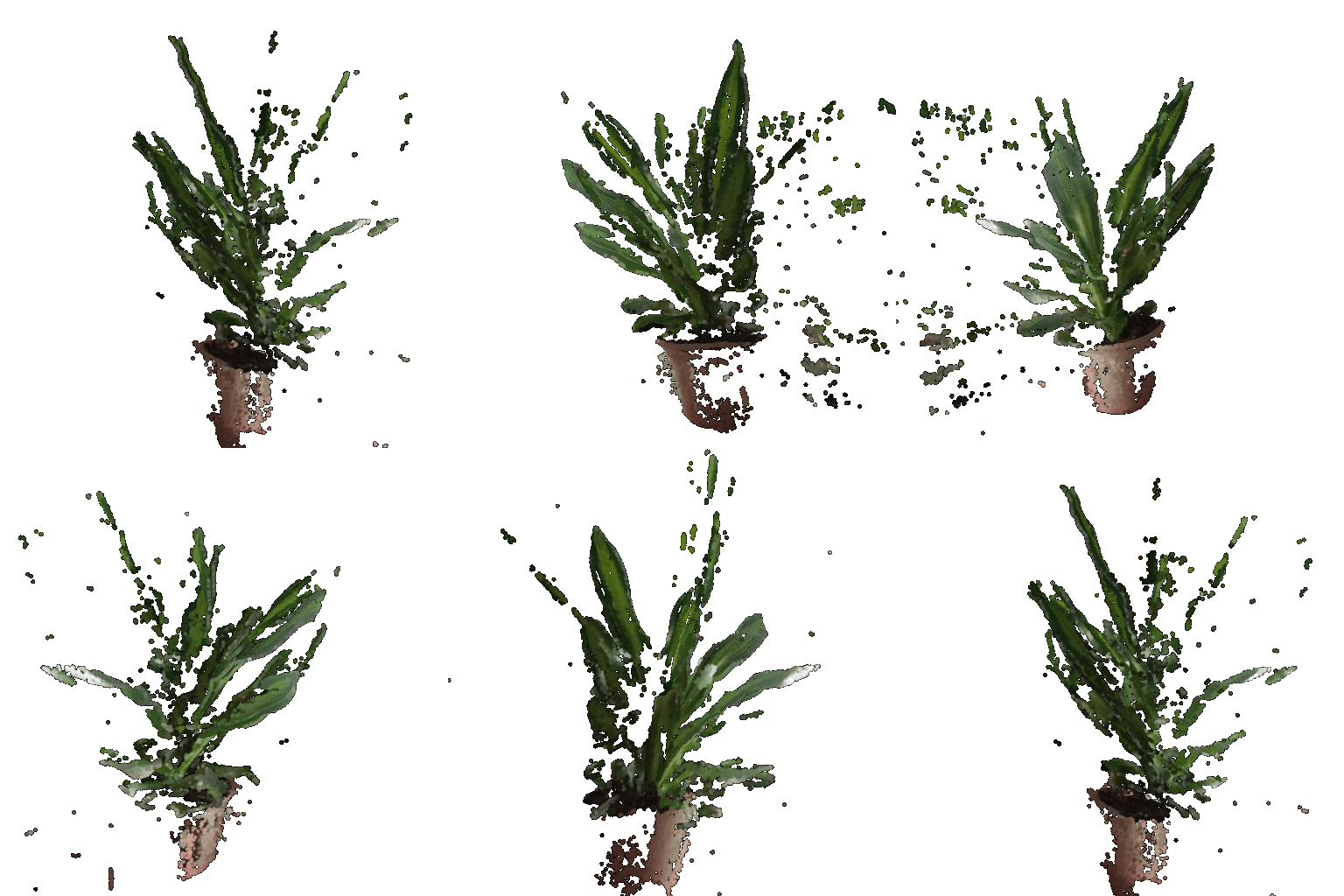
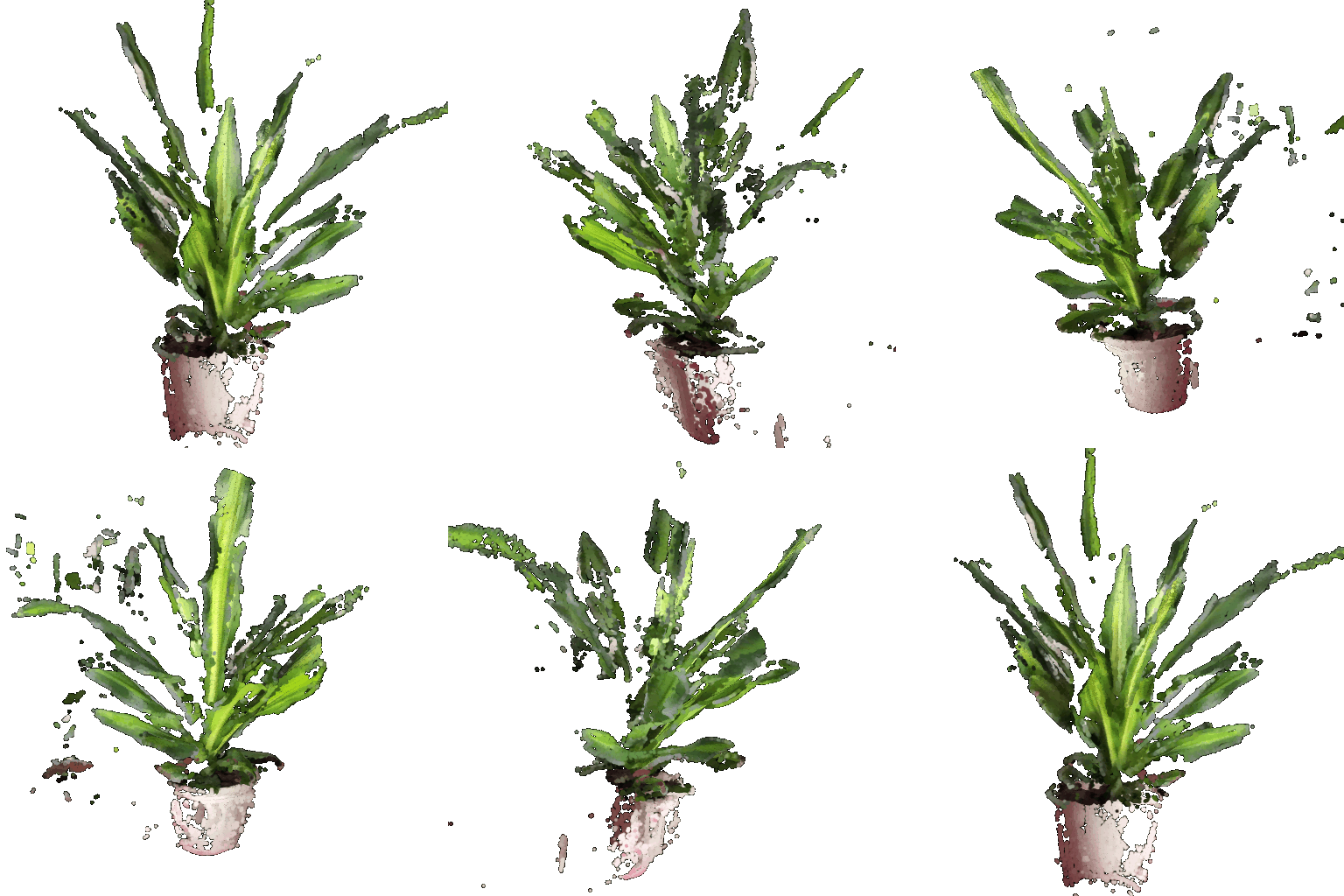
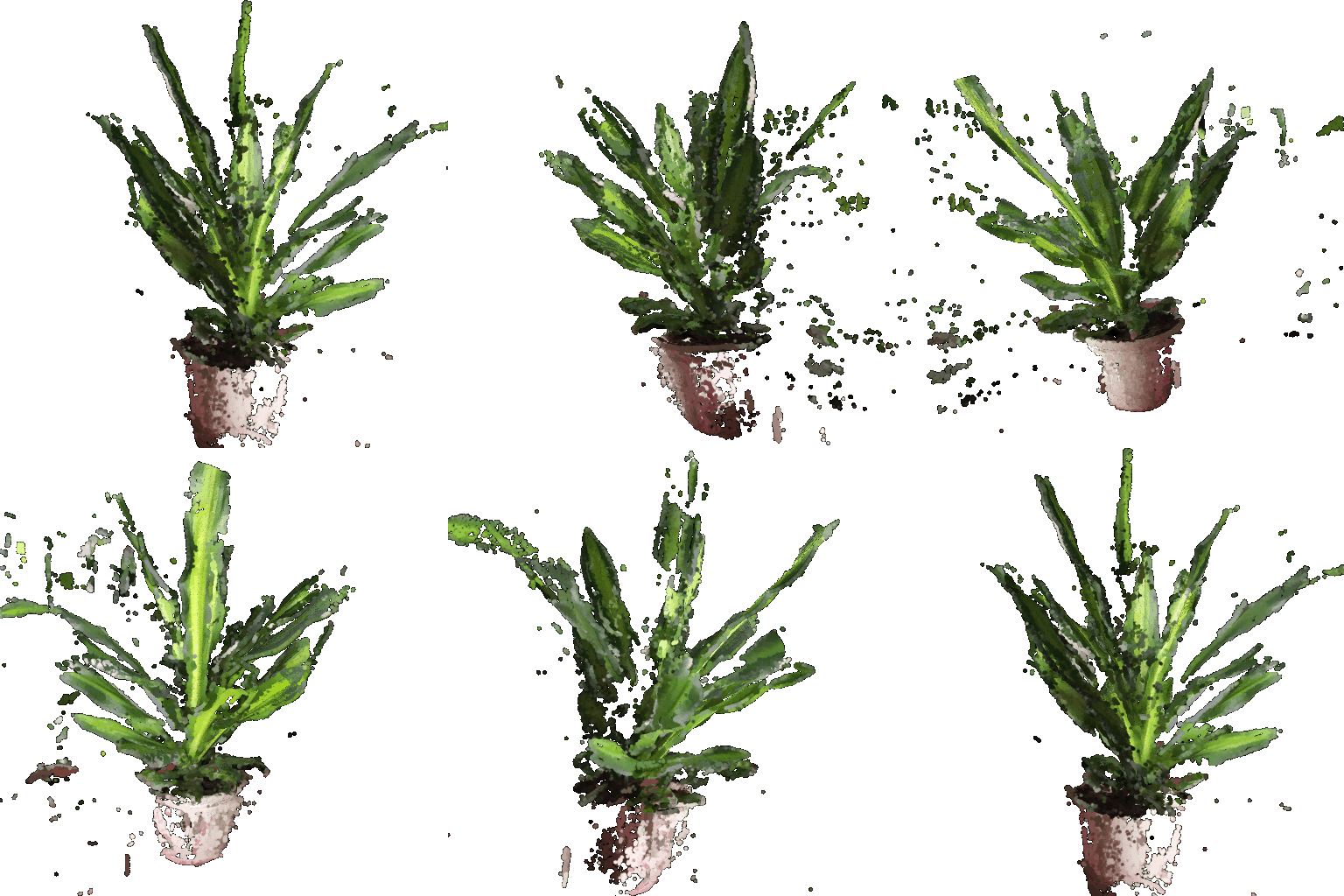
5.1 Rendering Point Clouds from RGB-D Images
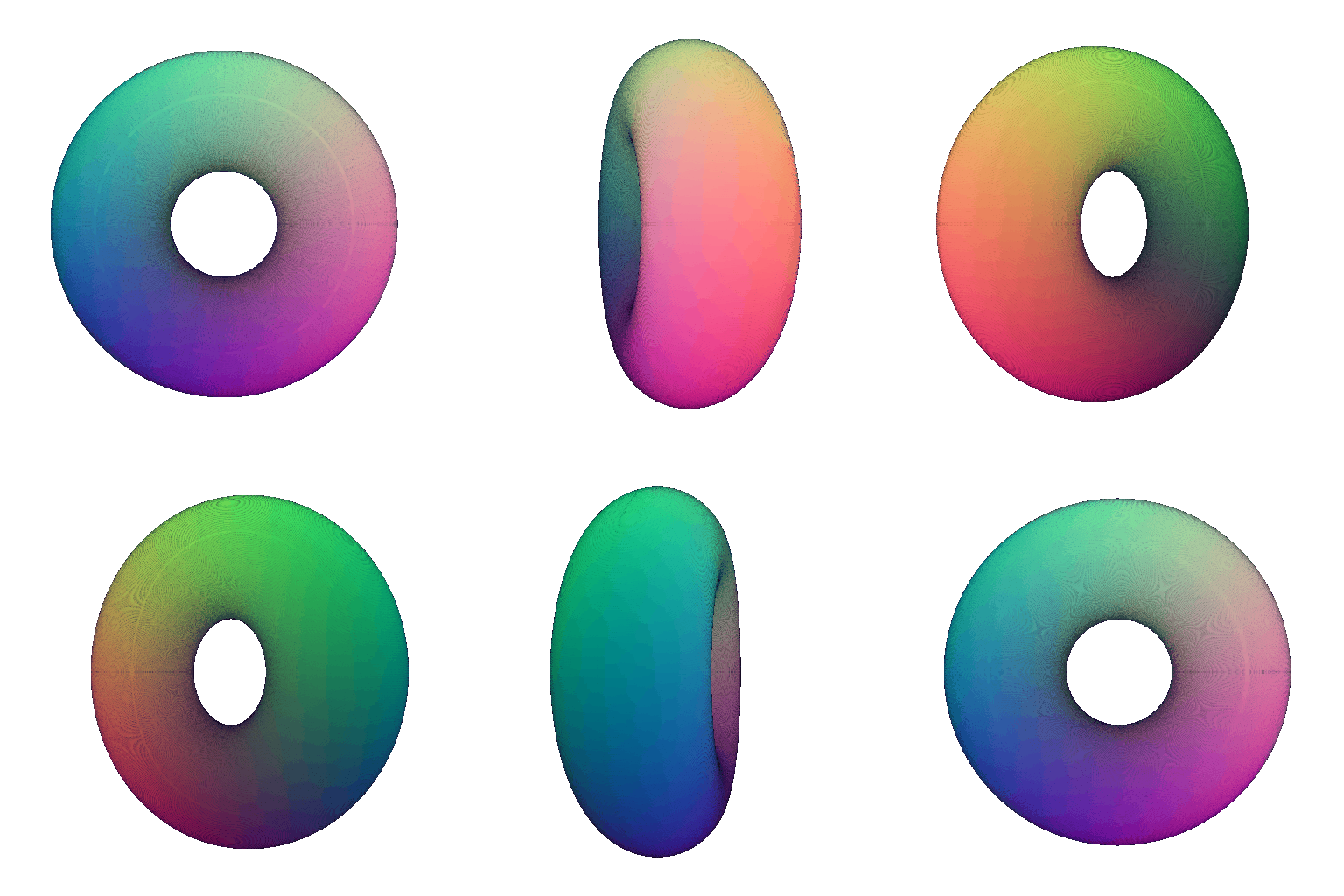
5.2 Parametric Functions
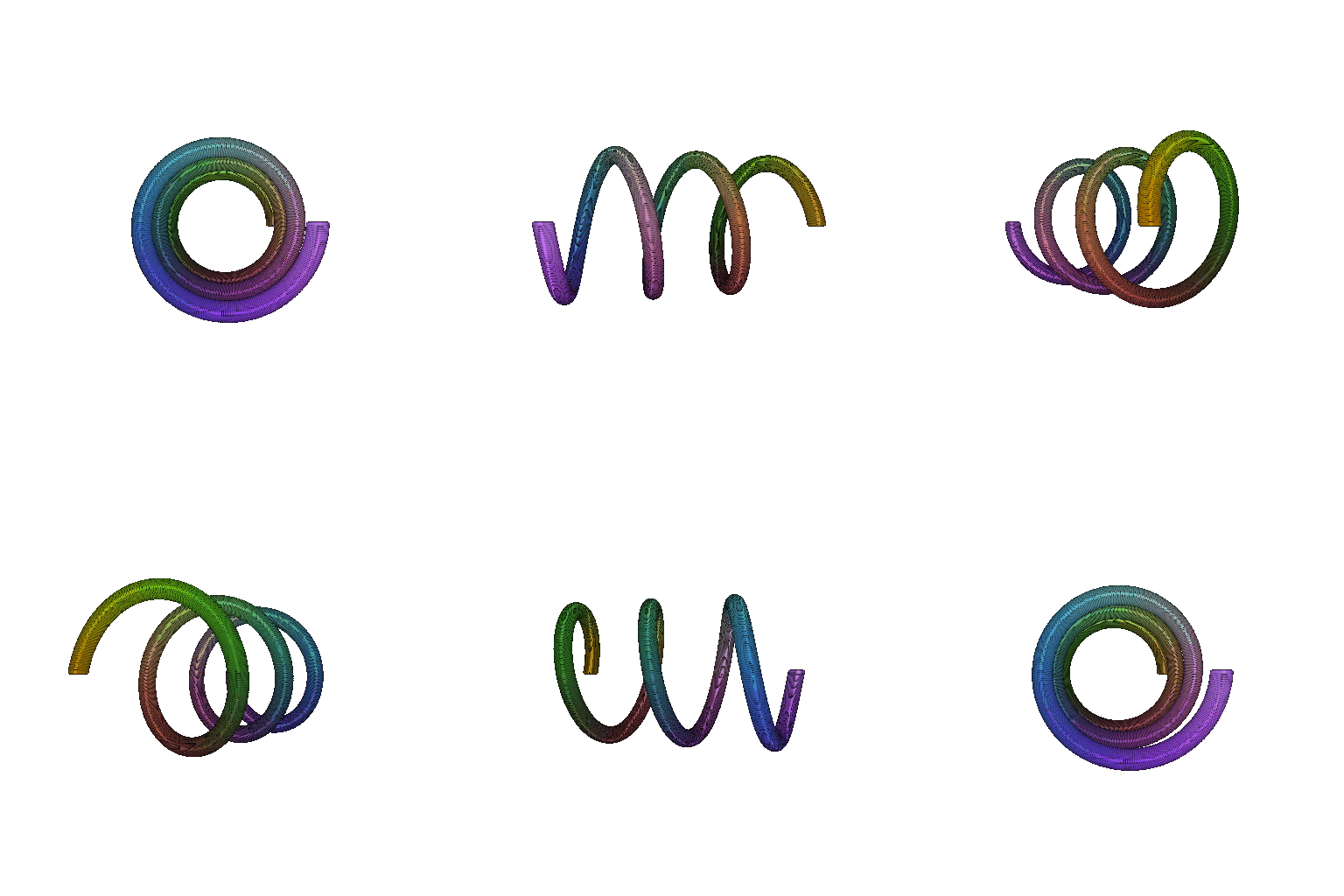
Custom shape: a helix, parameterized by a coil angle and a tube angle, with the tube swept around a rising, turning centerline.
5.3 Implicit Surfaces
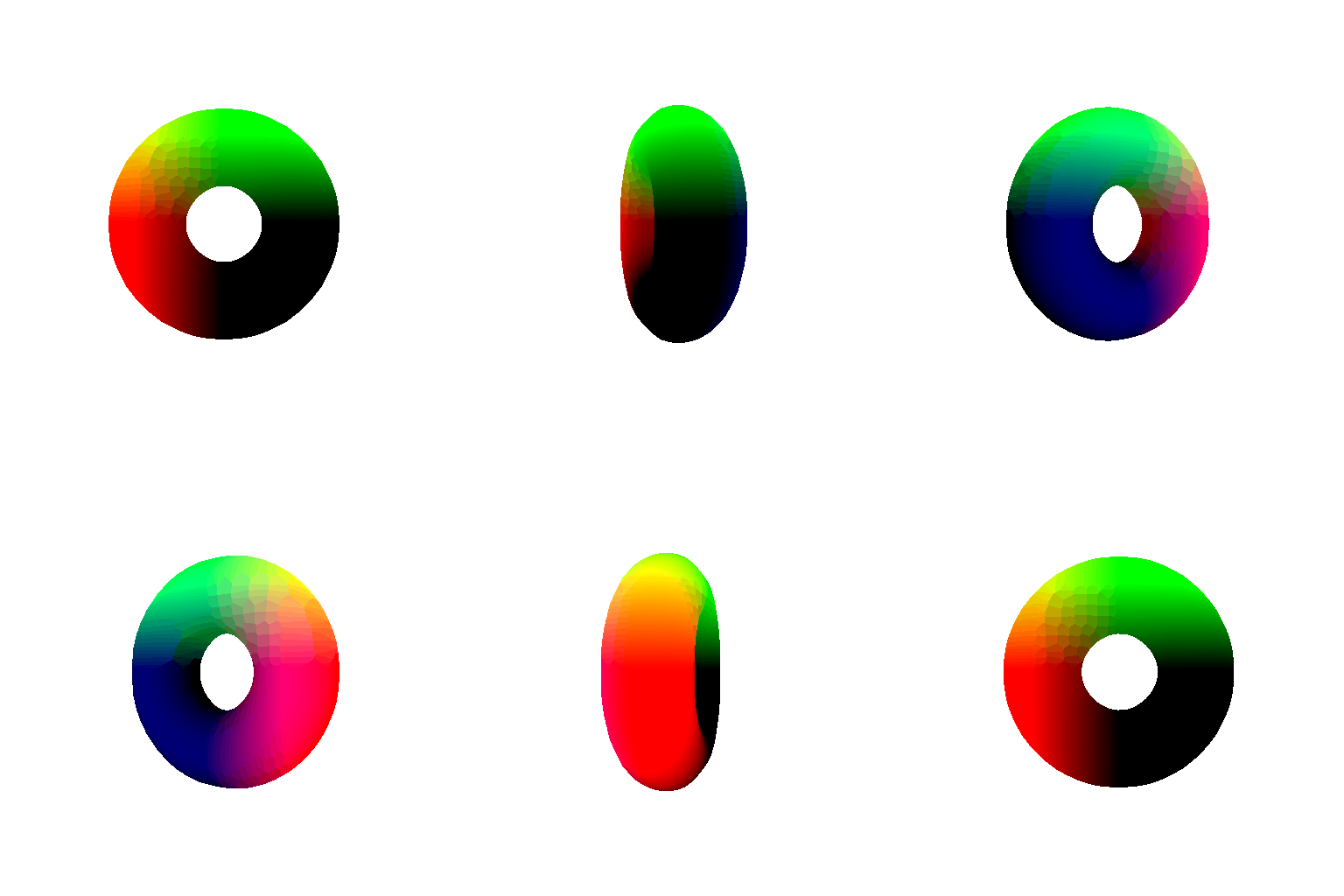
Meshes vs. point clouds:
- Rendering quality: meshes give continuous, hole-free surfaces and interact properly with light sources. Point clouds only ever show their fixed per-point RGB colors.
- Ease of use: point clouds are easier to work with and easier to generate directly from sensors, with no connectivity to define.
- Editing: meshes are easier to edit than point clouds, since point clouds have no defined connectivity between points.
- Memory usage: a mesh reuses vertices through its face connectivity, so it stays compact even at high detail. A point cloud has no connectivity, so it needs far more points to match that same visual density, costing more memory.
(Extra Credit) 6. Do Something Fun
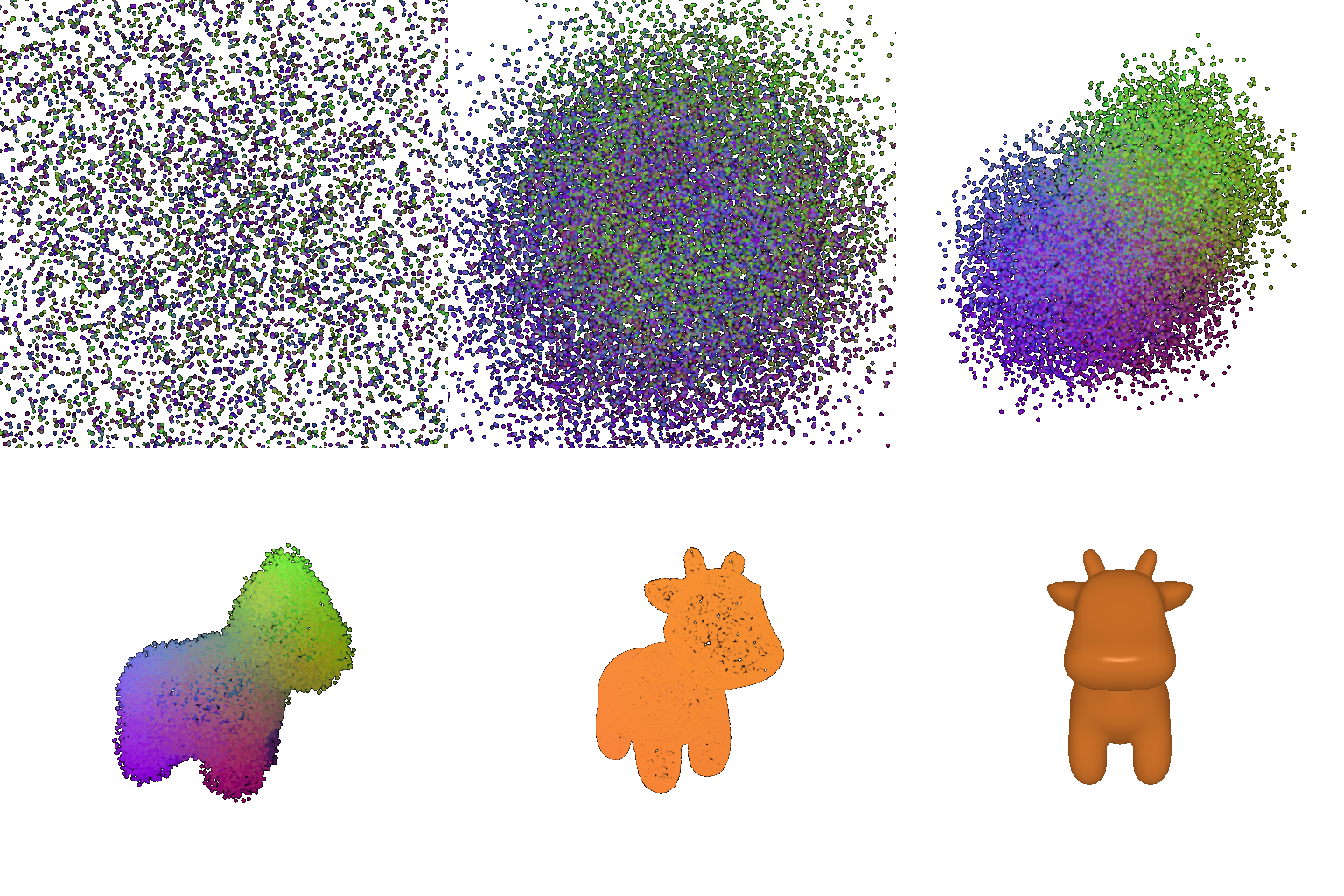
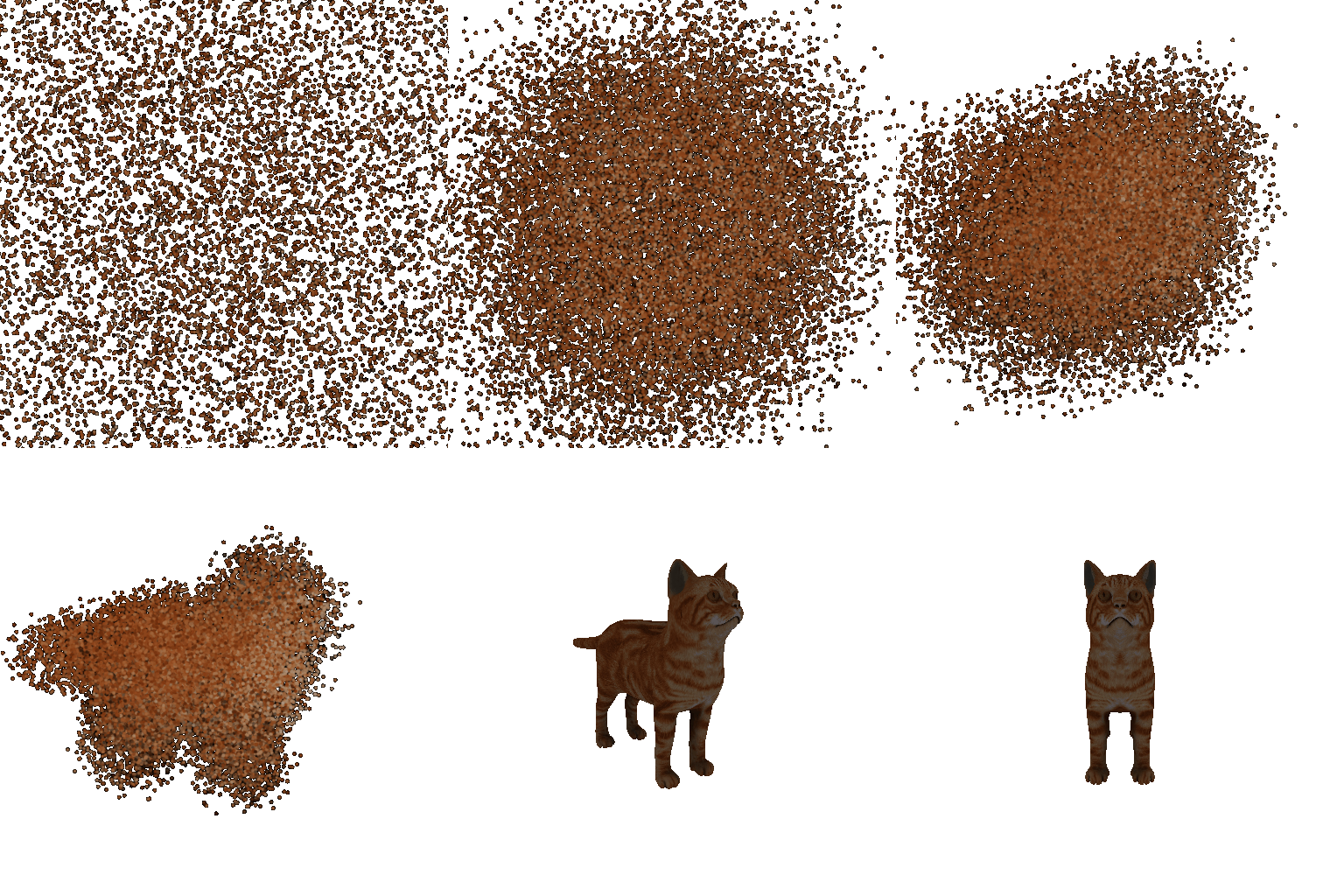
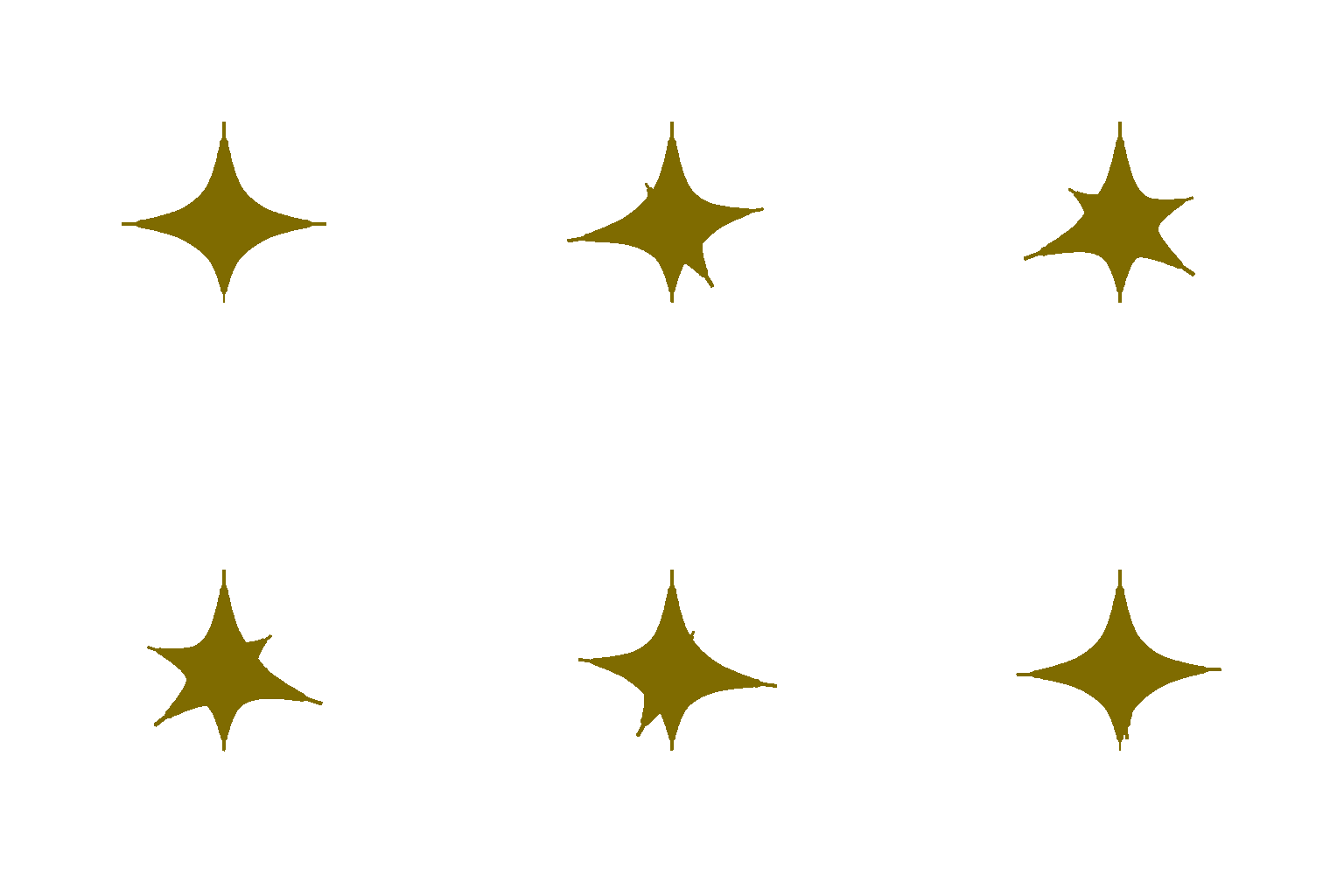
Wanted to simulate a cool transform: scattered noise that assembles itself into a mesh.
The point cloud converges into shape, then hands off to the solid textured mesh. Generated for both the cow and cat meshes.
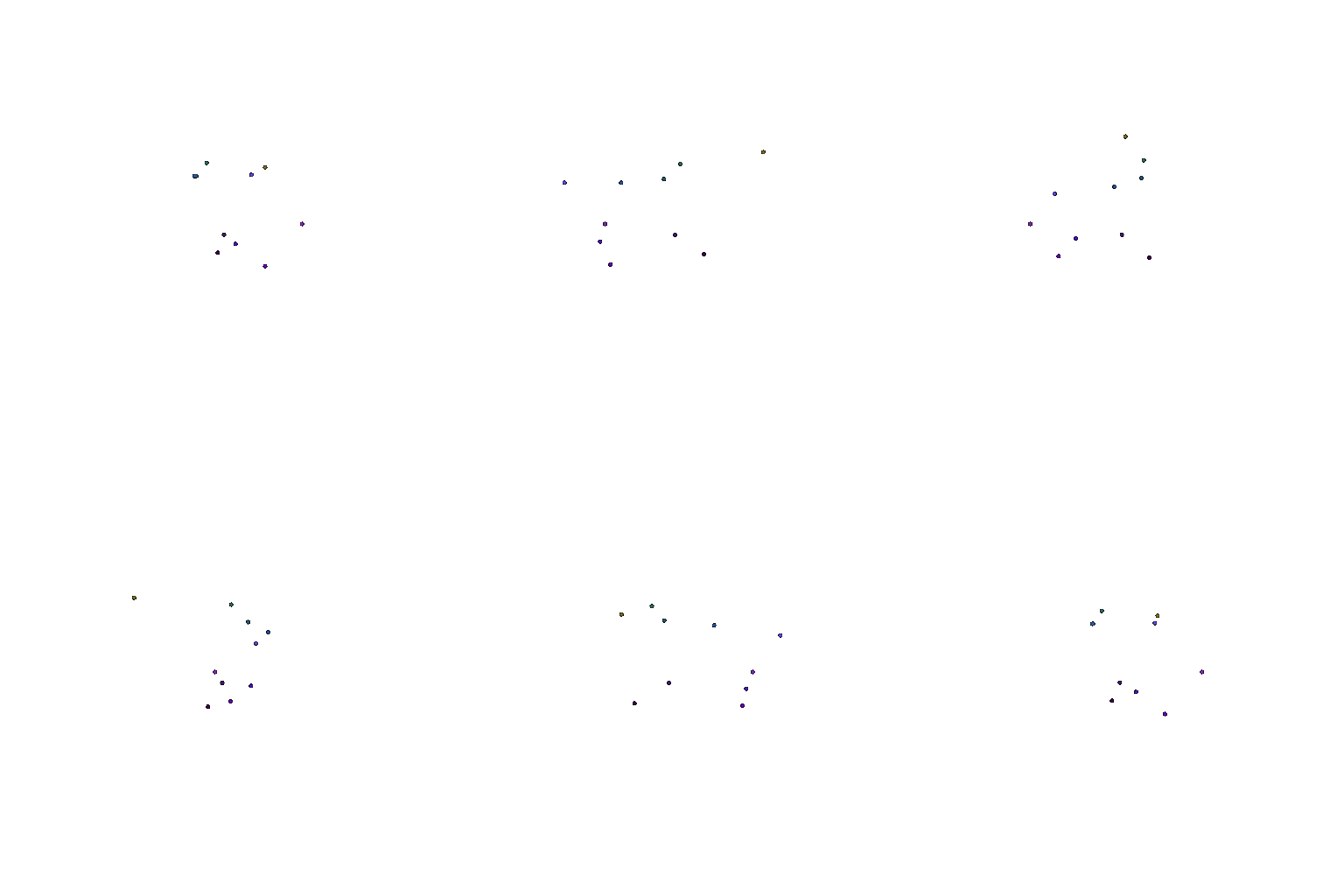
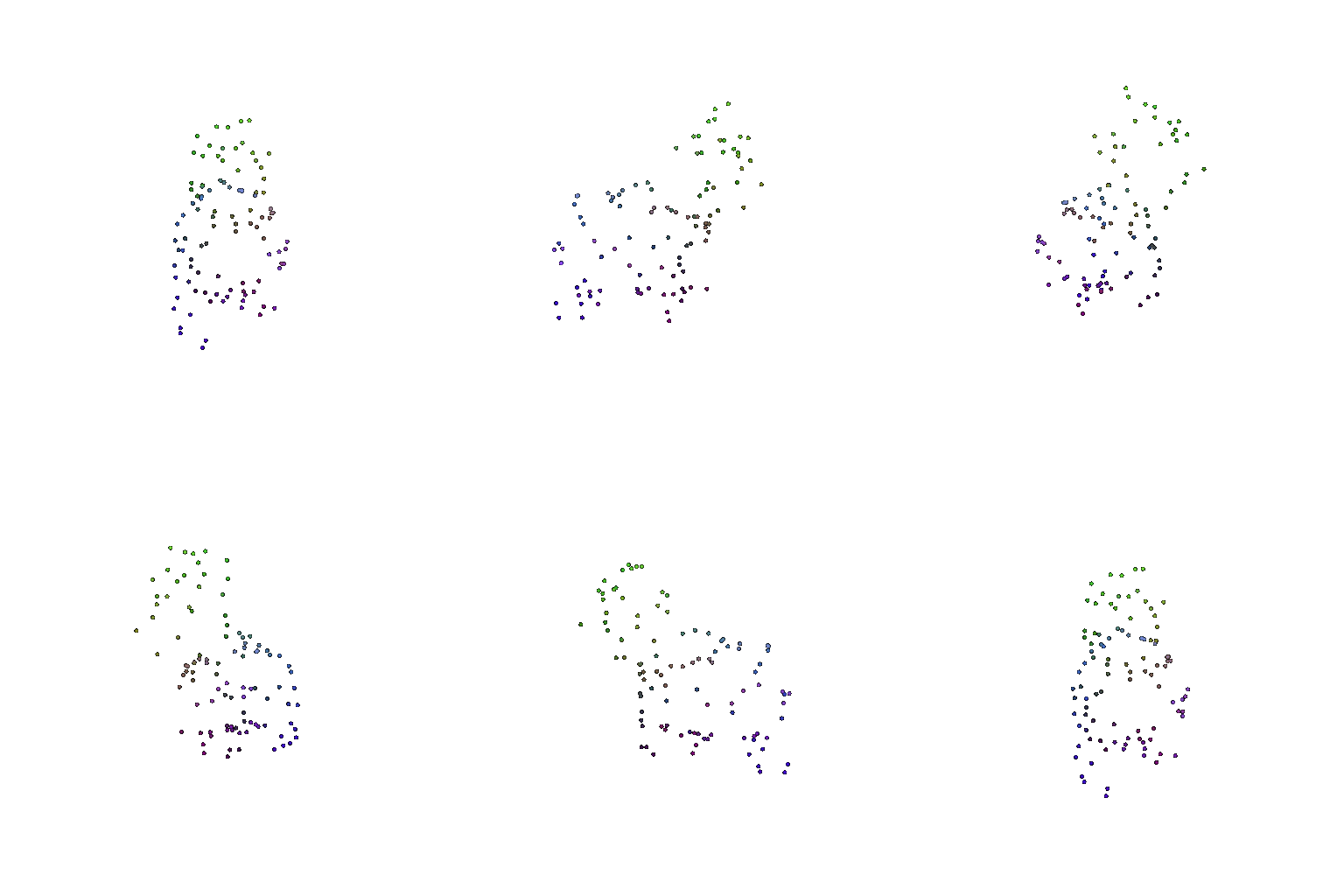
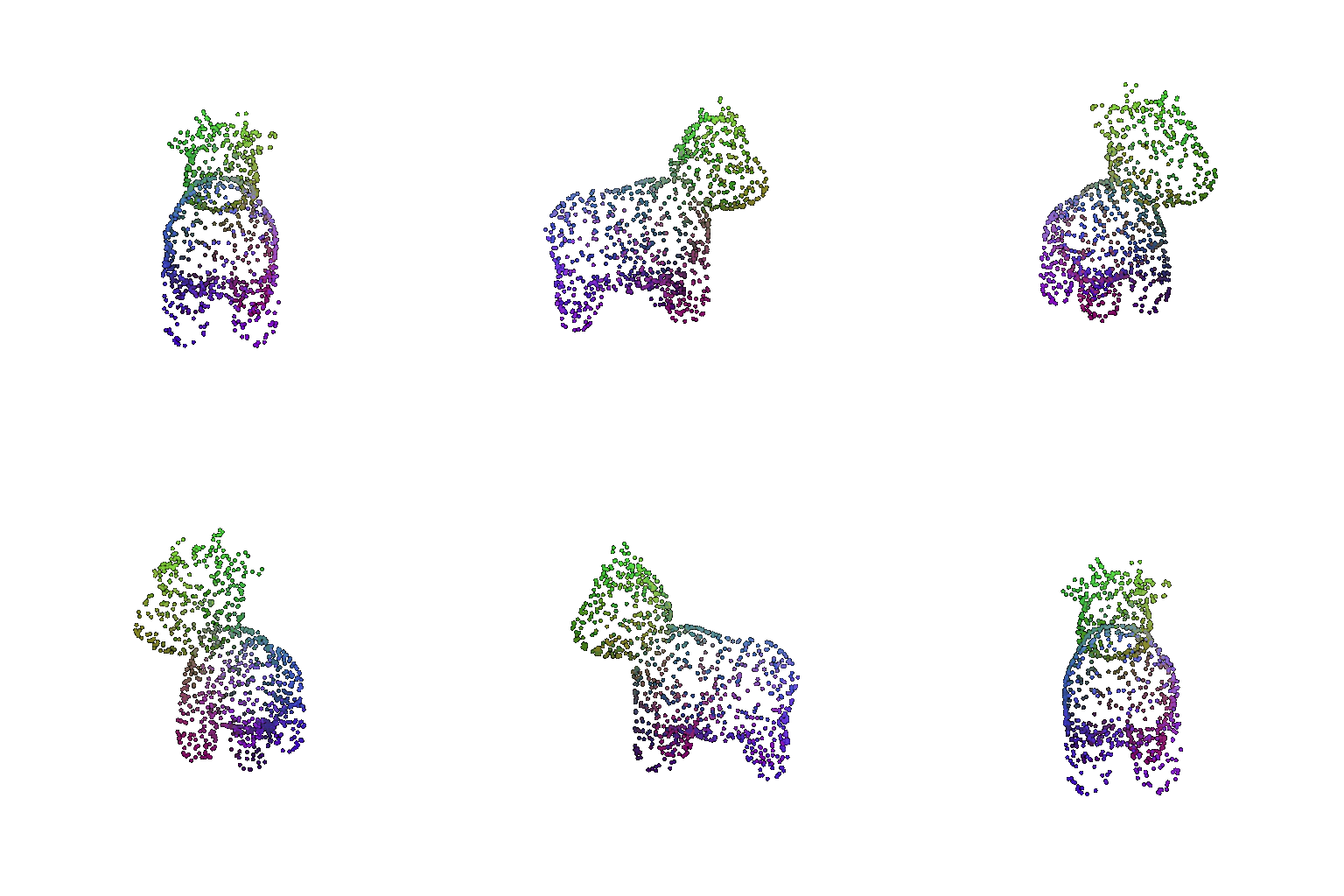
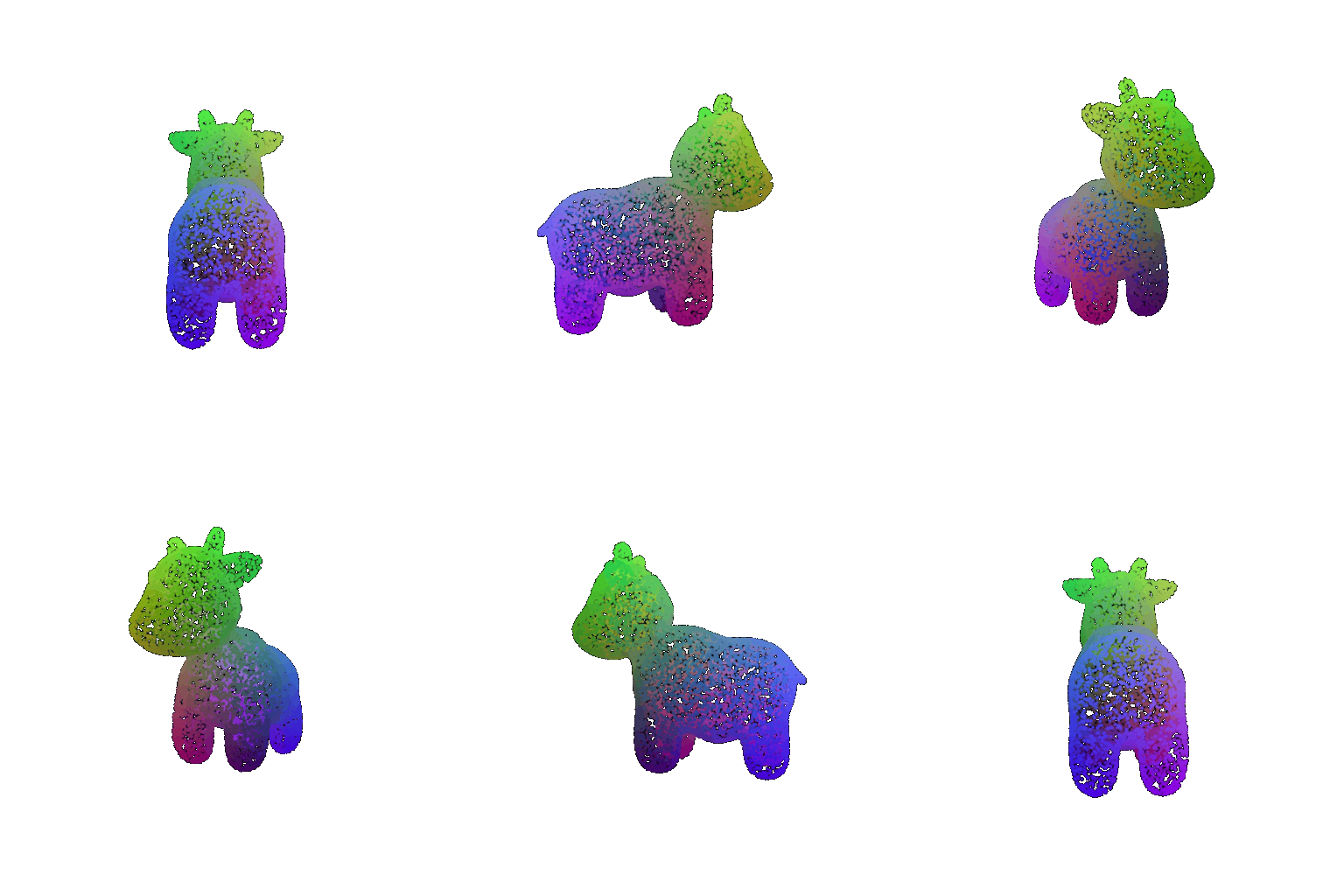
(Extra Credit) 7. Sampling Points on Meshes