Assignment 1: Rendering Basics with PyTorch3D

Name: Yuqin Jiao  |  Andrew ID: sjiao2

1. Practicing with Cameras (15 Points)

1.1 360-Degree Renders (5 points)

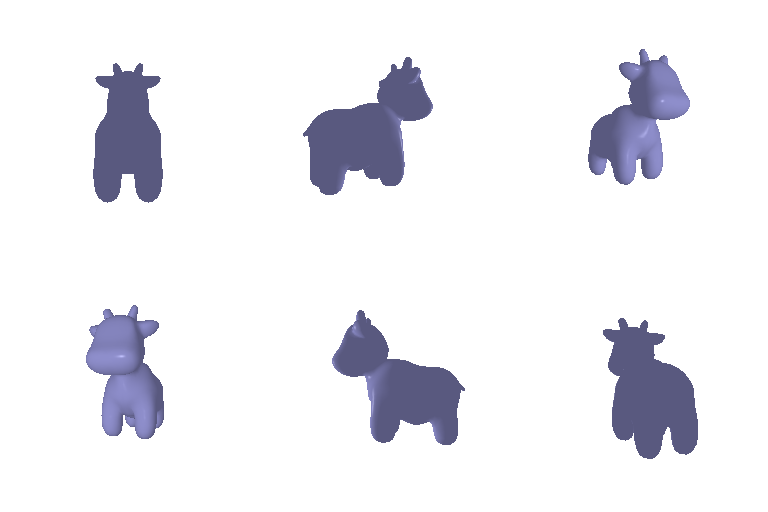
A 360-degree gif video that shows many continuous views of the provided cow mesh.
360 degree render of cow mesh

1.2 Re-creating the Dolly Zoom (10 points)

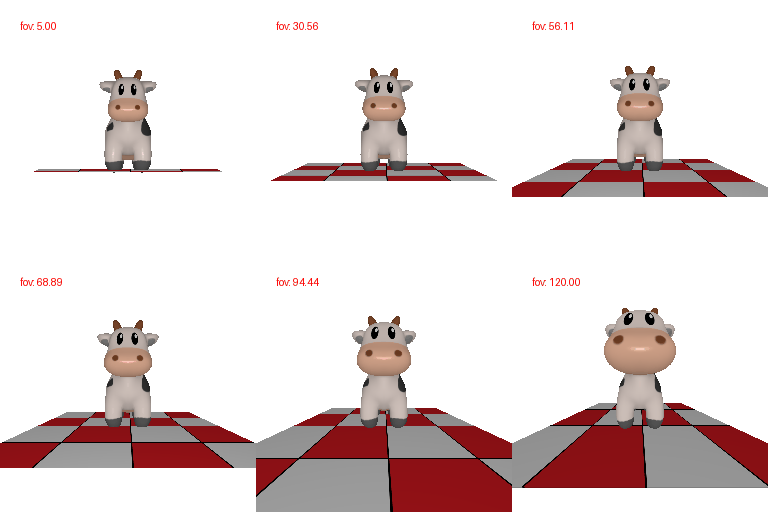
Recreate the Dolly Zoom effect by changing the camera's focal length while moving it so the subject stays the same size in frame.
Dolly zoom effect on cow mesh

2. Practicing with Meshes (10 Points)

2.1 Constructing a Tetrahedron (5 points)

Construct a tetrahedron mesh and render it from multiple viewpoints. List how many vertices and faces the mesh has.
360 degree render of tetrahedron

4 vertices and 4 triangle faces

2.2 Constructing a Cube (5 points)

Construct a cube mesh (as triangles) and render it from multiple viewpoints. List how many vertices and faces the mesh has.
360 degree render of cube

8 vertices and 12 triangle faces

3. Re-texturing a Mesh (10 Points)

Retexture the cow mesh so the color interpolates linearly from color1 (front, smallest z) to color2 (back, largest z).
Retextured cow mesh, color gradient front to back

color_1 is green [0, 1, 0], color_2 is blue [0, 0, 1]

4. Camera Transformations (10 Points)

For each target image below, describe in words the R_relative and T_relative such that R = R_relative @ R_0 and T = R_relative @ T_0 + T_relative reproduce the image.
Camera transform result 1

R_relative: [[ 0, 1, 0], [-1, 0, 0], [ 0, 0, 1]]

T_relative: [0, 0, 0]

The camera view rotates 90° along the z-axis with no translation

Camera transform result 2

R_relative: [[ 0, 0, 1], [0, 1, 0], [-1, 0, 0]]

T_relative: [-3, 0, 3]

The camera view rotates 90° along the y-axis and is translated to show the cow from side view.

Camera transform result 3

R_relative: [[ 1, 0, 0], [0, 1, 0], [ 0, 0, 1]]

T_relative: [0, 0, 2]

No rotation, the translation changes the camera distance, making the cow appear smaller.

Camera transform result 4

R_relative: [[ 1, 0, 0], [0, 1, 0], [ 0, 0, 1]]

T_relative: [0.5, -0.5, 0]

No rotation, the x/y translation shifts the cow within the image.

Camera transform result 5 (self-generated)

R_relative = [[ 1, 0, 0], [0, 1, 0], [ 0, 0, 1]]

T_relative = [-0.5, 0.5, 2]

My choice of R_relative and T_relative: no rotation, the translation makes the cow smaller and shifts it away from center. In summary, R controls the camera rotation, T controls the camera translation.

5. Rendering Generic 3D Representations (45 Points)

5.1 Rendering Point Clouds from RGB-D Images (10 points)

Construct point clouds from 2 RGB-D images of a plant (image 1, image 2, and their union) and visualize each from several viewpoints.
Point cloud from RGB-D image 1

Image 1

Point cloud from RGB-D image 2

Image 2

Union of both plant point clouds

Union

5.2 Parametric Functions (10 + 5 points)

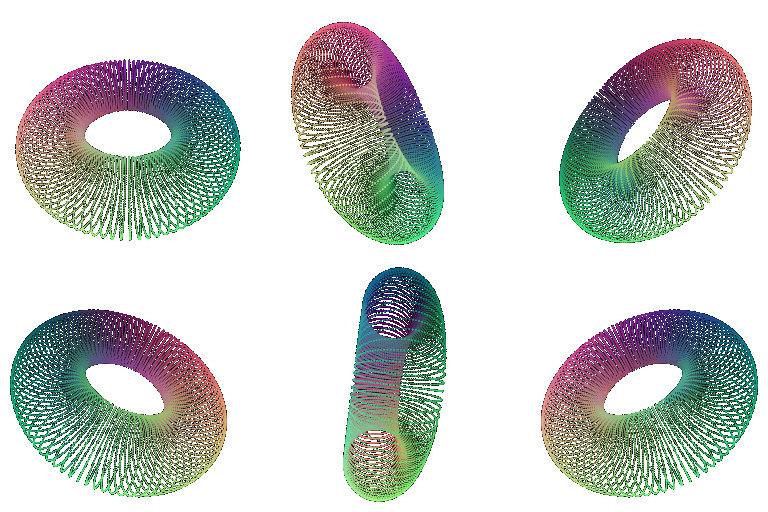
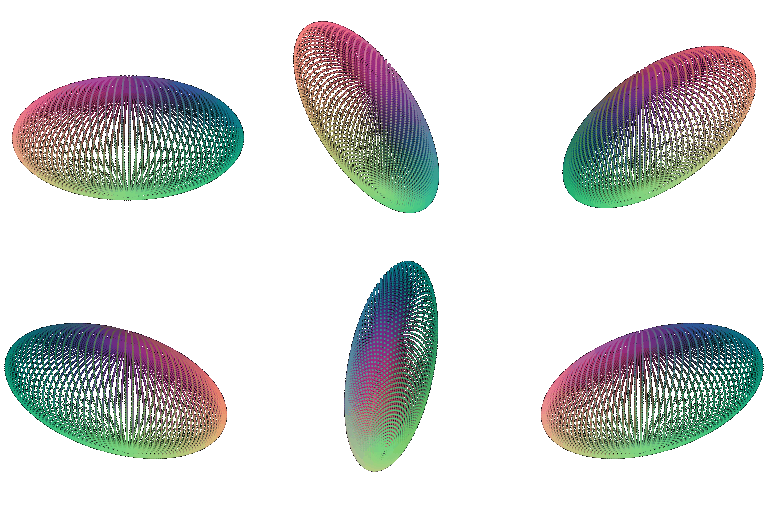
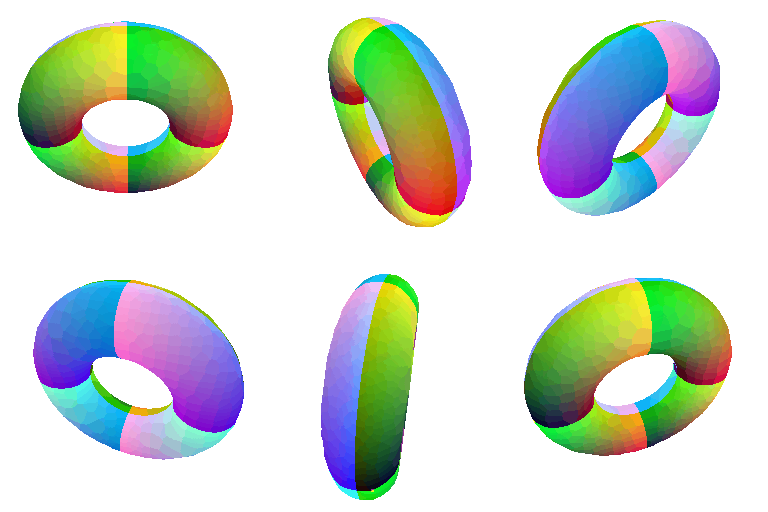
Render a torus point cloud by sampling its parametric function, and render a 360-degree gif of any new object of your choice.

Torus:

Torus point cloud, 360 degree render

New object of choice: ellipsoid:

Ellipsoid point cloud, 360 degree render

5.3 Implicit Surfaces (15 + 5 points)

Render a torus as a mesh defined by an implicit function (via marching cubes), discuss the tradeoffs between mesh vs. point cloud rendering, and render a 360-degree gif of any new object of your choice.

Torus mesh:

Torus mesh from implicit function, 360 degree render

Point clouds are simpler because they only have discrete 3D points, but point clouds can have visible gaps and the surfaces might have lower-quality. Meshes connect vertices with faces, the surfaces are more continuous, meshes use more memory. Rendering speed depends on the number of points or triangles being rendered, but relatively rendering point clouds is faster.

New object of choice: ellipsoid mesh:

Ellipsoid mesh from implicit function, 360 degree render

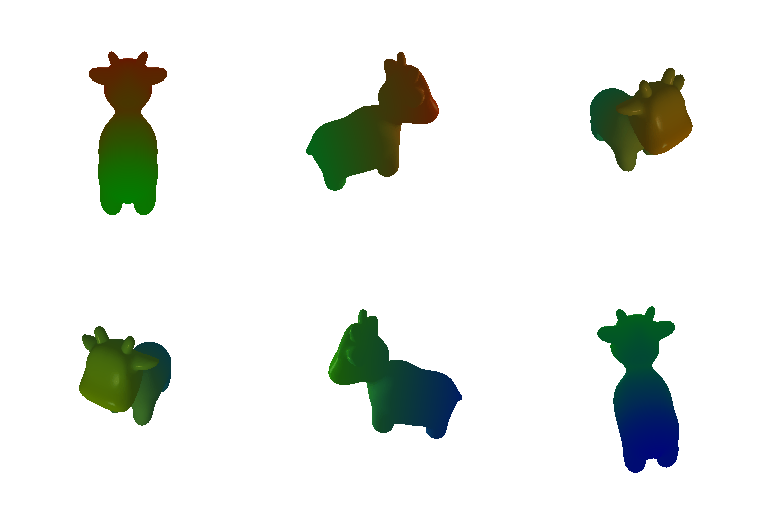
6. (Extra Credit) Do Something Fun (+10 Points)

Create your own 3D structures, render something in an interesting way, or creatively texture — anything that appeals to you.
Extra credit creative render

I created a rotating cow with a dynamically changing gradient texture. During the rotation, the gradient colors gradually change from red and green to green and blue based on which frame it is, the z-coordinates control the color interpolation across the cow.