
I rendered the cow mesh rendered from continuously changing viewpoints around the object.
I rendered the cow mesh with the dolly zoom effect.

I manually defined a tetrahedron mesh with 4 vertices and 4 triangular faces, then rendered it from 360-degree viewpoints.

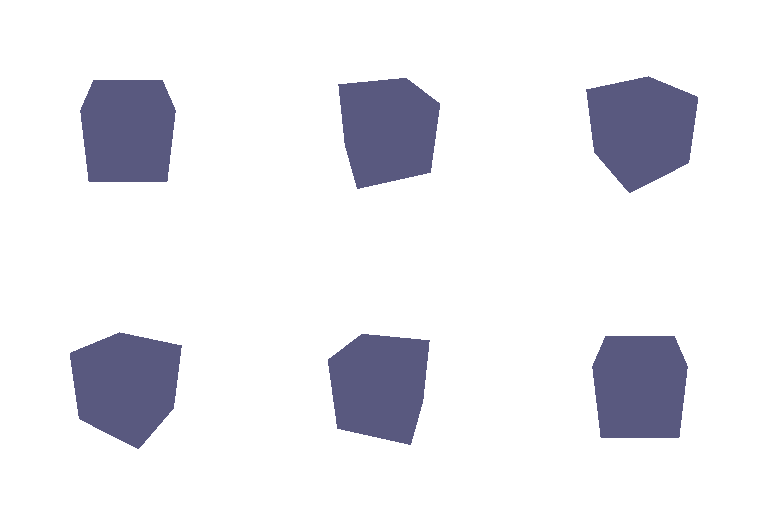
I constructed a cube as a triangle mesh with 8 vertices and 12 faces (2 triangles per cube face), and rendered it from 360-degree viewpoints.
I retextured the cow so its color varies smoothly from front to back along the z axis with the following colors:
color1 = [0, 1, 1]  # front
color2 = [1, 1, 0]  # back

For each target image, I found (R_relative, T_relative) such that R = R_relative @ R_0 and T = R_relative @ T_0 + T_relative. Below, I describe what each relative transform does and show the rendered meshes.
R_relative rotates the camera by 90° about the z-axis, so the cow appears on its side. T_relative is zero because no translation is needed.
R_relative = [[0, 1, 0],
              [-1,  0, 0],
              [0,  0, 1]]
T_relative = [0, 0, 0]

R_relative is the identity. T_relative = [0, 0, 1] moves the camera farther from the cow along z-axis, so the cow appears smaller.
R_relative = [[1, 0, 0],
              [0, 1, 0],
              [0, 0, 1]]
T_relative = [0, 0, 1]

R_relative is the identity. T_relative = [0.5, -0.5, 0] shifts the camera in X and Y so the cow moves toward the bottom left of the image.
R_relative = [[1, 0, 0],
              [0, 1, 0],
              [0, 0, 1]]
T_relative = [0.5, -0.5, 0]

R_relative rotates the camera by -90° about Y to get a side view of the cow. T_relative = [-3, 0, 3] then places the camera at distance 3 from the origin after that rotation.
R_relative = [[0, 0, 1],
              [0, 1,  0],
              [-1, 0,  0]]
T_relative = [-3, 0, 3]

I unprojected the two RGB-D images into point clouds and rendered the first view, the second view, and their union side by side in a 360-degree gif.

I sampled points from the parametric equation of a torus and rendered the point cloud. The hole is visible in the 360-degree gif below.

I also rendered a Mobius strip as an additional parametric function.

I defined a torus as an implicit function, computed it on a voxel grid, and converted it into a mesh using marching cubes algorithm. The hole is visible in the 360-degree gif.

Tradeoffs between meshes and point clouds
There are some tradeoffs between rendering meshes and point clouds:
I also rendered an octahedron as an additional implicit surface.

I created a mesh animation that morphs from a sphere to a cube, then an octahedron. I defined the shapes using implicit functions based on the L2, L∞, and L1 norms respectively, and interpolated between these functions to create smooth transitions in the 360-degree gif below.

I uniformly sampled 10, 100, 1000 and 1000 points from the cow mesh and render each point cloud and the original cow mesh side by side in the 360-degree gif. I changed the point size inversely proportional to the point count.
