
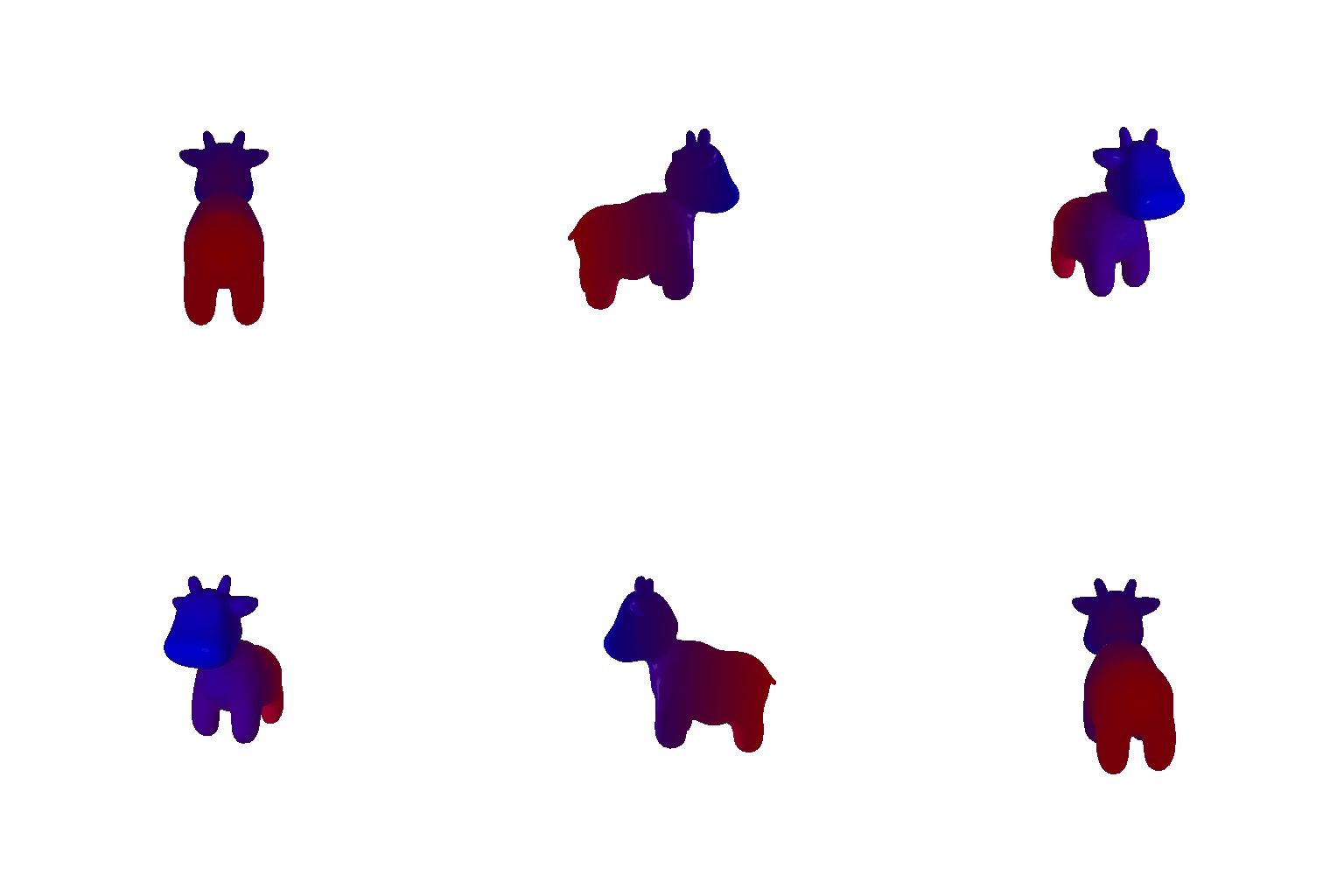
I looped through different azimuth values (i.e. the y-axis angle) to create a 360 degree looped visualization of the cow mesh.
I implemented the formula relating camera FOV and distance to create teh Dolly zoom effect.

The tetrahedron mesh definition has 4 vertices and 4 triangle faces., as defined in the code’s task2.py.

The cube mesh definition has 8 vertices and 12 triangle faces., as defined in the code’s task2.py, since each cube face can be constructed from two triangle faces.

I implemented the cow gradient from blue to red. Specifically, color1 is blue and color2 is red.
R_relative and T_relative define the
relative transformation from the current camera view to achieve the
desired view. Since the original view has no rotation, and only a
translation of 3 in the z-direction, the final R
and T applied from the image frame are
R_relative and T_relative + [0.0, 0.0, 3.0],
producing the desired camera frames. The original image is shown below,
followed by the four transofrmed images matching the instruction
document. The chosen R_relative and T_relative values are in the code
under task4.py.


I reconstructed the 3 point clouds and generated GIF visualizations for ecah one. In order, it’s the first image, the second image, and the union.


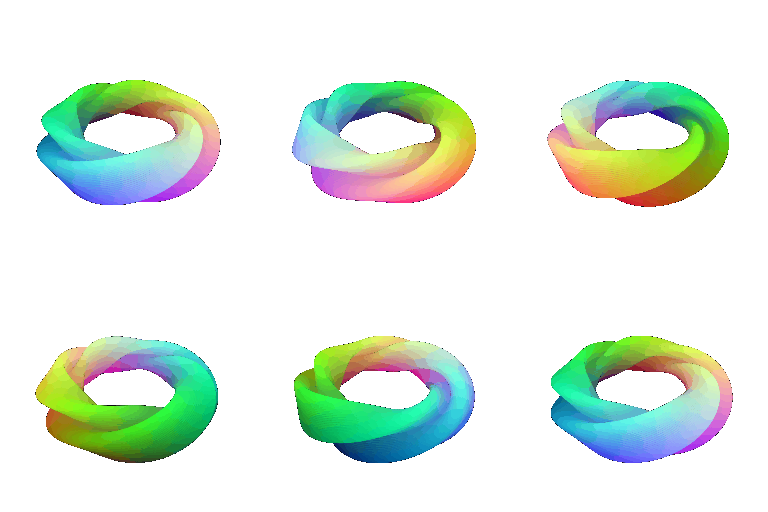
I implemented the torus function and generated the gif below. For my custom object, I chose the mobius strip, whose gif is shown below the torus.
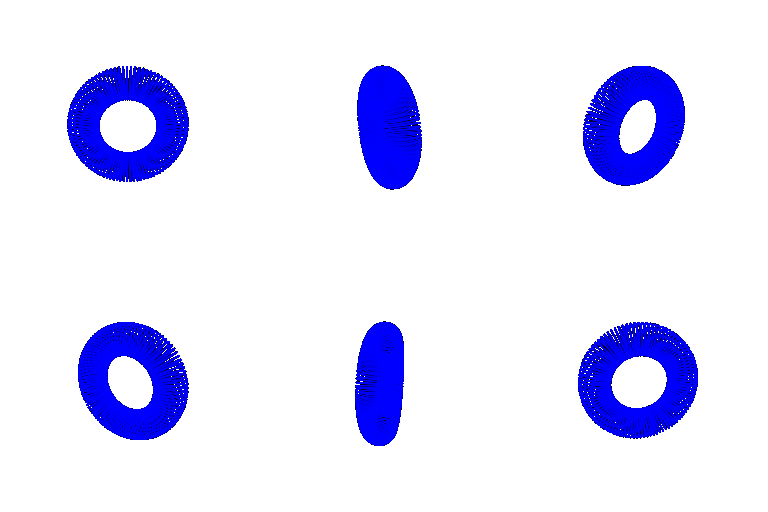
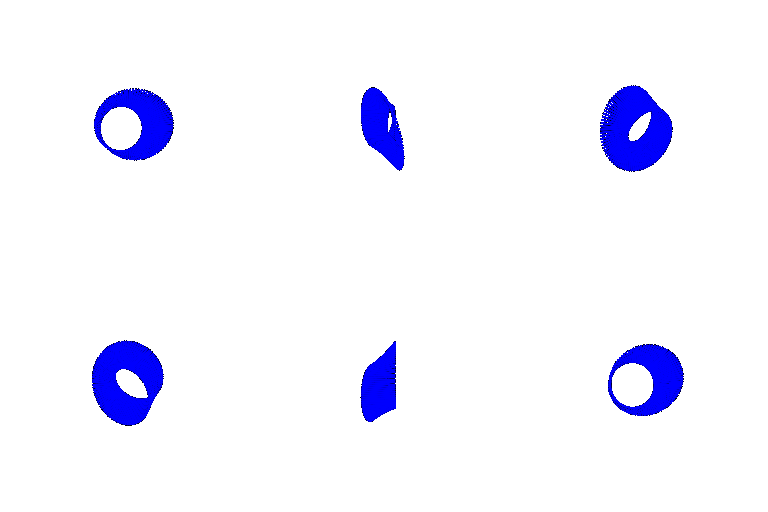
I implemented the torus function and generated the gif below. For my custom object, I chose the mobius strip, whose gif is shown below the torus.
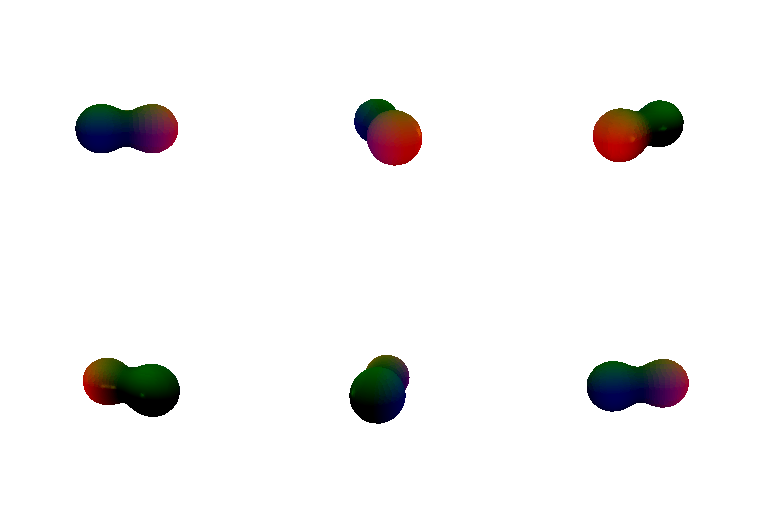
An advantage of rendering with meshes is that the output rendering is smooth, whereas with point clouds you need a large density of point clouds to create a smooth visualization, which may be slow. However, with point clouds the rendering can be more precise, whereas with a mesh, since there is a restriction of smoothness, it may be more of an approximation in difficult-to-model regions of the 3D object.
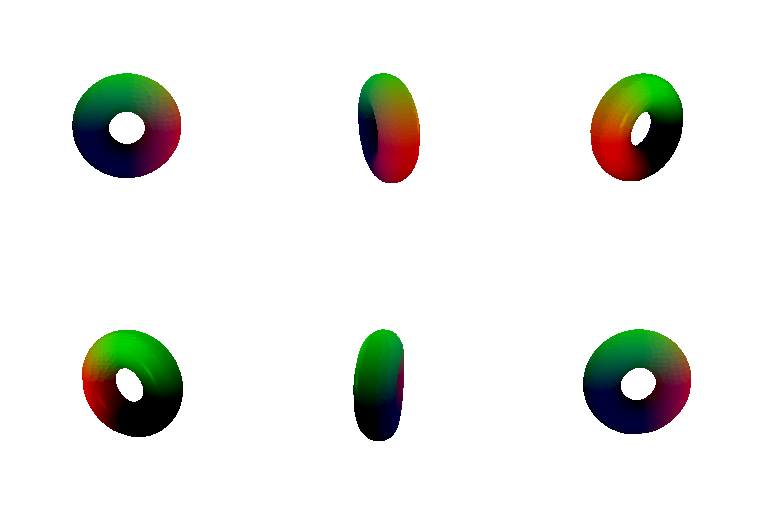
I wanted to make a unique and interesting parametric 3D shape. I was reading about torus variations, and I thought that the twisted torus looked really cool since it seemed like something that could be made out of origami but at the same time seemed surreal. After discovering it’s parametric formula (described in the code), I implemented and rendered it. For the coloring, I decided to do a rainbow-esque coloring, which I think makes the twisted torus look even more aesthetic.
I implemented the point sampling function with the weighted random barycentric coordinates. The renderins are below. In order, the renderings are: the roiginal cow mesh, 10 points, 100 points, 1000 points, 10000 points.


