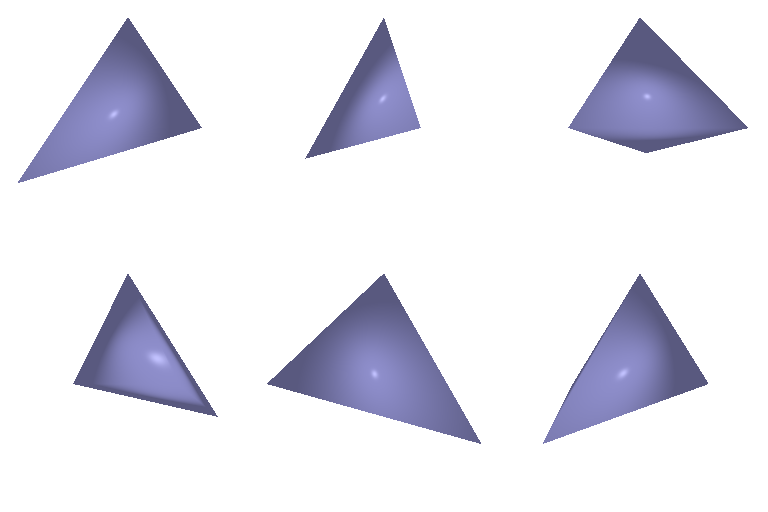
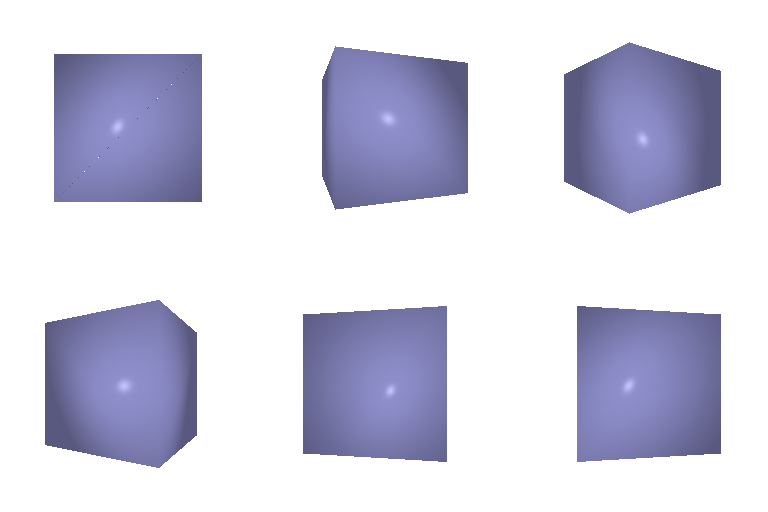
4 vertices, 4 triangle faces.
8 vertices, 12 triangle faces.
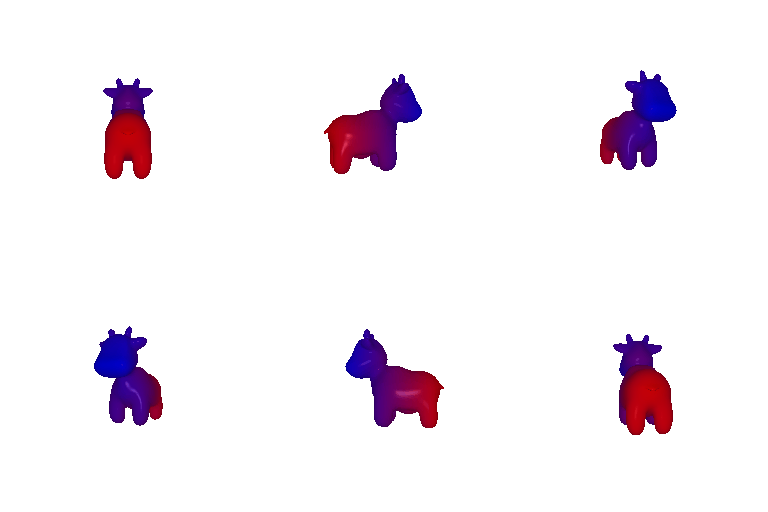
color1 = [0, 0, 1] (blue at the front)
color2 = [1, 0, 0] (red at the back)
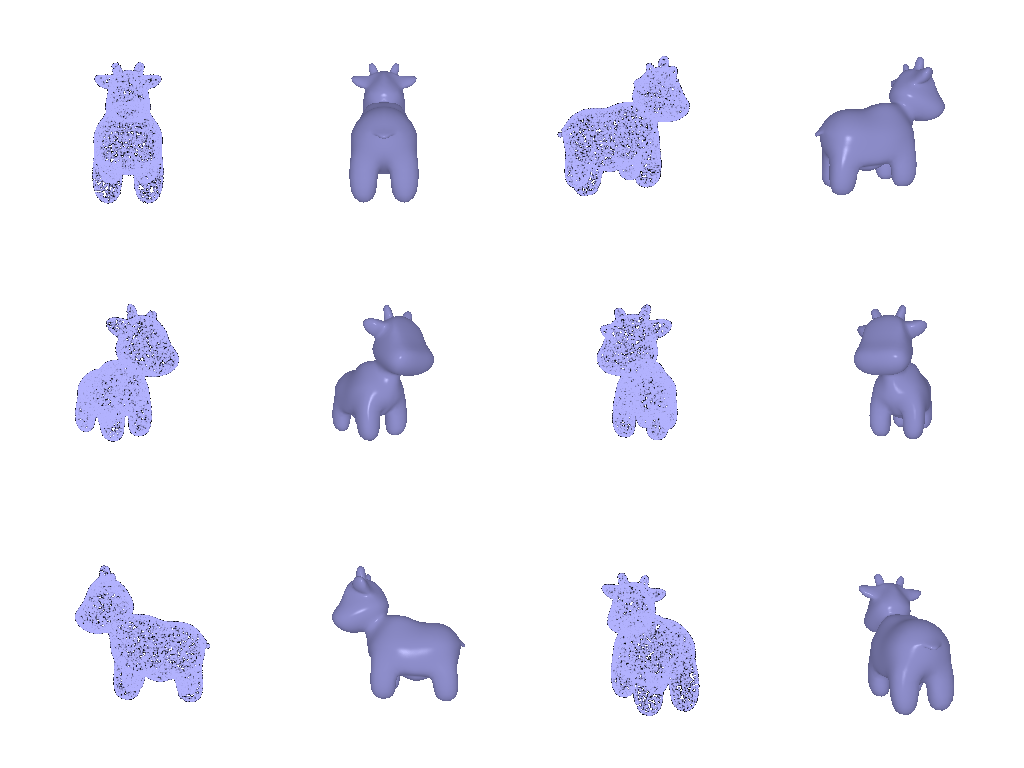
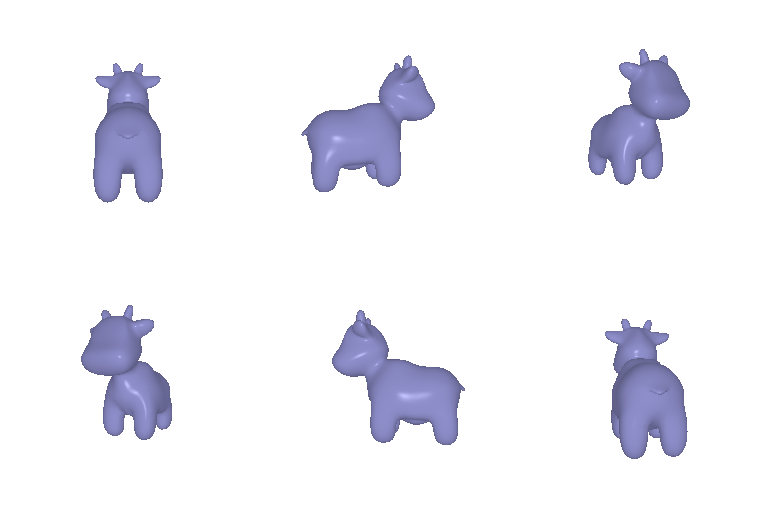
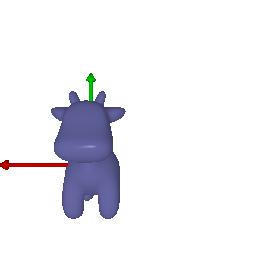
1. Rotating the camera about the z-axis 90°, not changing the camera position.
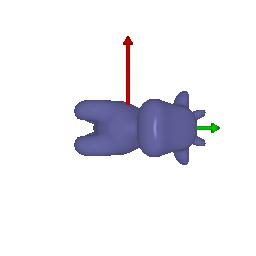
2. Rotating the camera 90° about the y-axis, using the translation to keep the cow centered in the image.
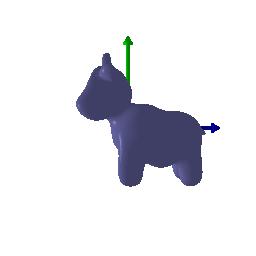
3. Not changing the camera rotation, moving 2 units farther from the cow.
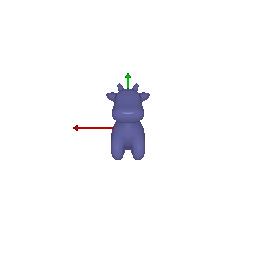
4. Not changing the camera rotation, moving 0.5 units along -x and 0.5 units along +y (both in world frame).
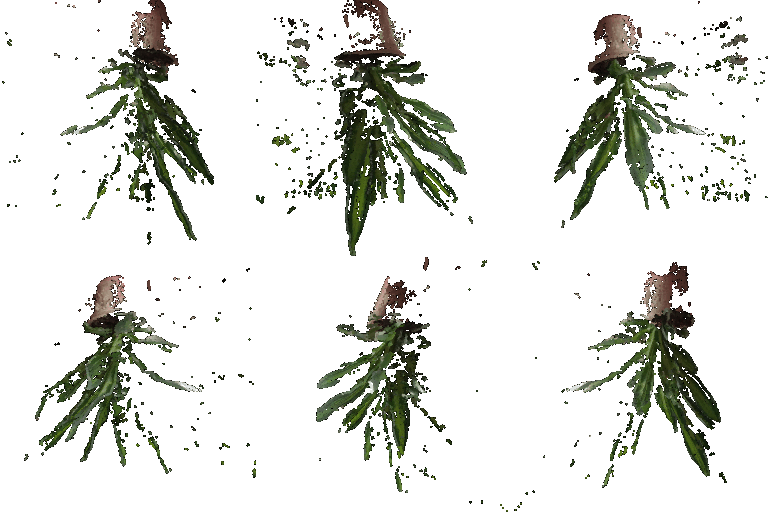
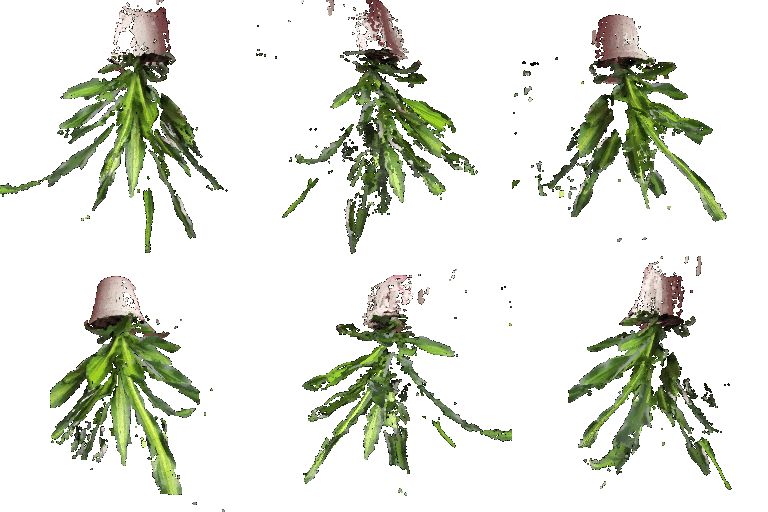
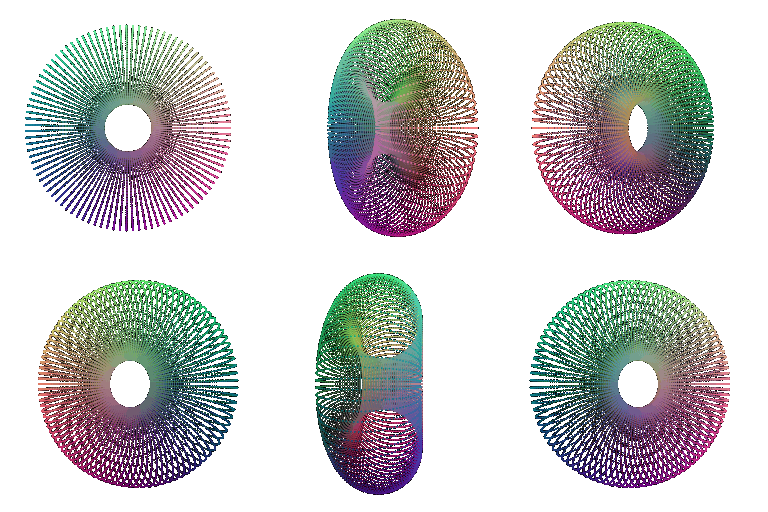
A torus point cloud:
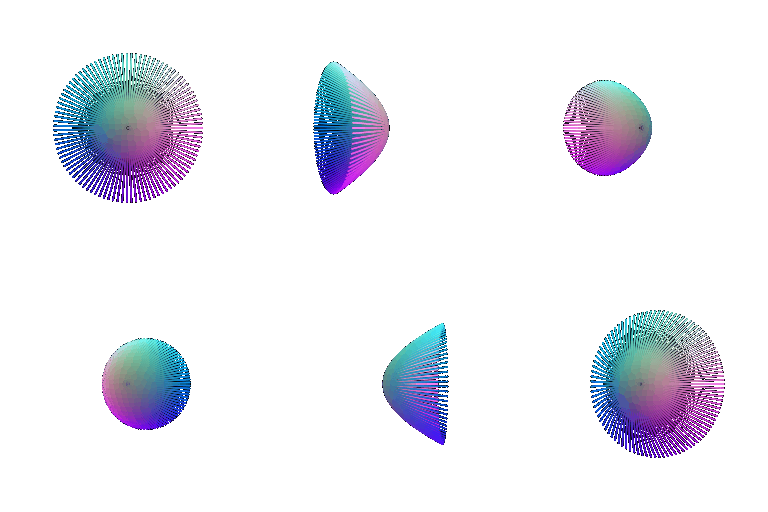
A bowl-shaped point cloud.
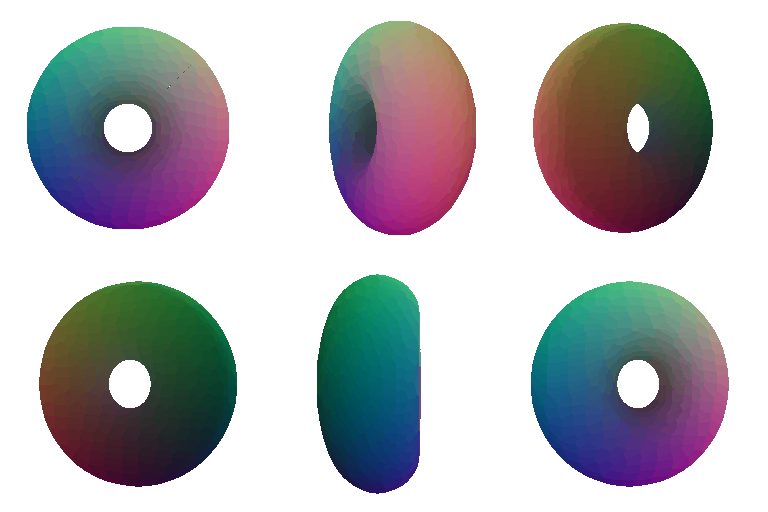
A torus mesh:
A bowl-shaped mesh.
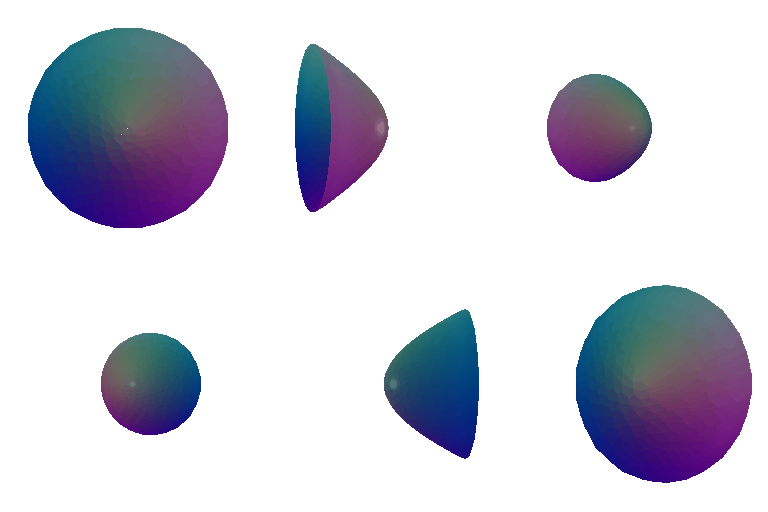
Rendering speed
Point-cloud rendering depends on the number of points, and mesh rendering depends on the number of triangle faces. For continuous and regular surfaces (like cubes), mesh may be rendered faster (at similar rendering quality) since it requires fewer triangle faces than points.
Rendering quality
Point cloud is not connected, so if the points are sparse, there might be gaps or holes between points. Mesh has innate connectivity. The vertices and faces form a surface. It can show surface structure and shape more directly than point cloud can, and can be rendered with lighting, textures, and continuous shading.
Ease of use
Point cloud is easier to construct since it only needs points (and colors). Meshes also require connectivity information. For an implicit surface, rendering as a point cloud requires sampling points near the zero level set, while rendering as a mesh requires marching cubes.
Memory usage Theoretically, storing mesh requires more memory space than point cloud when the vertices and points are the same, since mesh needs to store the connectivity information. When representing smooth surfaces or simple 3D shapes (like cubes), mesh can sometimes use less memory because it is better at capturing regular surface structure. Point cloud memory depends on resolution.
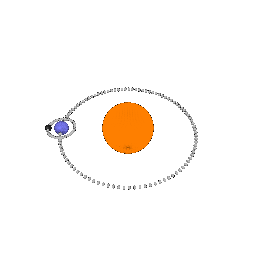
I want to show a toy example of our solar system, with just the Sun, Earth, and Moon. I combined several parametric spheres (for showing planets) and torus (for showing orbits).
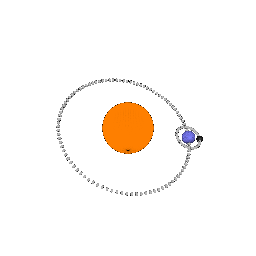
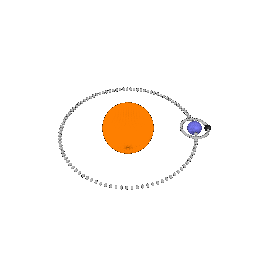
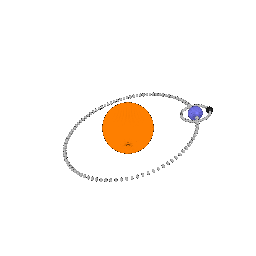
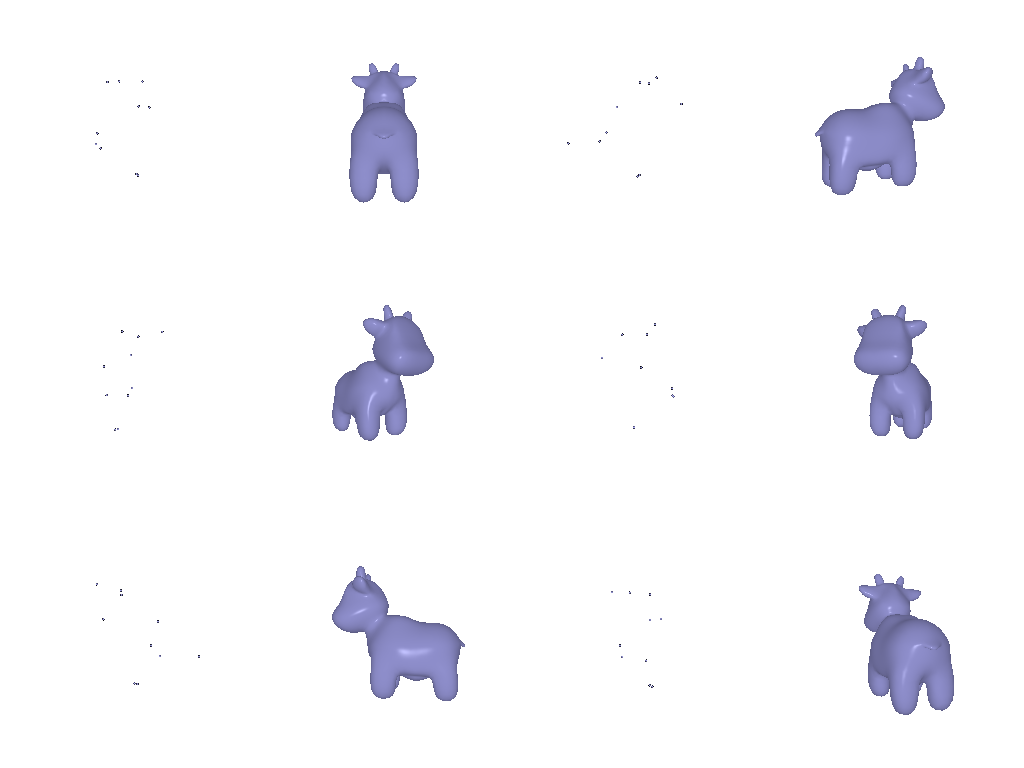
10 points:
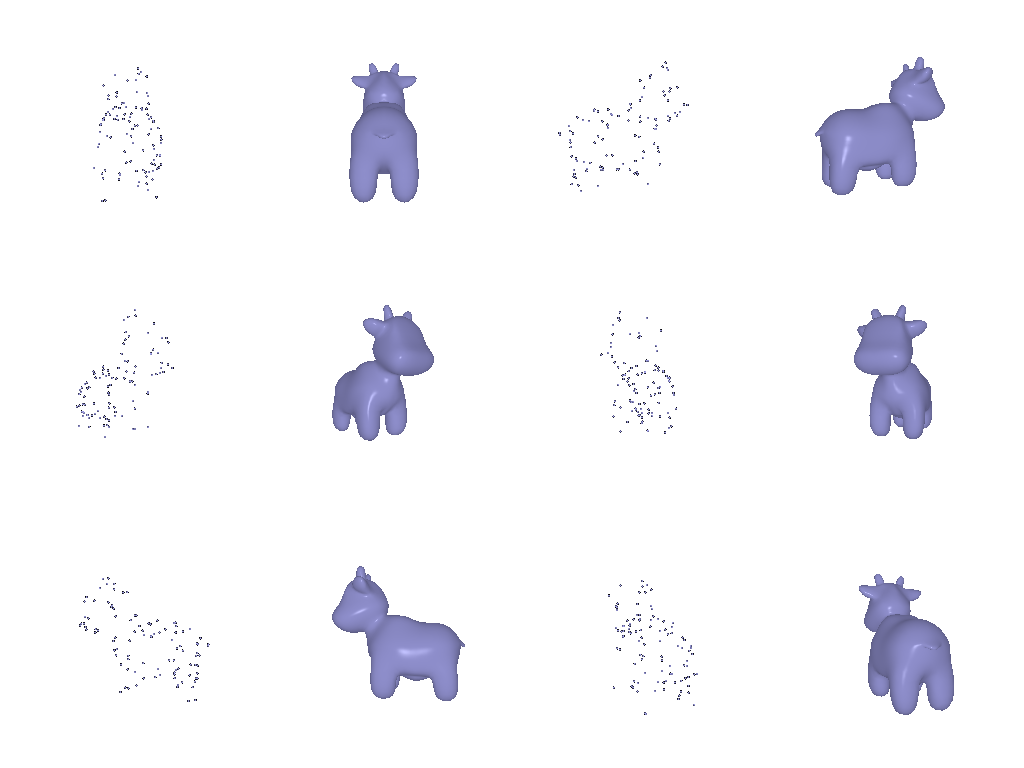
100 points:
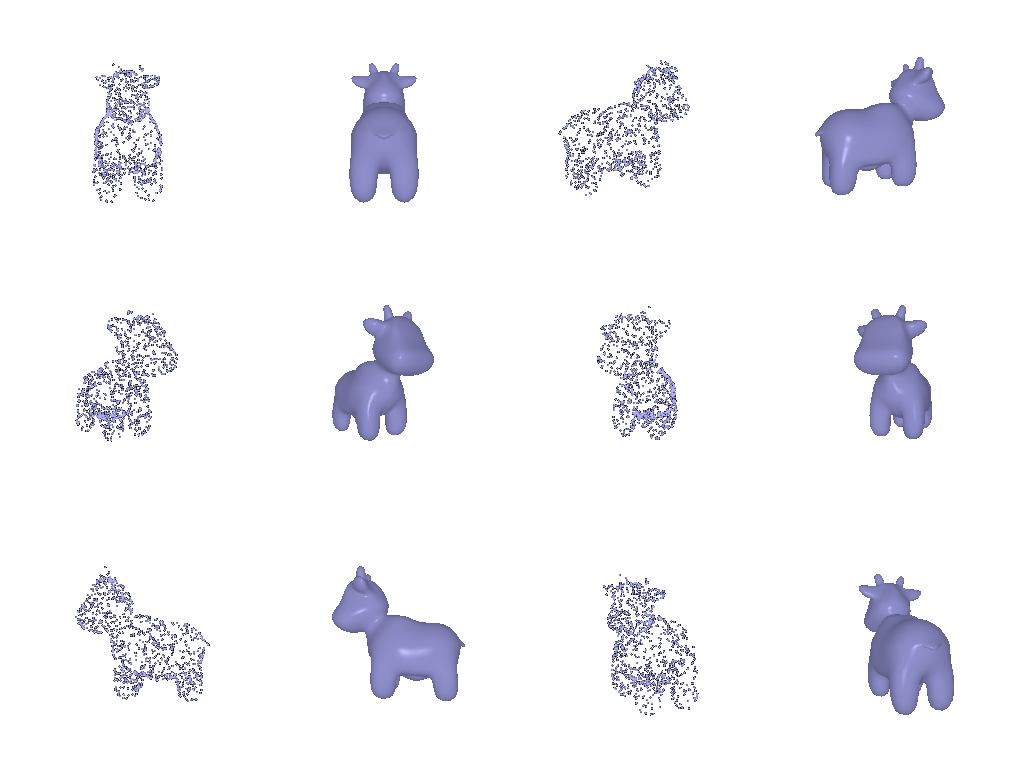
1000 points:
10000 points: