
3. Re-texturing a mesh
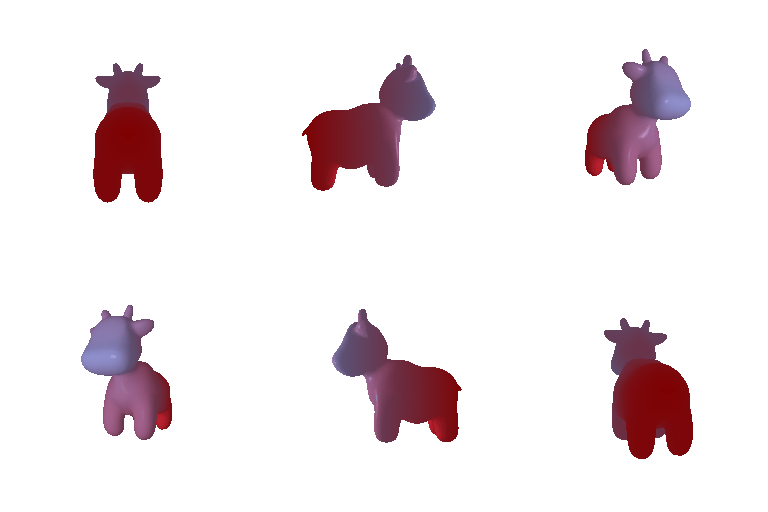
- color1: Same blue color as previous task. ([0.7, 0.7, 1])
- color2: Red. ([1, 0, 0])
4. Camera Transformations
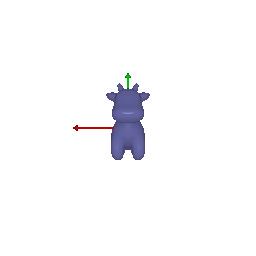
Image1
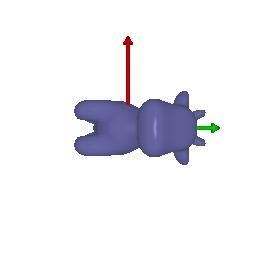
- R_relative: 90 degree rotation around the z-axis.
- T_relative: No translation.
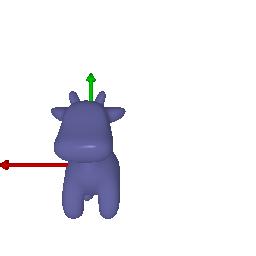
Image2
- R_relative: No rotation.
- T_relative: Translates the cow 2 units along the positive z-axis.
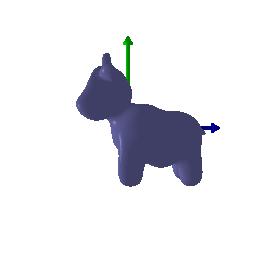
Image3
- R_relative: No rotation.
- T_relative: Translates the cow 0.5 units along the positive x-axis, and 0.5 units along the negative y-axis.
Image4
- R_relative: 90 degree rotation around the y-axis.
- T_relative: Translates the cow 3 units along the negative x-axis, and 3 units along the positive z-axis.
5. Rendering Generic 3D Representations
5.1 Rendering Point Clouds from RGB-D Images
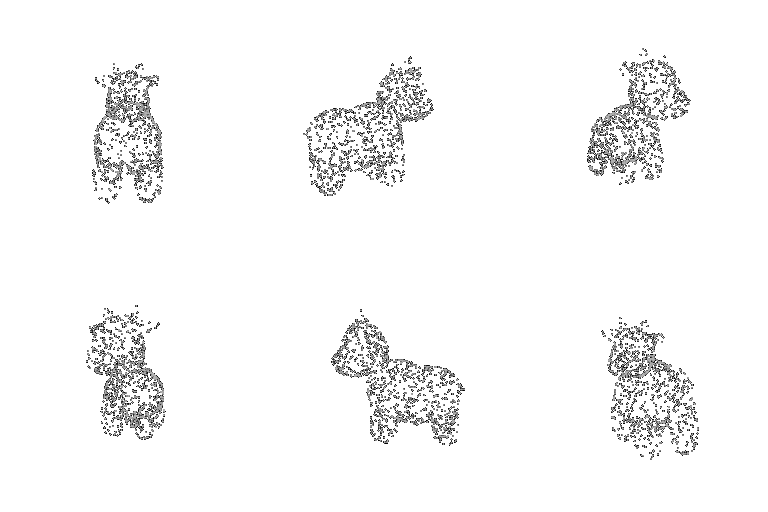
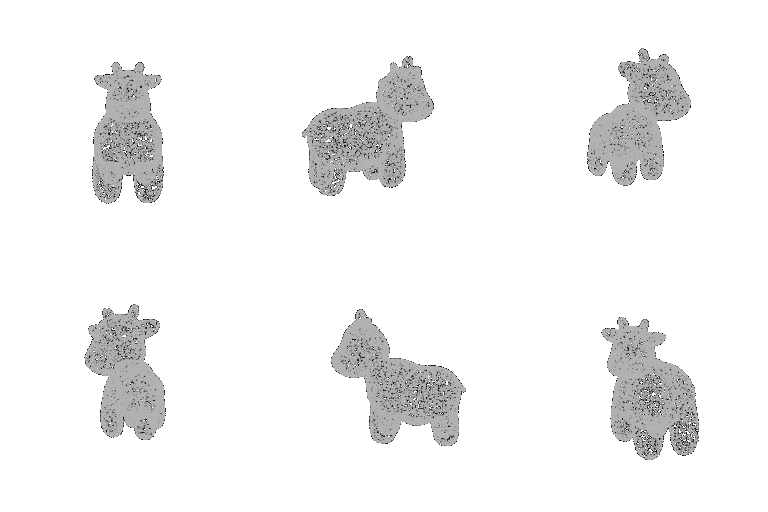
- The point cloud corresponding to the first image

- The point cloud corresponding to the second image

- The point cloud formed by the union of the first 2 point clouds.

5.2 Parametric Functions
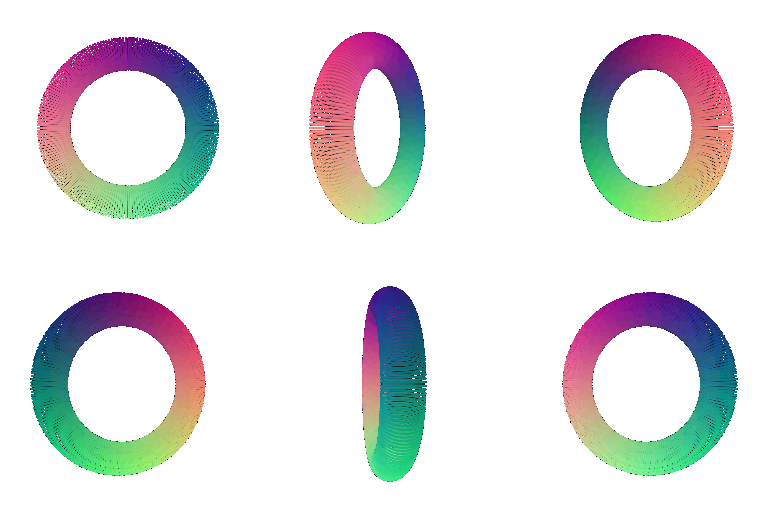
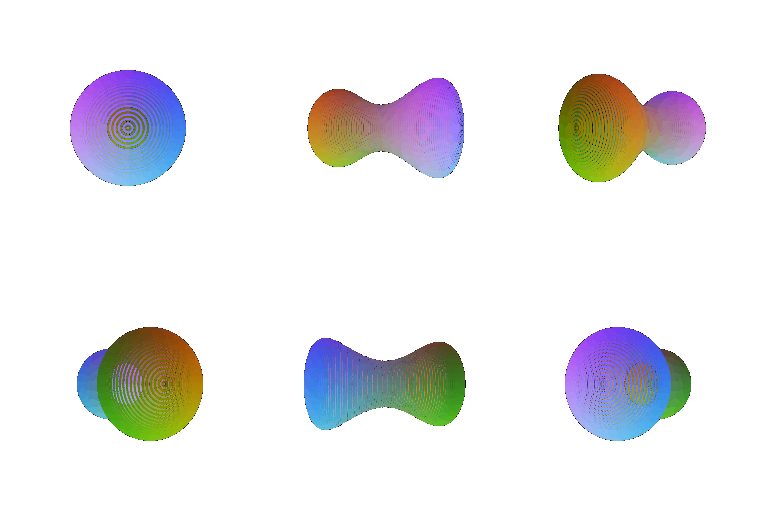
5.3 Implicit Surfaces

In addition, discuss some of the tradeoffs between rendering as a mesh vs a point cloud. Things to consider might include rendering speed, rendering quality, ease of use, memory usage, etc. (5 points)
- Rendering speed: Point cloud rendering is fast, and the mesh rendering is slower. The mesh rendering need to consider about the lighting and texture accross the surface.
- Rendering quality: If the sampling number of point cloud is less, the quality will be low because the point is sparse and contains a lot of holes. The rendering quality of mesh is better because of the continous surface.
- Ease of use: Point cloud is easy to get from the sensor like lidar, and easy to use because all the point are independent. The mesh is complex to generate and use because of its surface connectivity.
- Memory usage: The memory usage is linear to the number of point cloud. If many point clouds, then the memory usage is large. More number of triangle in the mesh, more memory usage. What special is that the size of mesh triangle can be large, which needs many point cloud to represent it, uses less memory than point clouds.

(Extra Credit) 6. Do Something Fun