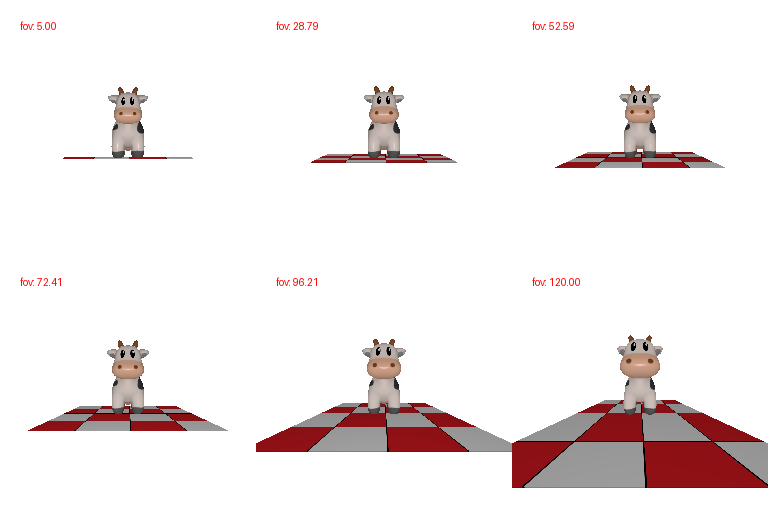
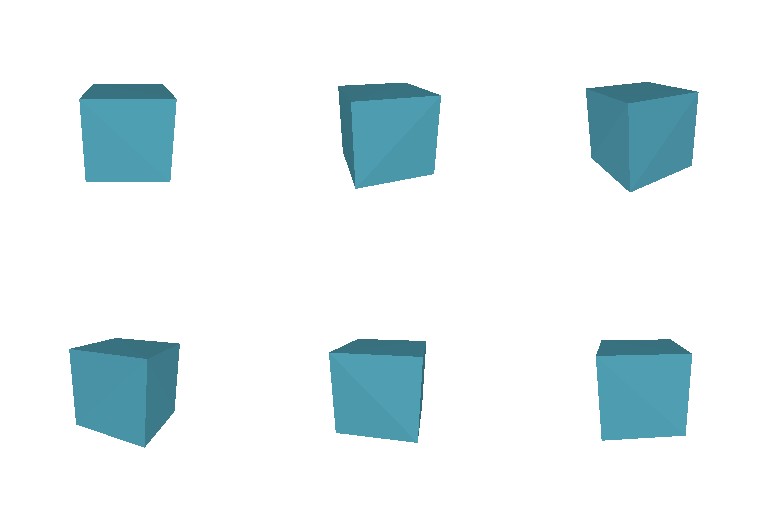
4 vertices and 4 triangle faces

8 vertices and 12 triangle faces
I chose front = blue (color1 = [0, 0, 1]) and back = red (color2 = [1, 0, 0]) to show the contrast

| Result | R_relative | T_relative | Description |
|---|---|---|---|
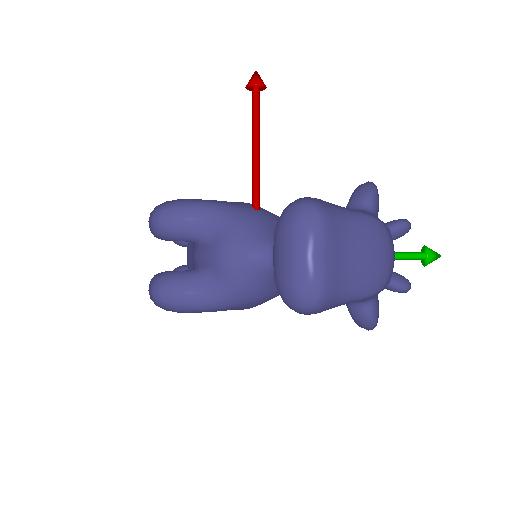 | [[0,1,0],[-1,0,0],[0,0,1]] | [0, 0, 0] | Rotates the camera 90° about Z axis inplace |
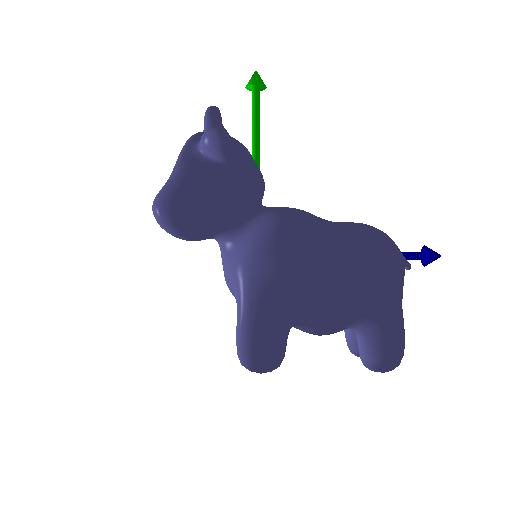 | [[0,0,1],[0,1,0],[-1,0,0]] | [-3, 0, 3] | Rotates the camera 90° about the y (up) axis to show the side of the cow. Then adjust the cow's position to make it appear in the middle becuase after rotatoin the object looks off from center |
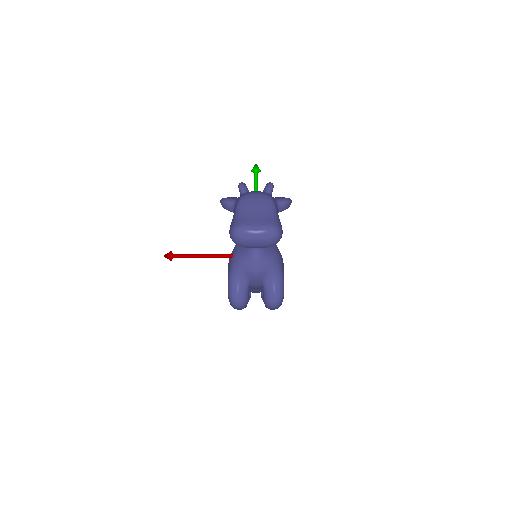 | [[1,0,0],[0,1,0],[0,0,1]] | [0, 0, 3] | move camera backward to make object shrink in the rendering |
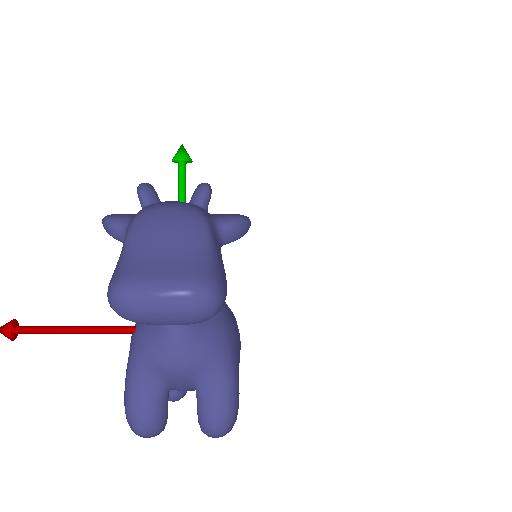 | [[1,0,0],[0,1,0],[0,0,1]] | [0.5, -0.5, 0] | shift the camera along the image plane |
1st image -> 2nd image -> Union
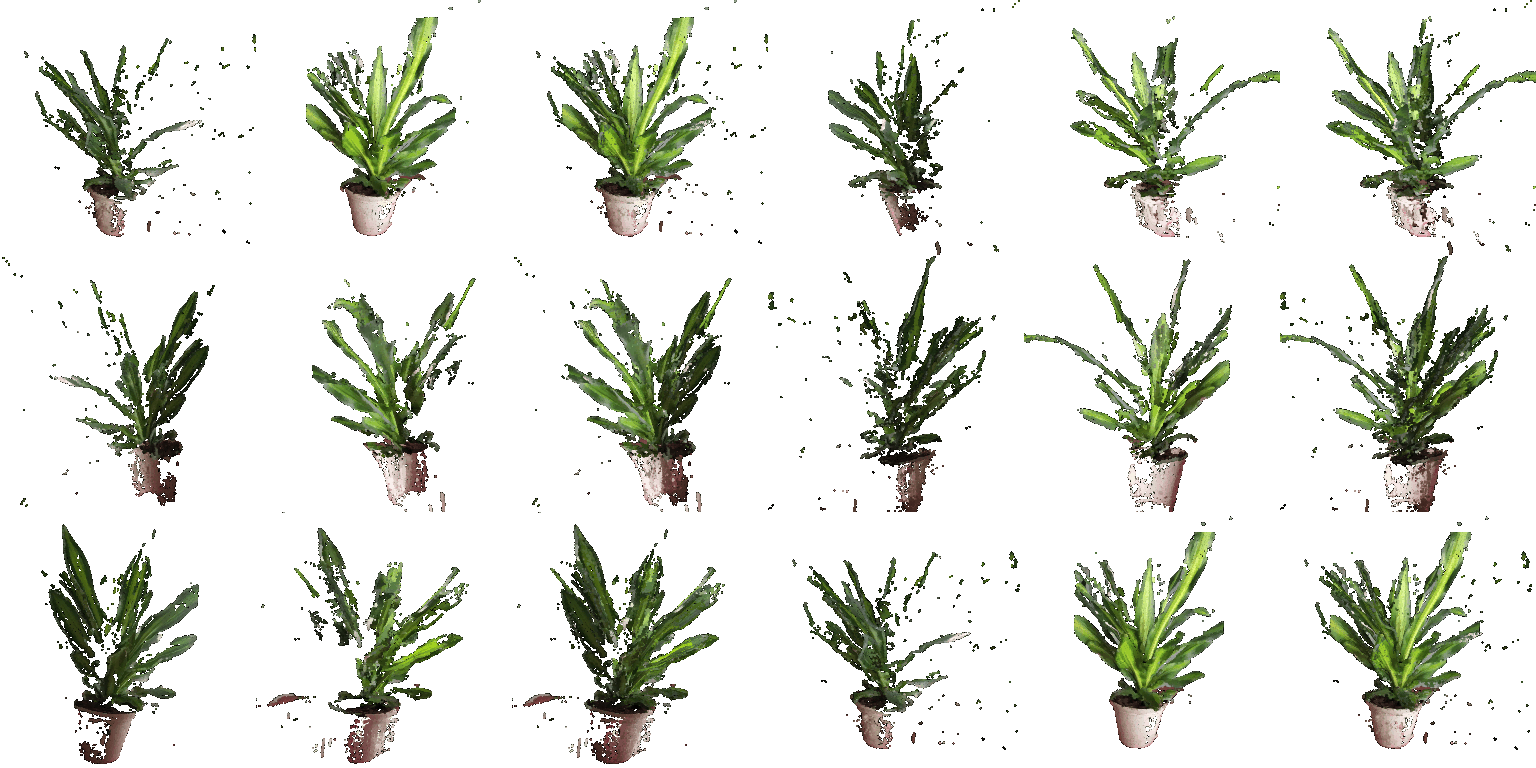
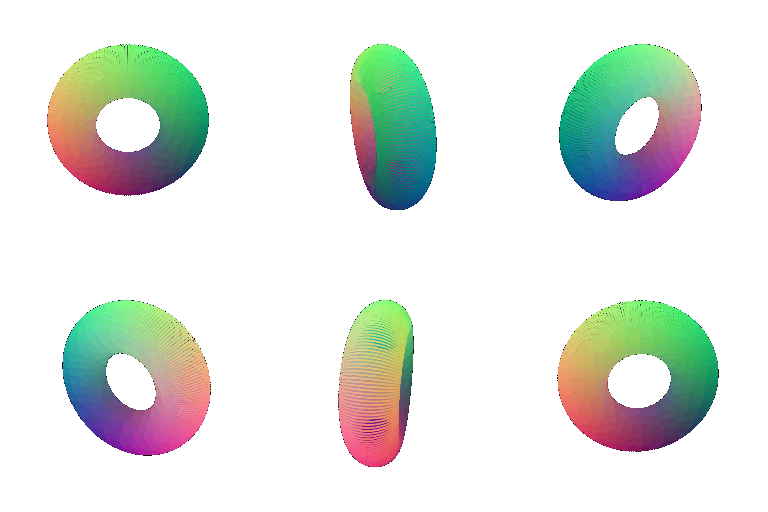
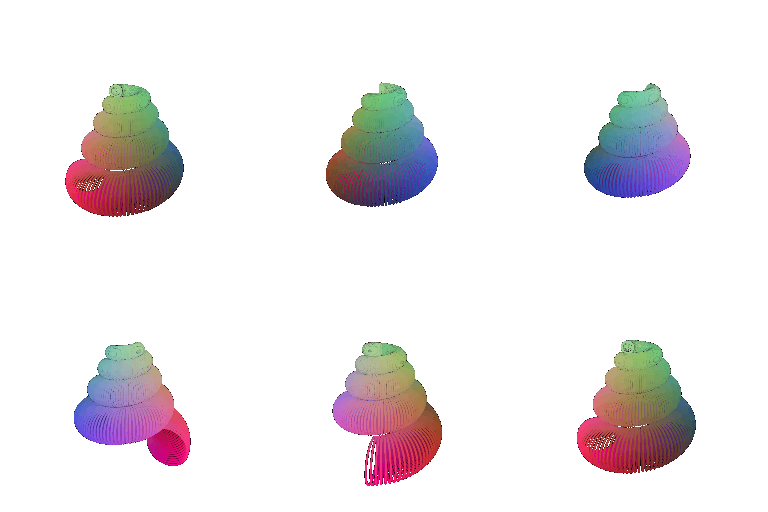
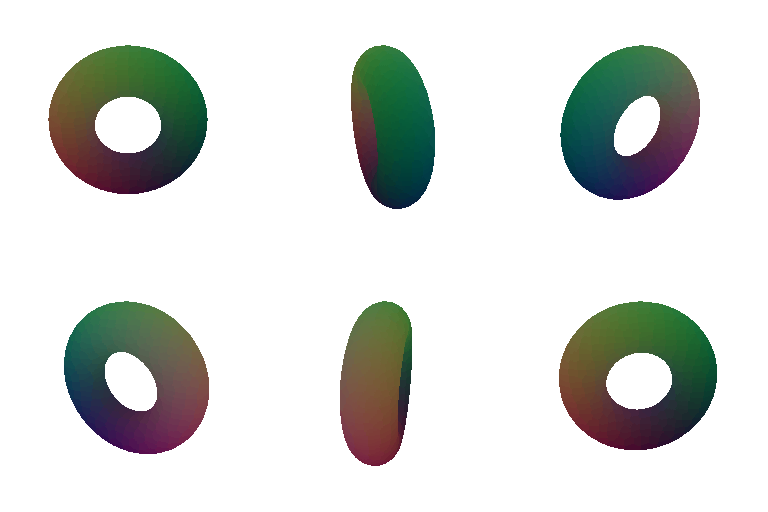
Point clouds can be rendered faster without the topological setups, while meshes provied more high quality rendering and is more memory efficient. Meshes are also suitable for downstream tasks like relighting / physics simuliations.