Jianing Zhang (jianing7)
Number of verticies: 4
Number of faces: 4

Number of verticies: 8
Number of faces: 12

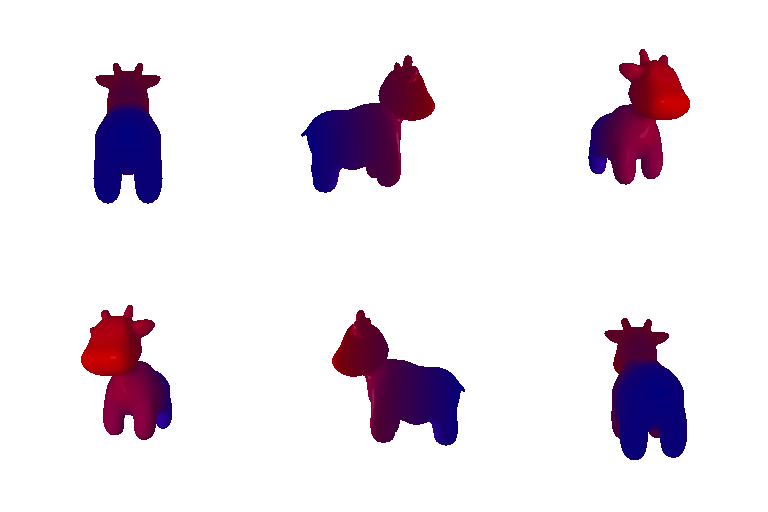
I choose color1 to be red and color2 to be blue. Also, color1 should be at the front of the cow and color2 should be at the tail of the cow so it can be rendered per the instruction. Also, I choose red and blue as they are distinguishable.
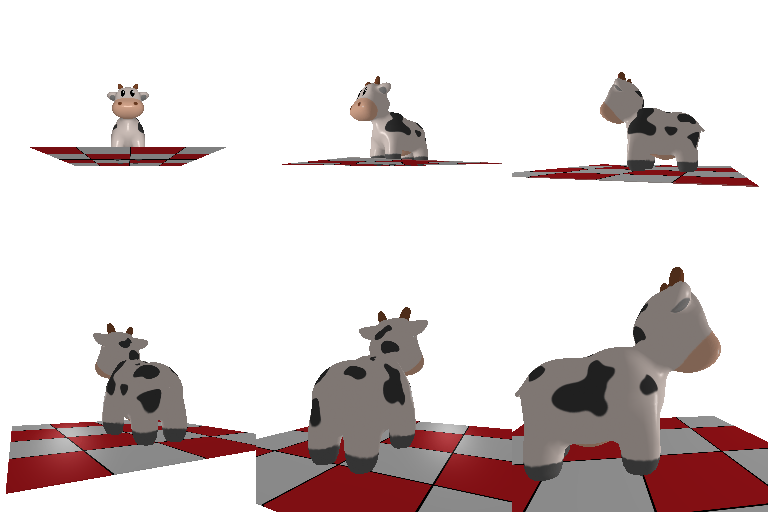
Note that the cow never moves in any of these. The cow stays exactly where it is at the world origin and it is the camera that is being moved, so all four answers describe camera motion. Also, because T = R_relative @ T_0 + T_relative, rotating the camera also swings its position around the world origin, not just its orientation.
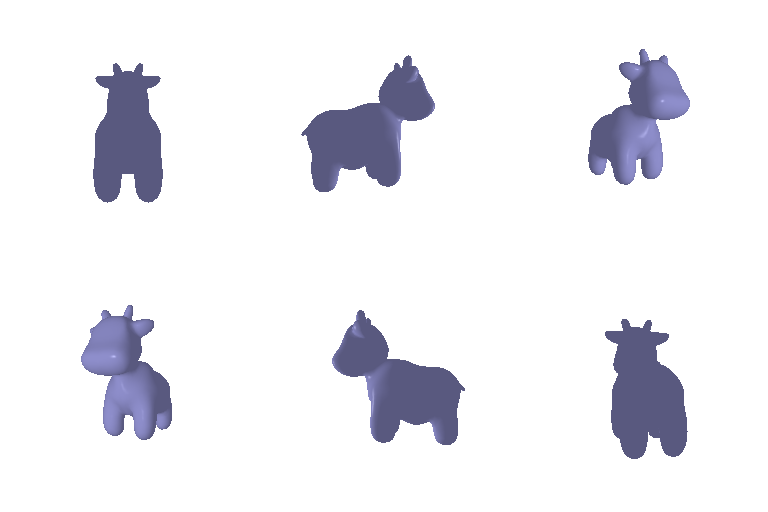
top left image:
The camera is rolled about its own viewing axis, so the image content appears rotated 90 degrees clock-wise. We are still looking at the same front of the cow, the camera has just turned in place, so no translation is needed. R_relative is a 90 degree rotation about the z axis and T_relative is zero.

top right image:
The camera is moved backwards along its viewing direction without turning, so the cow looks smaller but keeps the same orientation. R_relative is the identity matrix and T_relative is positive in z, which is the depth direction of the camera. I used 3, which takes the camera from 3 units away to 6 units away, and the cow renders at about half its original size as expected.

down left image:
The camera is moved sideways within its own image plane without turning or changing distance, so the cow shifts to the lower left of the frame but stays the same size and orientation. R_relative is the identity matrix and T_relative is 0.5 in x and -0.5 in y with zero in z.

down right image:
The camera is orbited 90 degrees around the world y axis so that we see the cow from its side instead of its front. So R_relative is a 90 degree rotation about the y axis. But R_relative also gets applied to T_0, so the original 3 units in the positive z direction becomes 3 units in the positive x direction, which would leave the cow off to the side of the camera at zero depth. T_relative has to cancel that and put the depth back, so it is -3 in x, 0 in y and 3 in z.

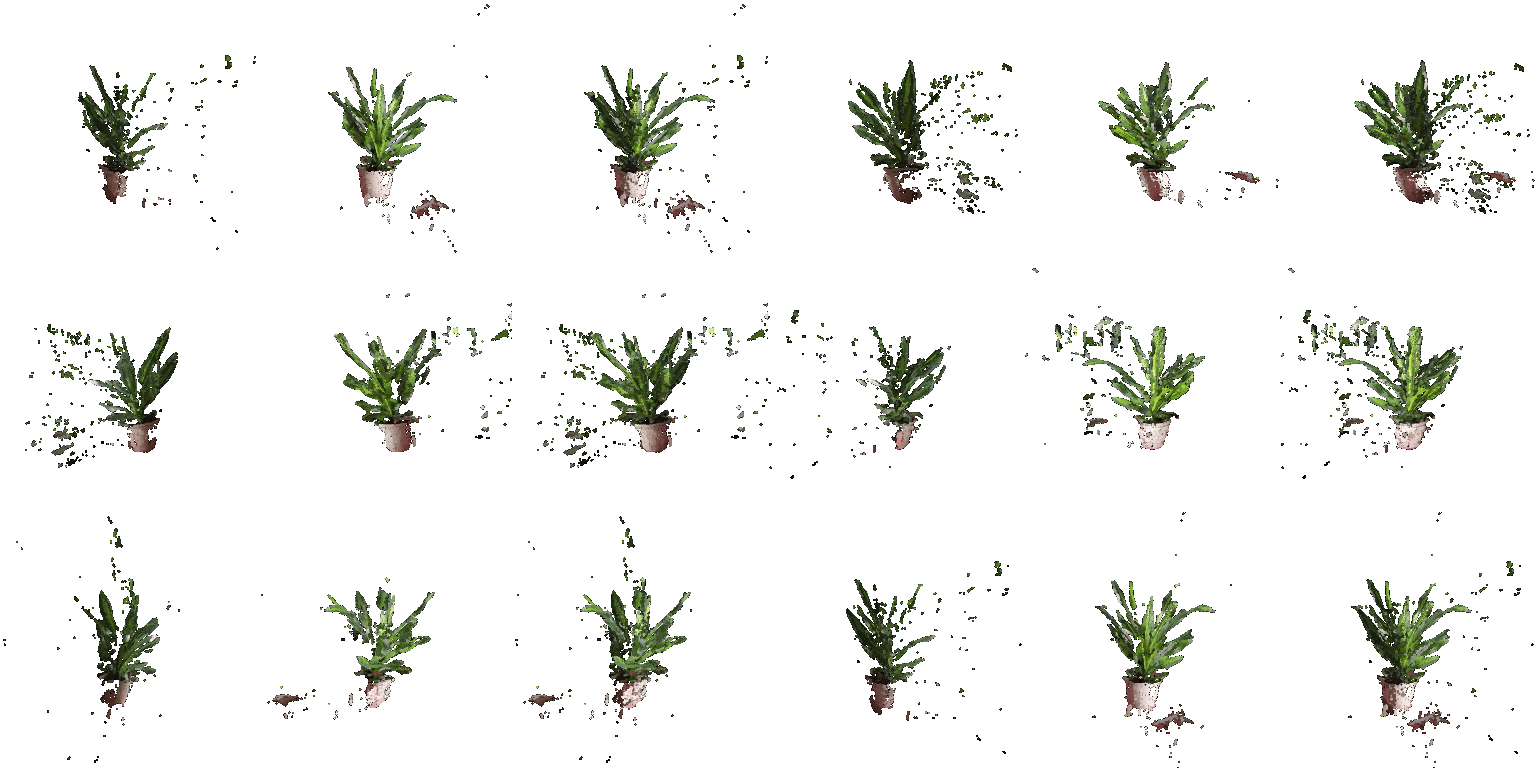
The first point cloud, the second point cloud, and the union of the two.
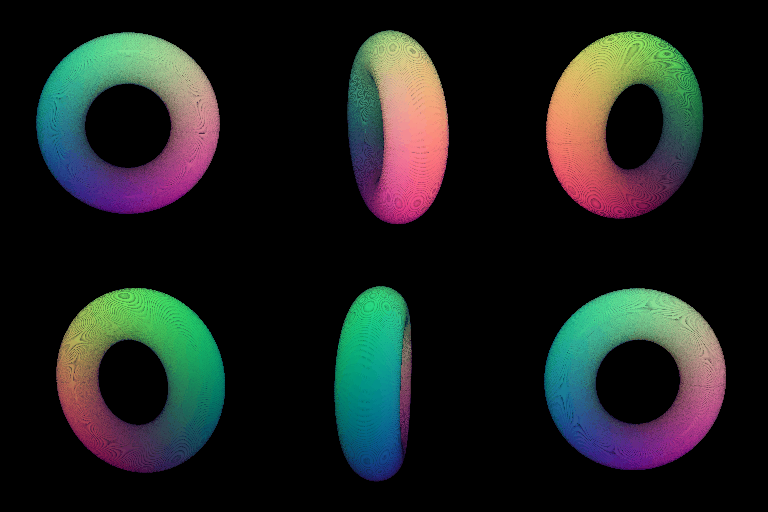
My own object, a cylinder:

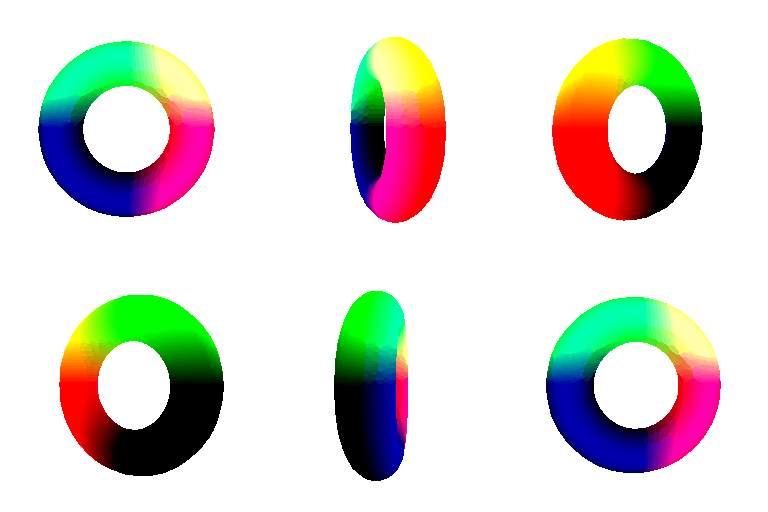
mesh:
good: easier and faster to render. The rasterizer fills every pixel inside a triangle, so even a low resolution mesh has no holes. It also supports lighting and shading because the faces give surface normals.
bad: I have to author the connectivity myself. For the cube I hand wrote 12 faces with consistent winding, and for the implicit torus I had to pick a bounding box, a grid resolution, and rescale the marching cubes output back to world coordinates. Changing topology is hard for meshes.
point cloud:
good: very easy to get and no connectivity to worry about, and memory grows as O(n2) with the sampling instead of O(n3) for a voxel grid.
bad: no connectivity means it is only an approximation of the surface, and the render quality depends on the point count against the splat radius rather than the geometry. PyTorch3D's point renderer also has no lighting, which is why I colored my point clouds by position.
My own object, a genus 2 surface:

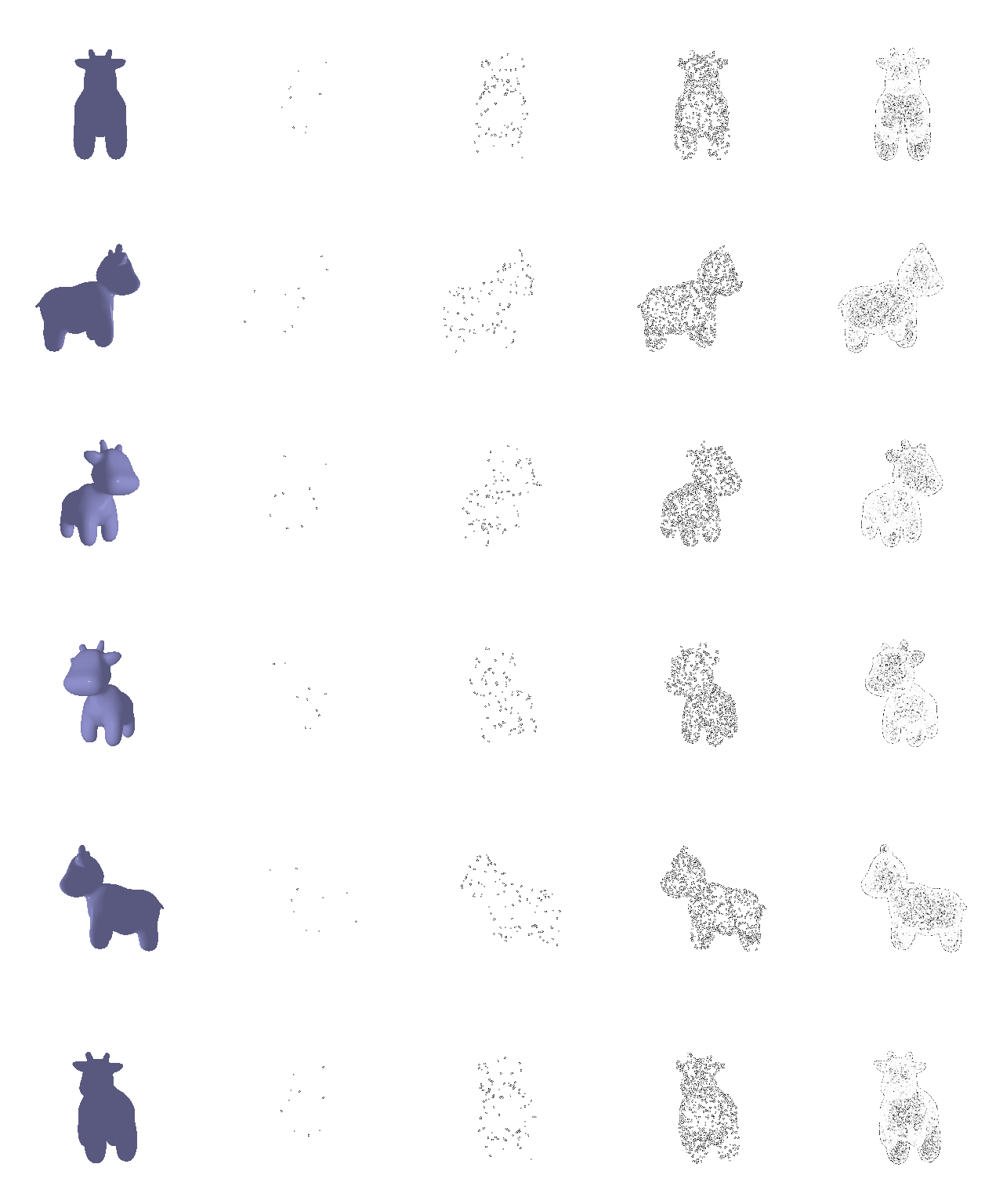
The original cow mesh, then 10, 100, 1000 and 10000 sampled points.