1.1 360-degree Cow Render

16-825 Learning for 3D Vision


Vertices: 4
Triangle faces: 4

Vertices: 8
Triangle faces: 12
I chose blue as color1 = [0, 0, 1] and red as color2 = [1, 0, 0].
For every vertex, its z-coordinate is normalized to obtain an interpolation value called alpha. The vertex color is then computed as:
color = (1 - alpha) * color1 + alpha * color2
Vertices with the smallest z-coordinate are blue, vertices with the largest z-coordinate are red, and the values between them form a smooth gradient.

R_relative changes the camera orientation, while T_relative changes the translation used to express world points in camera coordinates.
R_relative = [[ 0, 1, 0],
              [-1, 0, 0],
              [ 0, 0, 1]]
T_relative = [0, 0, 0]
This rotates the camera coordinate frame by -90 degrees around the z-axis, so the cow appears sideways.

R_relative = [[ 0, 0, 1],
              [ 0, 1, 0],
              [-1, 0, 0]]
T_relative = [-3, 0, 3]
This rotates the camera around the y-axis to produce a side view. The translation keeps the cow visible and approximately centered.

R_relative = identity
T_relative = [0, 0, 2]
The additional z translation increases the effective distance between the camera and cow, so the cow appears smaller.

R_relative = identity
T_relative = [0.5, -0.5, 0]
The x and y translations move the cow horizontally and vertically in the rendered image.

Each valid depth pixel is unprojected through its camera to create a 3D point. Its RGB value becomes the feature of that point. The union concatenates the points and colors from both views.


Torus point cloud:
major_radius = 1.0
minor_radius = 0.4

x = (major_radius + minor_radius * torch.cos(Theta)) * torch.cos(Phi)
y = minor_radius * torch.sin(Theta)
z = (major_radius + minor_radius * torch.cos(Theta)) * torch.sin(Phi)
My custom object, a cone:
radius = (1 - Height) / 2

x = radius * torch.cos(Theta)
y = Height
z = radius * torch.sin(Theta)


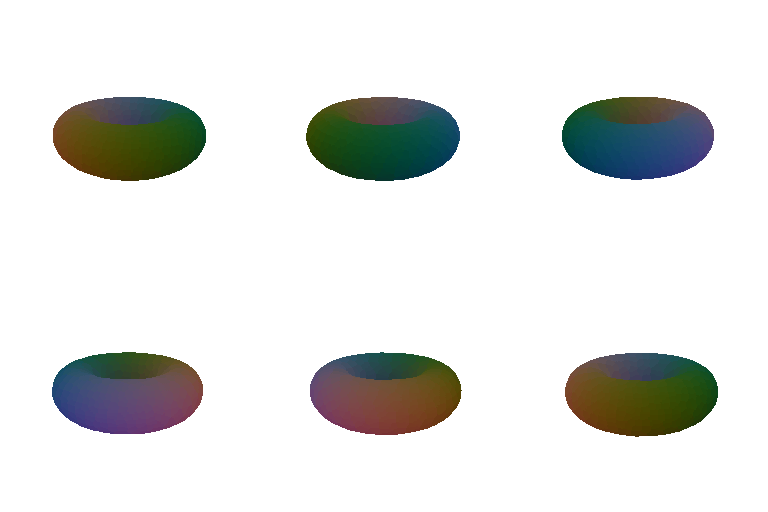
I evaluated each function on a voxel grid and used Marching Cubes to create a mesh. Torus function:
major_radius = 0.7
minor_radius = 0.3

voxels = (torch.sqrt(X**2 + Z**2) - major_radius)**2 \
         + Y**2 - minor_radius**2
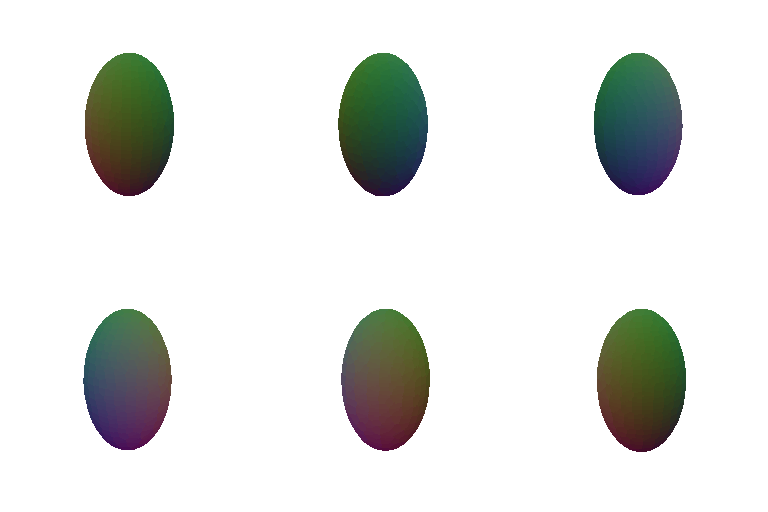
My custom object, an ellipsoid:
radius_x = 0.6
radius_y = 1.0
radius_z = 0.6

voxels = (X / radius_x)**2 \
         + (Y / radius_y)**2 \
         + (Z / radius_z)**2 - 1
| Representation | Advantages | Disadvantages |
|---|---|---|
| Point cloud | Simple to create and directly represents sampled surface locations. | Has no surface connectivity; sparse sampling may create visible gaps. |
| Mesh | Provides connected surfaces and supports smooth lighting and shading. | Requires faces and valid topology; extracting a mesh adds computation. |
I created animated cyan and magenta stripes on the cow. The stripe color changes with vertex height and animation phase while the camera completes a 360-degree orbit.

Triangles are selected with probability proportional to their surface area. Points are then sampled uniformly inside each selected triangle using barycentric coordinates. The comparison below shows the original cow mesh and point clouds containing 10, 100, 1,000, and 10,000 points.
