Assignment 1: Rendering Basics with PyTorch3D
16-825 Learning for 3D Vision · Fall 2026 · Jinxi He (ginh)
1.1 360-degree Renders (5 points)
A turntable render of the provided cow mesh: the camera orbits the origin at distance 3
with look_at_view_transform, sweeping the azimuth over a full revolution
(60 frames). A point light is attached to the camera center so every viewpoint is lit.

1.2 Re-creating the Dolly Zoom (10 points)
While the field of view widens, the camera dollies in, keeping \( d \cdot \tan(\mathrm{fov}/2) \) constant (anchored at distance 3, fov \(60^\circ\)) so the cow stays the same size in the frame. The subject holds still while the perspective of the ground plane stretches — the Vertigo effect.

2.1 Constructing a Tetrahedron (5 points)
The tetrahedron is built by hand: an apex above a triangular base, with every face wound counter-clockwise as seen from outside so all normals point outward. It has 4 vertices and 4 triangular faces — any 3 of the 4 vertices span a face, giving \( \binom{4}{3} = 4 \) faces.

2.2 Constructing a Cube (5 points)
The cube uses 8 vertices and 12 triangular faces: each of the 6 square faces is split into 2 triangles along a diagonal. Note the smooth-looking shading — PyTorch3D averages face normals at shared vertices, so the 90-degree edges are rendered as if they were rounded. Making the edges crisp would require duplicating vertices per face (24 vertices) so normals are not averaged across faces.
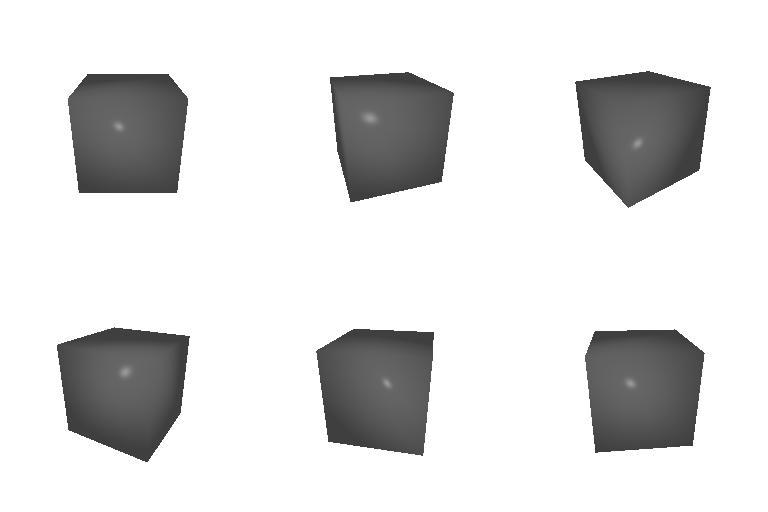
3 Re-texturing a Mesh (10 points)
Each vertex is colored by linearly interpolating between two colors according to its \(z\) coordinate (front of the cow at \(z_{\min}\), back at \(z_{\max}\)). I chose \( \mathrm{color}_1 = (0.1,\, 0.7,\, 0.9) \) (teal) for the front of the cow (smallest \(z\)) and \( \mathrm{color}_2 = (1.0,\, 0.5,\, 0.1) \) (orange) for the back (largest \(z\)) — a complementary pair that stays bright under Phong shading, so the gradient reads clearly from every viewpoint.

4 Camera Transformations (10 points)
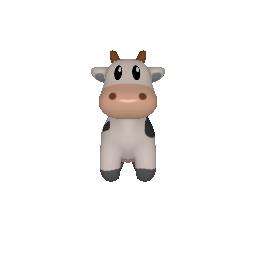
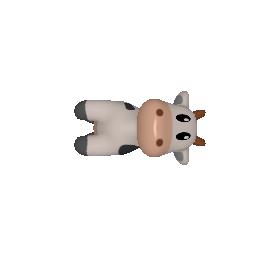
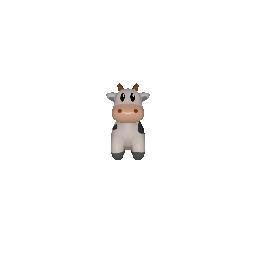
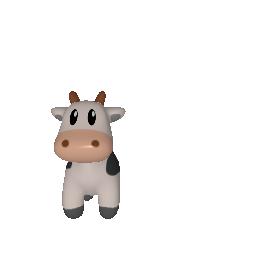
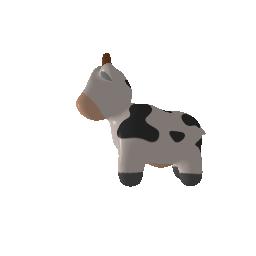
Starting from the base extrinsics \( R_0 = I \), \( T_0 = (0, 0, 3) \) (camera 3 units in front of the cow), each image below is produced by a relative transform with \( R = R_{\mathrm{rel}} R_0 \) and \( T = R_{\mathrm{rel}} T_0 + T_{\mathrm{rel}} \). In PyTorch3D's convention, \( R_{\mathrm{rel}} \) rotates the world as seen from the old camera, and \( T_{\mathrm{rel}} \) translates it in camera coordinates (\(+x\) is screen-left, \(+y\) is up, \(+z\) is away from the camera).
5.1 Rendering Point Clouds from RGB-D Images (10 points)
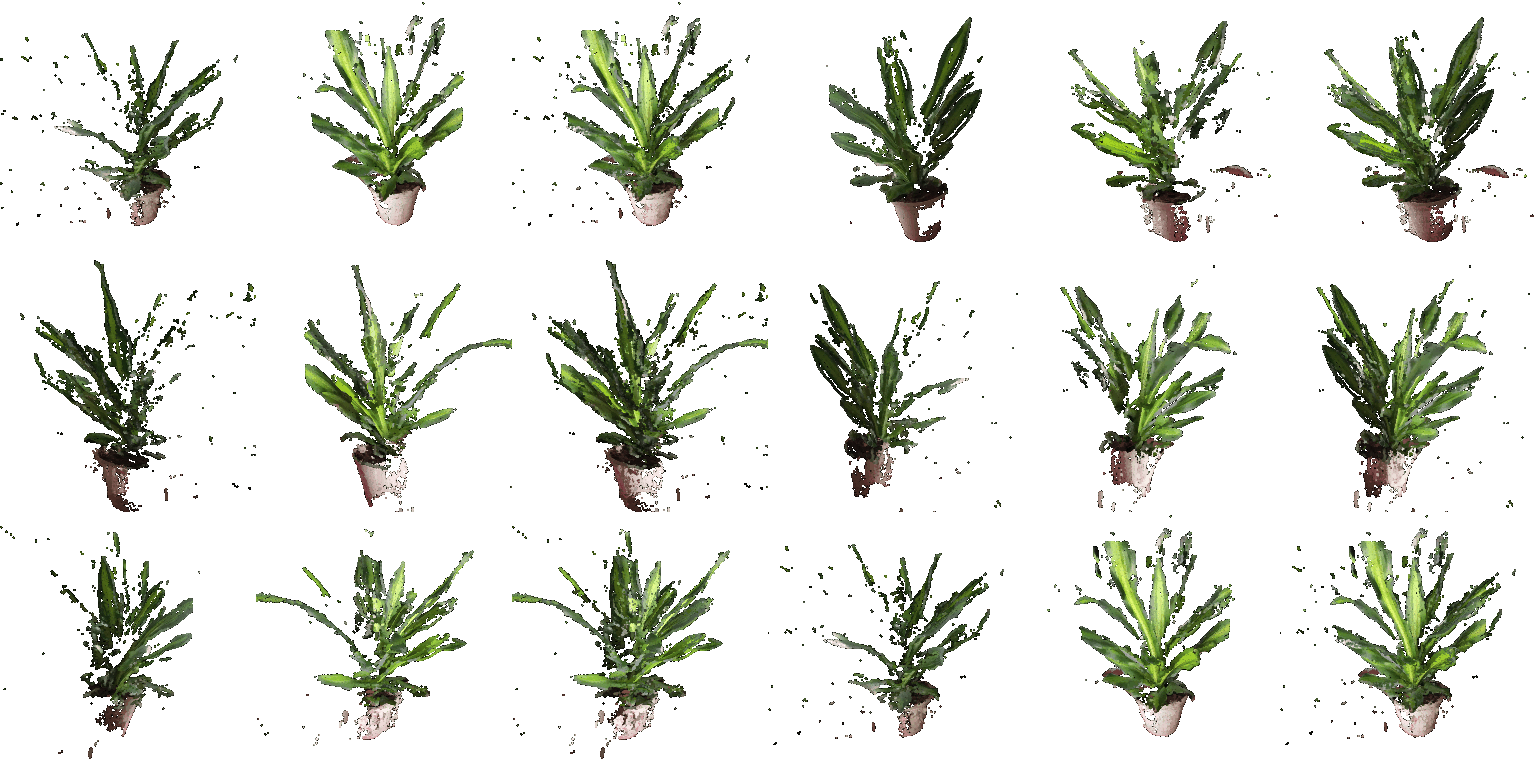
Each RGB-D image is unprojected with unproject_depth_image: every masked
pixel is cast along its viewing ray to its depth value using the camera intrinsics and
extrinsics, producing a colored 3D point in world space. Because both cameras place
their points in the same world frame, the union of the two clouds is a plain
concatenation — no alignment step is needed.
5.2 Parametric Functions (10 + 5 points)
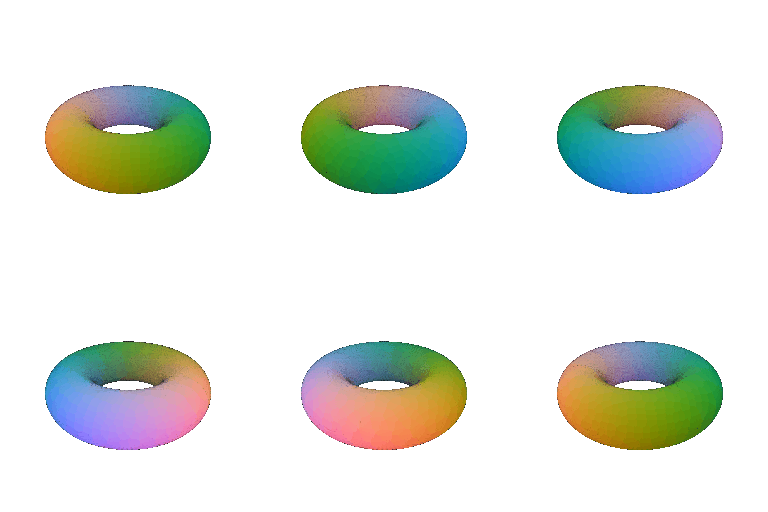
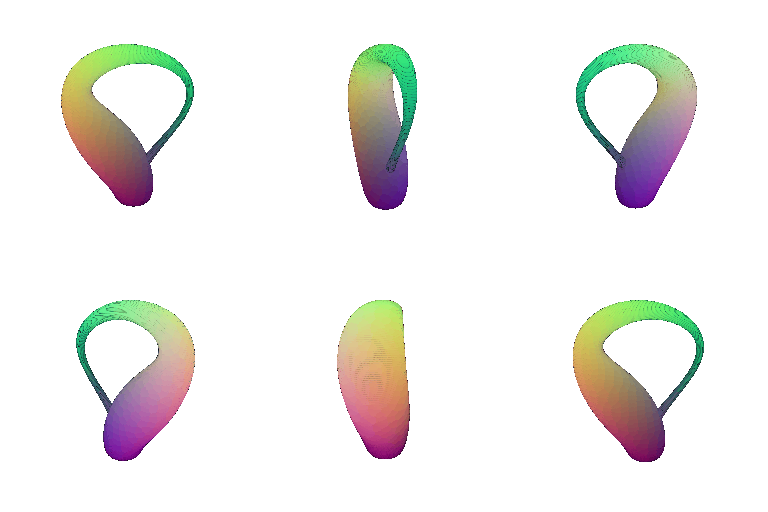
A torus point cloud is sampled from its parametric equation (ring radius \(R = 1\), tube radius \(r = 0.4\)): \[ x = (R + r\cos\theta)\cos\phi, \qquad y = r\sin\theta, \qquad z = (R + r\cos\theta)\sin\phi, \] with a \(200 \times 200\) grid over \( (\theta, \phi) \in [0, 2\pi)^2 \). The torus lies flat so the hole points up and stays visible from the elevated (30-degree) orbit. Points are colored by their normalized \(xyz\) position. As with the sphere example below, the sample count controls apparent surface density.


5.3 Implicit Surfaces (15 + 5 points)
The torus is defined implicitly by \[ F(x,y,z) = \left( \sqrt{x^2 + z^2} - R \right)^2 + y^2 - r^2 \] with \(R = 1\), \(r = 0.4\) (hole along \(+y\)). \(F\) is evaluated on a \(96^3\) voxel grid over \([-1.5, 1.5]^3\) and the mesh is extracted as the zero level set with marching cubes, then the vertices are mapped from voxel-index space back to world coordinates. The extracted mesh has 23,280 vertices and 46,560 faces.


Mesh vs. point cloud rendering trade-offs
- Rendering quality. The mesh is a continuous surface with normals, so it supports lighting/shading and correct occlusion of its own back side. The point cloud has no notion of surface: it receives no lighting, shows gaps between points, and lets background points shine through the front.
- Ease of use. The point cloud is trivial to generate — evaluate the parametric function on a grid. The mesh needs connectivity, which costs an extra algorithm (marching cubes) and a voxelization resolution choice; too coarse a grid produces visible faceting artifacts.
- Memory / scalability. For comparable visual quality the torus needed 40k points but only ~23k vertices + 47k faces as a mesh; more importantly, a mesh stays smooth under close-up viewing, while a point cloud must grow its point count (roughly quadratically with resolution) to remain dense-looking.
- Rendering speed. Both render in real time here; the mesh pipeline does extra work per pixel (interpolation + Phong shading), while the point pipeline's cost grows directly with the number of points splatted per pixel.
- Downstream use. Meshes support texturing, deformation (see part 6), simulation, and exact surface queries; point clouds are the native output of range sensors (see 5.1) and are easier to fuse across views.
6 Do Something Fun (+10 points)
A cartoon squash-and-stretch animation built purely by editing vertex positions: the
cow's legs (vertices below hip height) stretch downward, then its body vertically
squashes while widening sideways. The two deformations are continuous at the hip line,
and the sideways bulge ramps in smoothly so the surface never tears. Faces and the UV
texture are reused unchanged every frame (Meshes.update_padded), and the
sequence ping-pongs into a seamless loop.

7 Sampling Points on Meshes (+10 points)
Uniform surface sampling by stratified sampling: (1) pick a triangle with probability proportional to its area; (2) draw a uniform barycentric coordinate inside it using the square-root trick, \( (w_0, w_1, w_2) = (1 - \sqrt{u},\ \sqrt{u}(1 - v),\ \sqrt{u}v) \), which avoids the clustering that naive uniform weights produce; (3) the sample is the barycentric combination of the face's corners. Sampling faces by area keeps the density even where triangle sizes vary.
