Assignment 1
Geethika Hemkumar (Andrew ID: ghemkuma)
1. Practicing with Cameras
1.1 360-degree Renders
1.2 Re-creating the Dolly Zoom
2. Practicing with Meshes
2.1 Constructing a Tetrahedron

The tetrahedron mesh has 4 vertices and 4 triangle faces.
2.2 Constructing a Cube

The cube mesh has 8 vertices and 12 triangle faces (2 triangle faces per one face of the cube).
3. Re-texturing a Mesh

I used color1=[1, 0.7, 0.8] (pink) and color2=[0, 0, 1] (blue).
4. Camera Transformations
Transformation 1

This transformation defined by R_relative and T_relative rotates the camera 90 degrees counterclockwise around the z-axis. No translation is applied.
Transformation 2

This transformation defined by R_relative and T_relative rotates the camera around the y axis by 90 degrees clockwise. The camera translates 3 units to the left (in the increasing direction of the x axis) and 3 units backward (in the decreasing direction of the z axis).
Transformation 3

This transformation defined by R_relative and T_relative translates the camera by 2 units backward (in the decreasing direction of the z axis). No rotation is applied.
Transformation 4

This transformation defined by R_relative and T_relative translates the camera by 0.5 units to the right (in the decreasing direction of the x axis) and by 0.5 units up (in the increasing direction of the y axis). No rotation is applied.
5. Rendering Generic 3D Representations
5.1 Rendering Point Clouds from RGB-D Images
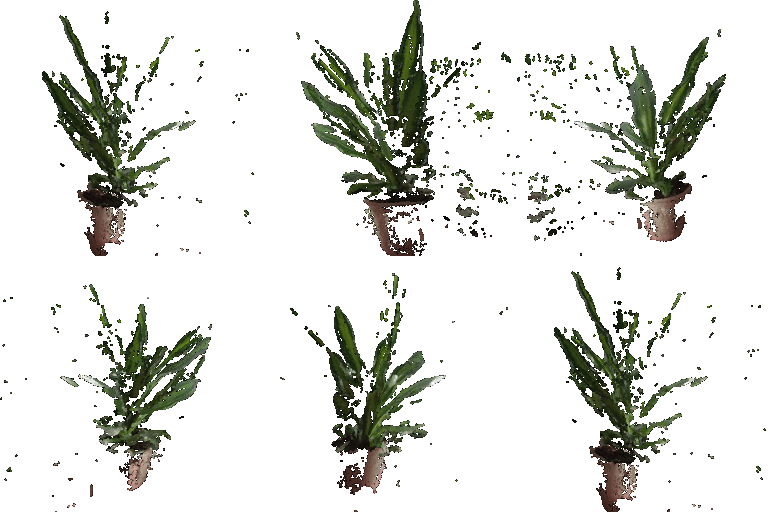
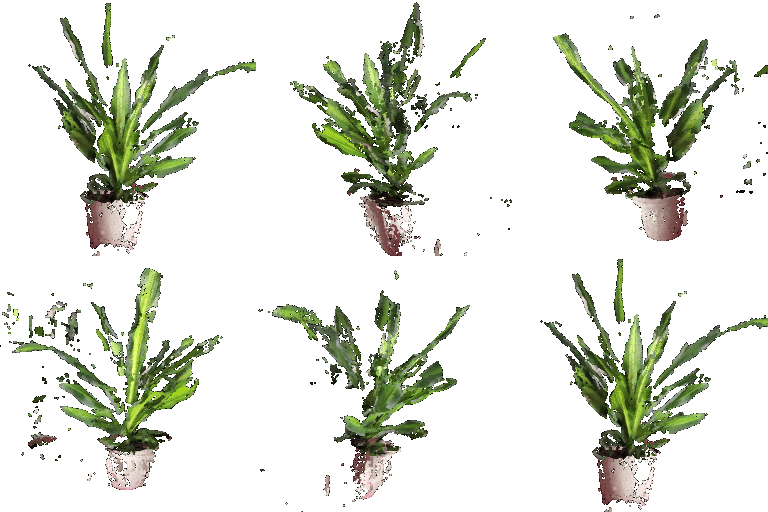
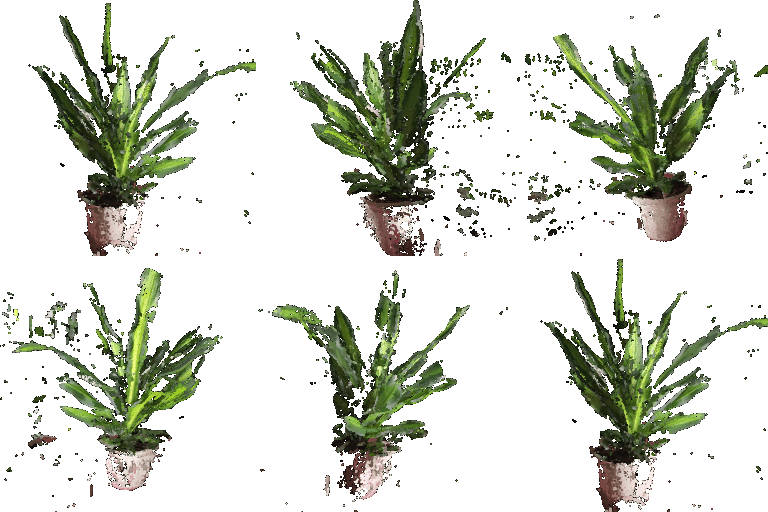
From left to right:
- The point cloud corresponding to the first image
- The point cloud corresponding to the second image
- The point cloud formed by the union of the first 2 point clouds
5.2 Parametric Functions
Torus Point Cloud Sampled from Parametric Function - 300 Samples
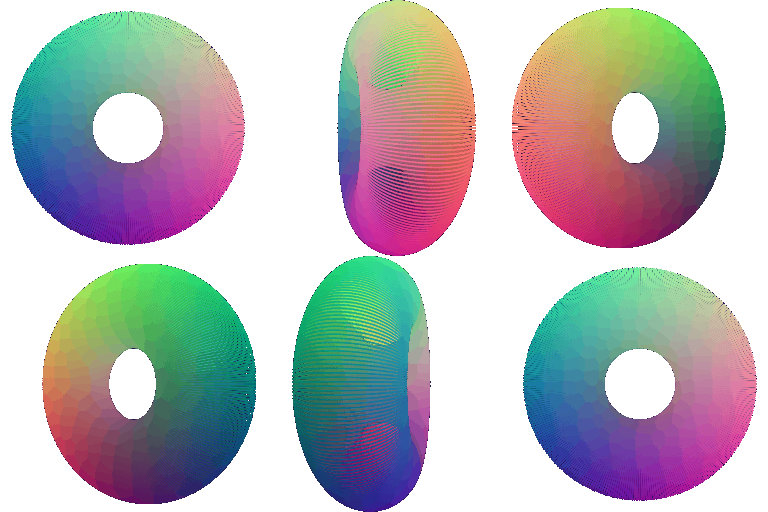
Chosen Object - Helicoid Point Cloud Sampled from Parametric Function - 300 Samples
Using $\alpha=-2$, parametric function is: $x=\rho\cos(\alpha\theta)$, $y=\rho\sin(\alpha\theta)$, $z=\theta$

Source: Wikipedia
5.3 Implicit Surfaces
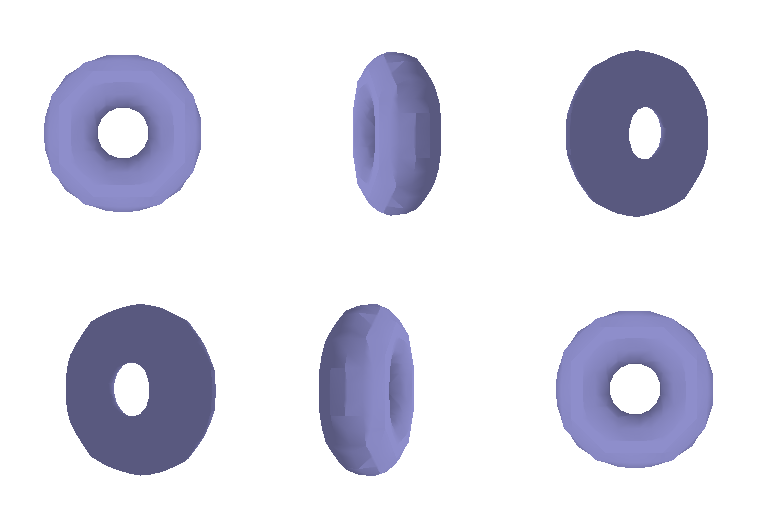
Torus Mesh Defined by Implicit Function
Tradeoffs Between Rendering as a Mesh vs Point Cloud
In terms of quality, rendering as a point cloud results in a smoother surface compared to the surfaces rendered as a mesh. For example, with the torus mesh, you can see the edges of the mesh are rougher compared to the edges of the torus in the point cloud. A voxel grid with a finer resolution (i.e., more cells) would be needed to obtain a smoother mesh.
The process of rendering a mesh from an implicit function, using a voxel grid with a voxel size of 64 ($64^3=262,144$ cells), was much faster than the process of rendering a point cloud with 300 samples per input variable to a parametric function ($90k$ points).
Together, this indicates a trade-off between rendering quality and speed. The mesh took less time to render, but the rendering quality is not as smooth/accurate as the point cloud which took more time to render.
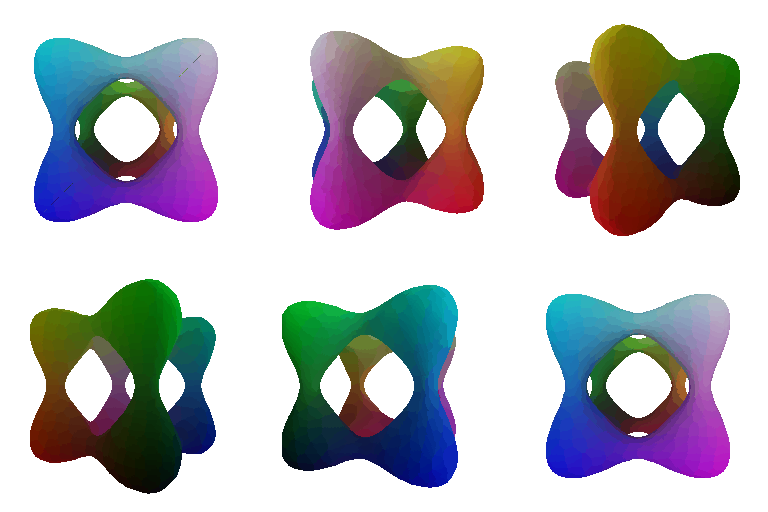
Chosen Object - Tanglecube Mesh Defined by Implicit Function
6. (Extra Credit) Do Something Fun
I downloaded a chair mesh from Free3D and retextured it with a texture map I found on ambientCG. Below is a 360-view animation of the retextured chair mesh.

Referenced docs: