Rendering Basics with PyTorch3D
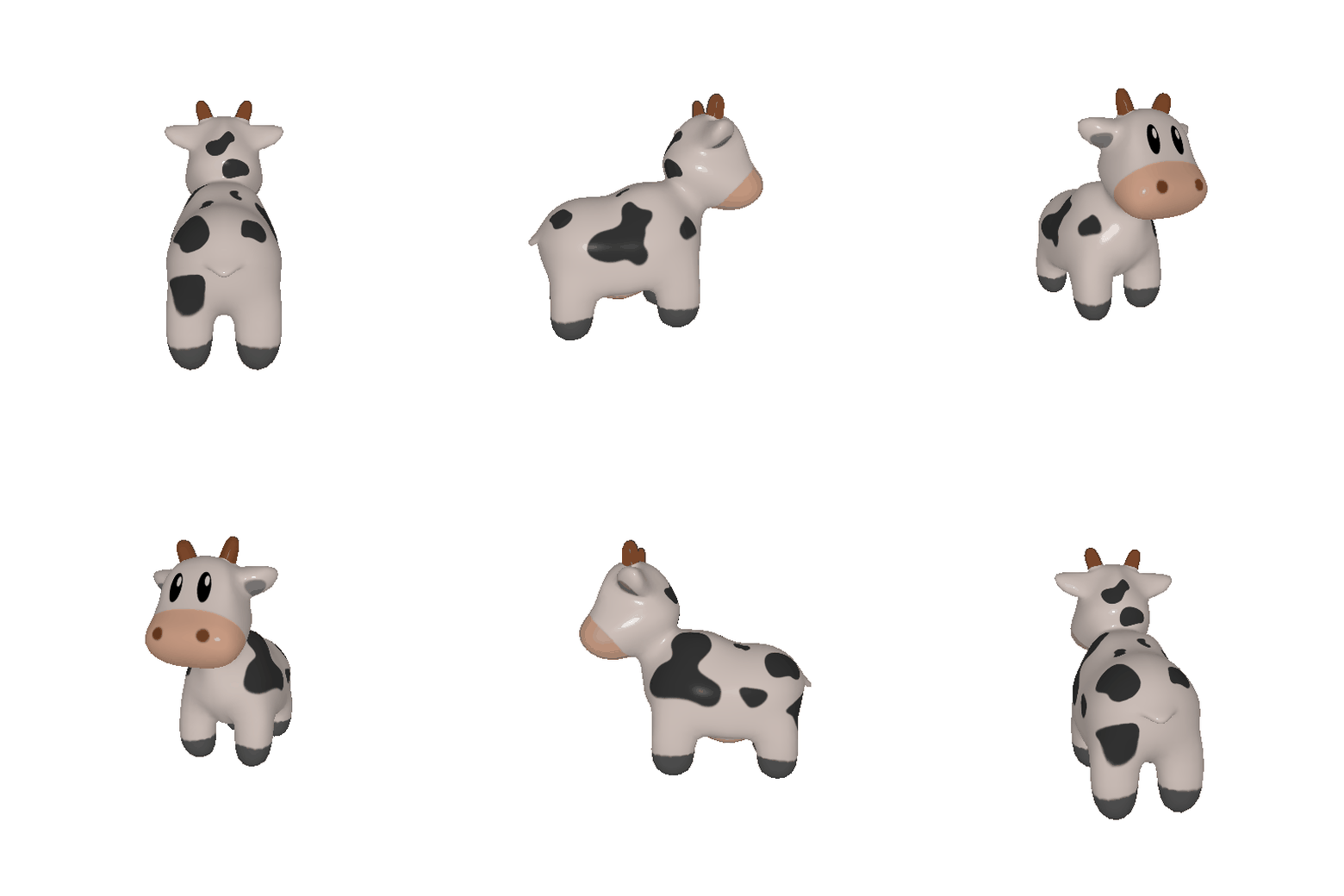
360-degree renders
look_at_view_transform turns a (distance, elevation, azimuth) triple into
the rotation and translation that take the world into view space. I sweep the azimuth
over a full turn at a fixed distance of 3 and an elevation of 10°, which gives 60
evenly spaced views, and save them at 15 fps.
We move the point light along with the camera to keep the side of the cow we are currently viewing lit.
Re-creating the Dolly Zoom
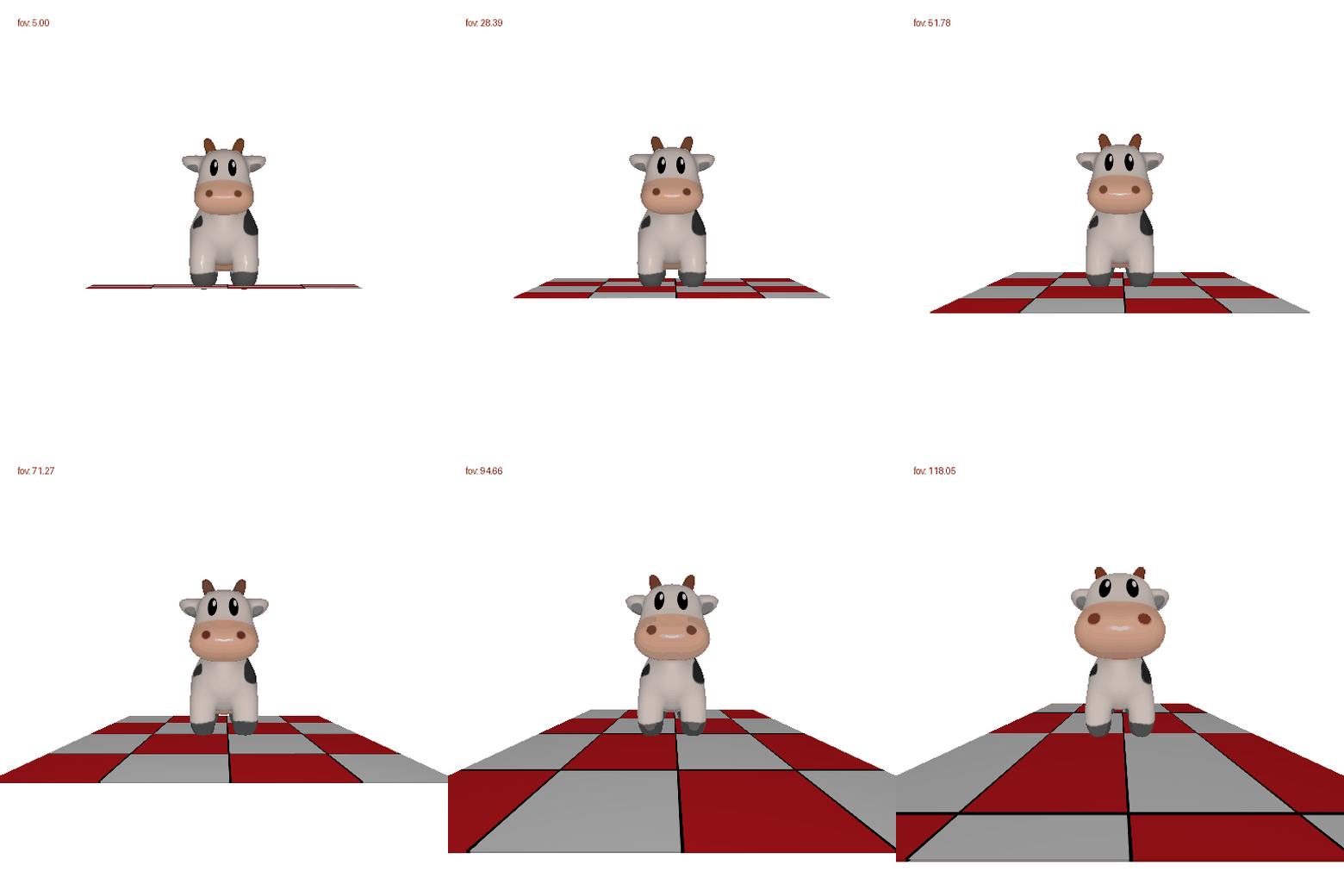
We change the focal length while moving the camera, so that the subject stays the same
size in frame. A subject of width w fills the frame when
tan(fov/2) = (w/2) / distance. Solving for the distance at
each field of view gives
Practicing with Meshes
Both meshes are written out by hand as a list of vertex coordinates and a list of vertex-index triples. The tetrahedron takes its four vertices from alternating corners of a cube, so every edge comes out the same length. The cube needs two triangles per square face.
- Tetrahedron vertices
- 4
- Tetrahedron faces
- 4
- Cube vertices
- 8
- Cube faces
- 12
Every face is wound counter-clockwise as seen from outside, so the shading normals
point away from the centre. We render both meshes using HardFlatShader
instead of Phong (which is the default) to better pronounce the edges. Phong's
smoothing operation makes the cube look like a ball.

Re-texturing a mesh
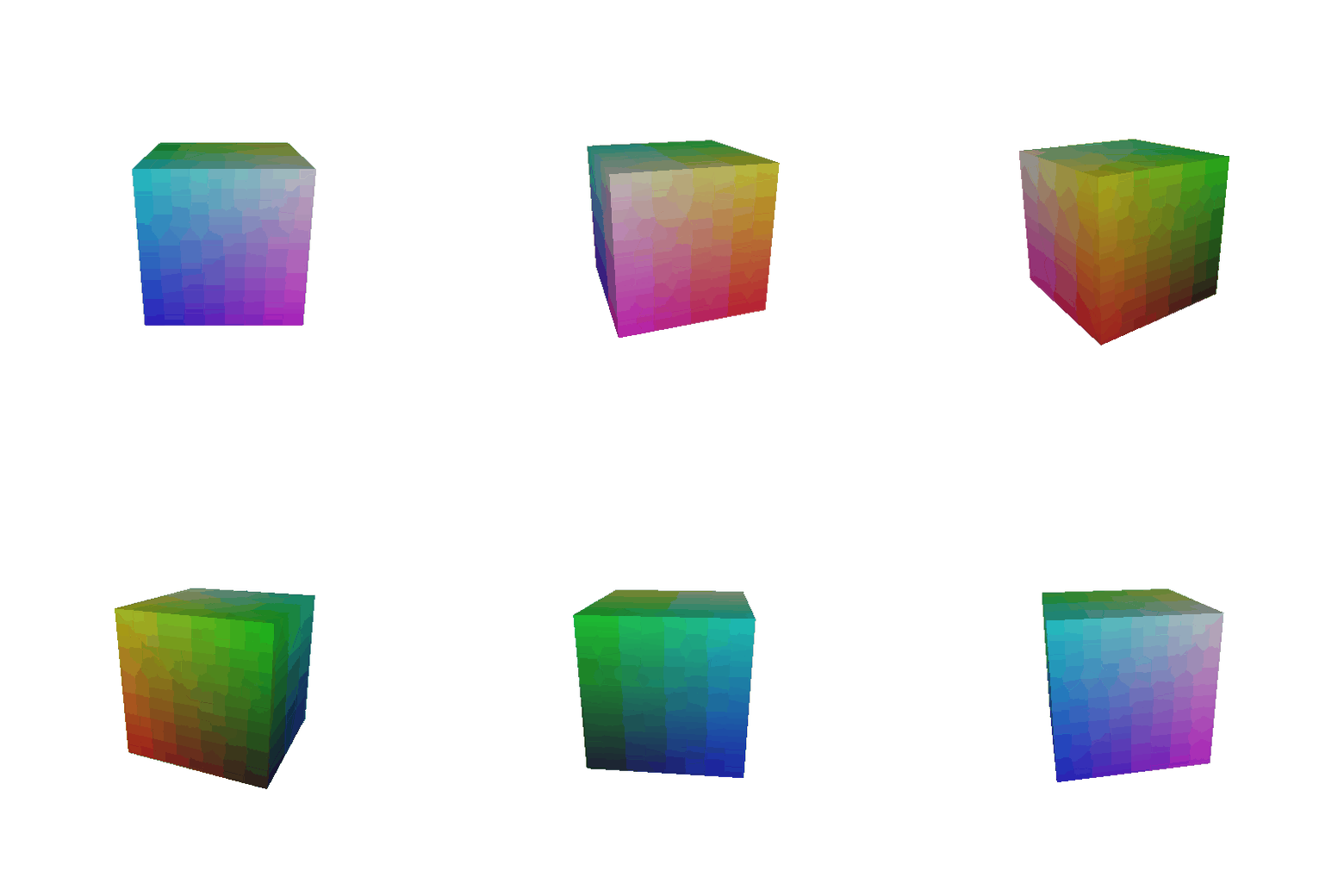
Each vertex gets a colour interpolated by where it sits between the frontmost and backmost vertex of the mesh:
I picked cyan and magenta instead of the blue and red in the handout because both are equally bright, so as the cow turns the gradient reads as a colour change rather than a change in shading.

Four relative camera transformations
The extrinsics are rebuilt as R = R_relative @ R_0 and
T = R_relative @ T_0 + T_relative, starting from
R_0 = I and T_0 = [0, 0, 3]. PyTorch3D maps world points
into view space with p_view = p_world @ R + T, in a frame where
+x points left, +y points up, and +z points away from the camera
— that sign convention is what decides the direction of every shift below.
| Result | R_relative | T_relative | What it does |
|---|---|---|---|
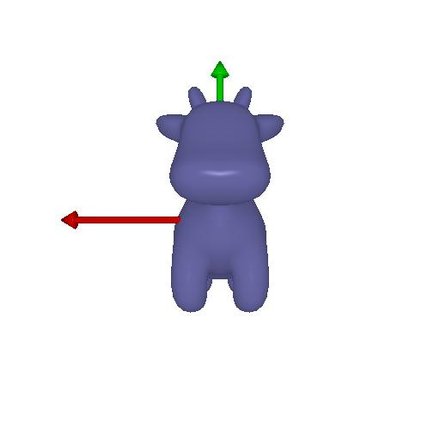 |
[ 1 0 0 ] [ 0 1 0 ] [ 0 0 1 ] | [0, 0, 0] | Reference. Identity rotation, camera 3 units in front of the cow. |
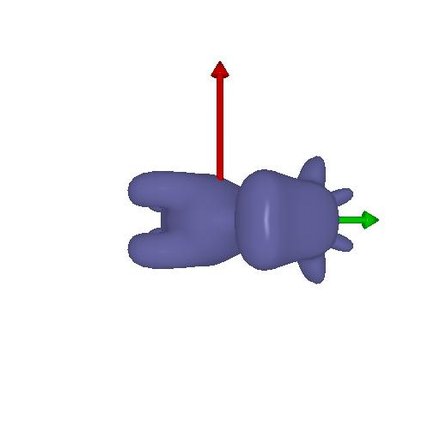 |
[ 0 1 0 ] [-1 0 0 ] [ 0 0 1 ] | [0, 0, 0] | Roll 90° about the optical axis. The camera never leaves its spot, so the cow keeps its size and position — the whole image just spins 90° clockwise. |
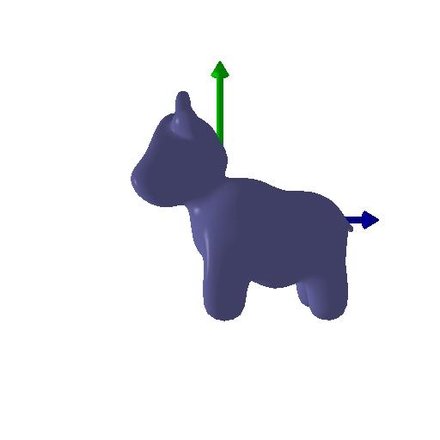 |
[ 0 0 1 ] [ 0 1 0 ] [-1 0 0 ] | [-3, 0, 3] | Orbit a quarter turn. The yaw about y alone would swing the camera off
the subject, so |
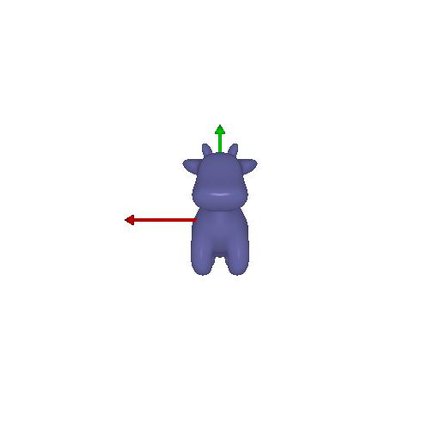 |
[ 1 0 0 ] [ 0 1 0 ] [ 0 0 1 ] | [0, 0, 2] | Dolly straight back. No rotation; 2 more units along the viewing direction takes the camera from 3 to 5 units away, so the cow shrinks but holds its pose. |
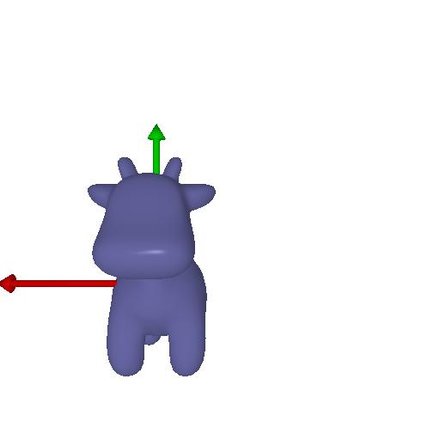 |
[ 1 0 0 ] [ 0 1 0 ] [ 0 0 1 ] | [0.5, -0.5, 0] | Slide within the image plane. +x is left and +y is up in camera space, so this pushes the cow half a unit left and half a unit down — equivalently, the camera itself dollies right and up. |
Point clouds from RGB-D images
Two RGB-D captures of the same plant from the Common Objects in 3D dataset are
unprojected into world space with unproject_depth_image, which casts a
ray through every masked pixel and stops it at that pixel's depth. Left to right:
image 1 alone, image 2 alone, and the union of the two.
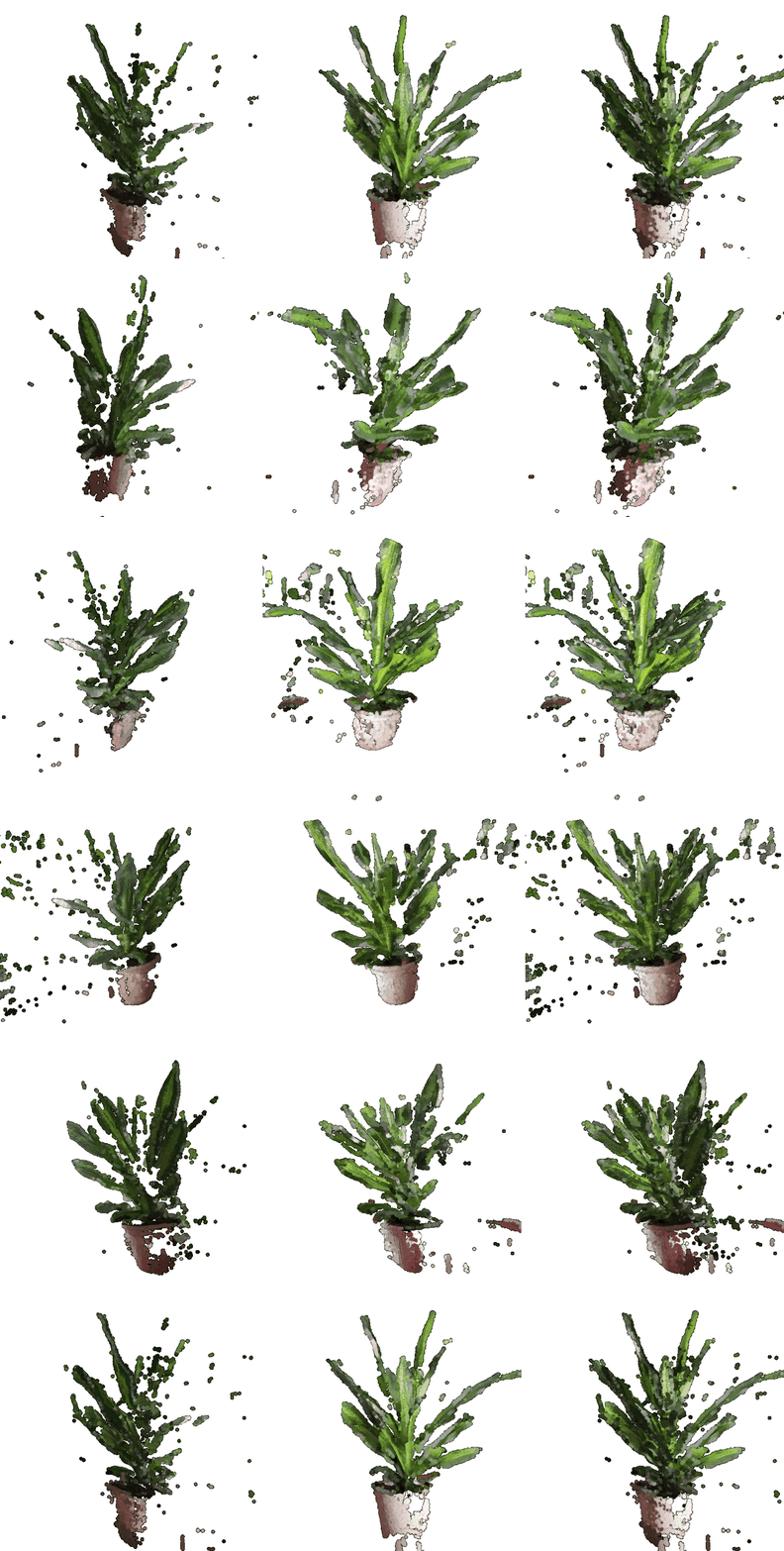
Each single-view cloud is hollow: it only holds the surface that camera could see, so swinging round the back of image 1 shows the inside of the leaves and a plant-shaped void. The union fills in most of that, but the seam is still visible — two views are not enough to close a plant.
62,386 of the 125,035 pixels inside the mask for image 1 have a depth of exactly 0,
meaning no depth was measured there (image 2 has 21,562 such pixels). Unprojecting
them divides by zero and gives NaN points, which makes the whole render
come out blank. So I intersect the mask with depth > 0 before
unprojecting, and drop the last 0.5% of points by distance from the median to get rid
of a few stray depth outliers.
The CO3D cameras also see the plant upside down compared to PyTorch3D's +y-up turntable convention, so I rotate the cloud 180° about z before rendering. This only affects the view; the geometry is unchanged.
Parametric functions
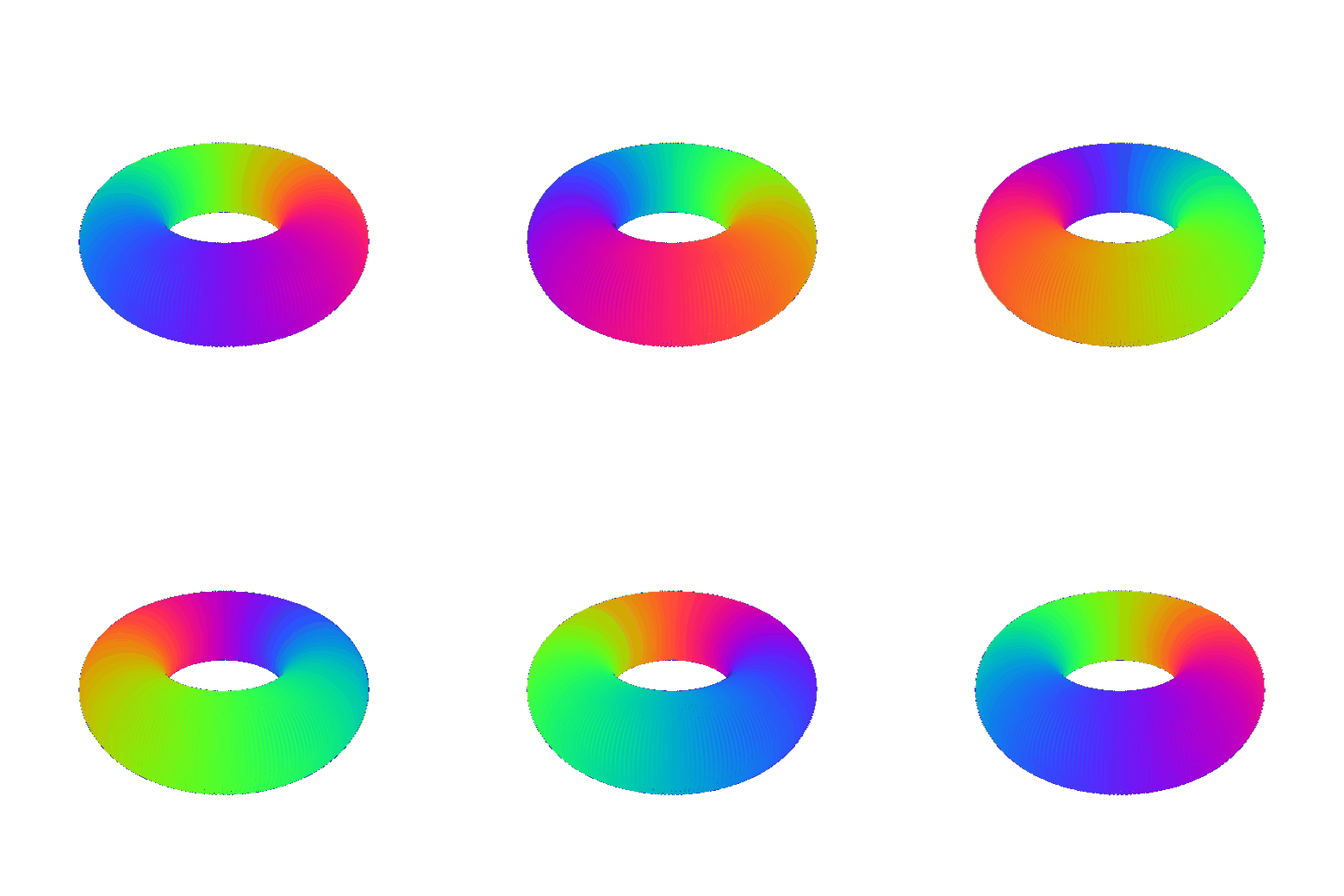
A torus is the surface swept by a small circle of radius r riding around
a large circle of radius R. Sampling both angles on a 250×250 grid
gives 62,500 points:
Putting the torus axis along +y and viewing from 35° of elevation
keeps the hole open through the entire turn, instead of only at the two frames where
it happens to face the camera. Colour runs with phi, so the sweep of the
parameterisation is visible in the texture itself.
For the second object I swept a tube along a trefoil knot. The centre
curve is p(t) = (sin t + 2 sin 2t, cos t − 2 cos 2t, −sin 3t);
at each t a Frenet frame is built from p' and p'',
and a circle of radius 0.35 is carried around the curve in the normal-binormal plane.
That is what makes the tube keep a constant thickness through the twists rather than
pinching where the curve bends hardest.

Implicit surfaces
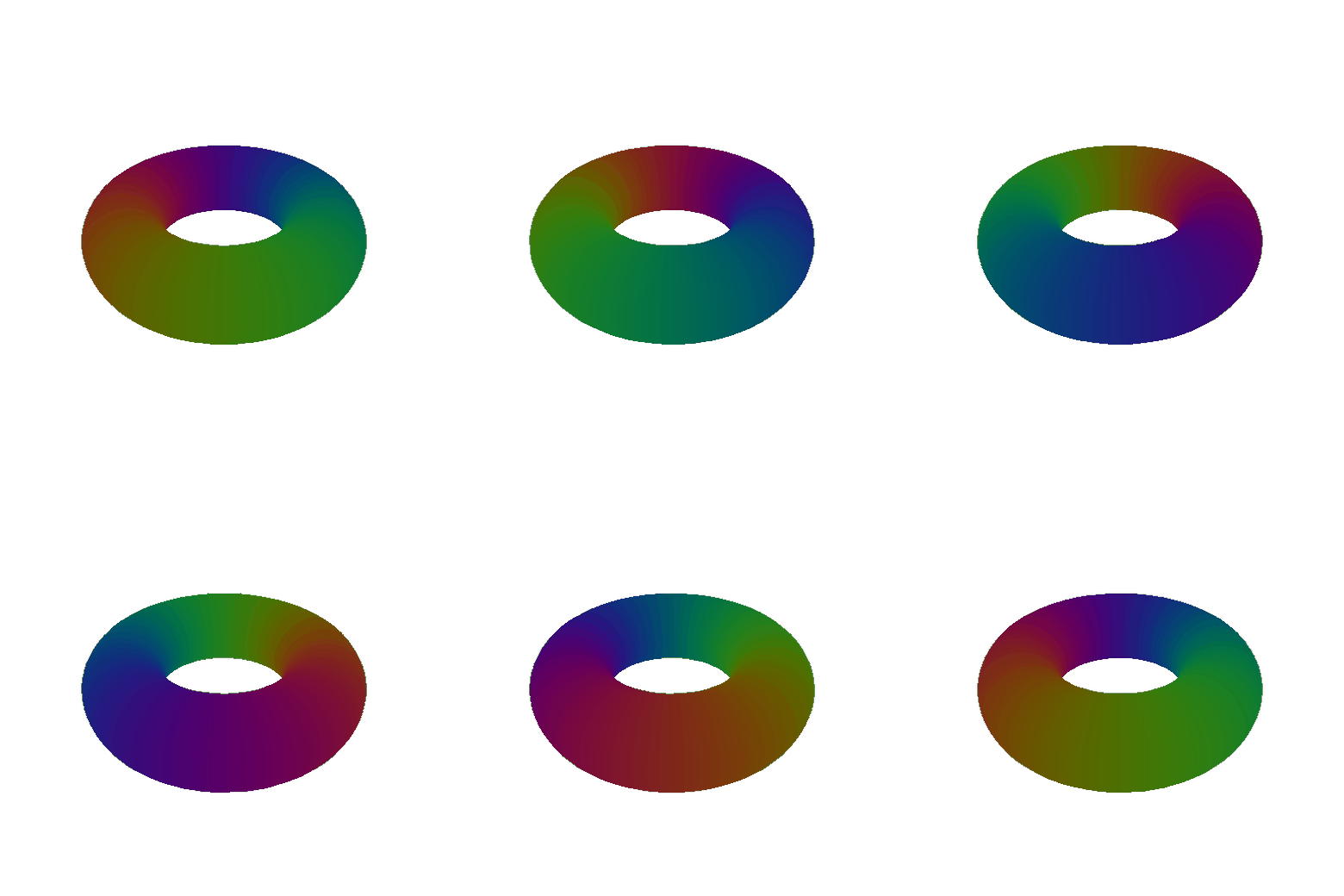
The same torus, this time as the zero level set of a function evaluated on a 128³ voxel grid and turned back into triangles by marching cubes. A point lies on the surface when its distance to the central ring, measured in the xz plane, equals the tube radius:
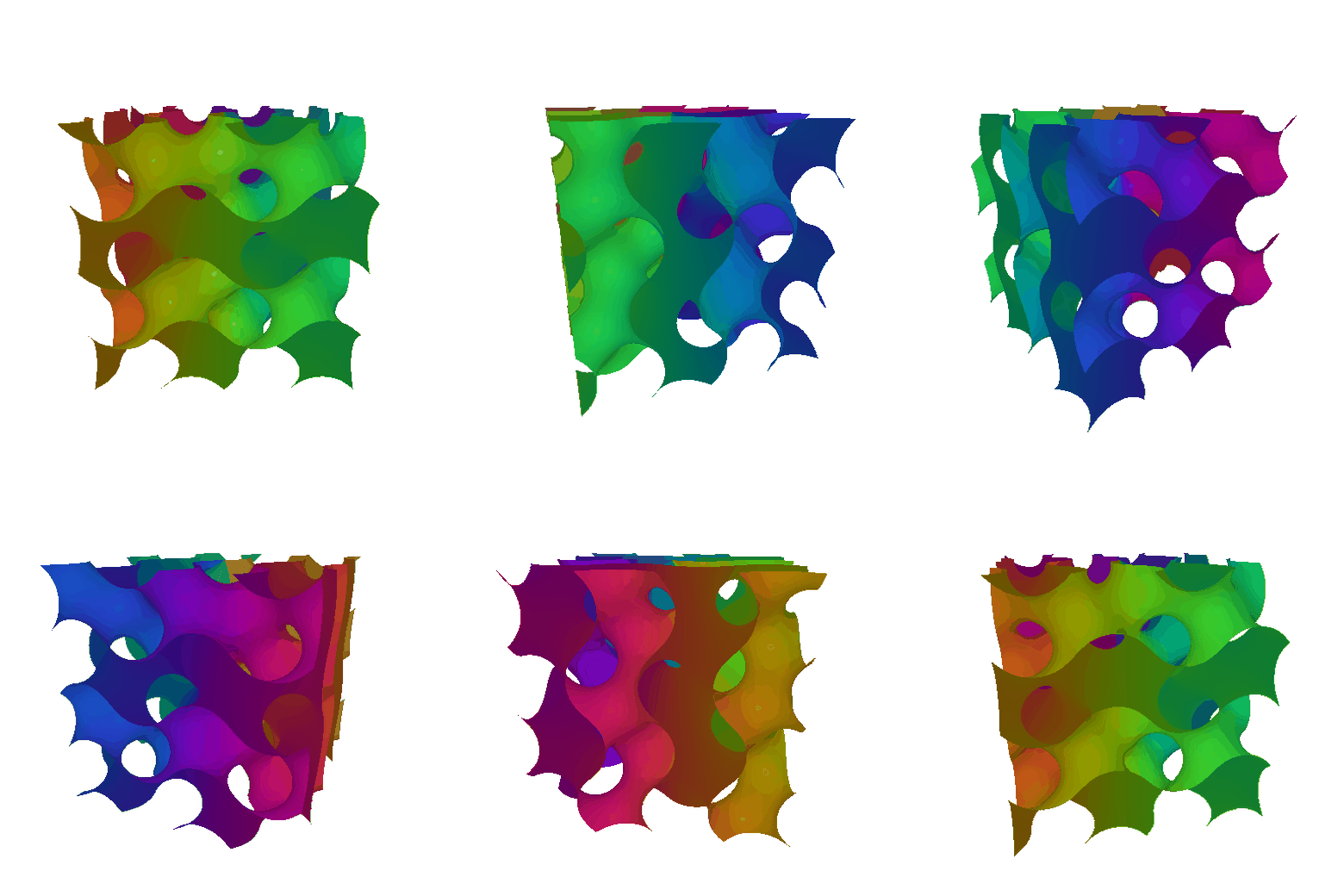
For the second object I used a gyroid, a triply periodic minimal surface. It has a one-line implicit form but no simple parametric form, so it is a good fit for this representation.
Mesh vs point cloud as 3D representation
Meshes are object centric, which lets us do further processing on them — animation, articulation, relighting, PBR. Point clouds are not object centric, so all of that is very hard to do. On rendering speed, meshes are O(F) in the number of faces and point clouds are O(N) in the number of points. Faces are usually about twice the number of vertices, so for the same vertex count you can expect a mesh to take roughly twice as long. That is not a fair comparison though, because it depends entirely on how many faces and how many points each representation needs, and that depends on what is being represented: a flat wall can be a cube of 12 faces no matter how big it is, while a point cloud of the same wall needs far more points, and how many it needs often depends on viewing distance. For learning and generating 3D shapes, meshes are discrete and non-differentiable, so the community has had more success with Gaussian splats and point clouds, which are continuous and differentiable.
Something fun
Three pieces, each built only from the primitives this assignment already asked for.
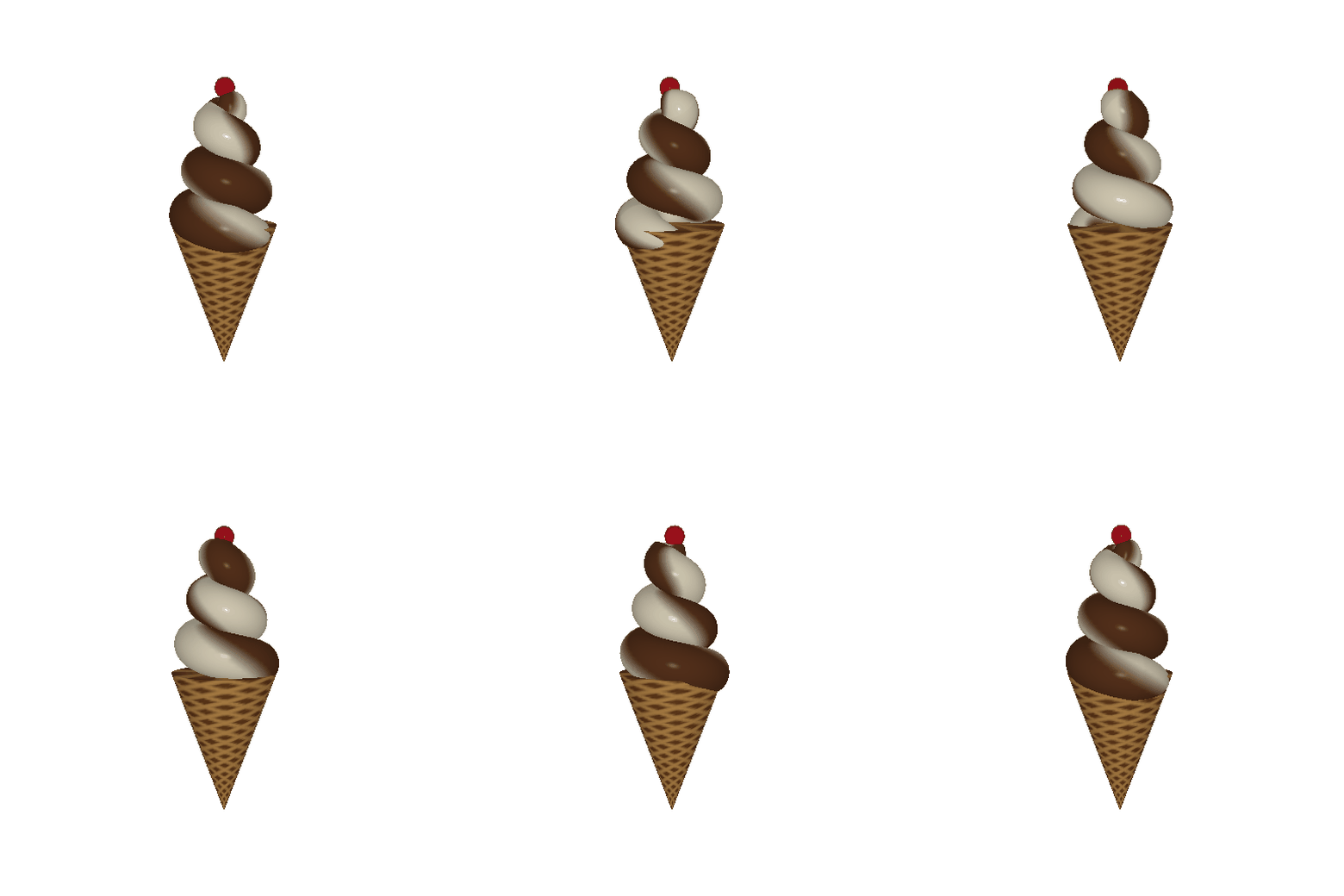
A soft serve cone
The cone is a tube whose radius grows linearly from the tip to the rim. The waffle pattern comes from two families of helical grooves written into the vertex colours.
The ice cream is the shape a dispenser lays down when the cone is moved in circles underneath it, so it is a tube swept along a helix whose radius shrinks as it climbs:
I set the pitch close to the tube diameter so consecutive loops just touch and the groove stays visible instead of merging into a blob. The tube radius goes to zero at both ends, which closes the surface without any caps — the top end becomes the peak. The frames along the curve come from parallel transport instead of a Frenet frame, which would spin and twist the tube wherever the curve is nearly straight. The two flavours are a colour split that rotates around the tube at the same rate the swirl turns, so the ribbons stay side by side all the way up.
Cow, dissolved
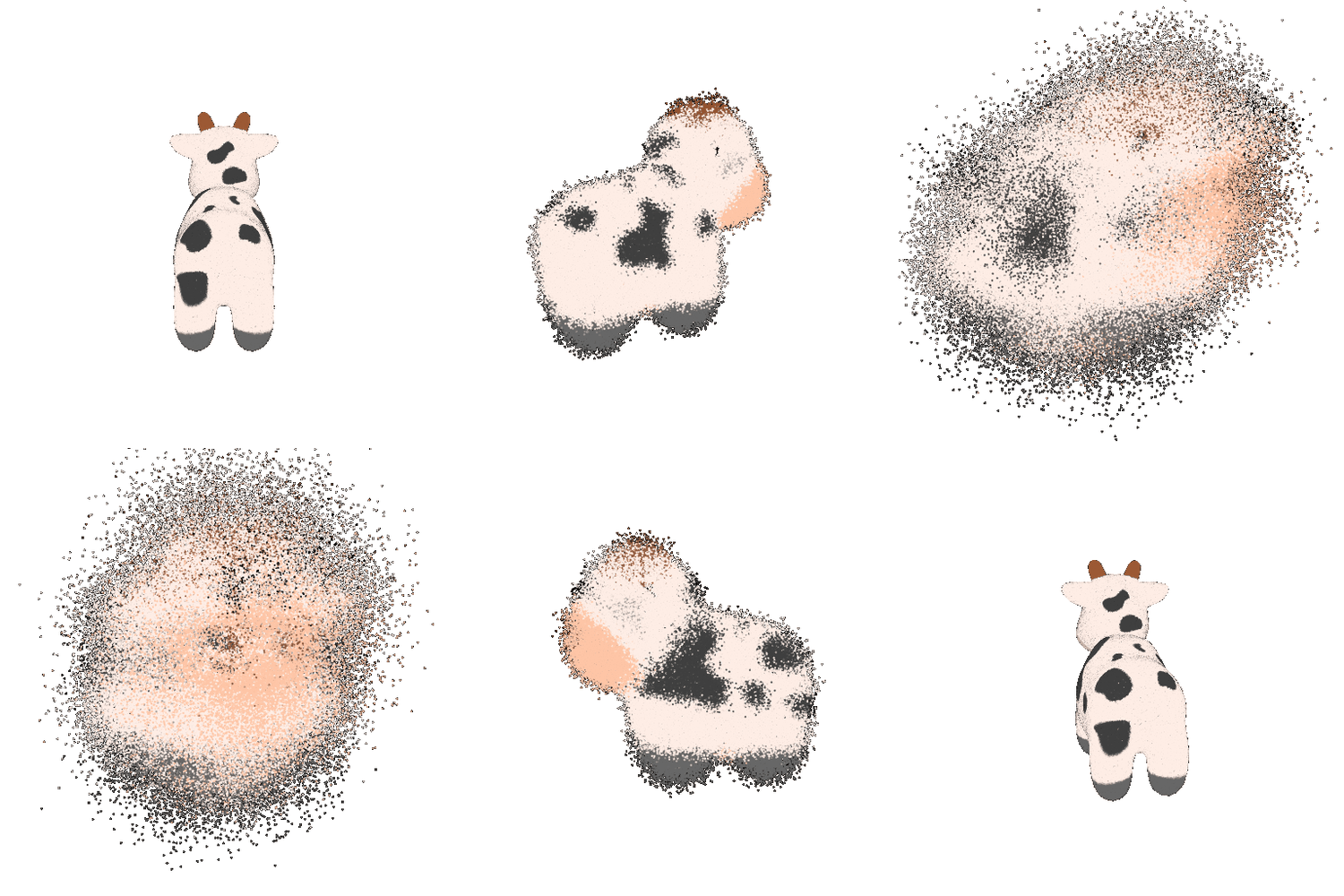
200,000 points are drawn from the cow's surface with the area-weighted sampler from question 7, each one keeping the colour of the texture at its exact barycentric location. Every point then rides outward along the normal of the face it came from, with its own randomised speed so the cloud smears instead of expanding as a rigid shell, and twists about the vertical axis. The displacement follows a raised cosine, so the cow blows apart and reassembles in one loop while the camera keeps turning.
Still life with every representation
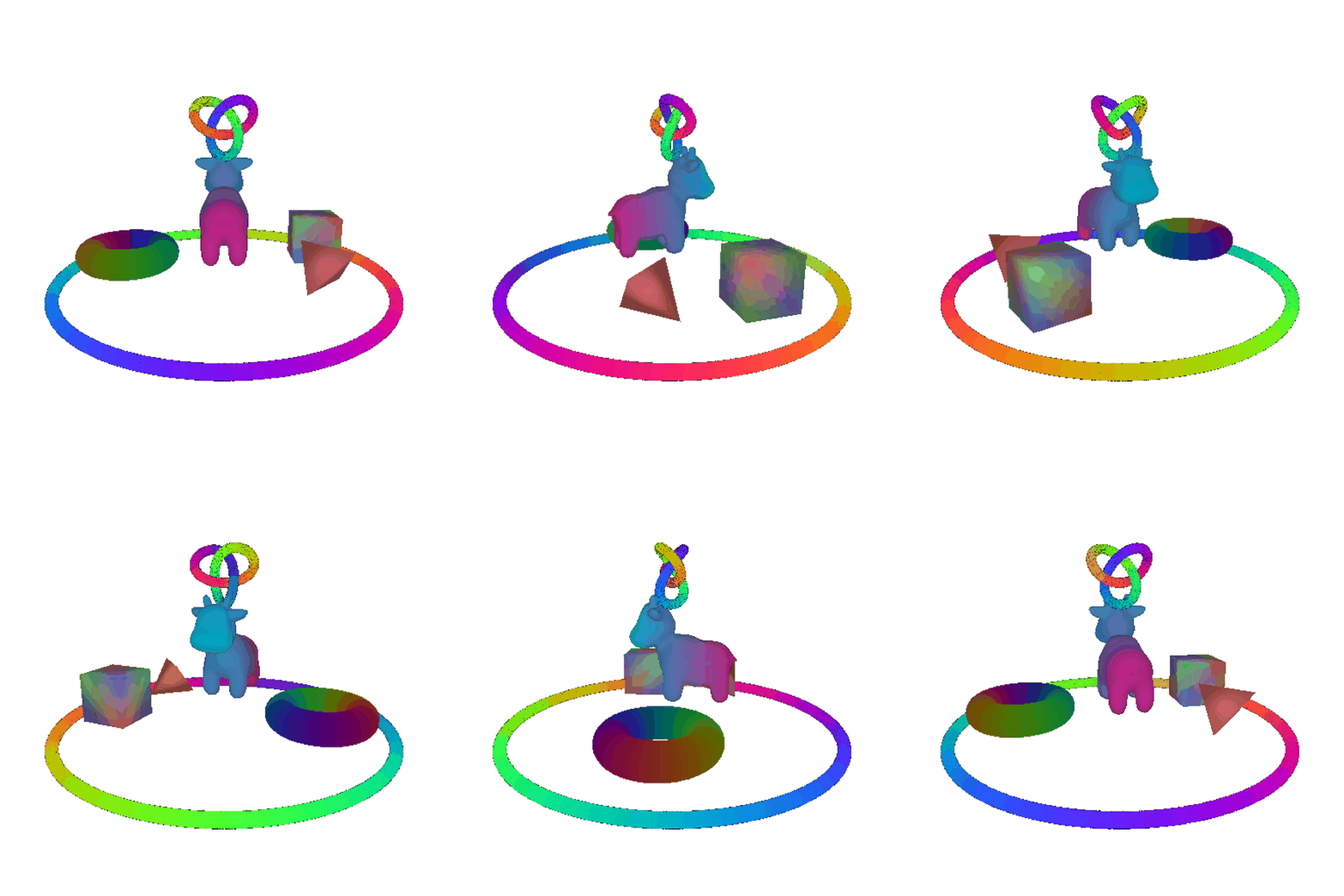
One scene holding all four things built here: the re-textured cow and the hand-built cube and tetrahedron as meshes, the marching-cubes torus as an implicit surface, and the trefoil knot and an orbiting ring as point clouds.
The interesting part is the compositing. PyTorch3D's mesh renderer and point renderer are separate pipelines, so naively drawing one over the other makes the ring float in front of everything. Instead both rasterizers are run against the same cameras and their z-buffers compared per pixel, keeping whichever surface is genuinely nearer — which is why the ring correctly passes behind the cow on the far side of its orbit.
Sampling points on a mesh
Treating a mesh's vertices as a point cloud over-represents wherever the tessellation happens to be dense. Stratified sampling fixes that in three steps:
- Pick a face with probability proportional to its area, using
|e₁ × e₂| / 2as the area and onetorch.multinomialdraw. - Pick a barycentric coordinate uniformly. Sampling
(u, v)in the unit square and reflecting theu + v > 1half back across the diagonal gives a uniform distribution over the triangle — rejection sampling without the rejections. - Evaluate the triangle at that barycentric coordinate. The same weights also interpolate the face's UVs, so each sampled point can be coloured from the cow's actual texture map rather than a flat fill.

Ten points barely suggest a volume. A hundred pick out the silhouette and the legs. A thousand read unmistakably as a cow but you can still see straight through the body from any angle. Ten thousand recover the black-and-white markings, which is the point: because faces are drawn in proportion to area, the samples land evenly across the surface, and the texture survives the conversion.