Learning for 3D Vision - HW1
Name: Arnav Samal, Andrew ID: asamal
1
1.1

1.2

2
2.1

There are 4 vertices and 4 triangle faces
2.2
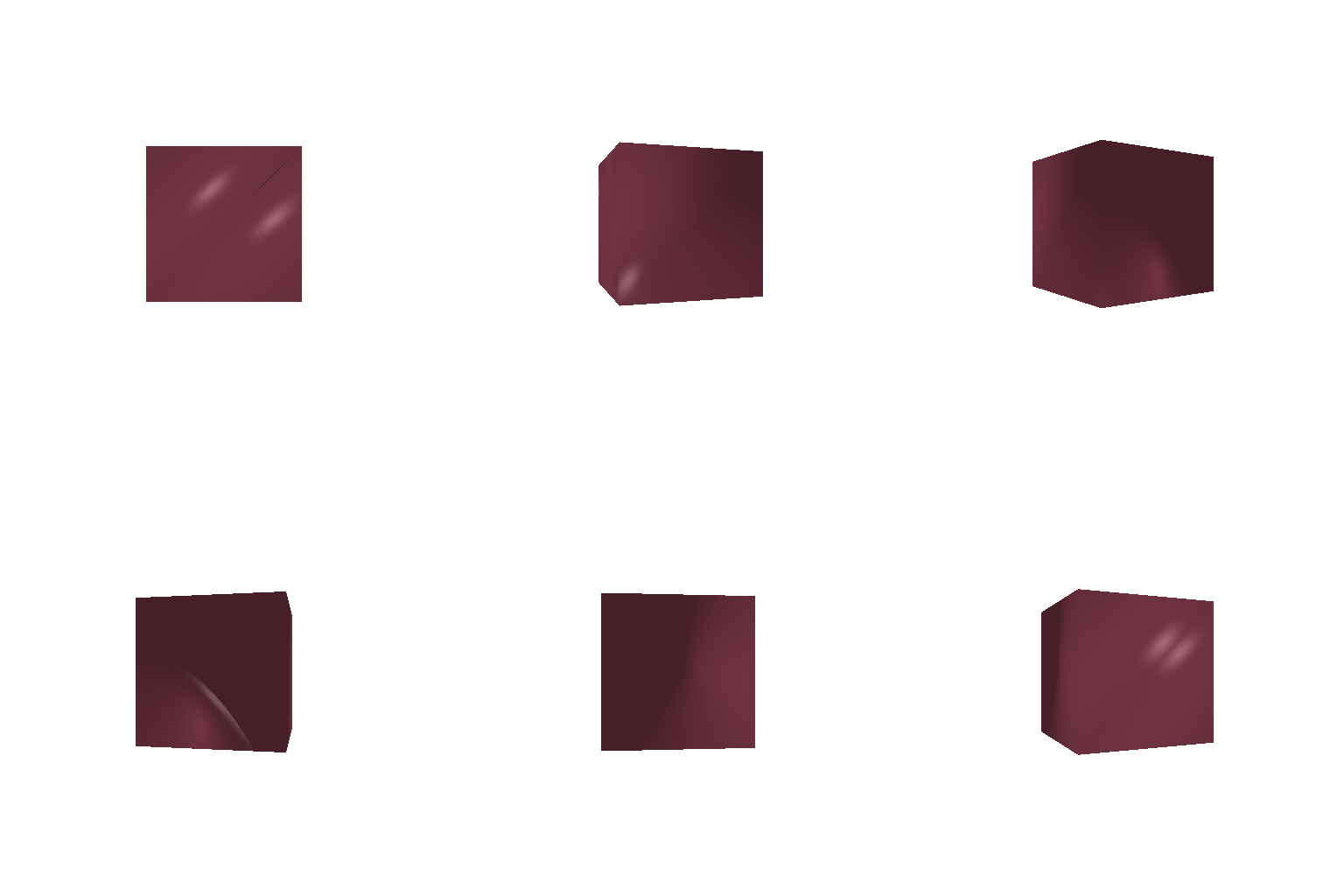
There are 8 vertices and 2 x 6 = 12 triangle faces
3

Chose the Golden State Warrior's colors (blue and yellow):
- Blue: [0.00, 0.29, 0.58]
- Yellow: [1.00, 0.78, 0.00]
4
R_relative and T_relative follow PyTorch3D's camera extrinsic convention (row-vector convention)
i.

R_relative = torch.tensor([ [ 0., 1., 0.], [-1., 0., 0.], [ 0., 0., 1.] ])
T_relative = torch.tensor([0., 0., 0.])
R_relative rotates the camera 90 degrees about the z-axis, while T_relative applies no additional translation. Final image looks like the camera is flipped
ii.

- R_relative: tensor([ [1., 0., 0.], [0., 1., 0.], [0., 0., 1.]])
- T_relative: tensor([0., 0., 2.])
R_relative is an identity matrix here so it performs no rotation, while T_relative applies a translation of 2 along the z-axis (towards negative), pushing the camera farther away. Final image looks zoomed out from the original
iii.

- R_relative: tensor([ [1., 0., 0.], [0., 1., 0.], [0., 0., 1.]])
- T_relative: tensor([ 0.5000, -0.5000, 0.0000])
R_relative is an identity matrix here so it performs no rotation, while T_relative translates the camera by -0.5 in x-axis and +0.5 in y-axis, shifting the object slightly left and below the image center.
iv.

- R_relative: tensor([ [ 0., 0., 1.], [ 0., 1., 0.], [-1., 0., 0.]])
- T_relative: tensor([-3., 0., 3.])
R_relative rotates the camera 90 degrees about the y-axis and T_relative helps moves it to the negative x-axis (with T_0 being [0, 0, 3]).
5
5.1

First Point Cloud

Second Point Cloud

Union of First and Second Point Clouds
(Sampled every 4 points due to rendering constraints)
5.2

360 degree animation of Torus Shape
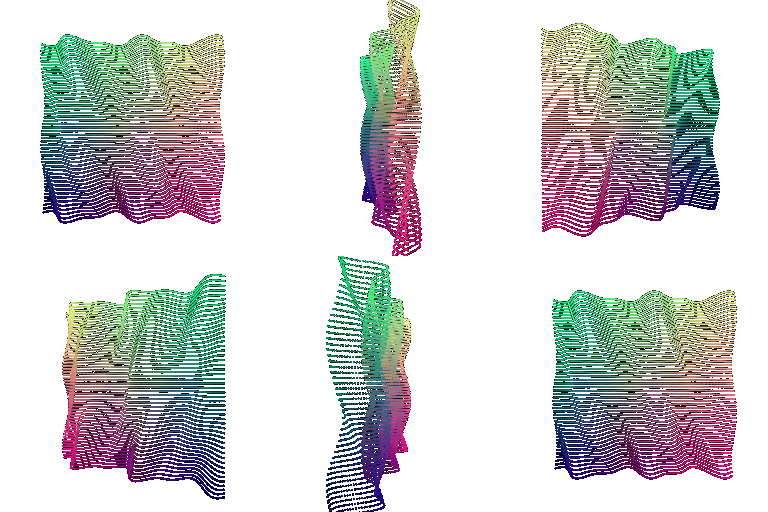
360 degree animation of Waves
(Sampled every 4 points due to rendering constraints for both shapes)
5.3

360 degree animation of Torus Mesh
- Rendering speed: Point clouds are usually faster to render because they only have points, while meshes have faces that need to be processed.
- Rendering quality: Meshes usually look better and smoother because they represent the full surface. Point clouds can look more scattered, especially with fewer points.
- Ease of use: Point clouds are simpler because we only need a set of 3D points. Meshes are a little more complicated because they also need faces.
- Memory usage: Point clouds can use less memory when there are fewer points, but using a lot of points can increase memory usage. Meshes also use memory for both vertices and faces.
- Overall: Meshes are better when we want a complete and smooth 3D object, while point clouds are better when we want something simple and easy to sample or work with.

360 degree animation of Diamond Mesh
6
I really like airplanes (a bit of an avgeek) so I decided to include an airplane here. Source: Free3D Link

360 degree animation of (looks like) Cessna 150
Had to work with the meshes a bit (rotate and normalize them), especially the textures, to get everything to fit properly. Rendering took around 2 hours, so I kept the quality low.
7

From left to right: original cow mesh, 10, 100, 1000, and 10000 sampled point clouds.