Assignment 1: Rendering Basics with PyTorch3D

16-825 Learning for 3D Vision

Name: Alicia Yang  |  Andrew ID: aliciay

1.1 360 Degree Renders

360 degree turntable render of the cow mesh
360° gif of the cow mesh

1.2 Recreating the Dolly Zoom

Dolly zoom effect on the cow on plane scene
The camera's FOV goes from 5° to 120° To create the dolly effect, its distance is solved per frame (distance = h / tan(fov/2)) so the cow stays a constant apparent size.

2.1 Tetrahedron

360 degree turntable render of a tetrahedron
4 vertices, 4 triangle faces

2.2 Cube

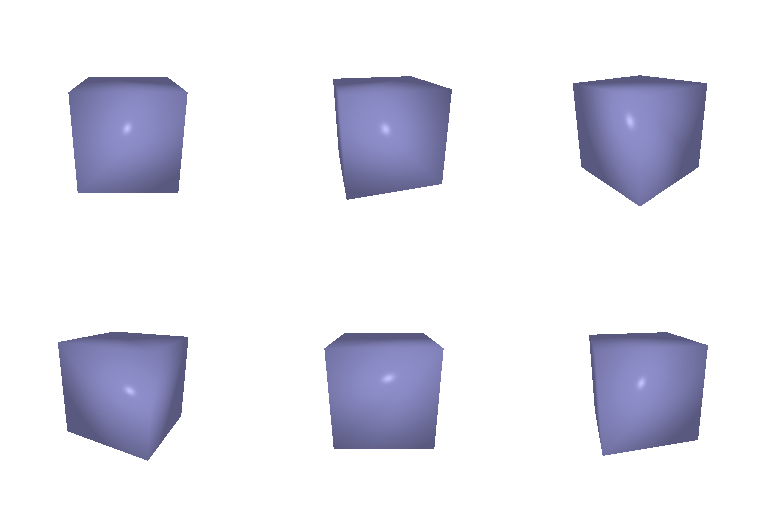
360 degree turntable render of a cube
8 vertices, 12 triangle faces (2 triangles per quad face)

3 Retexturing the Cow

Cow mesh with a front to back color gradient
color1 = [0.5, 0, 0.8] (purple, front)  →  color2 = [1, 0.5, 0] (orange, back). The gradient was created by linear interpolation per vertex by its z coordinate.

4 Camera Transformations

Camera transform 1: roll
Transform 1. Rolls the camera 90° about its own viewing (z) axis. Since that axis passes directly through the camera's position, the camera doesn't move and the cow rotates within the frame.
Camera transform 2: roll to side view
Transform 2. Orbits the camera 90° around the vertical (y) axis to the cow's side, while continuing to point at the cow throughout which gives a side profile view.
Camera transform 3: zoom out
Transform 3. Pushes the camera straight back along its viewing axis (no rotation), zooming out so the cow appears smaller and farther away.
Camera transform 4: lateral shift
Transform 4. Shifts the camera sideways and downward in its own xy plane (no rotation, no distance change), which shifts the cow's position within the frame.

5.1 Rendering Point Clouds from RGB-D Images
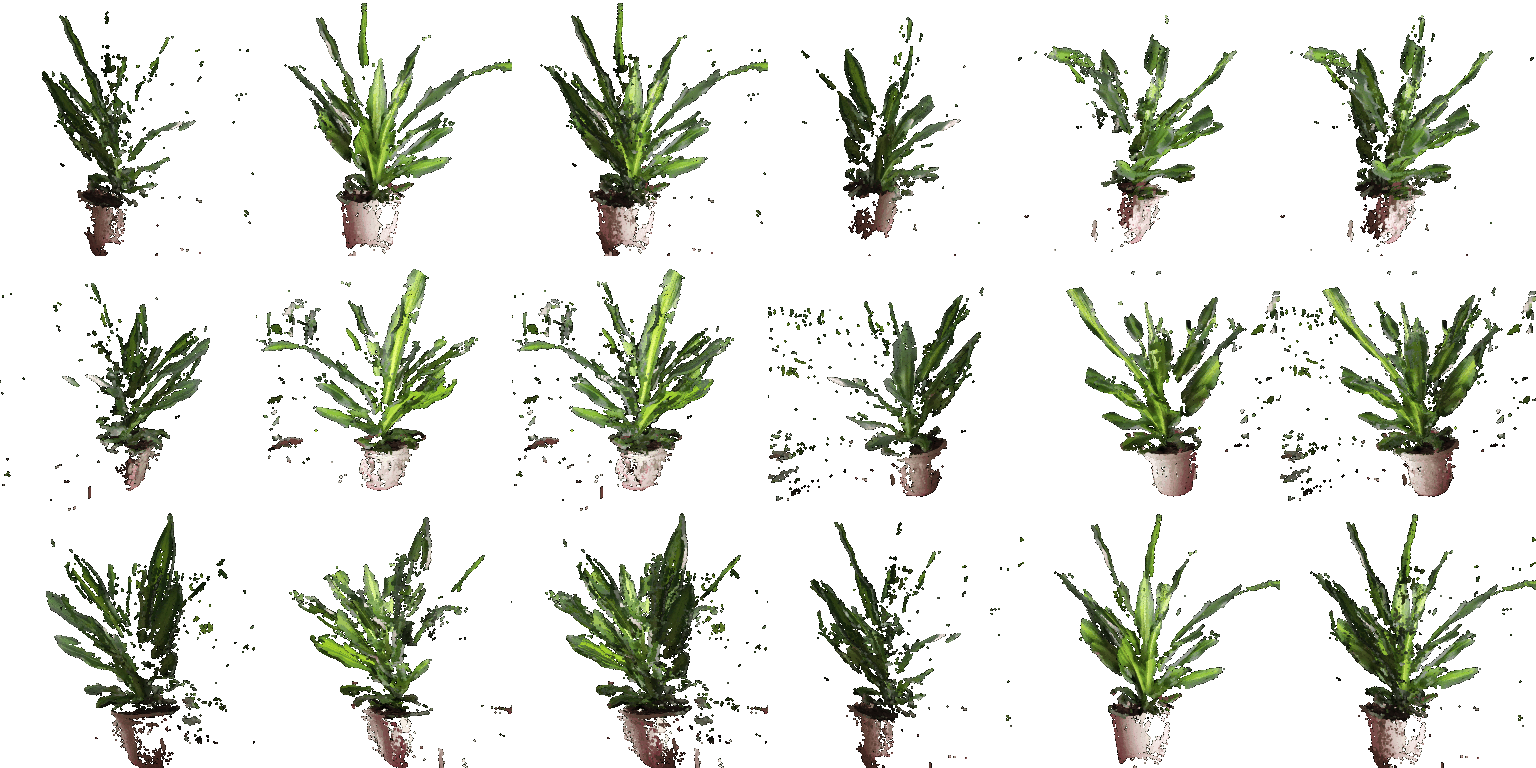
Three point clouds of a plant: image 1, image 2, and their union, side by side
From left to right, the point cloud unprojected from image 1, from image 2, and their union. Each single view has visible gaps where that camera doesn't capture the image and the union fills most of them in.

5.2 Parametric Functions

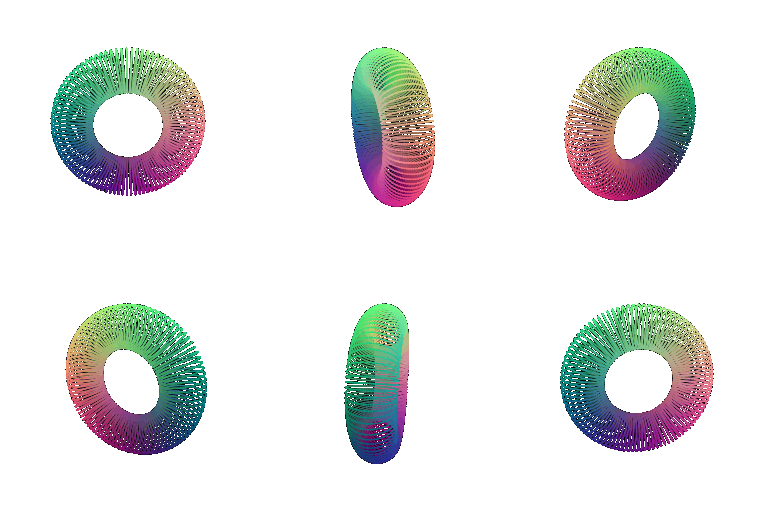
Torus point cloud sampled from its parametric function
Torus point cloud, sampled from its parametric function, with hole clearly visible

New Object

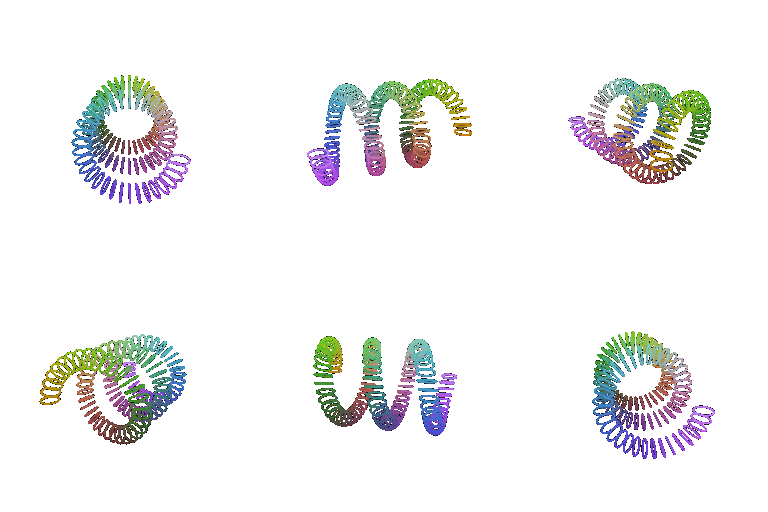
Coiled spring / helix point cloud
A spring point cloud, using the same sweeping around a curve idea as the torus, but swept around a helix instead of a circle.

5.3 Implicit Surfaces

Torus mesh extracted from an implicit function via marching cubes
Torus mesh: zero level-set of (√(x²+y²) − R)² + z² − r², extracted with marching cubes.

Mesh vs. Point Cloud Tradeoffs

The mesh has triangle connectivity, so PyTorch3D can compute continuous surface normals and shade it with proper lighting. Because of this, it looks like a solid donut from every angle. Producing it, however, is more complicated. Sampling an implicit function on a voxel grid and running marching cubes to extract triangles, and getting a smooth result requires a fine enough grid, which costs more memory and compute than just evaluating a formula. The point cloud is the opposite in a sense. Building it is rather trivial, since we just evaluate the parametric equations with no extraction algorithm needed, and it's cheap to sample at whatever density wanted. But with no connectivity between points, there's no true surface. At lower sample counts or grazing viewing angles the viewer can see gaps between individual points, and shading is only ever per point and never a continuously interpolated surface normal.

New Object

Metaball peanut shape mesh
A peanut like shape made by two Gaussian bump functions (exp(−dist²/2σ²)) summed together and extracted as a single implicit surface, so the two parts merge into a smoothly connected shape instead of two separate spheres with a hard seam.