
This is my continuously rotating cow gif.
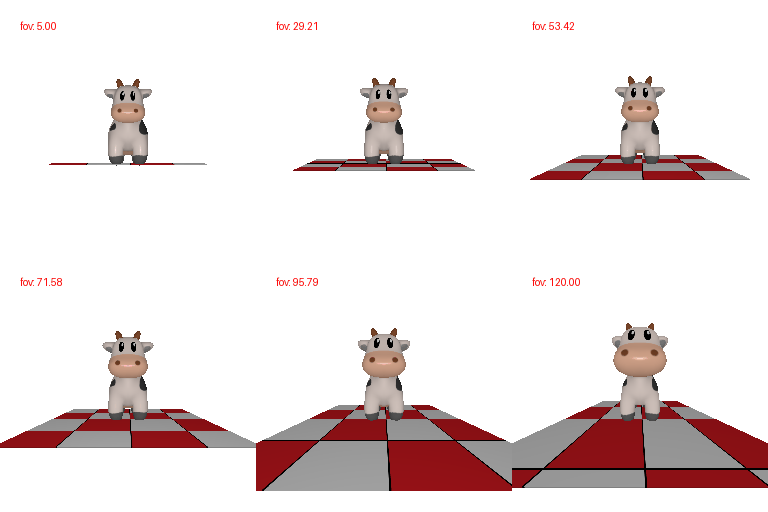
This is my Dolly zoom gif.

This is my tetrahedron mesh. It has 4 vertices and 4 triangular faces.
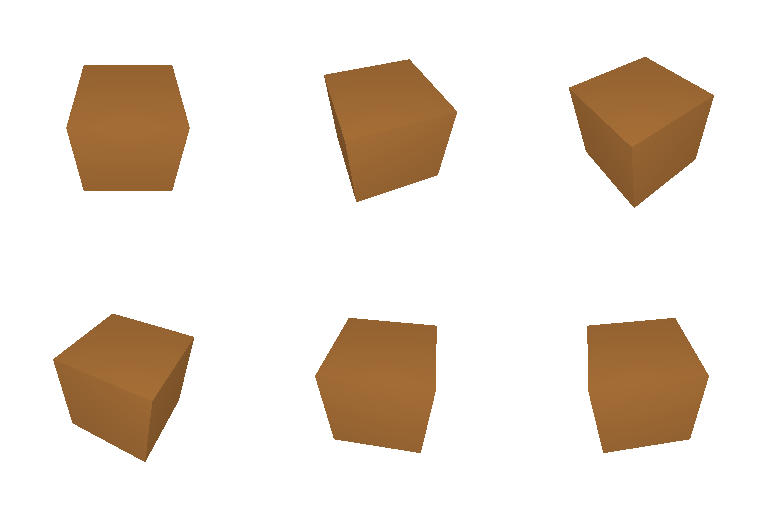
This is my cube mesh. It has 8 vertices and 12 triangular faces (each 'physical' face is comprised of 2 triangular faces).

This is my retextured cow mesh. I chose my color1 to be [0.5, 0, 0.5], which is purple, and my color2 was [0, 0.5, 0.5], which is turqouise.

This is the default image with R0 and T0.

The first provided output image is a 90 degree rotation clockwise around the camera's optimal axis. For this, I used R_relative = [[0, 1, 0], [-1, 0, 0], [0, 0, 1]] and T_relative = [0, 0, 0].

The second provided output image moves the camera further away from the cow, so I used R_relative = R0 and T_relative = [0, 0, 2].

The third provided output image moves the cow downwards and to the left, which corresponds to R_relative = R0 and T_relative = [0.5, -0.5, 0].

The fourth provided output image is a 90 degree rotation clockwise around the y-axis so we have R_relative = [[0, 0, 1], [0, 1, 0], [-1, 0, 0]]. We also need to translate to readjust the camera to face the image: T_relative = [-3, 0, 3].
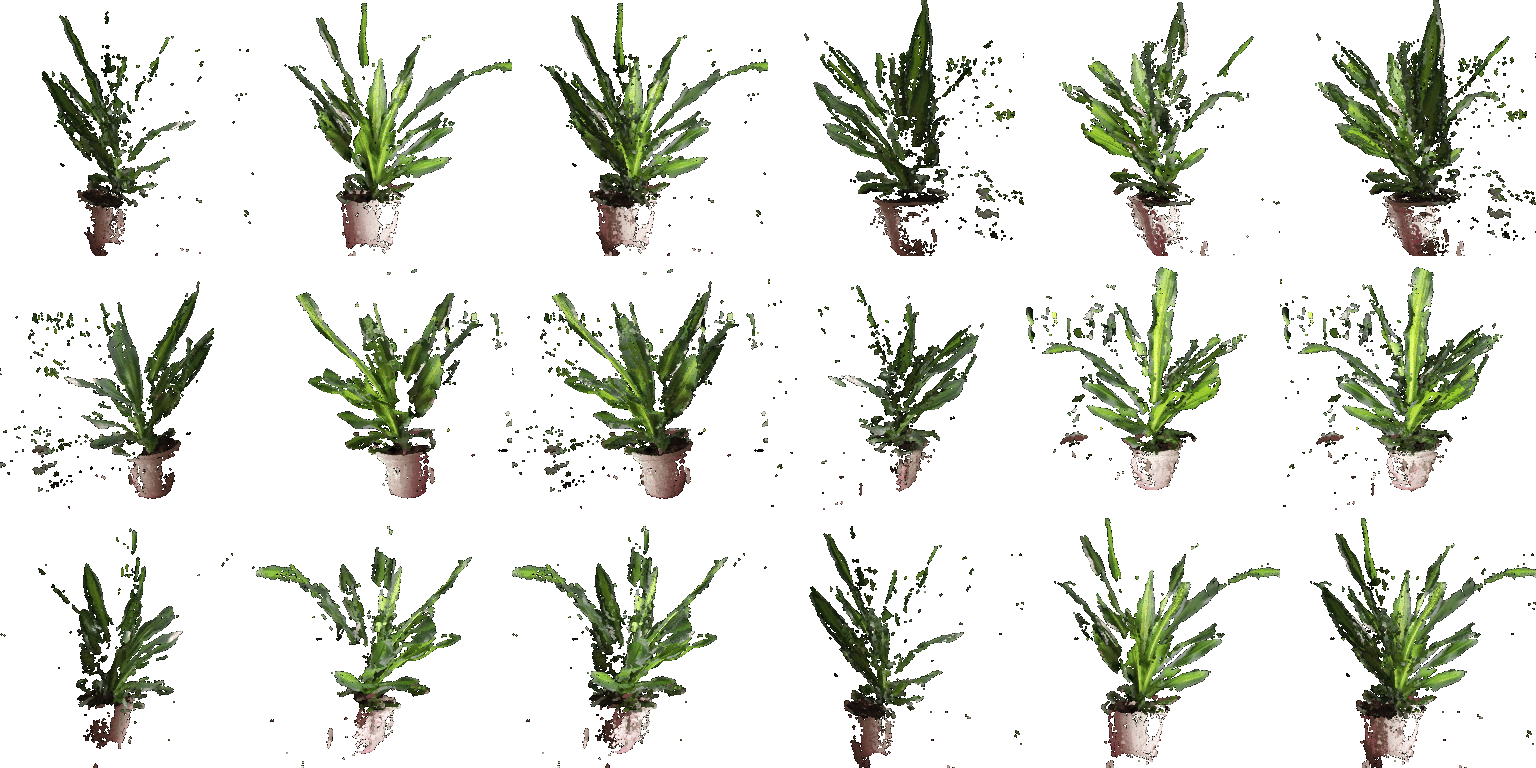
These are my three gifs (cloud1, cloud2, and their union) side by side.
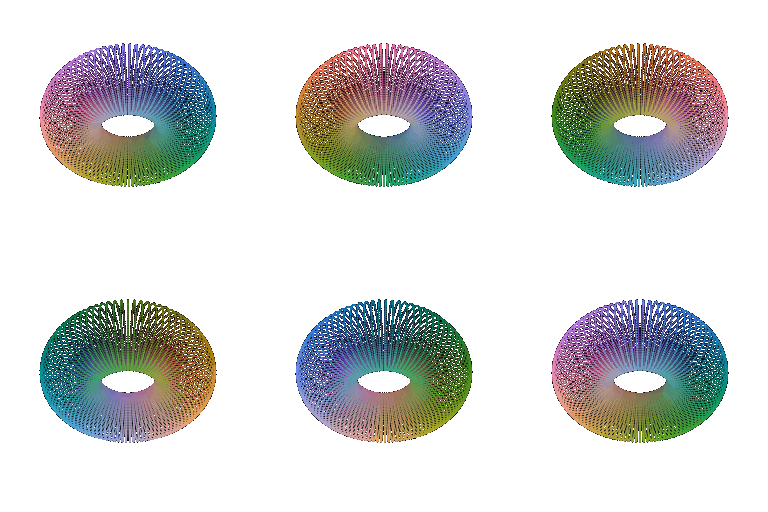
This is my torus point cloud.
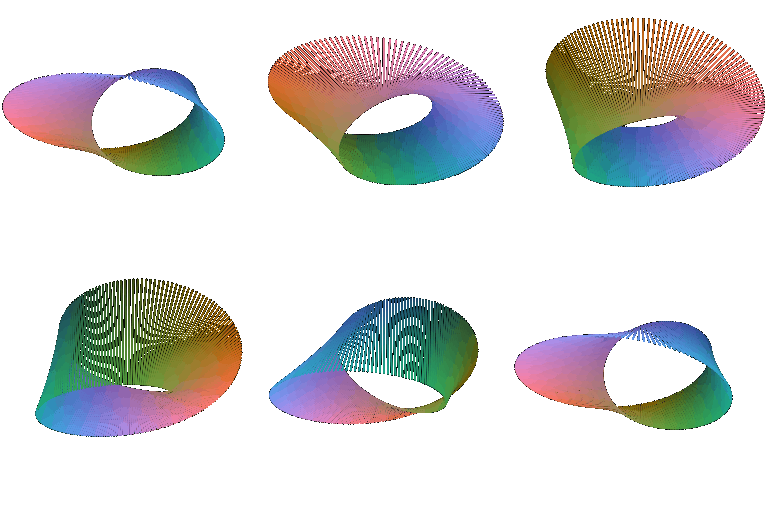
For the second point cloud, I chose the Mobius strip, pictured above.

This is my torus mesh, created from the implicit function F(x, y, z) = (sqrt(x^2 + z^2) - R)^2 + y^2 - r^2.
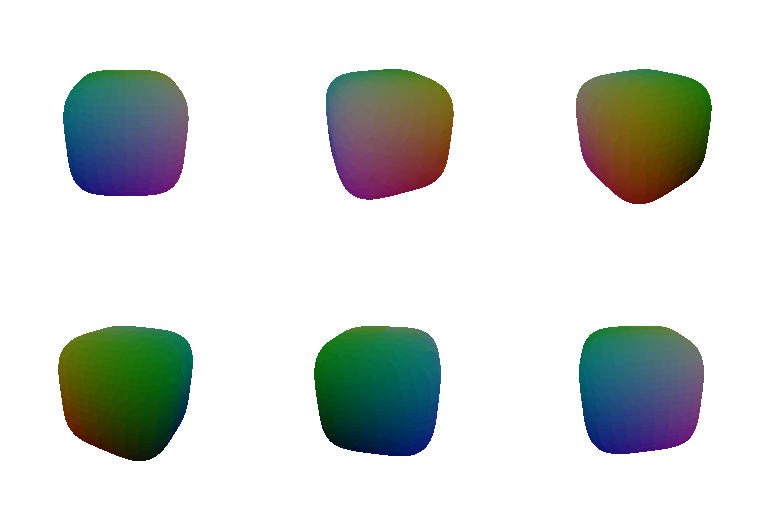
For my second implicit function, I chose to make a rounded cube mesh using the function F(x, y, z) = x^4 + y^4 + z^4 - 1.
Regarding the tradeoff between rendering as a mesh vs rendering with point clouds, for the runs that I did with a torus, the mesh was the clear winner. It rendered faster and also looks considerably better (more full) than the point cloud variant, which is still pretty dotty. If I were to add more points to the point cloud to make it less dotty, the time discrepancy between the two runs would've been even larger.
However, this is not always the case. Meshes are generally much more expensive and complicated to build, since they need connectivity information and a reconstruction step. Since the torus was captured well with relatively few triangles, it was fast to render the mesh, but a less smooth and less compact shape would not behave like this. Memory is also a factor: the torus mesh evaluated over 200,000 grid points, and discards teh vast majority of them (and this grows cubically with an increased resolution), which is not the case in a point cloud, which uses every sample that it does. Also, meshes are less capable of handling things like the Mobius strip that I did for the point cloud section; an implicit surfact wouldn't be able to represent a bounded open surface like the point cloud was able to.
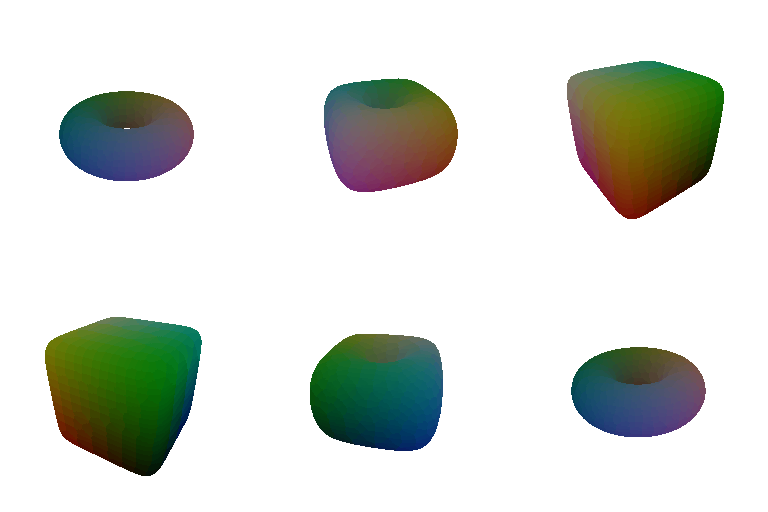
For this bonus part, I made a morph between a torus and a cube while the camera circles around it. Rather than moving the vertices around, I interpolated between the torus and the cube's implicit functions F_t = (1 - t) * F_torus + t * F_cube, and then I ran marching cubes on every frame to get the surface.
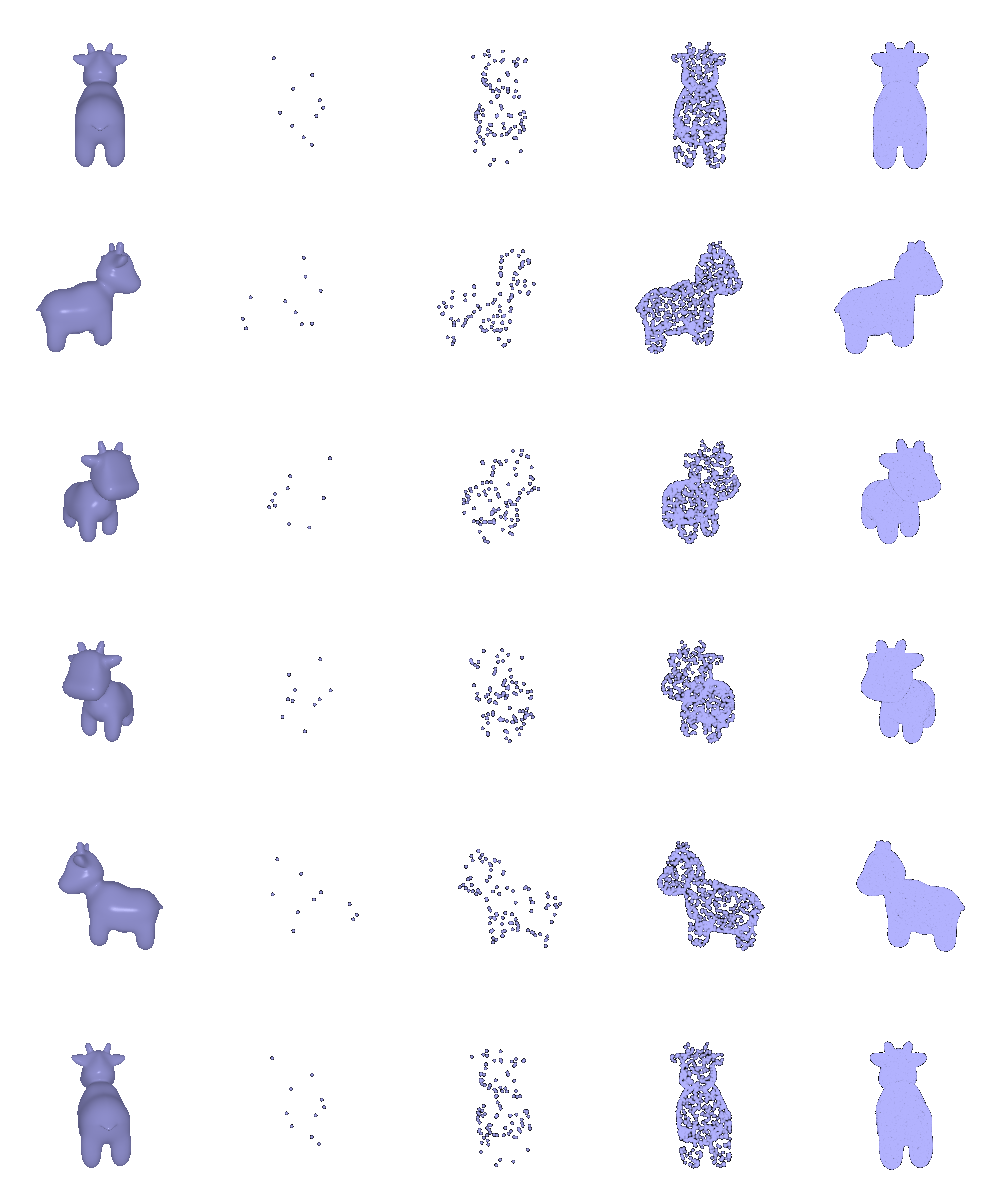
Here's the original next to my point clouds sampled with 10, 100, 1000, and 10000 points.