Assignment #1 - Colorizing the Prokudin-Gorskii Photo Collection

Pushkal Katara

Overview

In this homework, we use image alignment algorithms to colorize the Prokudin-Gorskii Photo Collection!

Approach

We use raw pixel intensities as features for alignment. This can be implemented in two ways:

  1. Single scale method(Inefficient/Slow for High-resolution images)
  2. Image Pyramid Alignment (Efficient/Fast for High-resolution images)

Results

Image Alignment using Raw Pixels

To optimise the algorithm for high-resolution images, we implement a multi-scale version. We compute optimal green and red shift with blue channel for alignment, further stack these images to get the color image.

Details:

  1. SSD v/s NCC: We choose SSD over NCC as its fast to compute. Also, running some initial tests, both SSD and NCC gave exact same alignment offsets for both red and green channels.

  2. Image Pyramid Hyper-parameters: I chose to use 5 image pyramids, scaling down with a factor of 2 at each levell. I choose row displacement range [-15, 15] and column displacement range [-15, 15]. Changing these parameters affects the inference time of the algorithm. I'll optimise these later for better results!

Results on Given Images

Note: we denote the alignment offsets for red and green channels below the image.

Low-Resolution

Cathedral
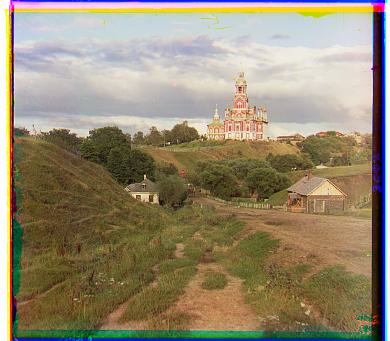
image
Green shift: [5 2] Red shift: [12 3]

High-Resolution

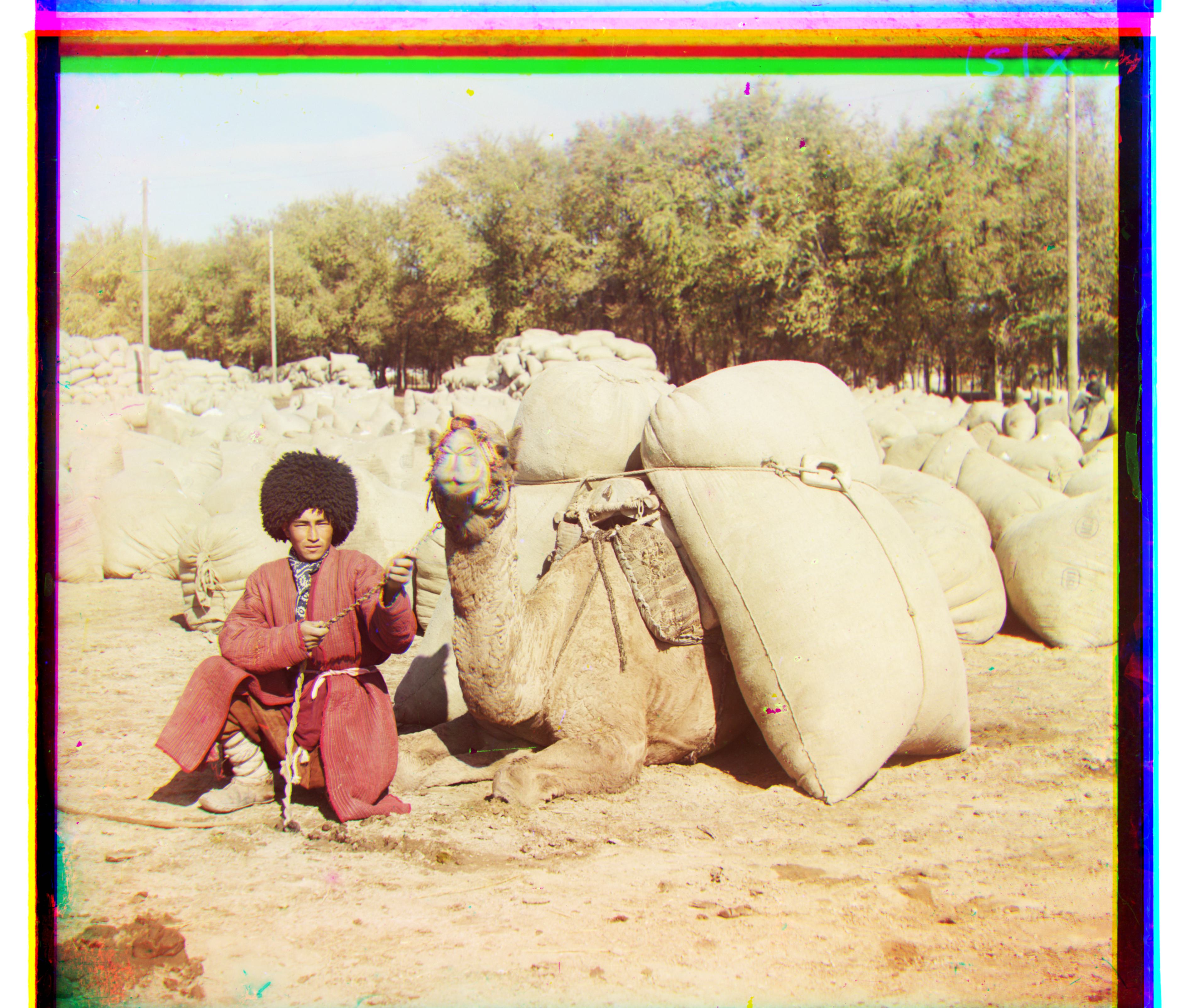
image
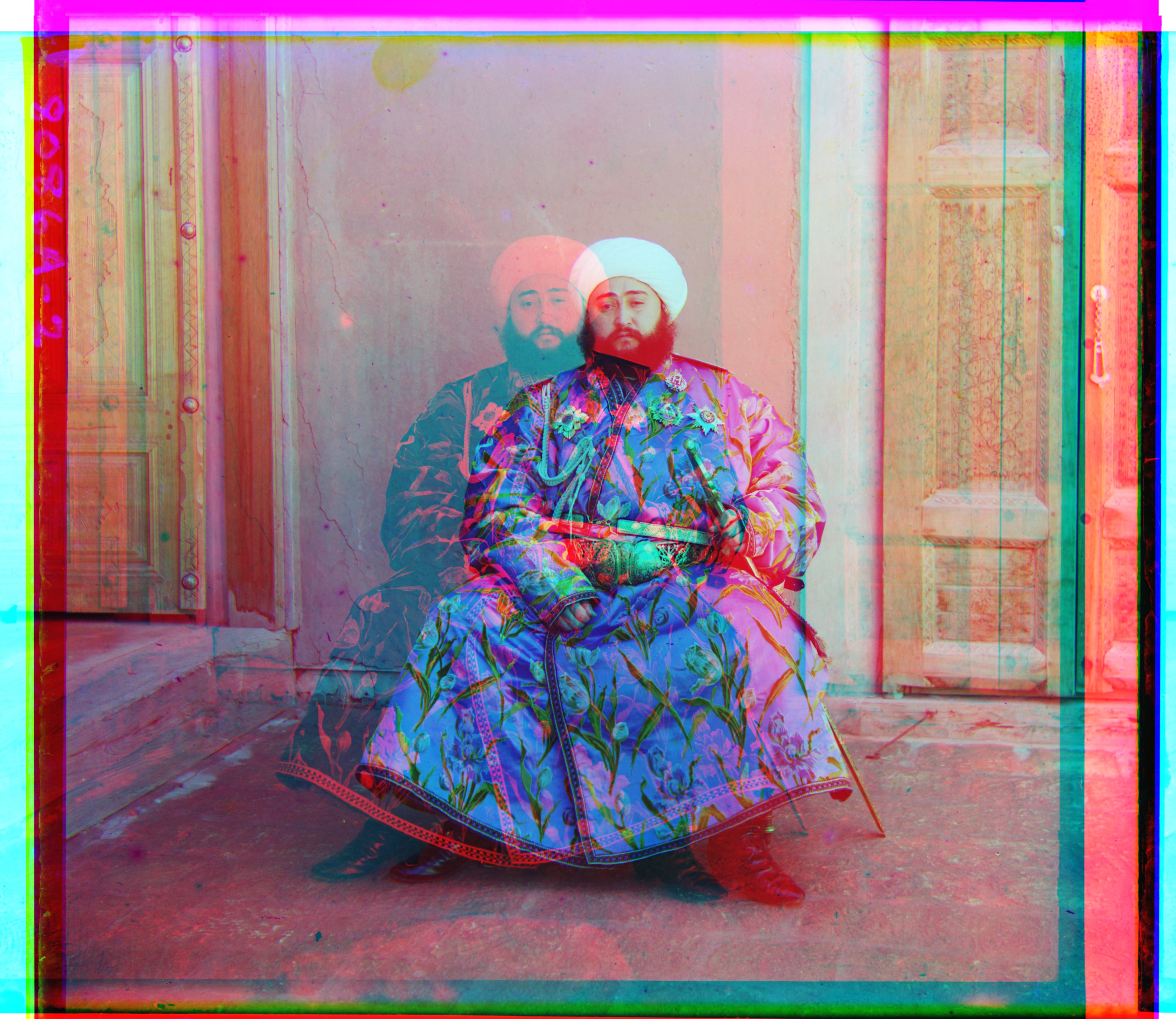
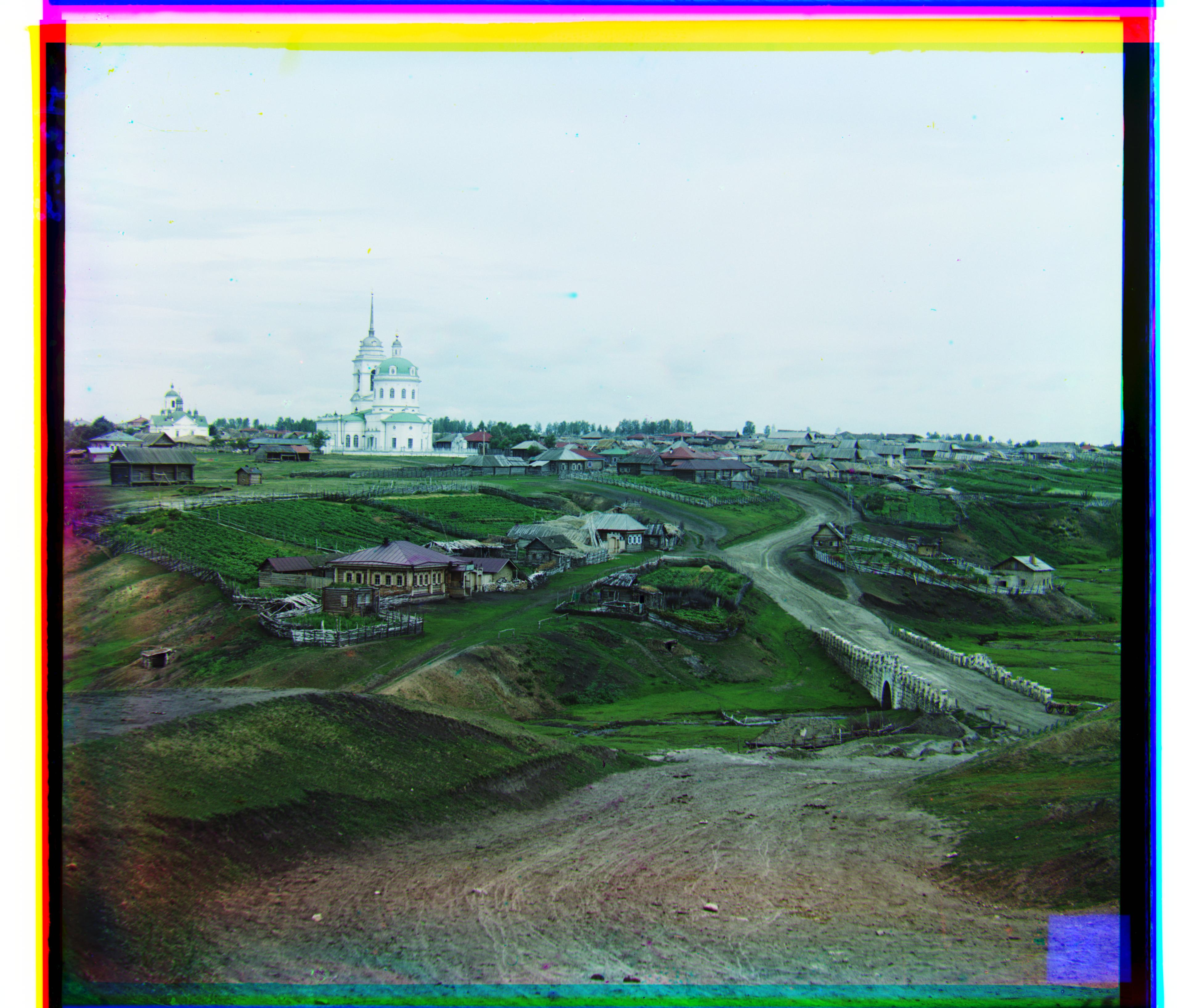
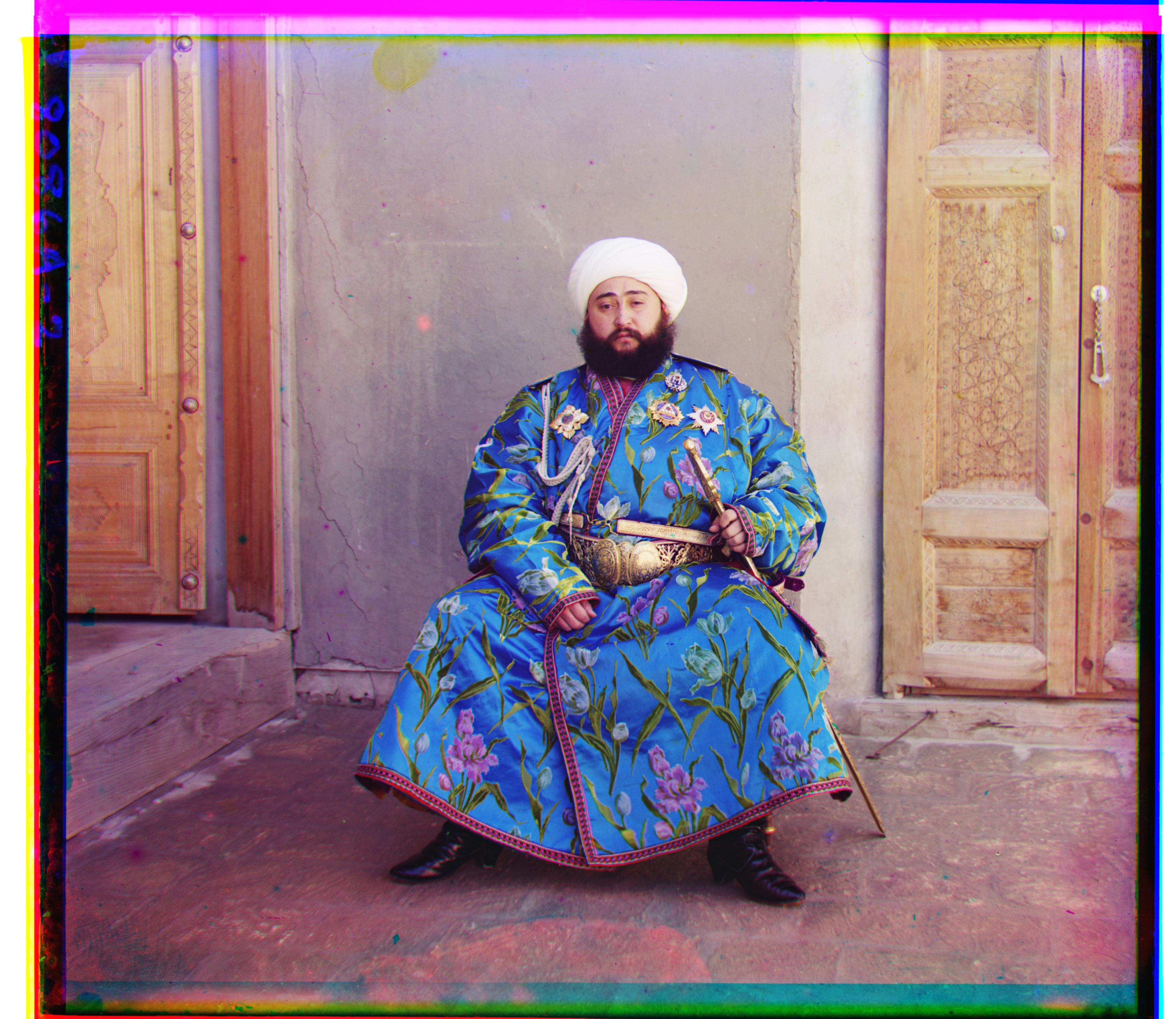
Green shift: [49 24] Red shift: [ 99 -205]
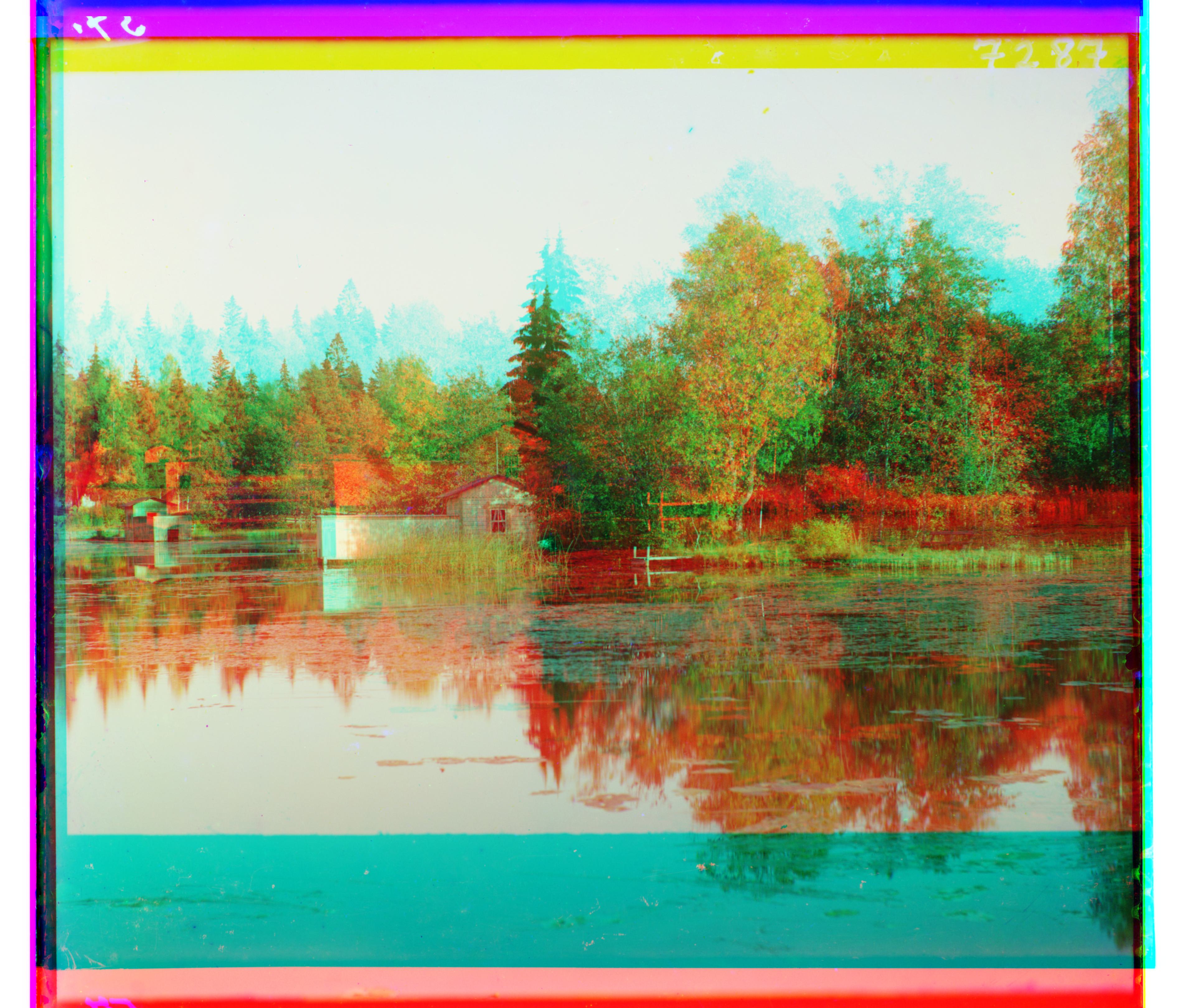
another image
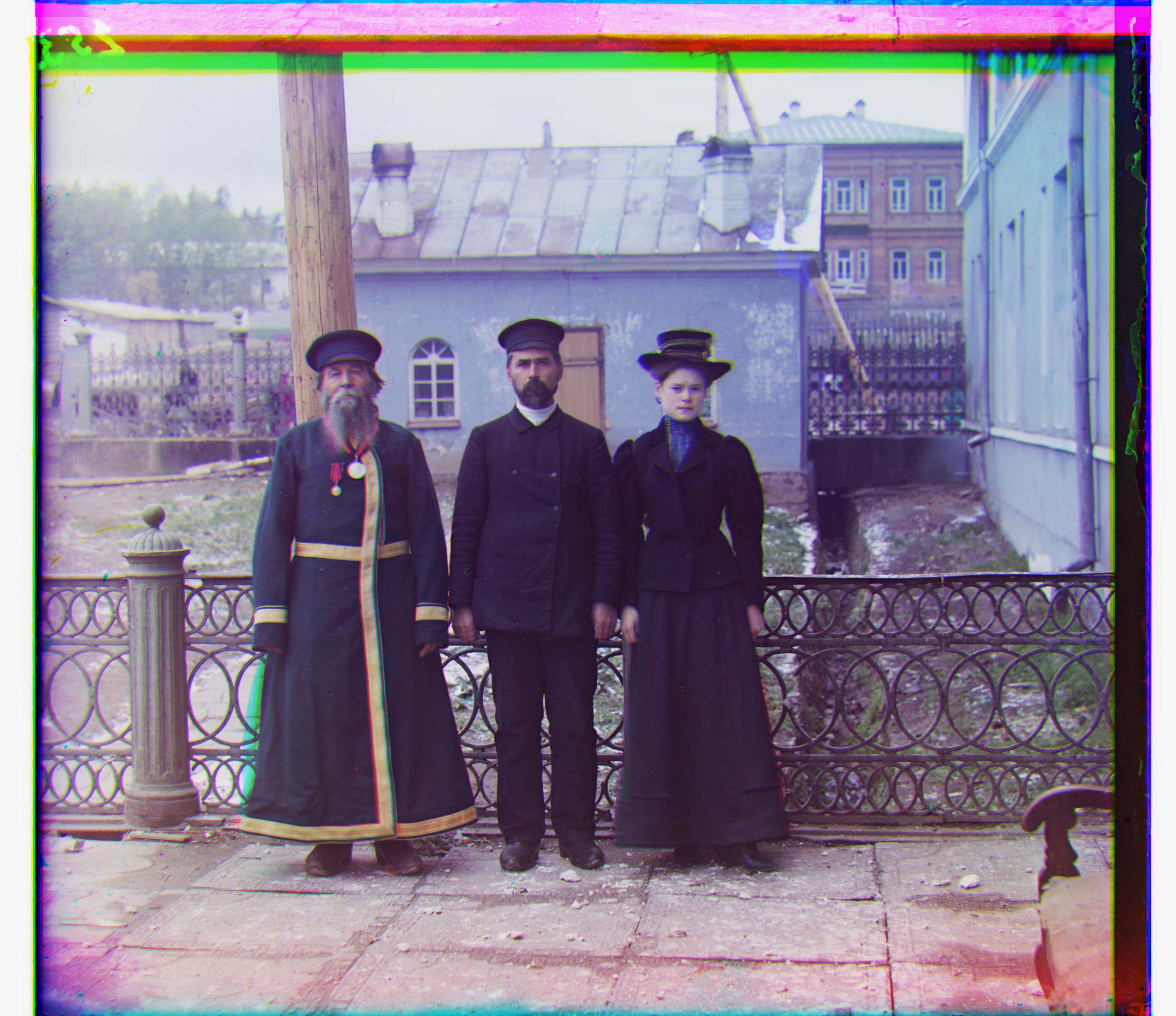
Green shift: [53 14] Red shift: [112 11]
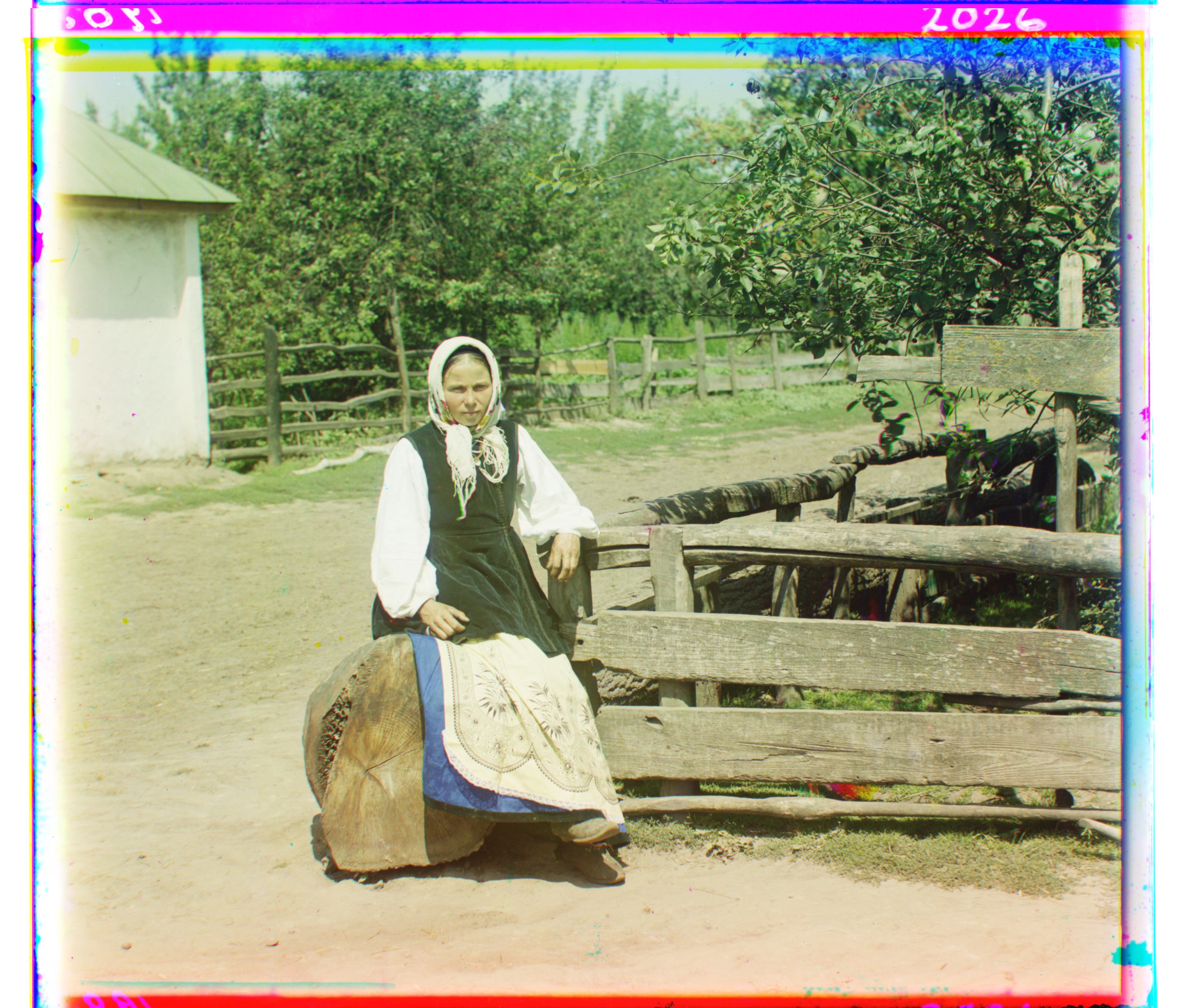
another image
Green shift: [42 6] Red shift: [87 32]
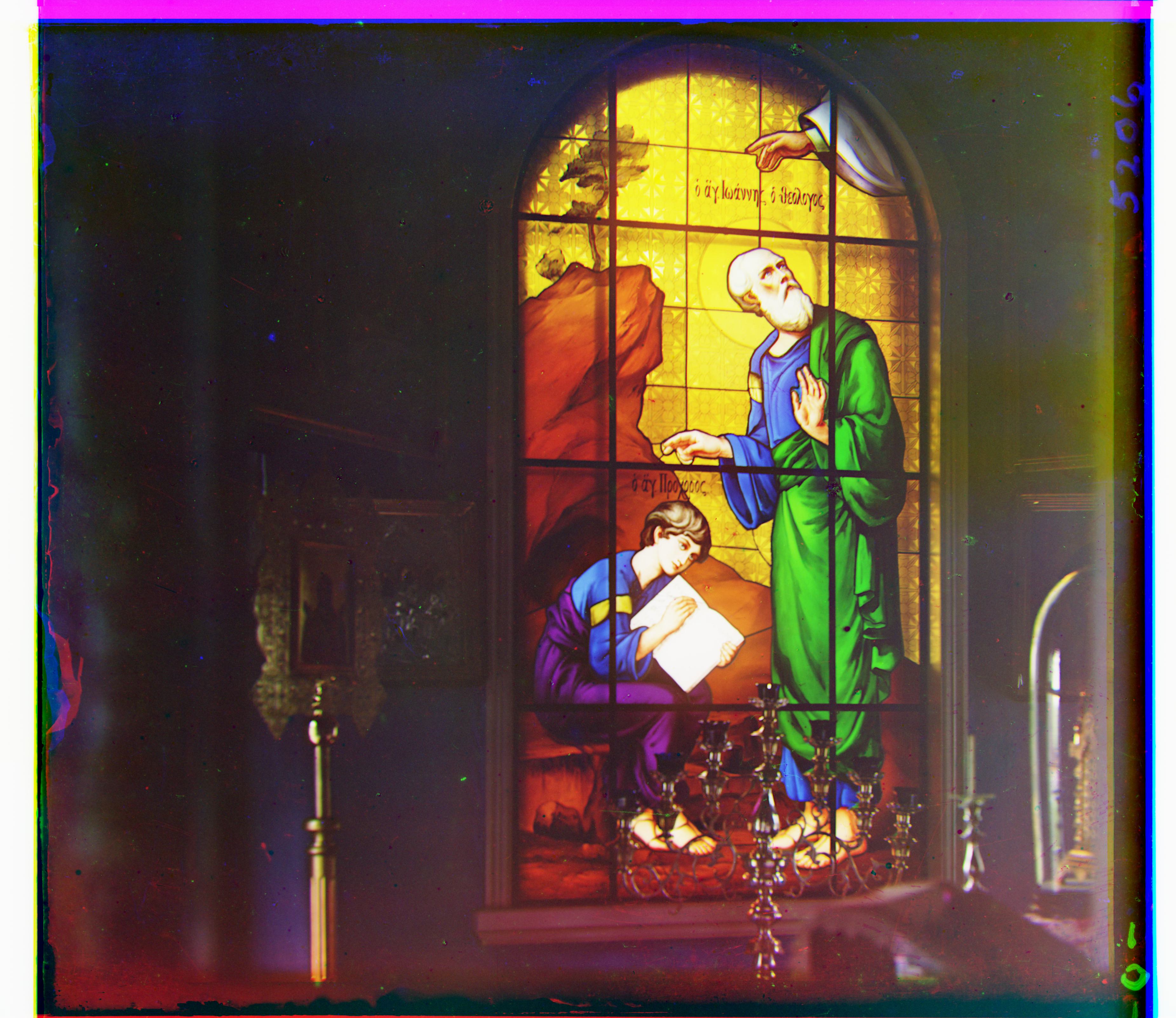
image
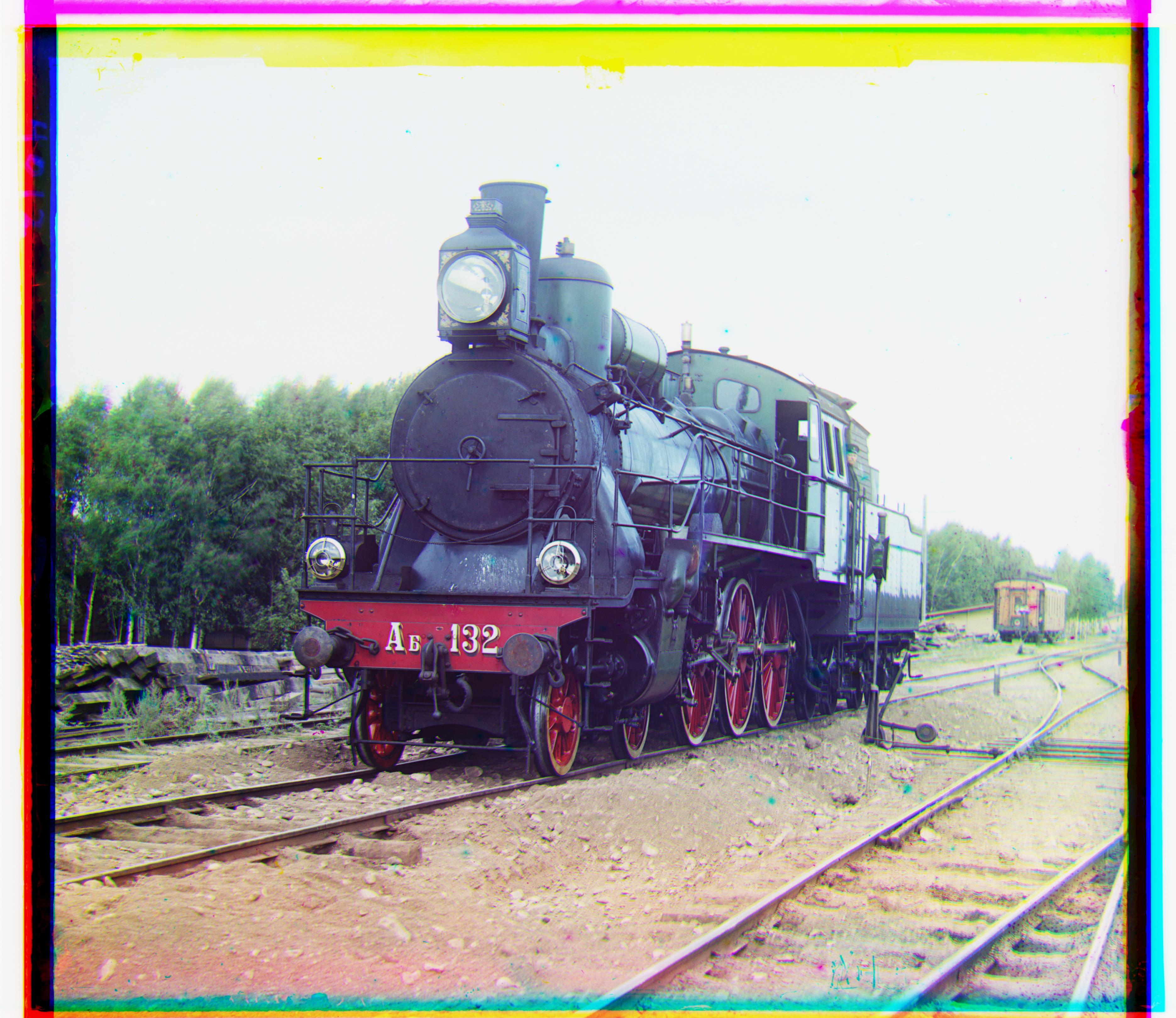
Green shift: [41 17] Red shift: [90 23]
another image
Green shift: [64 12] Red shift: [138 22]
another image
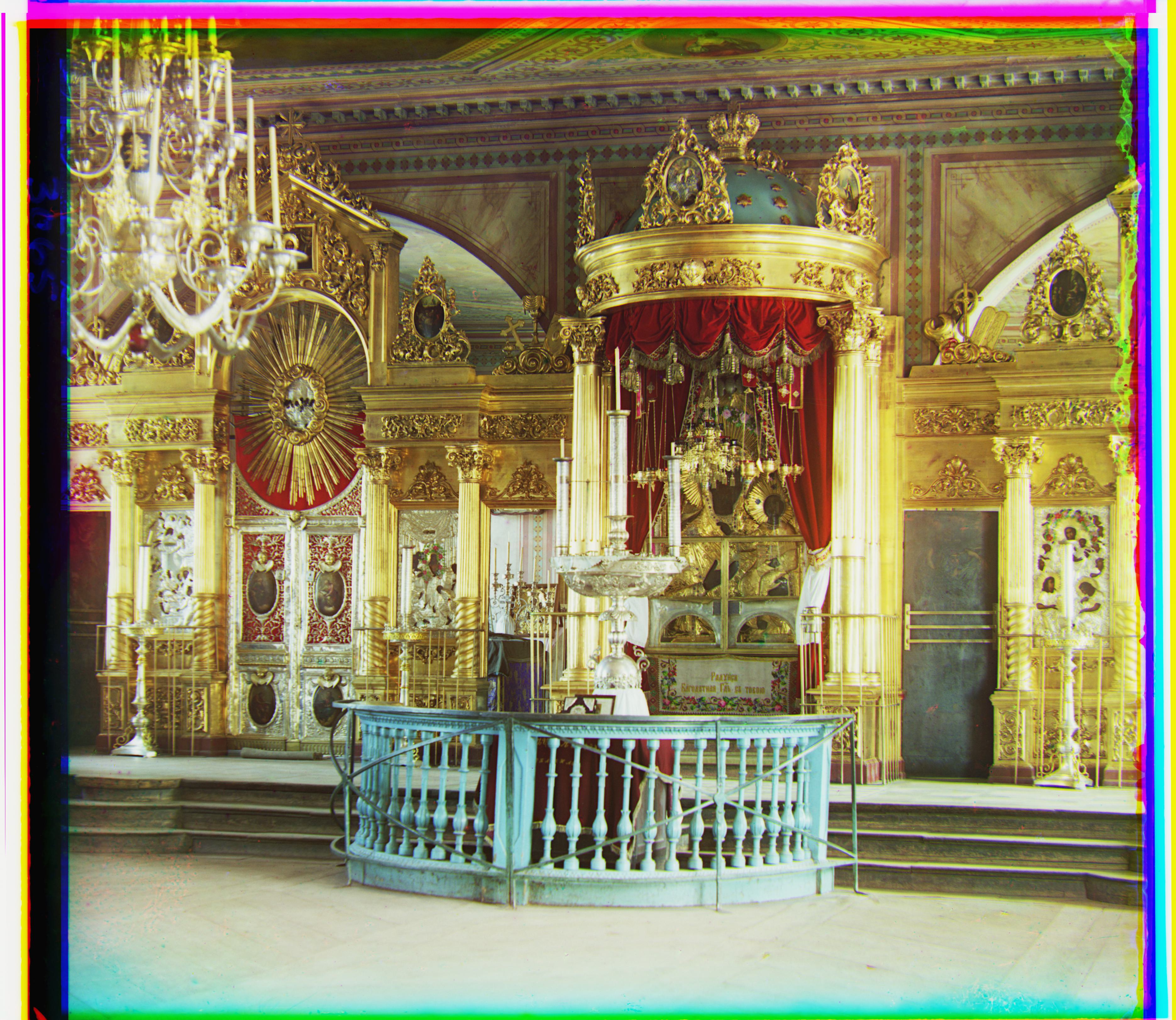
Green shift: [79 29] Red shift: [176 37]
image
Green shift: [60 17] Red shift: [124 14]
another image
Green shift: [52 9] Red shift: [112 12]
another image
Green shift: [56 21] Red shift: [116 28]

Results on Downloaded Images from Dataset
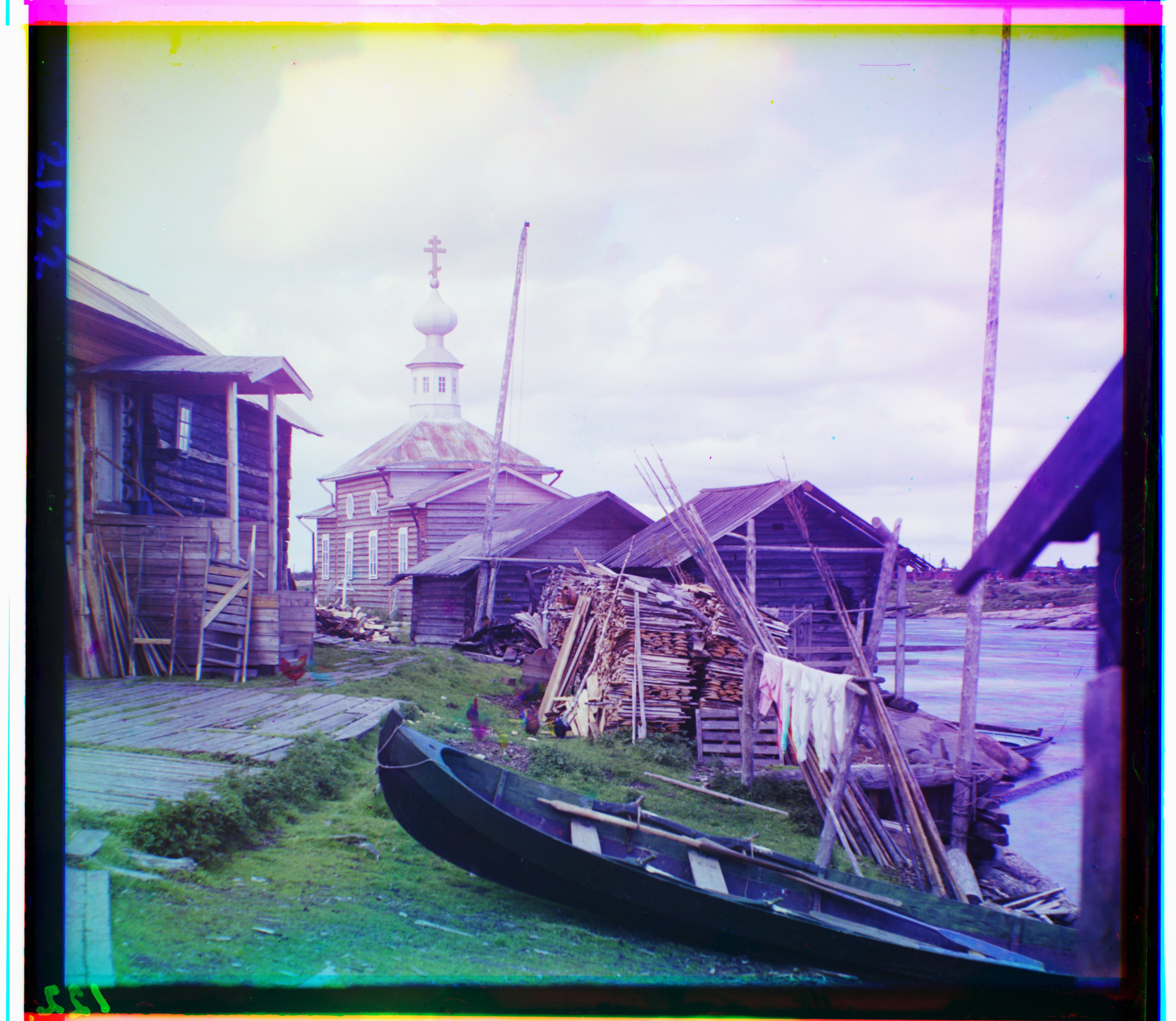
image
Green shift: [15 15] Red shift: [81 30]
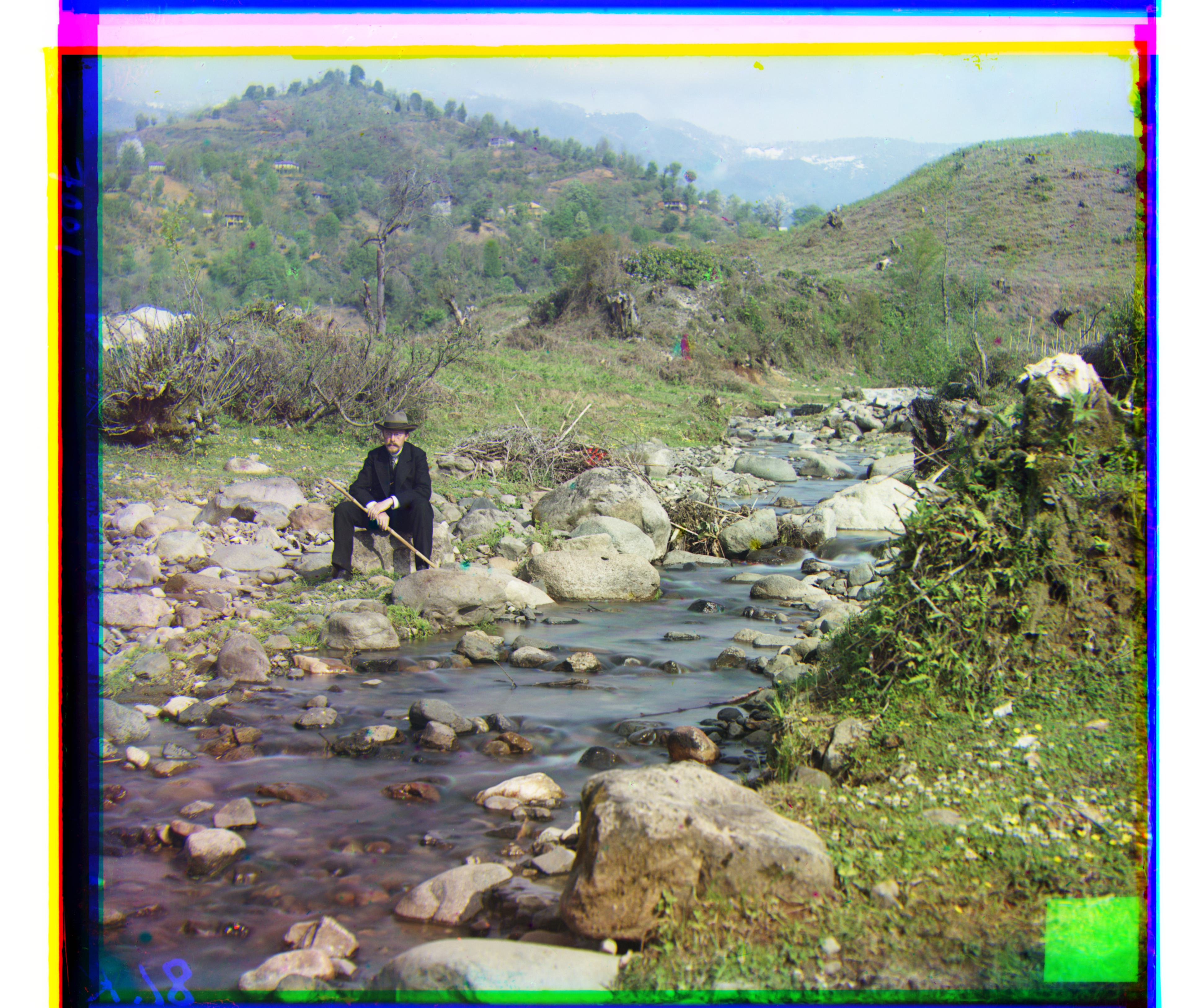
another image
Green shift: [ 52 -20] Red shift: [0 0]
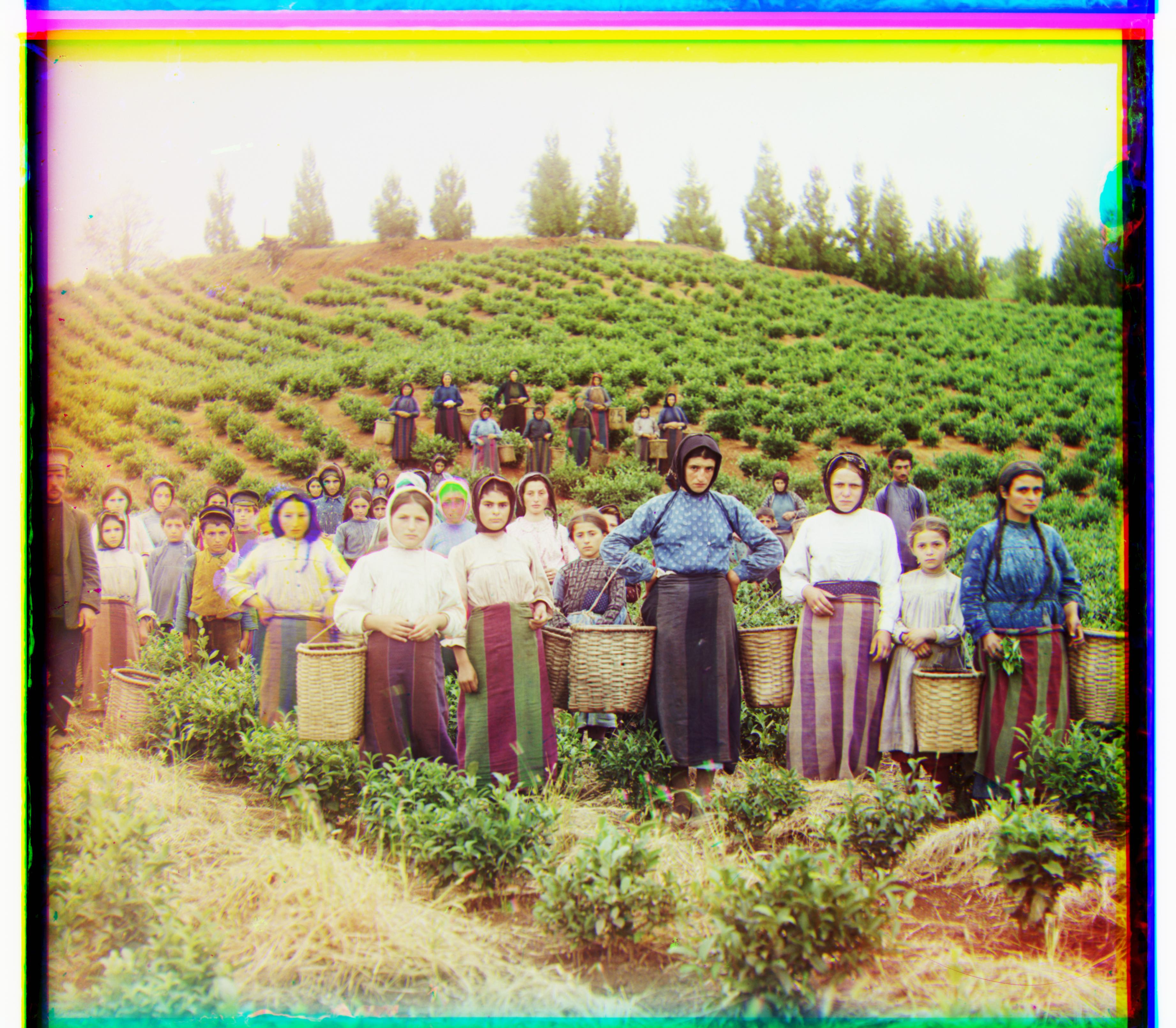
another image
Green shift: [26 3] Red shift: [120 4]
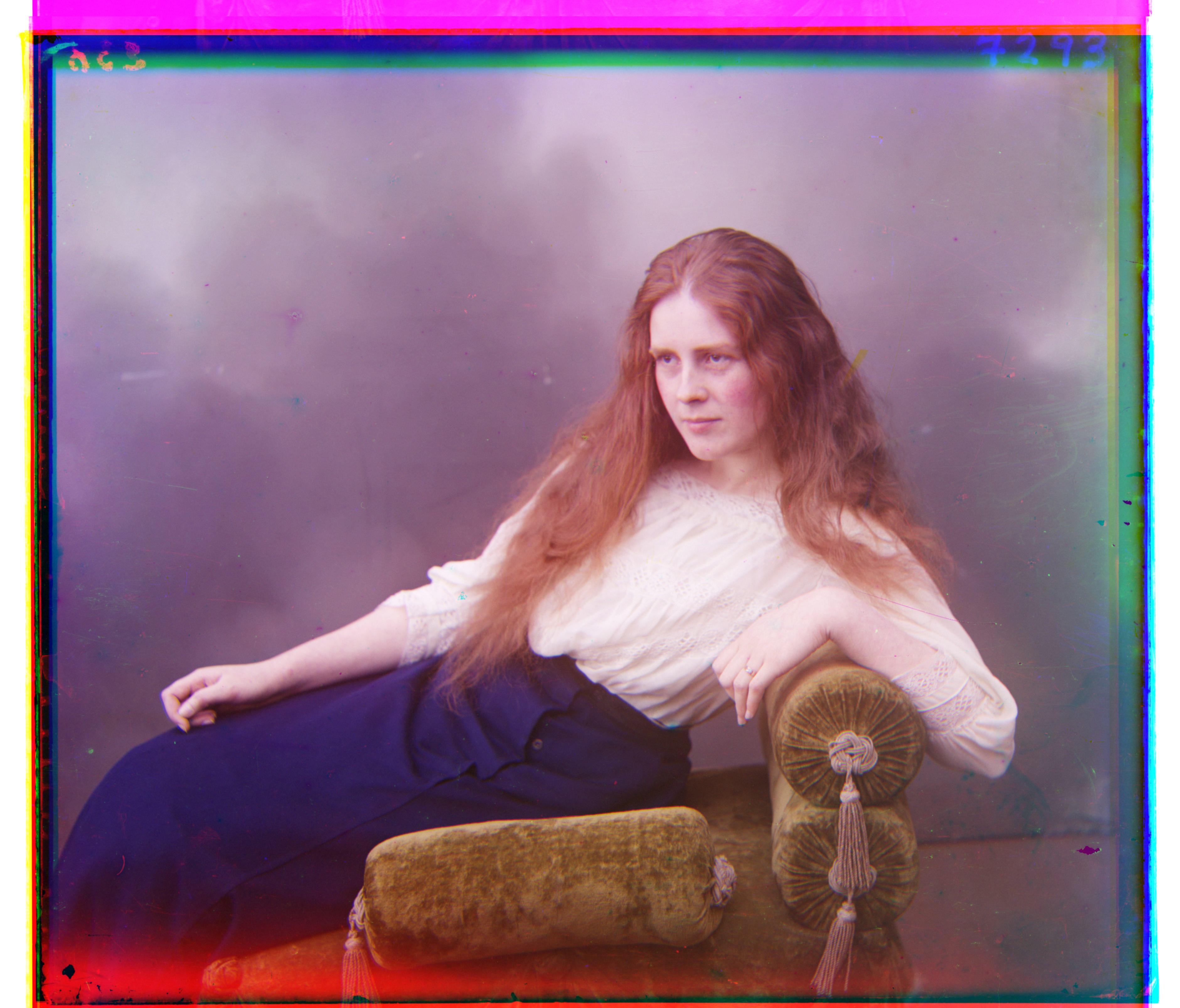
another image
Green shift: [20 16] Red shift: [59 18]

Color images looks decent but,

Issues in the following images and potential solutions to alleviate those issues:

  1. Borders are noisy and not well aligned. Border cropping can help improve the results.
  2. emir.tif alignment is not perfect, using different image features (like edge features) over raw pixel values might help in better alignment.
  3. Better tuning of the Image Pyramid hyperparameters might help with better alignments.
  4. Automatic contrasting, white balance, better color mapping are some more improvements. This would improve the river forest example from downloaded images.
  5. Better transformation: Considering rotation, with transformation. This would aid in alignment.

Bells & Whistles

Better features for Alignment

Idea is to use edge features for alignment while matching at each pyramid level. We use Sobel Filter for our experiments. Alignment is done when the edges maps instead of raw RGB channels. This makes alignment robust to varying pixel intensities across channel.

image
Raw Pixel (Before); Green shift: [49 24] Red shift: [ 99 -205]
image
Edges (After); Green shift: [49 24] Red shift: [107 40]

Removing Borders

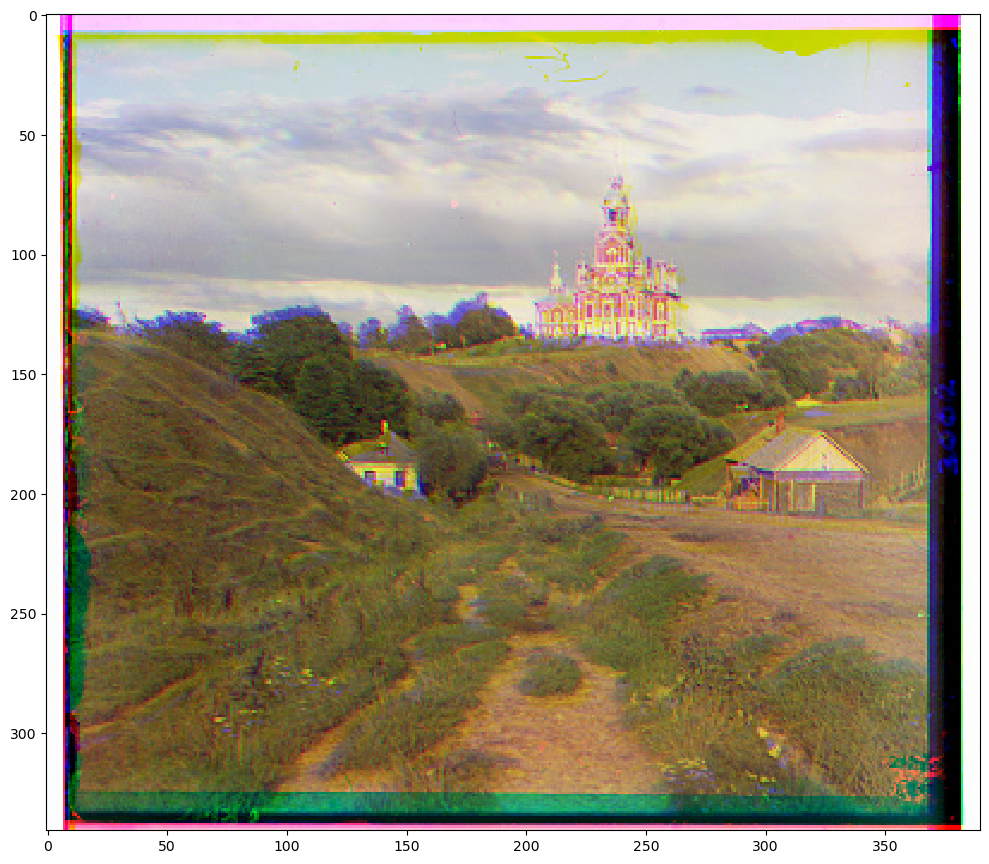
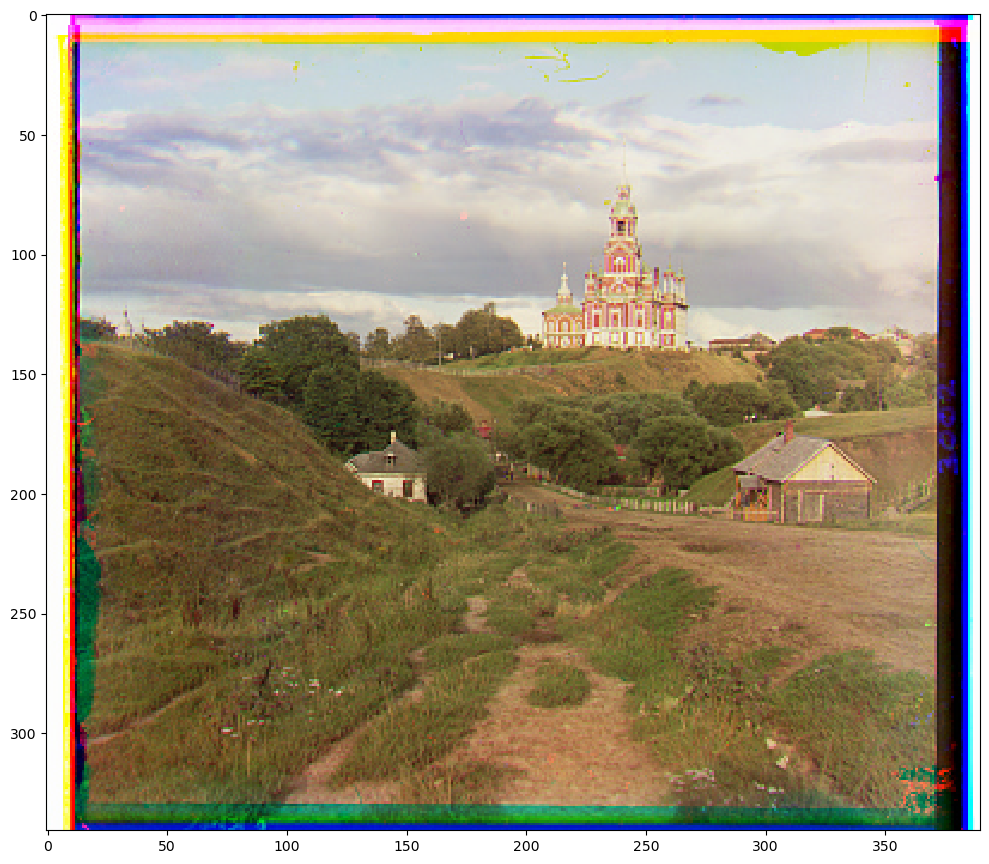
We notice black and white borders in the given images. Removing these enhances alignment and improves the overall aesthetic of the image. I hard-coded 10% to remove borders as i noticed this pattern in the dataset. But also can use more adaptive approach. Pixels with intensities above 250 were considered white, below 10 were black (scaled by 255 for float images). Rows or columns with a black/white ratio exceeding 70% were removed, aiming for greater robustness against border artifacts.

image
(Before); Green shift: [ 1 -1] Red shift: [ 7 -1]
image
(After); Green shift: [5 2] Red shift: [12 3]

Pytorch Implementation

I use the following functions from PyTorch to update my implementation:

torch.mean
torch.norm
torch.nn.functional.interpolate
torch.roll
torch.tensor

Please find the complete implementation from the code uplaoded on gradescope!

In [ ]: