Cat Photo Editing

Inverting the Generator

Experiments

A note on experiments. It may seem like the originals don’t line up with the rest of the data. I usually ran experiments by iterating my functions over various settings and resuing the same loader. Sources online seem to indicate the calling enumerate on a loader will reset it however this doesn’t seem to be the case which is unfortunate. As a result, not all my experiment orignals line up with each other. Therefore, the judging of best setting is based on on overall outcome as compared to others.

Effects of Regularization

To test the effects of regularization I turned it off when calculating perceptual loss. There was no discernible difference in the results and so I’m not showing them. One benefit of this is that the optimization could be done slightly faster without regularization as it requires fewer computations. This is a surprising result as regularization usually helps when training however, since we’re solving an optimization question it might be that we only care about the relative losses versus the absolute hence regularization isn’t as helpful.

Effects of Different Losses

To test the different losses I ran an experiment over the range [0,1.0]. However, despite turning off shuffling in the dataloader I found successive runs still had shuffling. Therefore, I’m judging just based off of output. I think wperc=0.2w_{perc} = 0.2 looks best here.

Original wperc=0w_{perc} = 0 wperc=0.2w_{perc} = 0.2 wperc=0.4w_{perc} = 0.4 wperc=0.6w_{perc} = 0.6 wperc=0.8w_{perc} = 0.8 wperc=1w_{perc} = 1
0_data.png /src/assets/assgn5/loss/0_stylegan_z_0_1000.png /src/assets/assgn5/loss/0_stylegan_z_0.2_1000.png /src/assets/assgn5/loss/0_stylegan_z_0.4_1000.png /src/assets/assgn5/loss/0_stylegan_z_0.6_1000.png /src/assets/assgn5/loss/0_stylegan_z_0.8_1000.png /src/assets/assgn5/loss/0_stylegan_z_1_1000.png
1_data.png /src/assets/assgn5/loss/1_stylegan_z_0_1000.png /src/assets/assgn5/loss/1_stylegan_z_0.2_1000.png /src/assets/assgn5/loss/1_stylegan_z_0.4_1000.png /src/assets/assgn5/loss/1_stylegan_z_0.6_1000.png /src/assets/assgn5/loss/1_stylegan_z_0.8_1000.png /src/assets/assgn5/loss/1_stylegan_z_1_1000.png
2_data.png /src/assets/assgn5/loss/2_stylegan_z_0_1000.png /src/assets/assgn5/loss/2_stylegan_z_0.2_1000.png /src/assets/assgn5/loss/2_stylegan_z_0.4_1000.png /src/assets/assgn5/loss/2_stylegan_z_0.6_1000.png /src/assets/assgn5/loss/2_stylegan_z_0.8_1000.png /src/assets/assgn5/loss/2_stylegan_z_1_1000.png
3_data.png /src/assets/assgn5/loss/3_stylegan_z_0_1000.png /src/assets/assgn5/loss/3_stylegan_z_0.2_1000.png /src/assets/assgn5/loss/3_stylegan_z_0.4_1000.png /src/assets/assgn5/loss/3_stylegan_z_0.6_1000.png /src/assets/assgn5/loss/3_stylegan_z_0.8_1000.png /src/assets/assgn5/loss/3_stylegan_z_1_1000.png

L1 Loss Experiments

We repeated the loss experiments while modulating l1 loss.

Original L1wght=0L1_{wght} = 0 L1wght=0.2L1_{wght} = 0.2 L1wght=0.4L1_{wght} = 0.4 L1wght=0.6L1_{wght} = 0.6 L1wght=0.8L1_{wght} = 0.8 L1wght=1L1_{wght} = 1 L1wght=10L1_{wght} = 10 L1wght=100L1_{wght} = 100
0_data.png /src/assets/assgn5/l1_tests/0_stylegan_w+_0.2_0_1000.png /src/assets/assgn5/l1_tests/0_stylegan_w+_0.2_0.2_1000.png /src/assets/assgn5/l1_tests/0_stylegan_w+_0.2_0.4_1000.png /src/assets/assgn5/l1_tests/0_stylegan_w+_0.2_0.6_1000.png /src/assets/assgn5/l1_tests/0_stylegan_w+_0.2_0.8_1000.png /src/assets/assgn5/l1_tests/0_stylegan_w+_0.2_1_1000.png /src/assets/assgn5/l1_tests/0_stylegan_w+_0.2_10_1000.png /src/assets/assgn5/l1_tests/0_stylegan_w+_0.2_100_1000.png
1_data.png /src/assets/assgn5/l1_tests/1_stylegan_w+_0.2_0_1000.png /src/assets/assgn5/l1_tests/1_stylegan_w+_0.2_0.2_1000.png /src/assets/assgn5/l1_tests/1_stylegan_w+_0.2_0.4_1000.png /src/assets/assgn5/l1_tests/1_stylegan_w+_0.2_0.6_1000.png /src/assets/assgn5/l1_tests/1_stylegan_w+_0.2_0.8_1000.png /src/assets/assgn5/l1_tests/1_stylegan_w+_0.2_1_1000.png /src/assets/assgn5/l1_tests/1_stylegan_w+_0.2_10_1000.png /src/assets/assgn5/l1_tests/1_stylegan_w+_0.2_100_1000.png
2_data.png /src/assets/assgn5/l1_tests/2_stylegan_w+_0.2_0_1000.png /src/assets/assgn5/l1_tests/2_stylegan_w+_0.2_0.2_1000.png /src/assets/assgn5/l1_tests/2_stylegan_w+_0.2_0.4_1000.png /src/assets/assgn5/l1_tests/2_stylegan_w+_0.2_0.6_1000.png /src/assets/assgn5/l1_tests/2_stylegan_w+_0.2_0.8_1000.png /src/assets/assgn5/l1_tests/2_stylegan_w+_0.2_1_1000.png /src/assets/assgn5/l1_tests/2_stylegan_w+_0.2_10_1000.png /src/assets/assgn5/l1_tests/2_stylegan_w+_0.2_100_1000.png
3_data.png /src/assets/assgn5/l1_tests/3_stylegan_w+_0.2_0_1000.png /src/assets/assgn5/l1_tests/3_stylegan_w+_0.2_0.2_1000.png /src/assets/assgn5/l1_tests/3_stylegan_w+_0.2_0.4_1000.png /src/assets/assgn5/l1_tests/3_stylegan_w+_0.2_0.6_1000.png /src/assets/assgn5/l1_tests/3_stylegan_w+_0.2_0.8_1000.png /src/assets/assgn5/l1_tests/3_stylegan_w+_0.2_1_1000.png /src/assets/assgn5/l1_tests/3_stylegan_w+_0.2_10_1000.png /src/assets/assgn5/l1_tests/3_stylegan_w+_0.2_100_1000.png

Once again it’s hard to judge but I found a l1 = 0.2 loss resulted in good results.

Effects of Latent Space

Original zz ww w+w+
0_data.png /src/assets/assgn5/latent/0_stylegan_z_0.2_1000.png /src/assets/assgn5/latent/0_stylegan_w_0.2_1000.png /src/assets/assgn5/latent/0_stylegan_w+_0.2_1000.png
1_data.png /src/assets/assgn5/latent/1_stylegan_z_0.2_1000.png /src/assets/assgn5/latent/1_stylegan_w_0.2_1000.png /src/assets/assgn5/latent/1_stylegan_w+_0.2_1000.png
2_data.png /src/assets/assgn5/latent/2_stylegan_z_0.2_1000.png /src/assets/assgn5/latent/2_stylegan_w_0.2_1000.png /src/assets/assgn5/latent/2_stylegan_w+_0.2_1000.png

Overall I would say that w+ works the best which is to be expected. w+ also ran slightly faster than z which was also expected as it should converge faster. I expected w+ to be visually very different from z but this doesn’t seem to be the case. This was surprising as w+ captures latents from every layer.

Effects of Model Type

Finally we test for best model.

Original styleganvanilla
0_data.png /src/assets/assgn5/model/0_stylegan_z_0.2_1000.png /src/assets/assgn5/model/0_vanilla_z_0.2_1000.png
1_data.png /src/assets/assgn5/model/1_stylegan_z_0.2_1000.png /src/assets/assgn5/model/1_vanilla_z_0.2_1000.png
2_data.png /src/assets/assgn5/model/2_stylegan_z_0.2_1000.png /src/assets/assgn5/model/2_vanilla_z_0.2_1000.png
3_data.png /src/assets/assgn5/model/3_stylegan_z_0.2_1000.png /src/assets/assgn5/model/3_vanilla_z_0.2_1000.png

In all cases styleGAN has better output but takes longer to run. I’m unaware of the architecture for StyleGan but if it has more weights and layers than VGG-19 then this would make sense.

Vanilla Duration: 13.743687152862549 for 4 images
StyleGAN Duration: 63.99258279800415 for 4 images

Scribble To Image

With these considerations in mind we now perform tests using scribbles as our base image.

1_data.png 2_data.png 3_data.png 4_data.png 5_data.png 6_data.png 7_data.png 8_data.png
/src/assets/assgn5/draw/1_stylegan_w+_0.2_1000.png /src/assets/assgn5/draw/2_stylegan_w+_0.2_1000.png /src/assets/assgn5/draw/3_stylegan_w+_0.2_1000.png /src/assets/assgn5/draw/4_stylegan_w+_0.2_1000.png /src/assets/assgn5/draw/5_stylegan_w+_0.2_1000.png /src/assets/assgn5/draw/6_stylegan_w+_0.2_1000.png /src/assets/assgn5/draw/7_stylegan_w+_0.2_1000.png /src/assets/assgn5/draw/8_stylegan_w+_0.2_1000.png

These results were very surprising as the output essentially has no variation! I then thought that 0.2 was too strong a weight for perceptual loss and I lowered it to 0.02 which did not result in any differences unfortunately. This makes it really hard to judge what drawing leads to better convergence or has better effects and they all converge on the same thing.

Stable Diffusion

For part 3 we had to implement stable diffusion DDPM sampling and classifier-free diffusion guidance. Stable diffusion is often touted as slow and now I finally understand why. To generate to image we need to gradually denoise an image at each of the nNn \in N steps. Of course, a lot of this process is wasteful as for a significant period of that process the image is mostly noise. This process took around 2 minutes on a Nvidia T4 GPU via a g4xlarge.dn ec2 instance.

We use a pretrained diffusion model and implemented guidance on top of it. I naively thought that the schedule parameters weren’t super important but it turns out being off by 1 with the values of α,αˉ\alpha, \bar{\alpha} led to poor quality images.

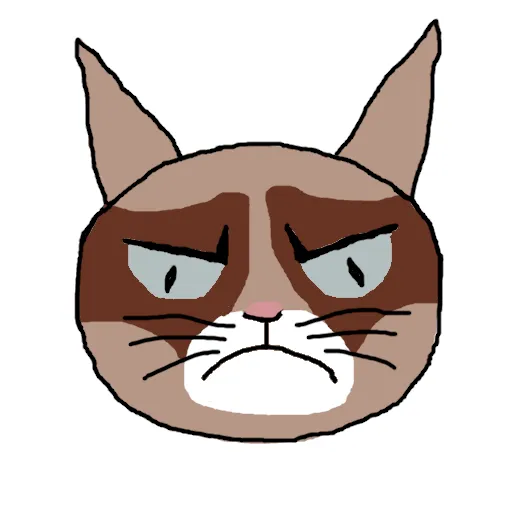
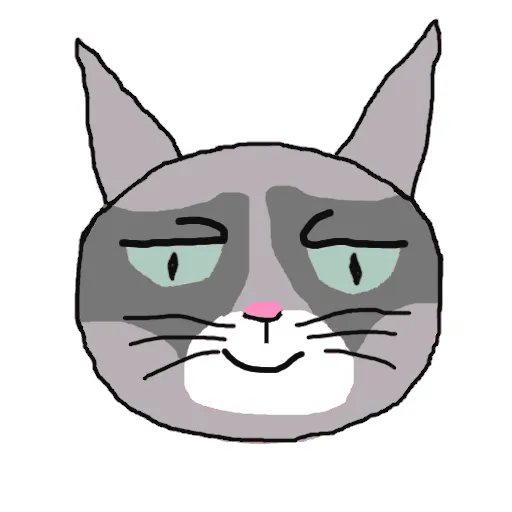
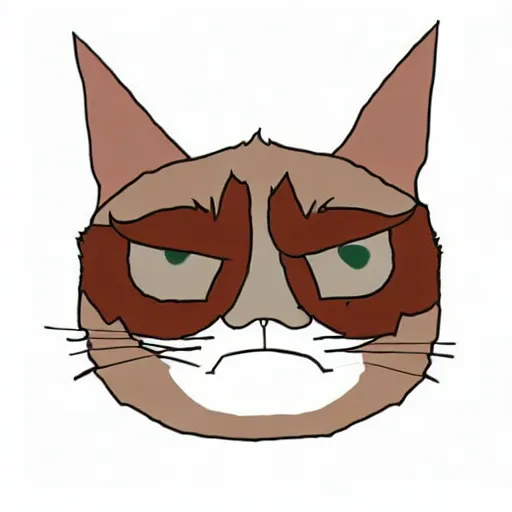
Unlike most diffusion models we use an initial handdrawn image as a starting step.

Results

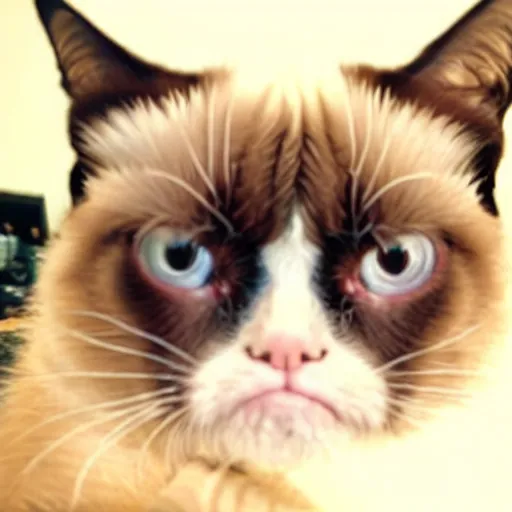
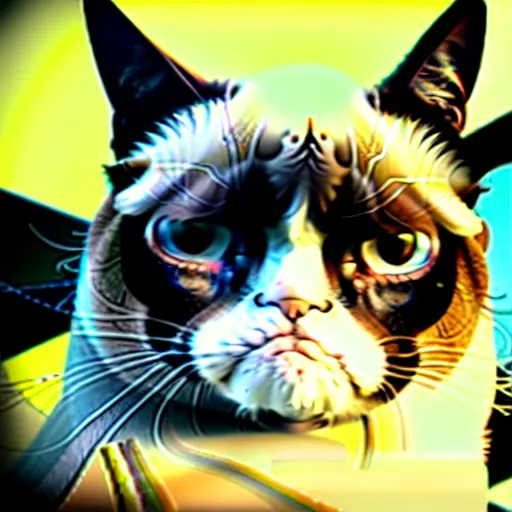
The results are done with the following prompt

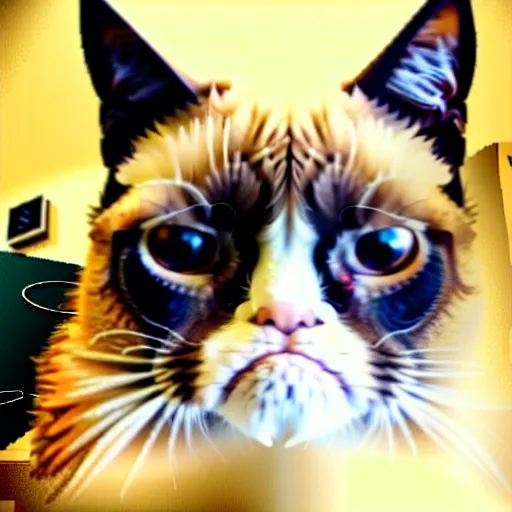
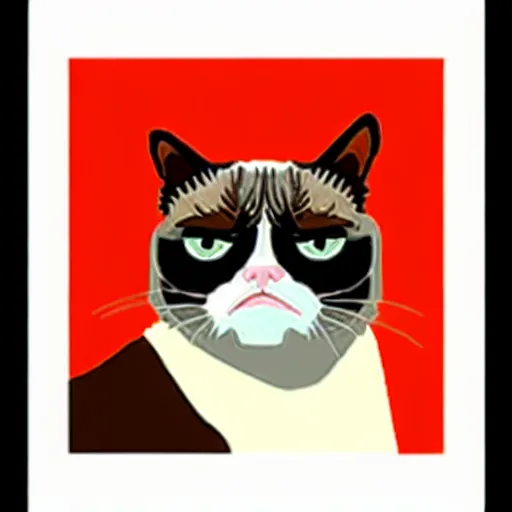
”Grumpy cat, realistic, photograph, life like, fisheye”

One thing I found annoying was despite my initial drawing having a smiling cat the diffusion model still made it grumpy.

Original Sketch λ=5\lambda = 5 λ=15\lambda = 15 λ=30\lambda = 30
1-cat-512.png /src/assets/assgn5/diffusion/tests/cat1_Grumpy-cat,-realistic,-photograph,-life-like,-fisheye_5.0.png /src/assets/assgn5/diffusion/tests/cat1_Grumpy-cat,-realistic,-photograph,-life-like,-fisheye_15.0.png /src/assets/assgn5/diffusion/tests/cat1_Grumpy-cat,-realistic,-photograph,-life-like,-fisheye_30.0.png
2-cat-512.png /src/assets/assgn5/diffusion/tests/cat2_Grumpy-cat,-realistic,-photograph,-life-like,-fisheye_5.0.png /src/assets/assgn5/diffusion/tests/cat2_Grumpy-cat,-realistic,-photograph,-life-like,-fisheye_15.0.png /src/assets/assgn5/diffusion/tests/cat2_Grumpy-cat,-realistic,-photograph,-life-like,-fisheye_30.0.png

Finally, here is an image with the same prompt but I increased the noise on the initial image by 1.5
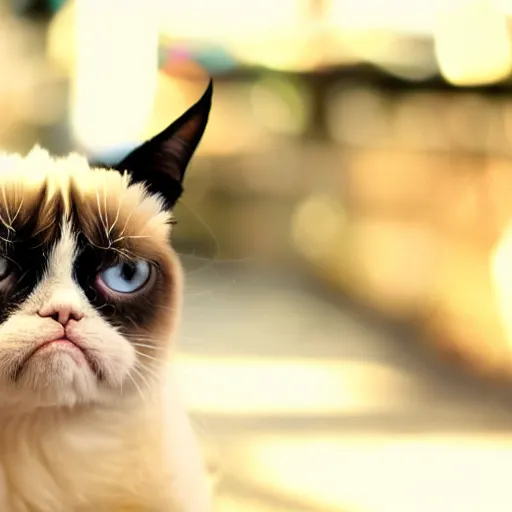
Experiment with the same prompt as above except instead we added 1.5x more noise for our initial image

The results are really fantastic which seems to imply the initial diffusion model was really good and by starting from a noisier image we’re relying on it more.

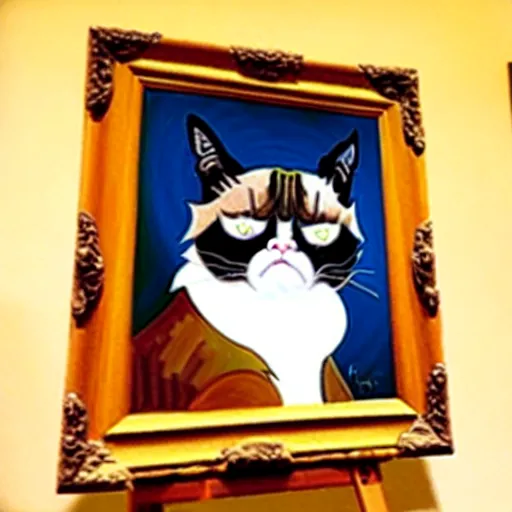
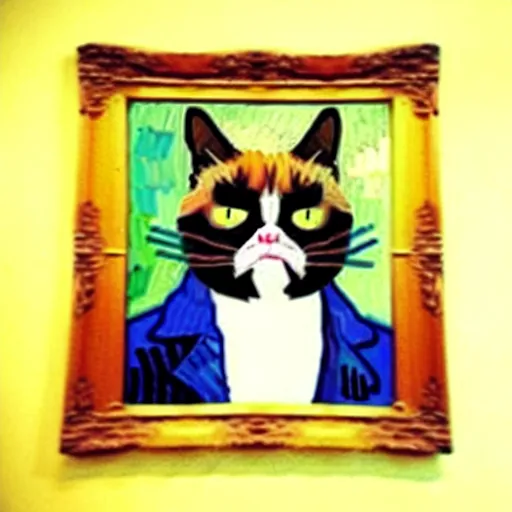
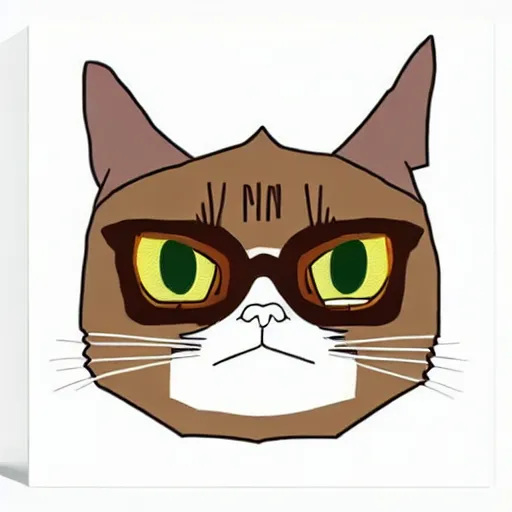
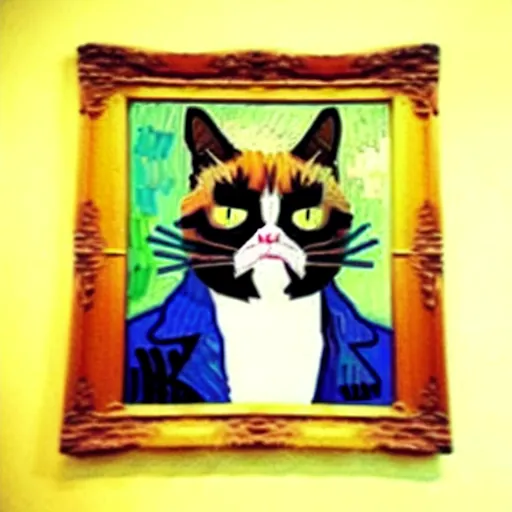
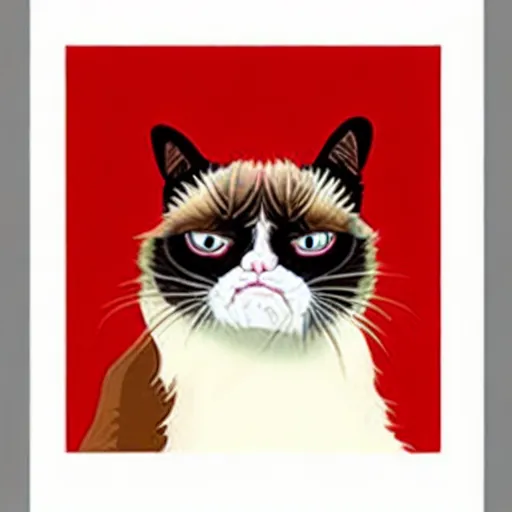
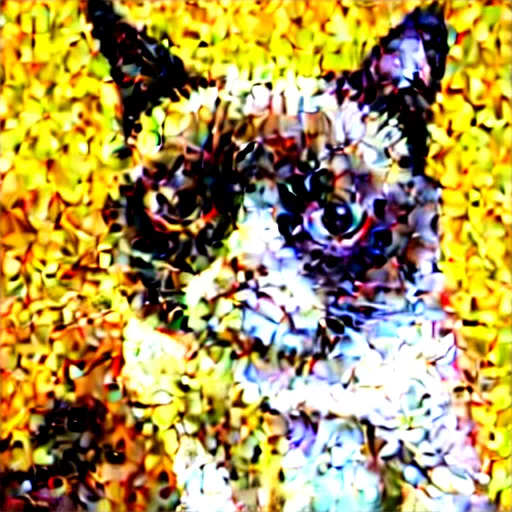
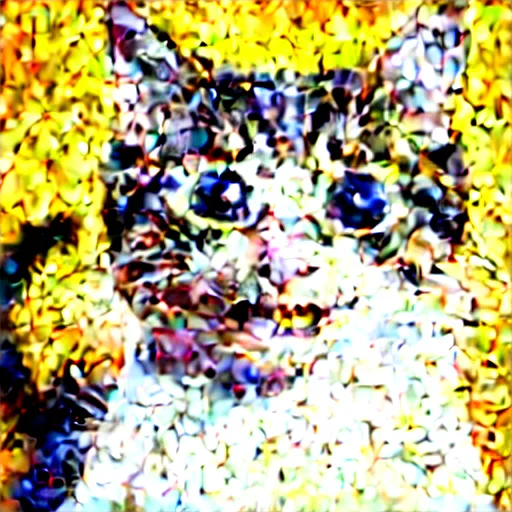
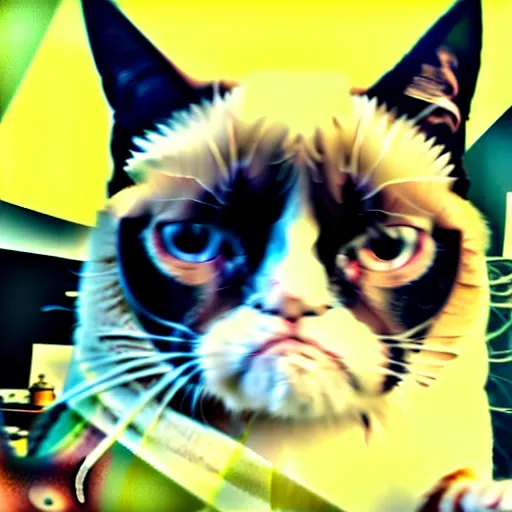
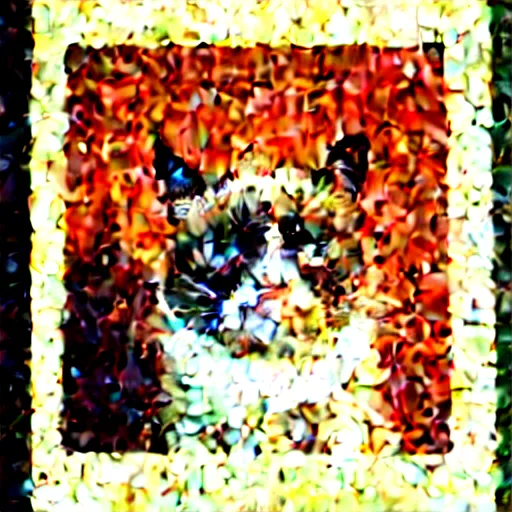
Finally here are some miscaelleanous ones. The really poor quality noisy ones are due to off-by-one errors with scheduling but I wanted to include them anyways.
() => import('./00000_Grumpy-cat_-realistic_-photograph_-life-like_-fisheye_Sj_liis7.mjs')
Grumpy-cat,-realistic,-photograph,-life-like,-fisheye.png
() => Promise.resolve().then(() => _00000_GrumpyCat_Realistic_Photograph_LifeLike_Fisheye_7_0)
Grumpy-cat,-realistic,-photograph,-life-like,-fisheye
() => import('./00000_Grumpy-cat-in-space_-old-time-photo_-vintage_-film_-kodakchrome_3va3B8lX.mjs')
Grumpy-cat-in-space,-old-time-photo,-vintage,-film,-kodakchrome.png
() => import('./00000_Grumpy-cat-in-the-style-of-Cezanne_xIpMq7aM.mjs')
Grumpy-cat-in-the-style-of-Cezanne.png
() => import('./00000_Grumpy-cat-lifelike_-realistic_-photograph_gJTO9sfm.mjs')
Grumpy-cat-lifelike,-realistic,-photograph.png
() => import('./00000_Grumpy-cat-reimagined-as-a-Cezanne-painting_CzrNit4P.mjs')
Grumpy-cat-reimagined-as-a-Cezanne-painting.png
() => import('./00000_Grumpy-cat-reimagined-as-a-Klimt-painting_Rh-VvCVP.mjs')
Grumpy-cat-reimagined-as-a-Klimt-painting.png
() => import('./00000_Grumpy-cat-reimagined-as-a-Van-Gogh-painting_cL8KVP12.mjs')
Grumpy-cat-reimagined-as-a-Van-Gogh-painting.png
() => import('./00000_Grumpy-cat-reimagined-as-a-Van-Gogh-painting_15_UA4M-wjg.mjs')
Grumpy-cat-reimagined-as-a-Van-Gogh-painting
() => import('./00000_Grumpy-cat-reimagined-as-a-Van-Gogh-painting_25_OE4dmucV.mjs')
Grumpy-cat-reimagined-as-a-Van-Gogh-painting
() => import('./00000_Grumpy-cat-reimagined-as-a-royal-painting_di7B7jJG.mjs')
Grumpy-cat-reimagined-as-a-royal-painting.png
() => import('./00000_Grumpy-cat-smiling_-very-happy_-radiant_-positive_lUxK-3U6.mjs')
Grumpy-cat-smiling,-very-happy,-radiant,-positive.png
() => import('./00000_Grumpy-cat_5.0__eAQRH-L.mjs')
Grumpy-cat
() => import('./00000_Smiling-cat_-very-happy_-radiant_-positive_uT55yv_u.mjs')
Smiling-cat,-very-happy,-radiant,-positive.png