

CMU 16726 Learning Based Image Synthesis

Assignment #2 - Gradient Domain Fusion

Lifan Yu (lifany)

0. Project Overview

0.1 Background

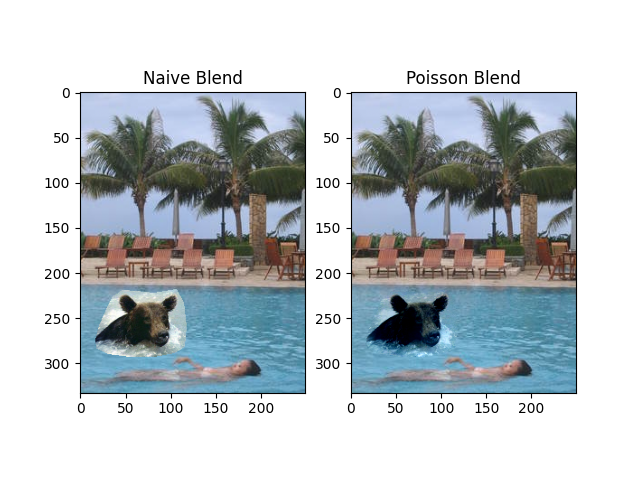
This project focuses on “Poisson blending”, gradient-domain processing, a simple technique to blend a part of an image, be it an object, an animal or a person, into a target background image.

In this project, the goal is to seamlessly blend the source image onto the target image, different from a simple copy and paste which creates noticeable edges.

0.2 Methods

- We focus on gradients rather than the absolute pixel values because we want the image intensity between the source and target images to transition smoothly.

- We preserve the gradients of the area of the source image that we wish to copy paste, and based on the target image's values on the edges, we the and solve for the each pixel in this area.

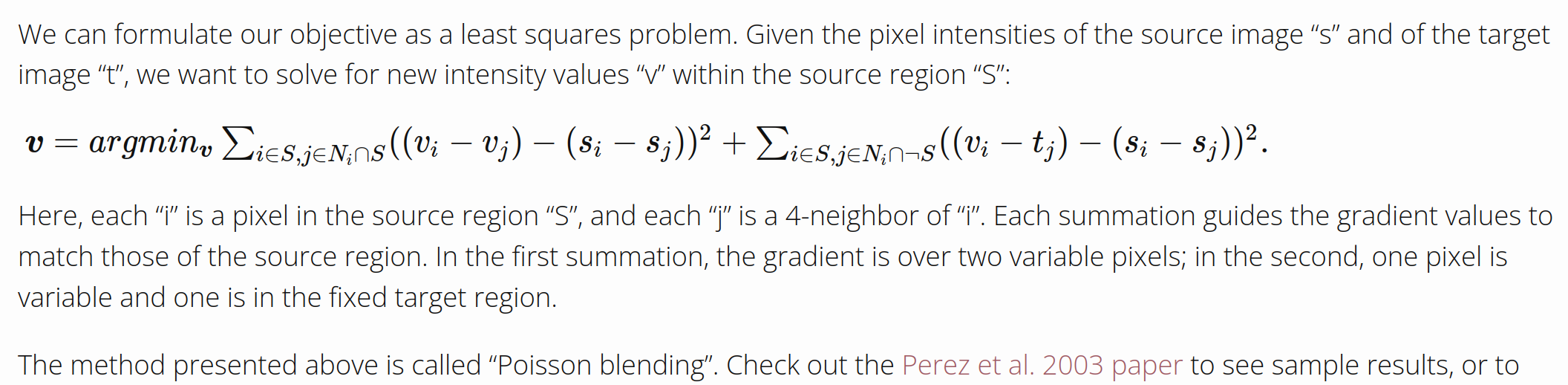
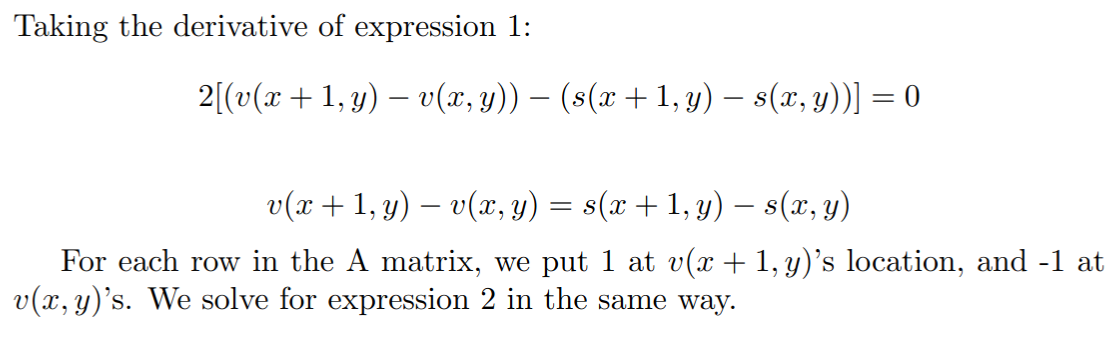
- The equation to solve for is as follows. We treat each pixel in the image as a variable v that minnimizes the expression on the right side

- Taking the derivative of the right hand side expression and letting that be zero, we get an expression with v_i and v_j on the left side, and move the constant intensity values to the right side. We can form a linear system A v = b to solve for the v's.

- we form a matrix A containing all the v_i v_j's coefficients, and a column vector v from v_0 to v_numpixels. We observe that for each vi pixel we are solving for, they are calculated 4 times for each of their neighbors v_j: top, bottom, left and right. Their coefficient is then 4. So we put a 4 in A's row, corresponding to the v_i's location. Similarly, for each neighbor v_j, we check whether or not they are in the mask, if they are, we put a -1 in A, else we add background intensity to the corresponding b element.

1. Blending

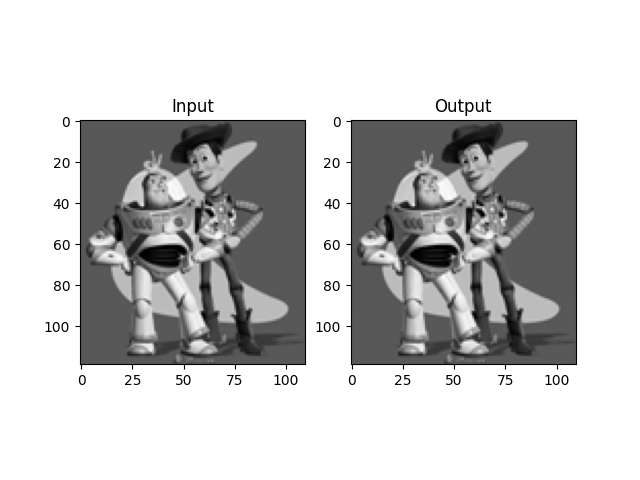
1.1 Toy Problem

1.2 Poisson Blending

- How it works is that we preserve the gradients of the area of the source image that we wish to copy paste, and based on the target image's values on the edges, we the and solve for the each pixel in this area.

- We are calculating 4 times v_i, so we are putting 4 into A matrix instead of 1 in the toy example. Other steps are teh same.

- This time the matrix is much bigger, so numpy's least squares solver couldn't handle. We need to first create A as a sparse scipy matrix and use scipy's sparse lineal algebra solver to solve for the least squares solution.

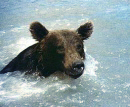
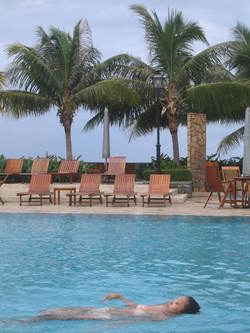
Source

Target

Poisson blend result
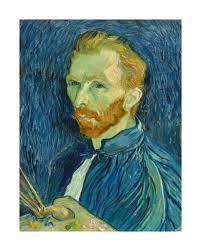
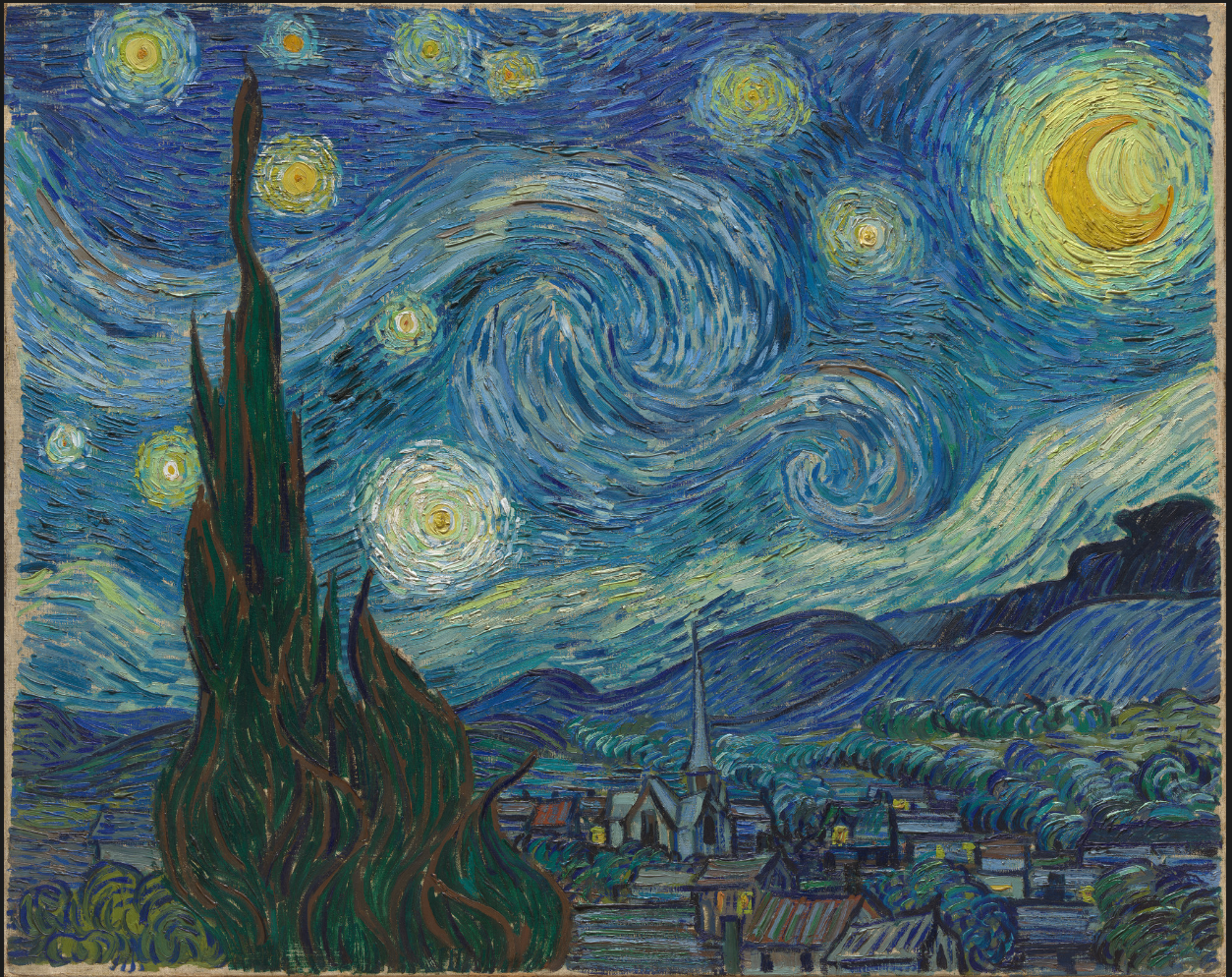
My favorite blending result:

Source
Target
Poisson blend result
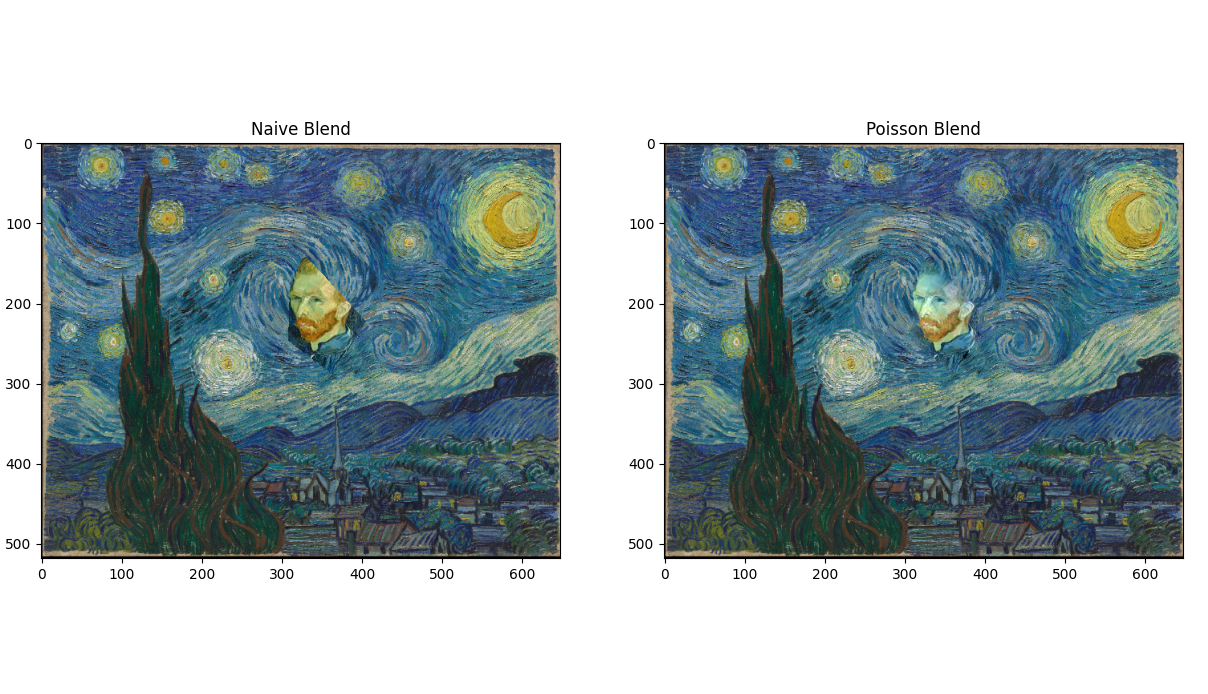
Since these two images have similar textures and similar colors, they blend quite well.

Two more Poisson blending results:

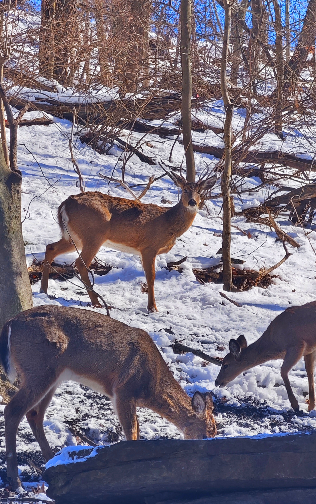
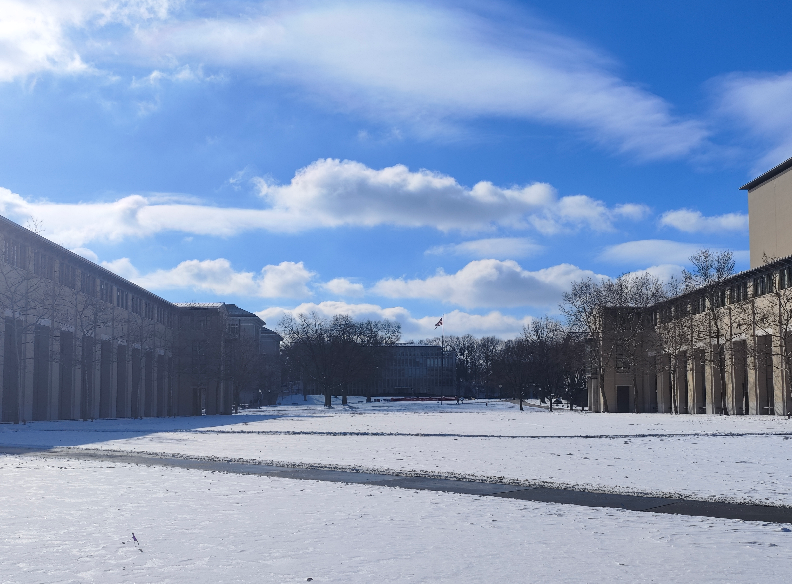
I took these photos in Schenley Park and CMU recently.

Source
Target
Poisson blend result
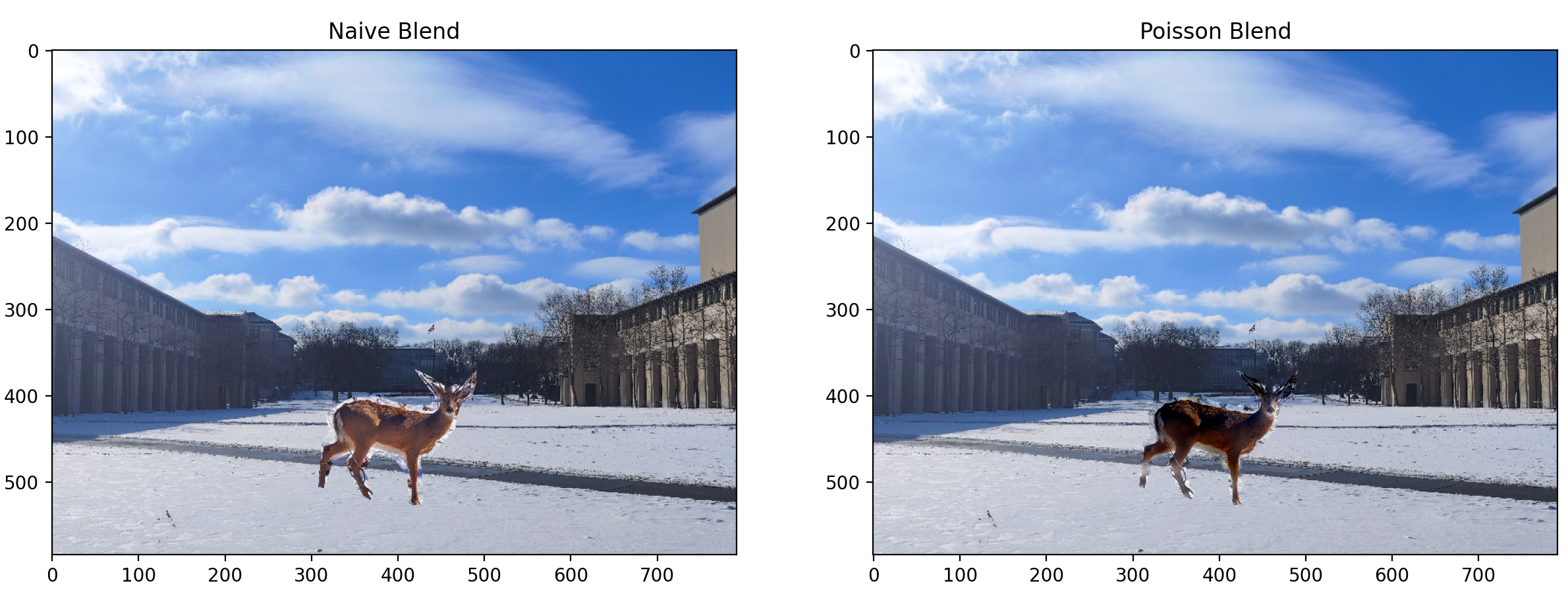
Poisson blending works well enough for these two images, but the deer's legs are a bit distorted int the result image due to the colors of the paths being drastically different from that of the snow. The snow has very light color comparing to the paths, and led to parts of the deer's legs that are pasted onto the snow area having much lighter color than the nearby parts pasted onto the path area.

Where it doesn't work so well...

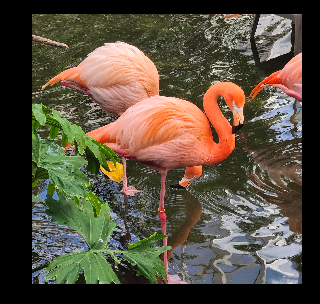
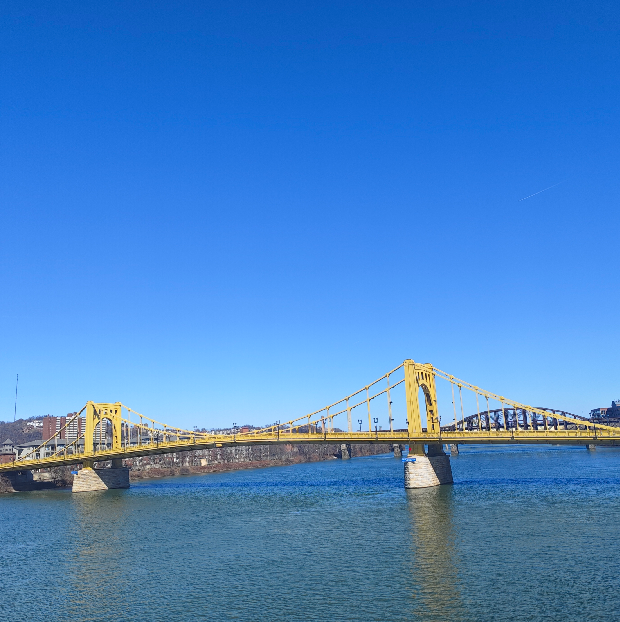
I took these photos in the National Aviary and on the Andy Warhol Bridge

Poisson blending doesn't work so well on them.

Source
Target
Poisson blend result
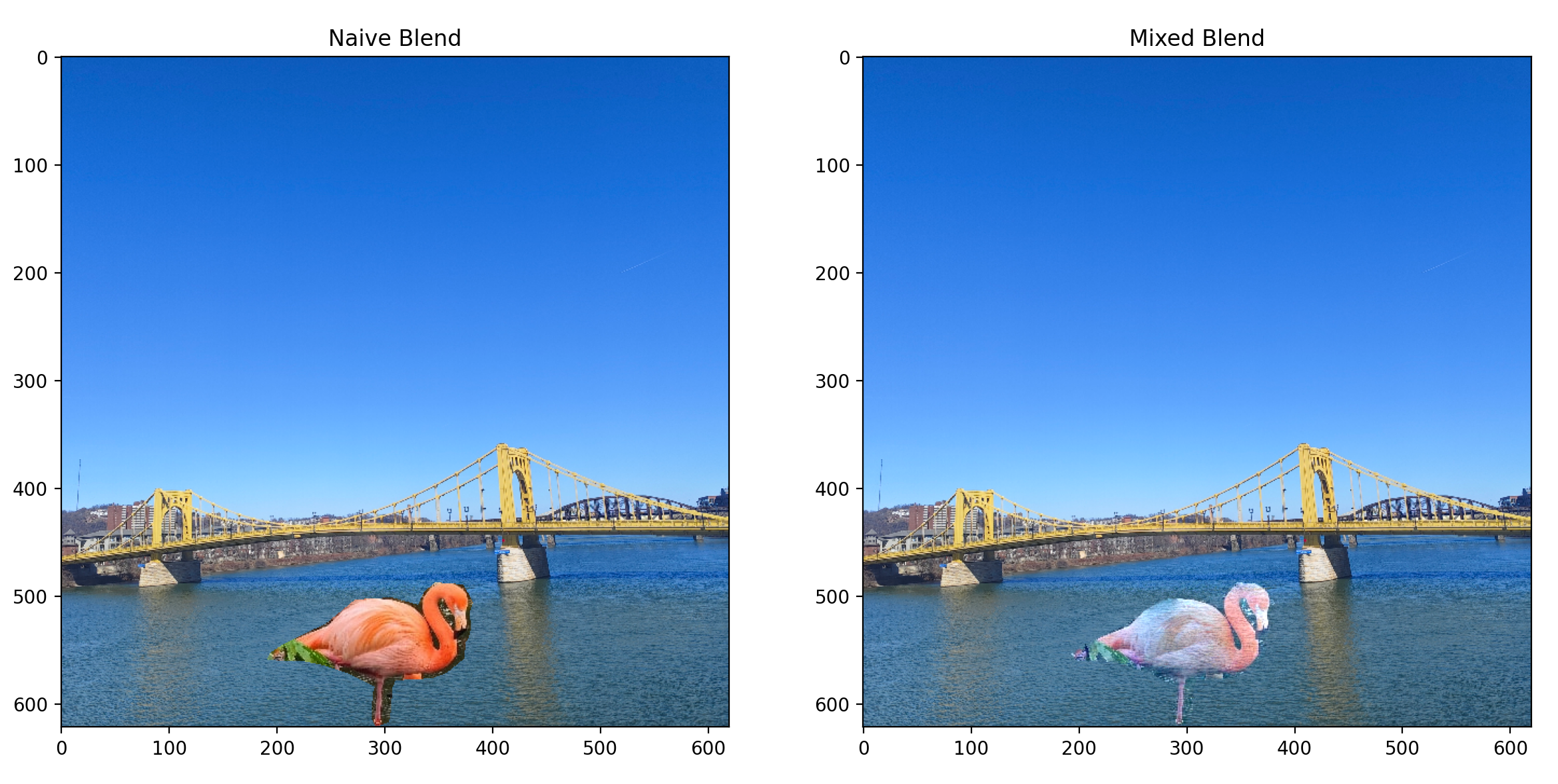
- The source image segment is mostly red / pink, while the target image is mostly blue. The red channel in the target image has much lower values, therefore, the result is that the flamingo also became blue.

- We are using gradients to calculate the pasted segment's colors using the surrounding colors on the target image, therefore the color hue of the pasted segment will be heaviily influenced by the target image if their domminant colors differ a lot. Preserving gradients doesn't necessarily preserve the target image's original colors.

2. Bells & Whistles (Extra Points)

2.1 Mixed Gradients

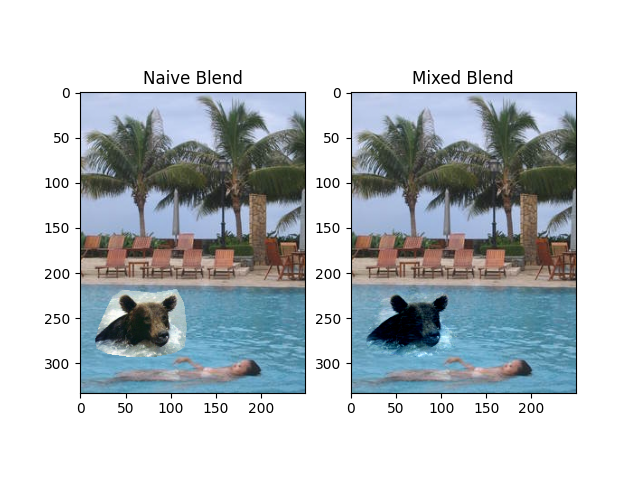
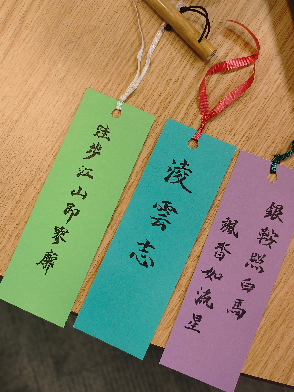
blend a picture of writing on a plain background onto another image

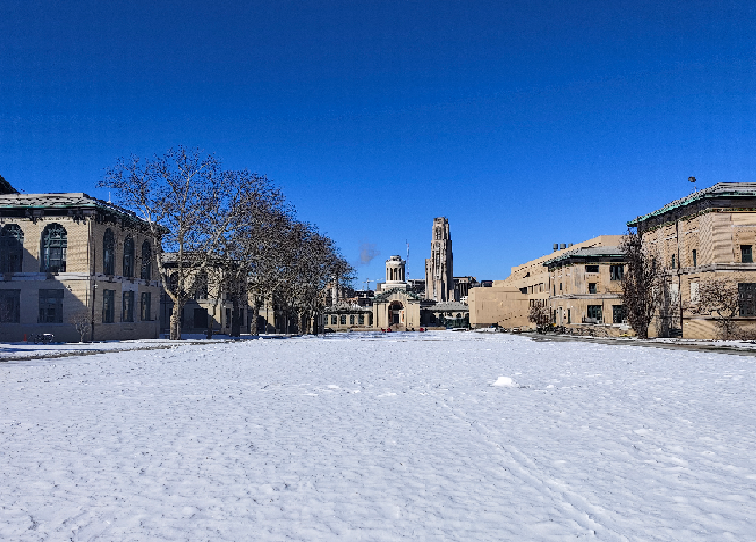
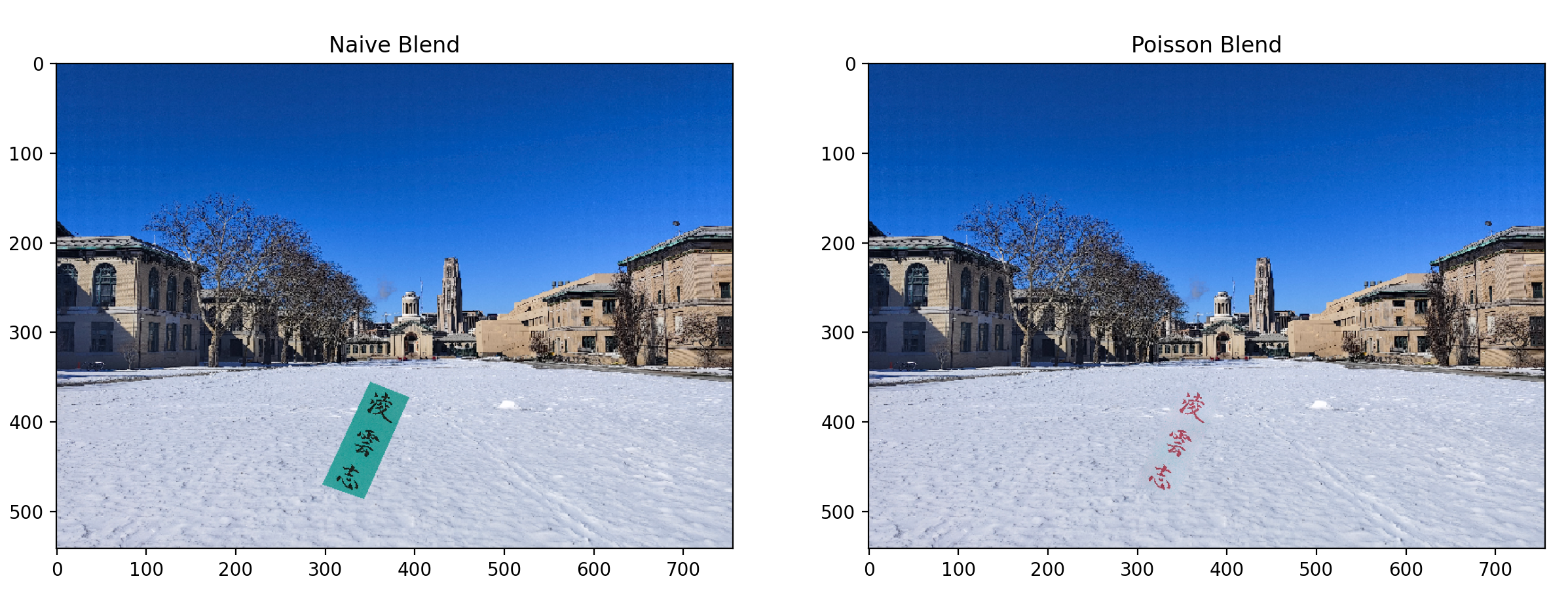
The source image is a picture of some Chinese caligraphy bookmarks I made, using quotes from ancient poems. The words selected mean "ambitions". The target image is a photo of CMU I took.

Source
Target
Mixed blend result
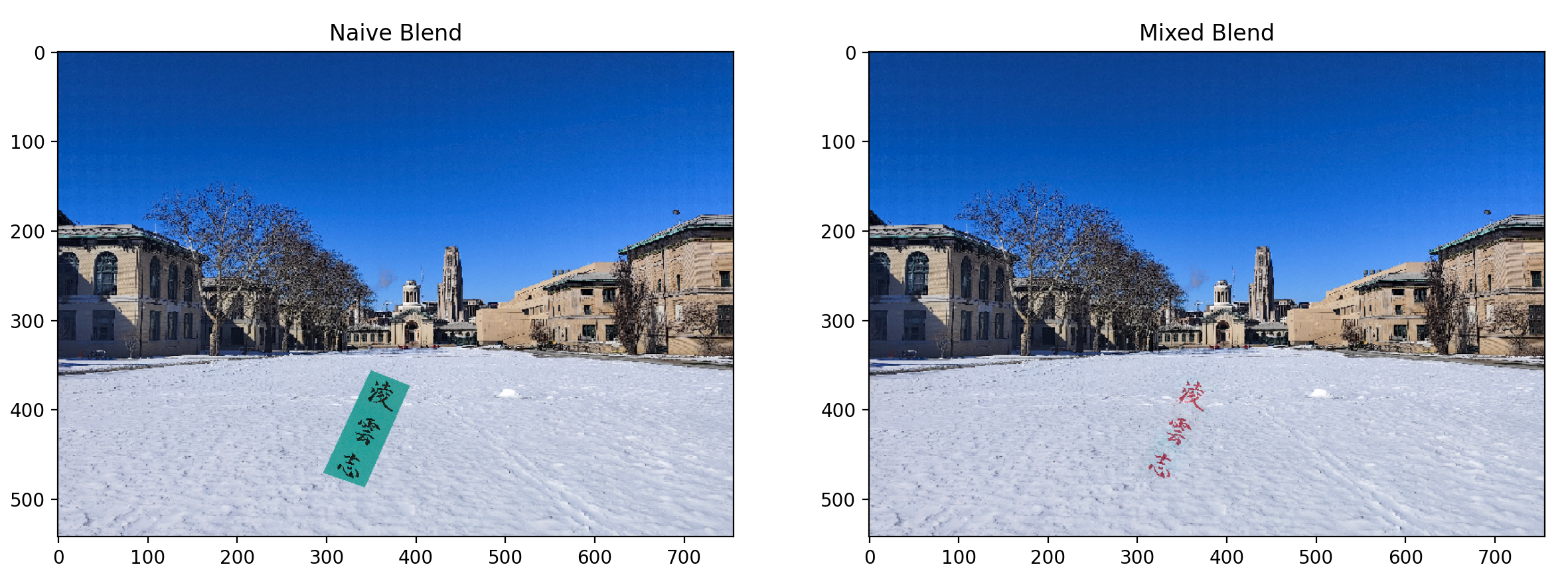
Comparing with the Poisson blend result, the mixed blend result looks better because it preserves the textures on the target image. The Poisson blend still has visible edges and the snow's texture isn't preserved near the words

Poisson blend result
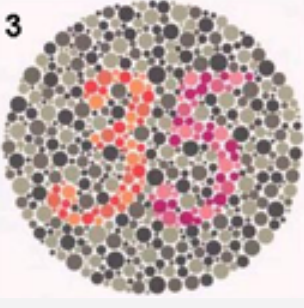
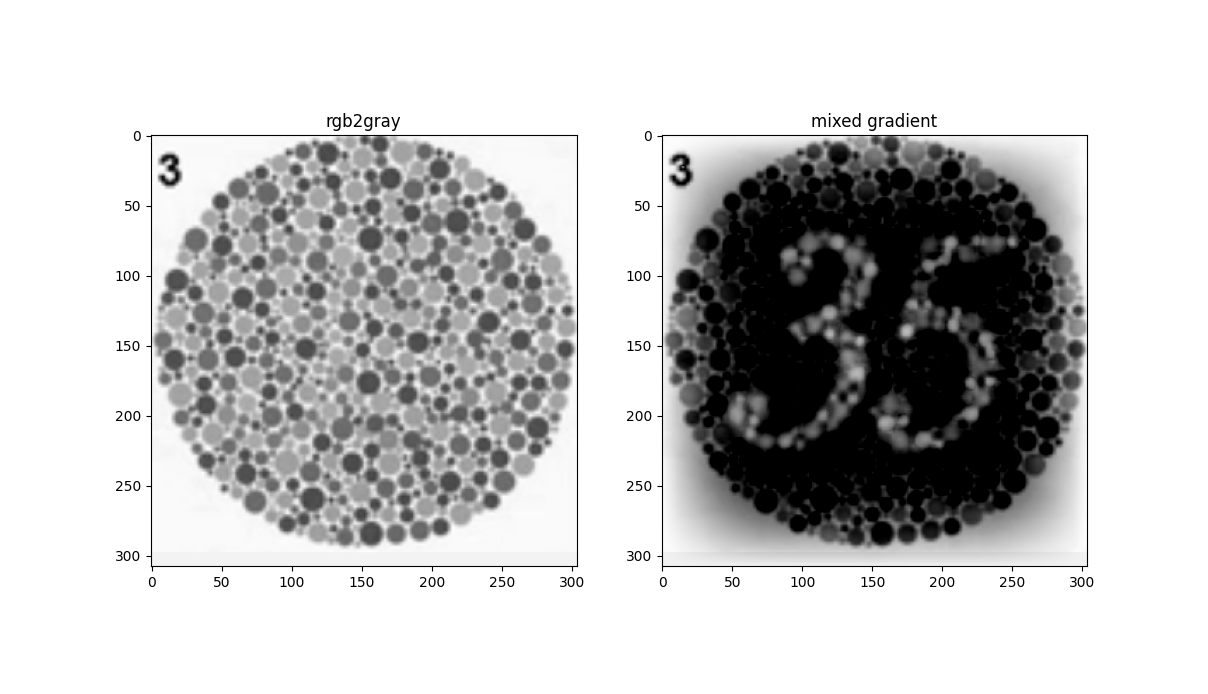
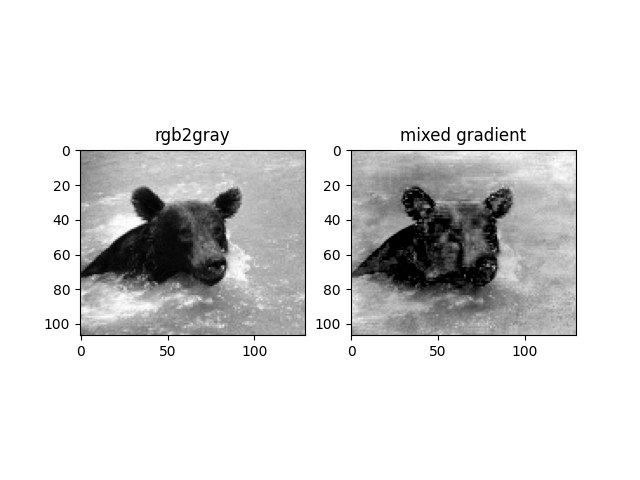
2.2 rgb2gray

Preserve graidients as well as grayscale intensity
Original Image: