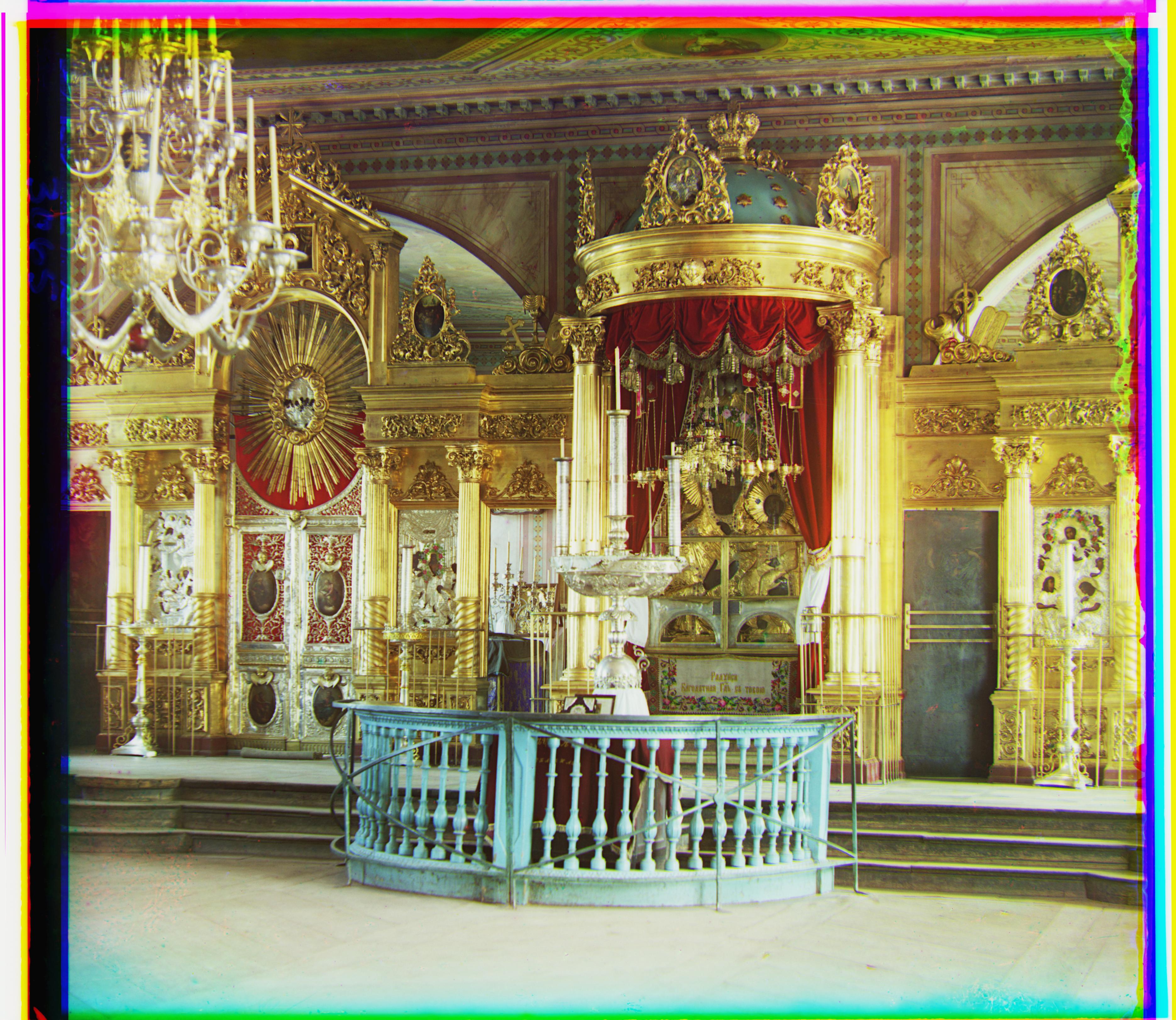
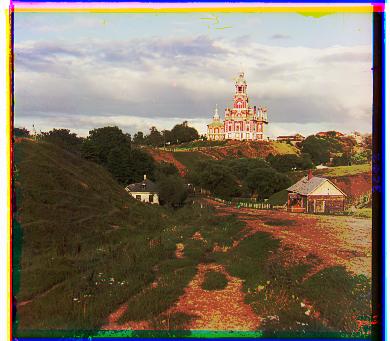
Cathedral
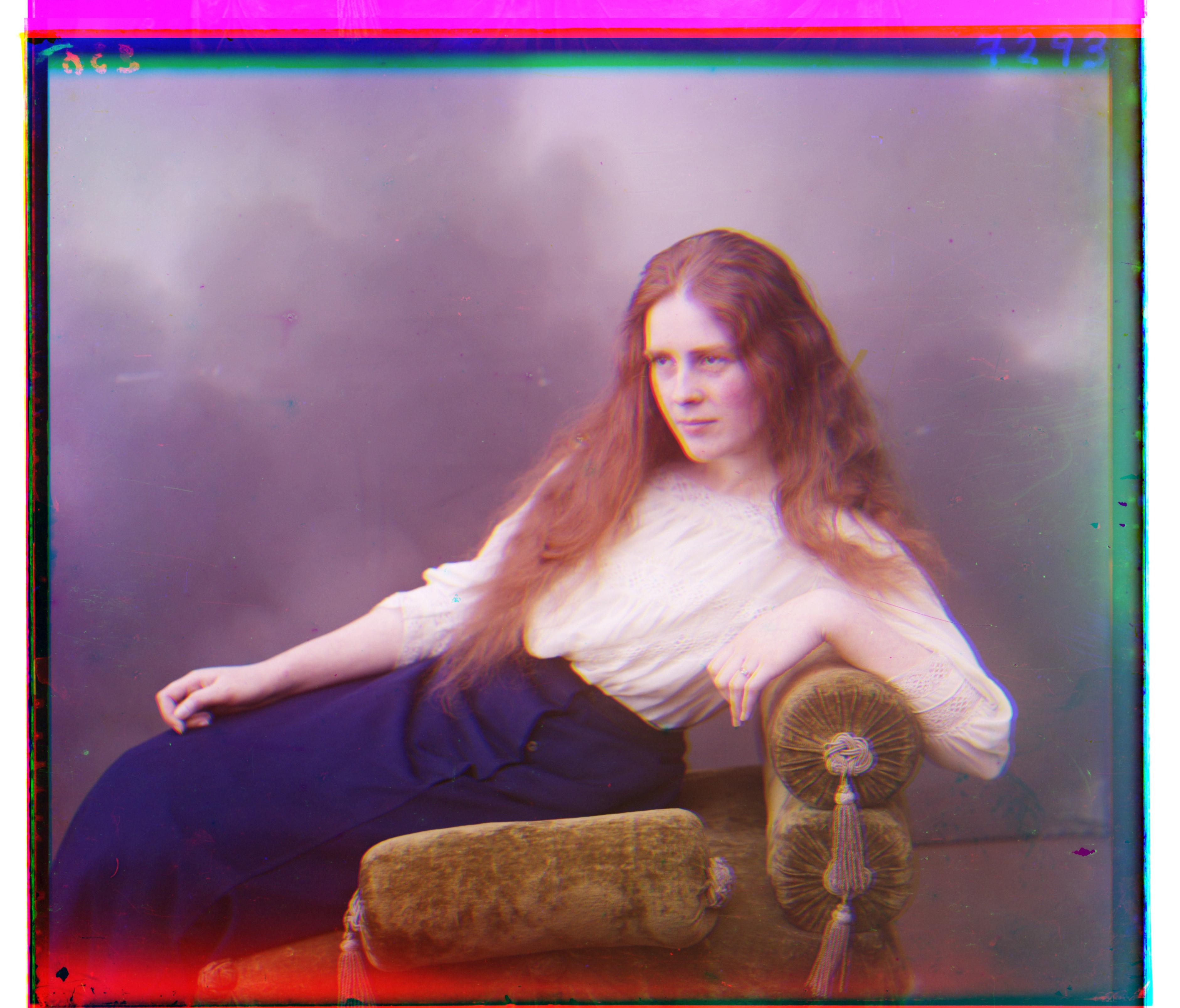
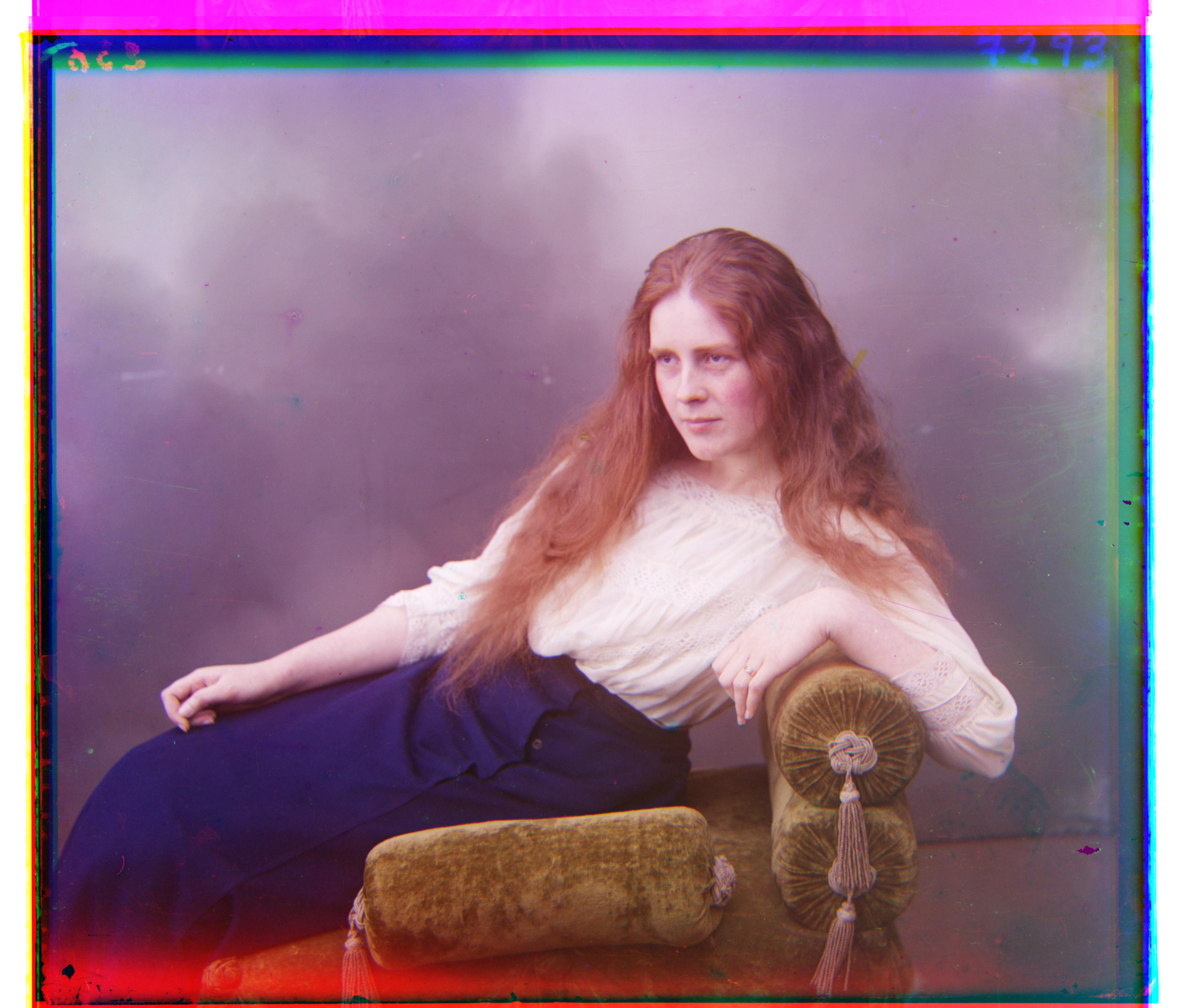
Lady
Sergei Mikhailovich Prokudin-Gorskii (1863-1944) envisioned colored photography and recorded three exposures of every scene onto a glass plate using a red, a green and a blue filter.
In this project, the glass plate images are processed and used to produce colored images.
- I chose SSD as the alignment metric.
- For alignment, first aligning red to green, then blue to green, and then stacking the three channels (aligned red, aligned blue, green) together. Most of the images have the same brightness across all color channels, aligning the other 2 channels with the third will work, except for the emir image, in which the green channel has a different brightness level from the other two.
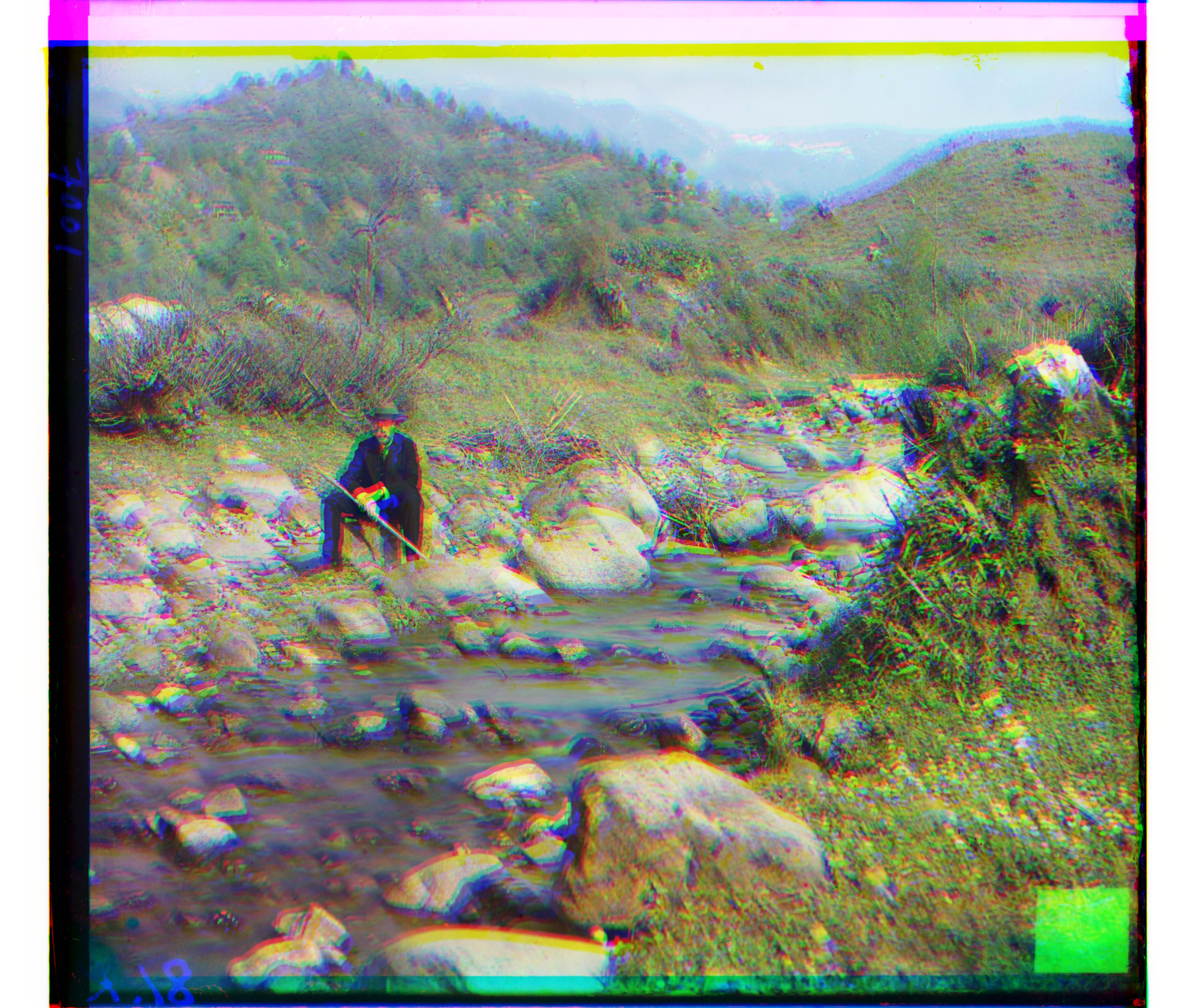
- First I tried the single-scale alignment, it performs better on low-res images, but is extremely slow and performs poorly on high-res images, as we are only shifting once and computing brightness SSDs across all the image pixels, which has too much details and can fail to produce an approximately correct shifting
- Then I used multi-scale pyramid method, first down-scaling the high-res images to a tiny image, compute SSD and shift to align, then up-scale the image by a constant, again compute SSD and shift the color channels to align with each other. This is repeated until the image is up-scaled back to the original size. We shift the image several times, and with each up-scaling, the new shifting is a finer-tuned shift. This method is much quicker than the single-scale one, and performs quite well on almost all images
Cathedral
Lady
Multiscale pyramid method works well and fast on almost all images.
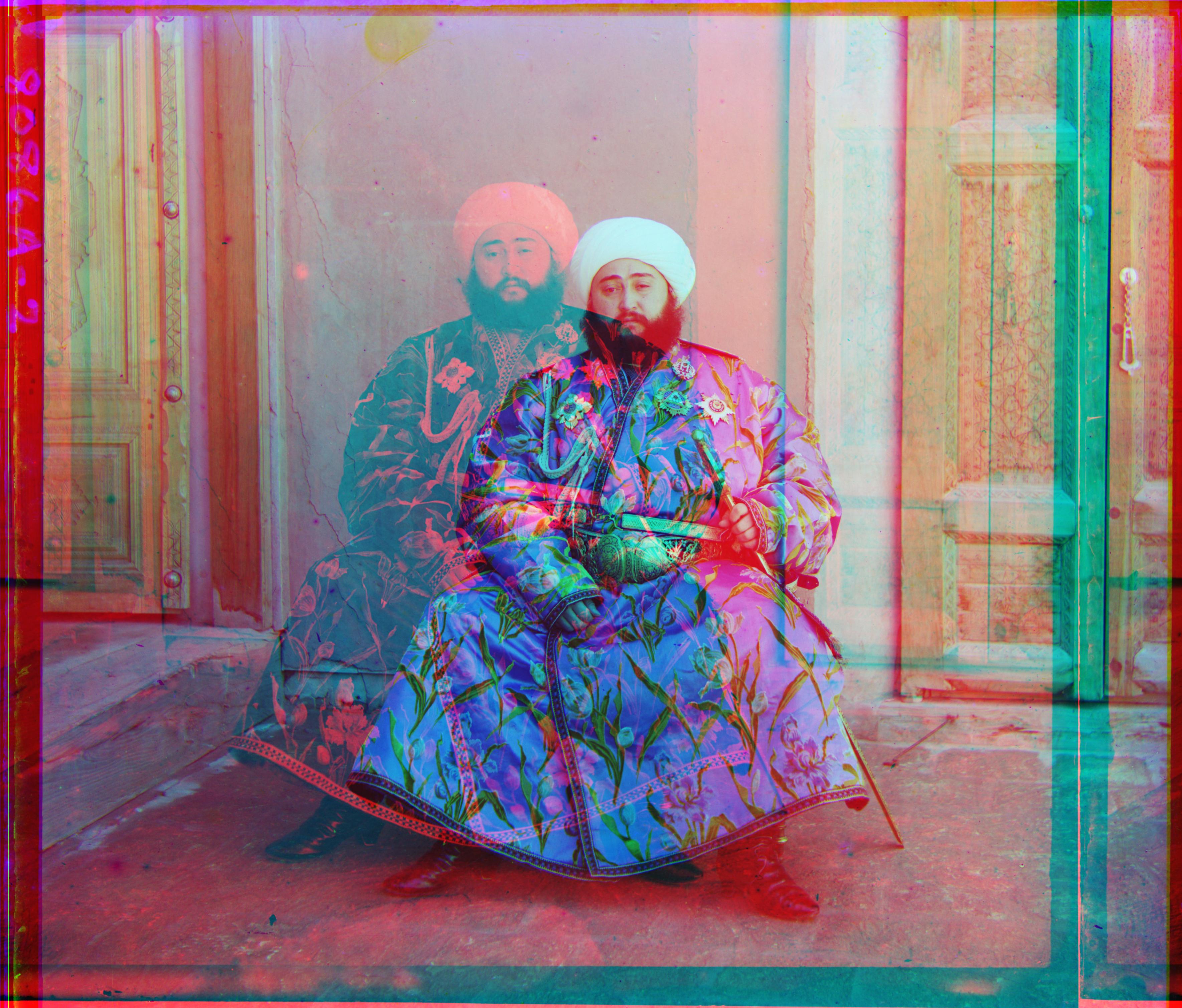
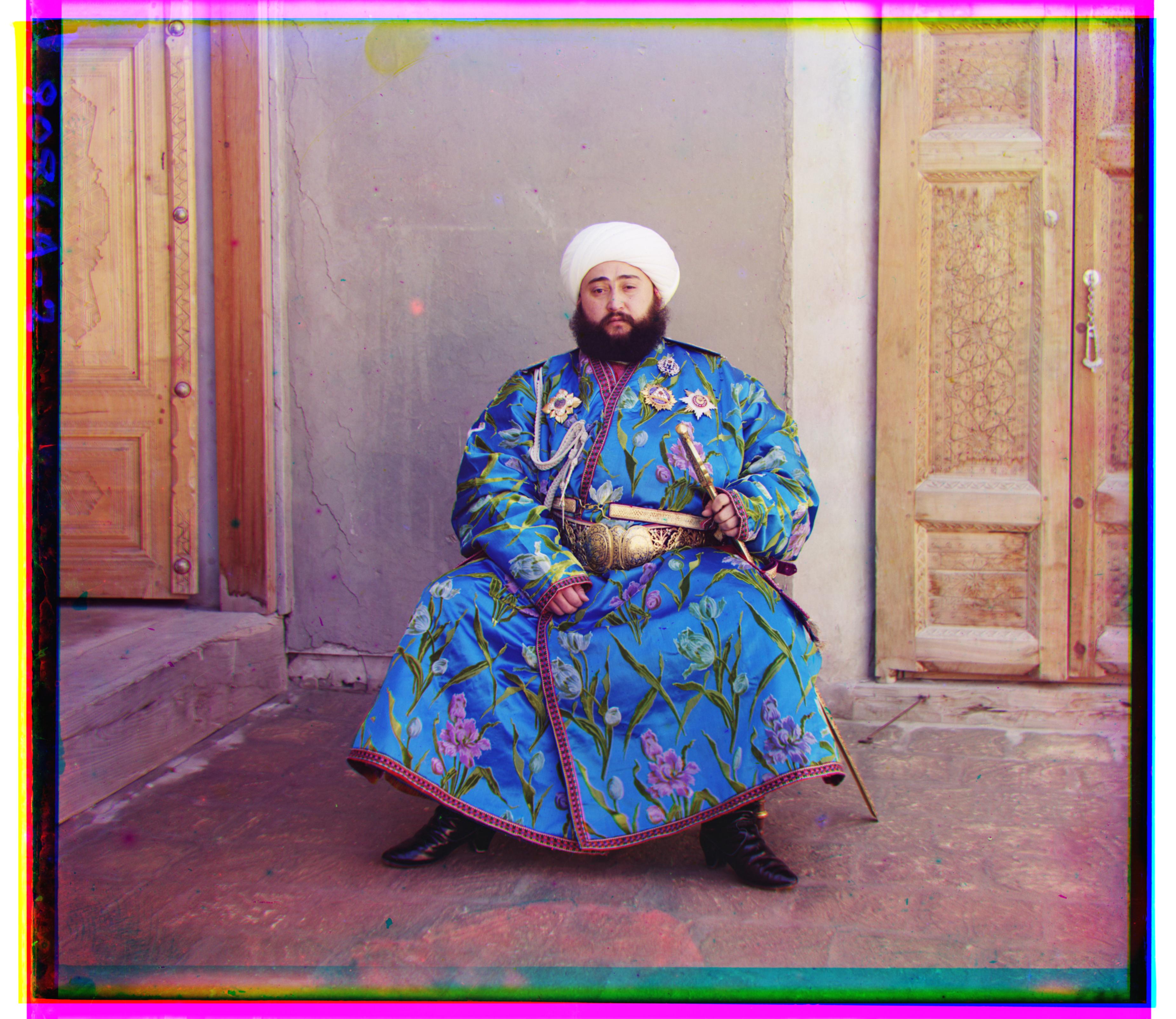
However, the Emir image isn't properly aligned.
This is due to the Emir image's green channel having a different brightness level than others channels.
To solve this, I instead aligned the two other channels to green and solved the problem. The new aligned Emir image can be seen at the end of this subsection
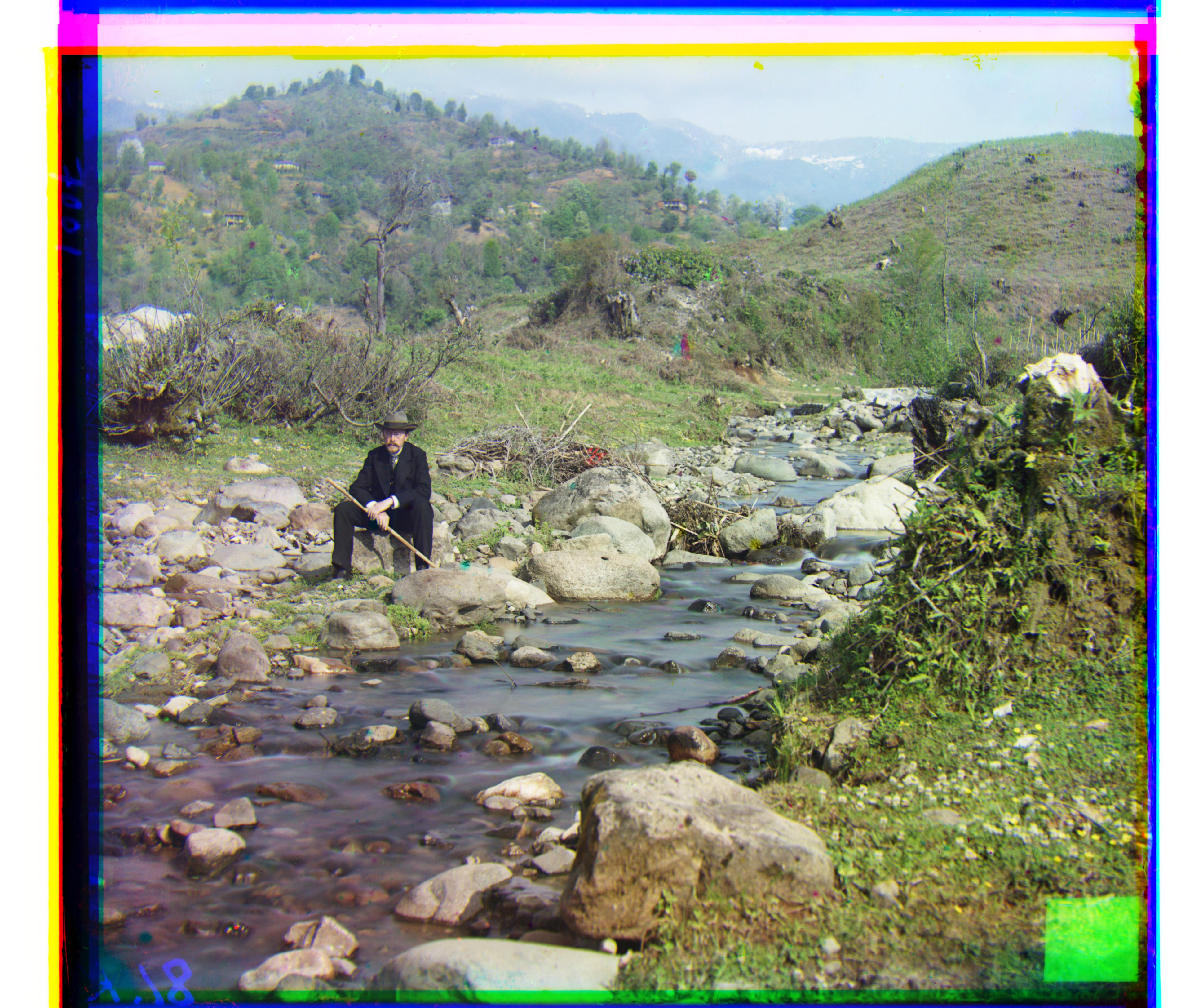
Self-portrait
Lady
Emir
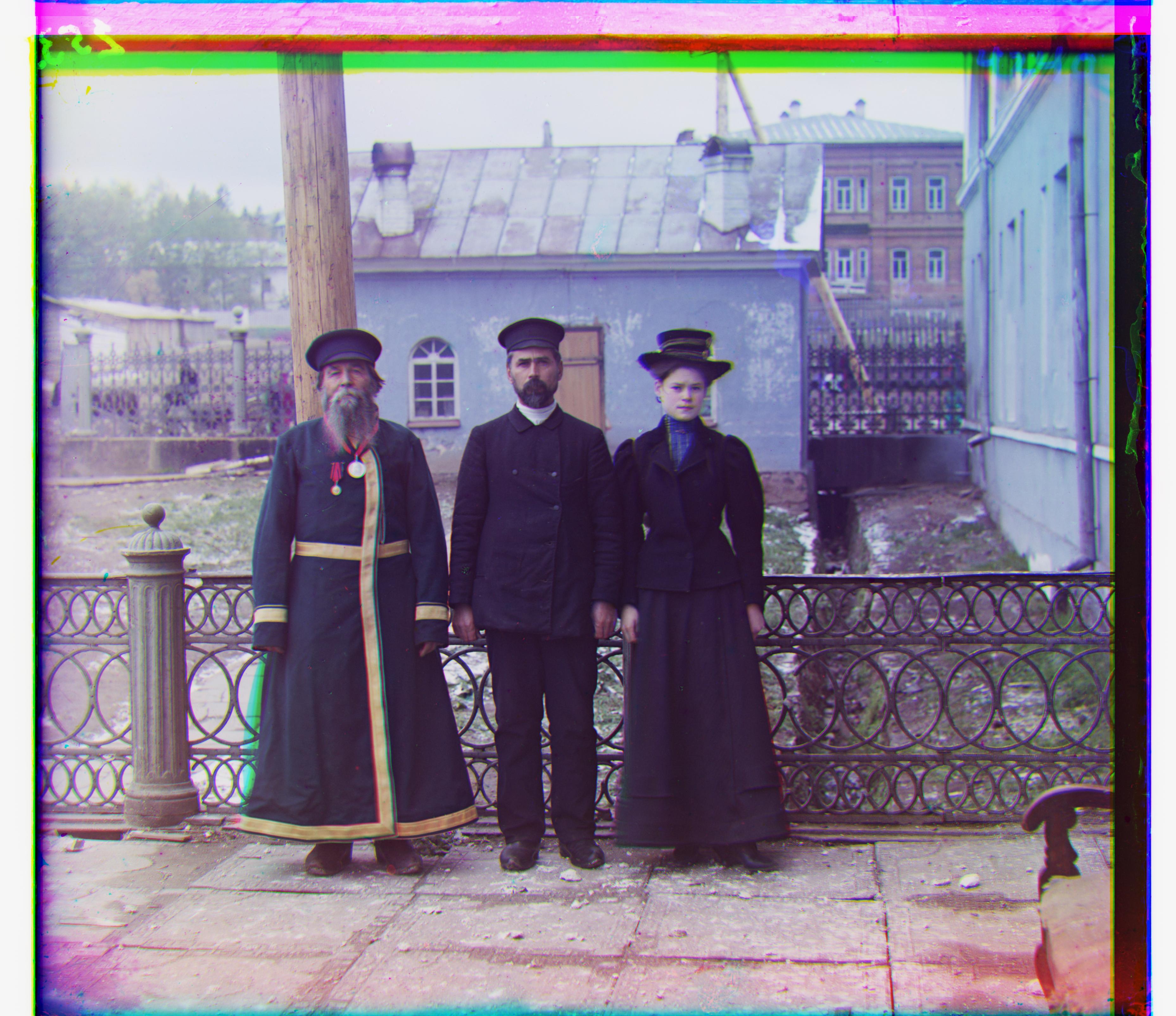
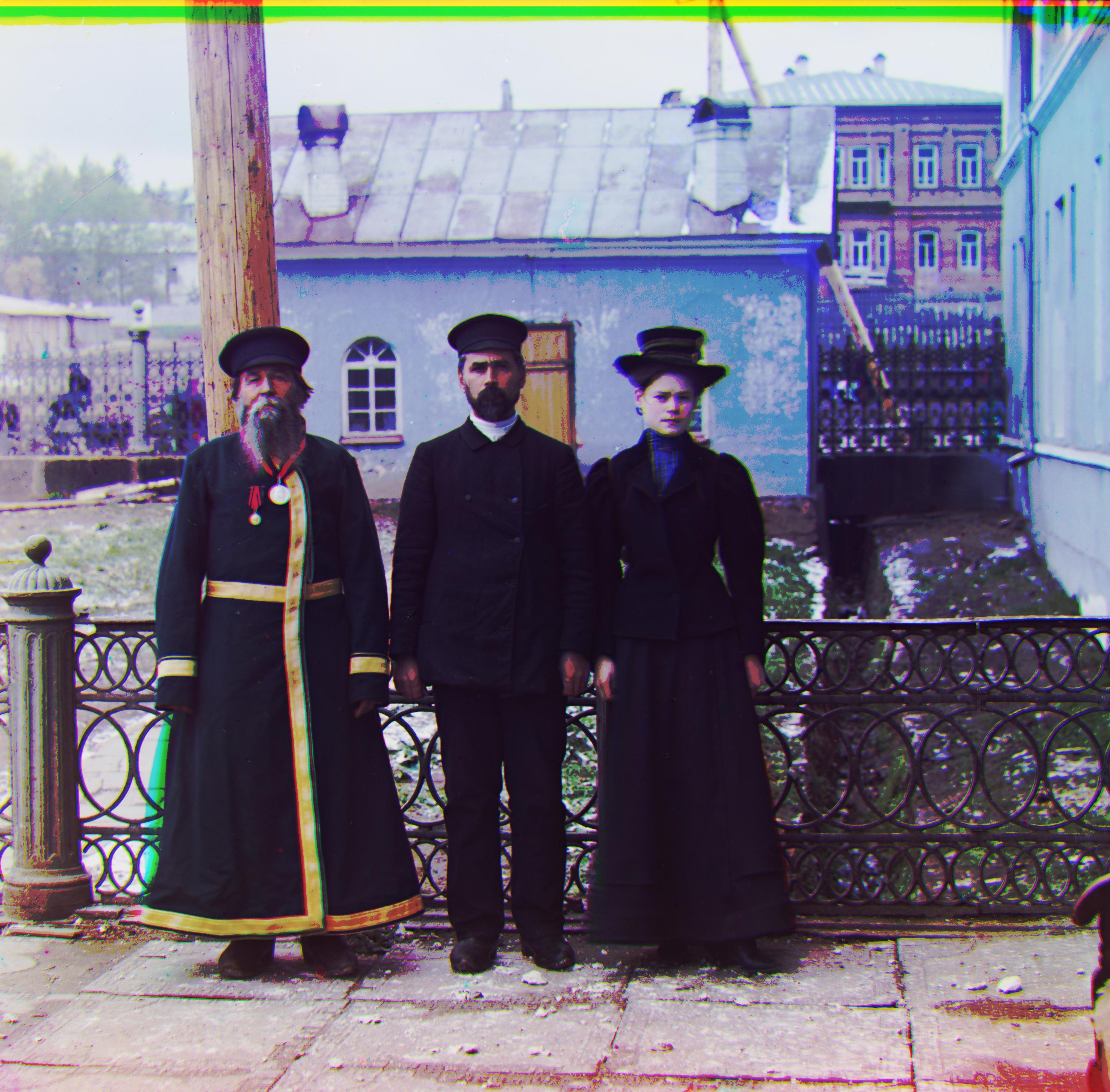
Three generations
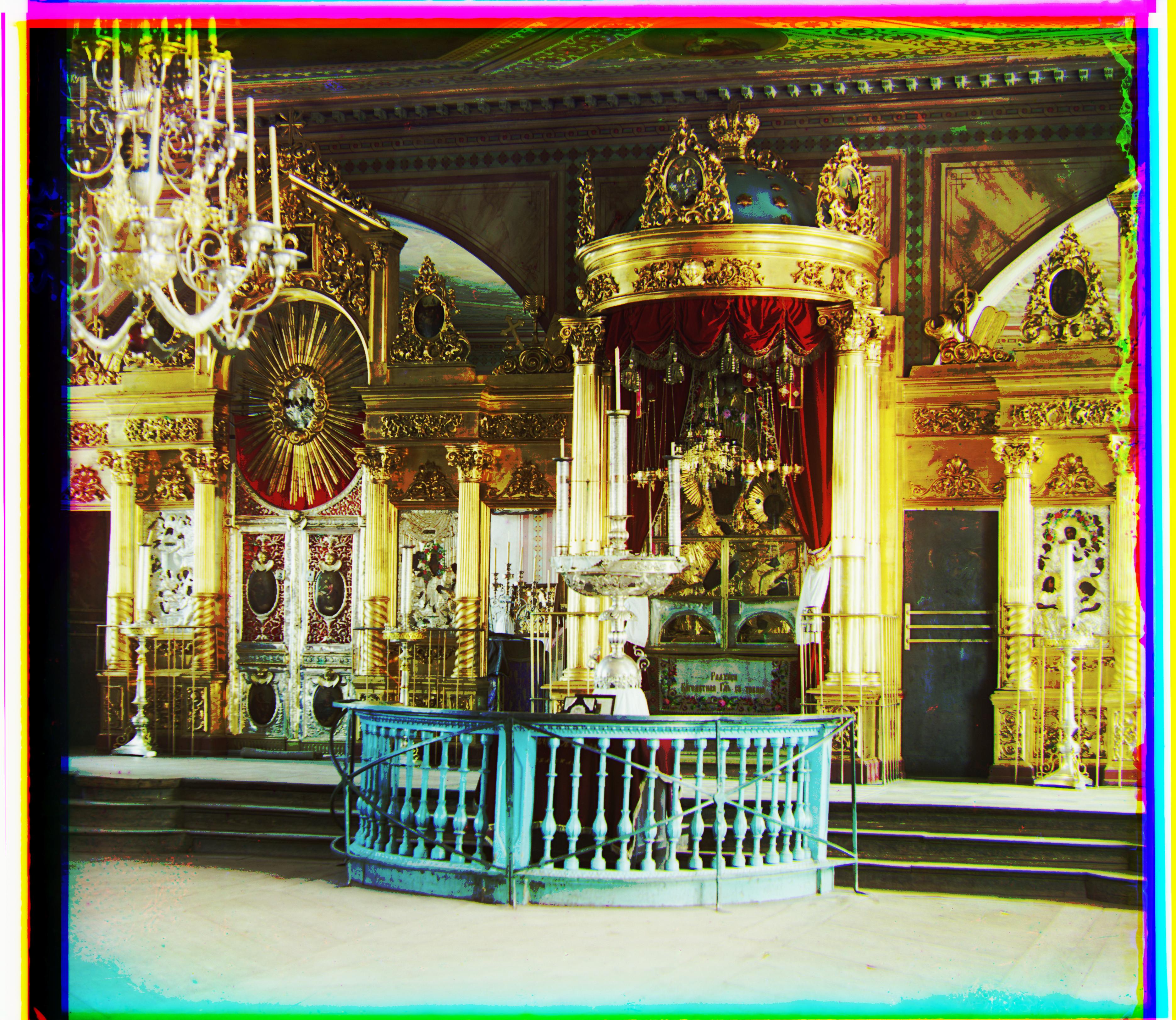
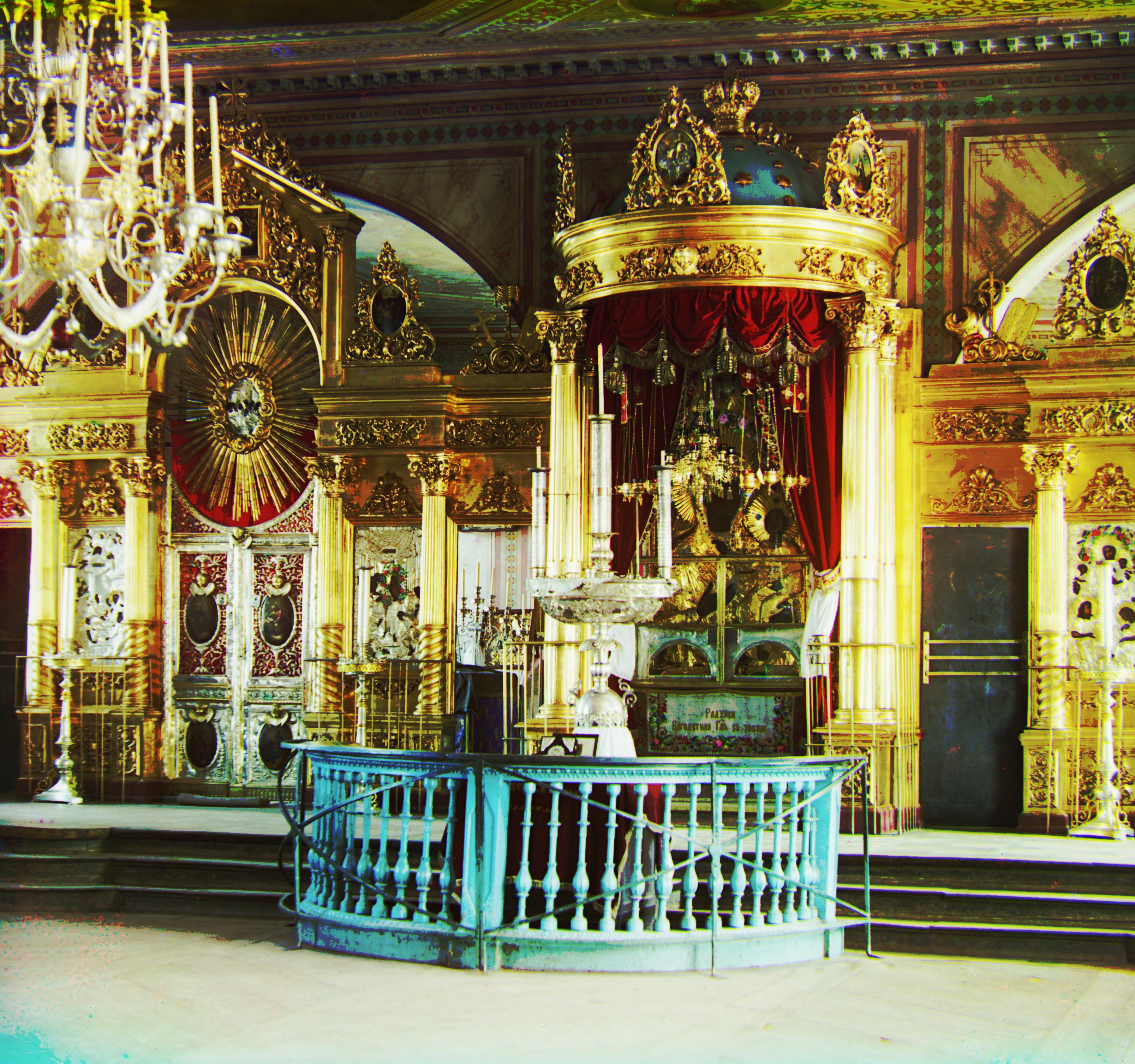
Icon
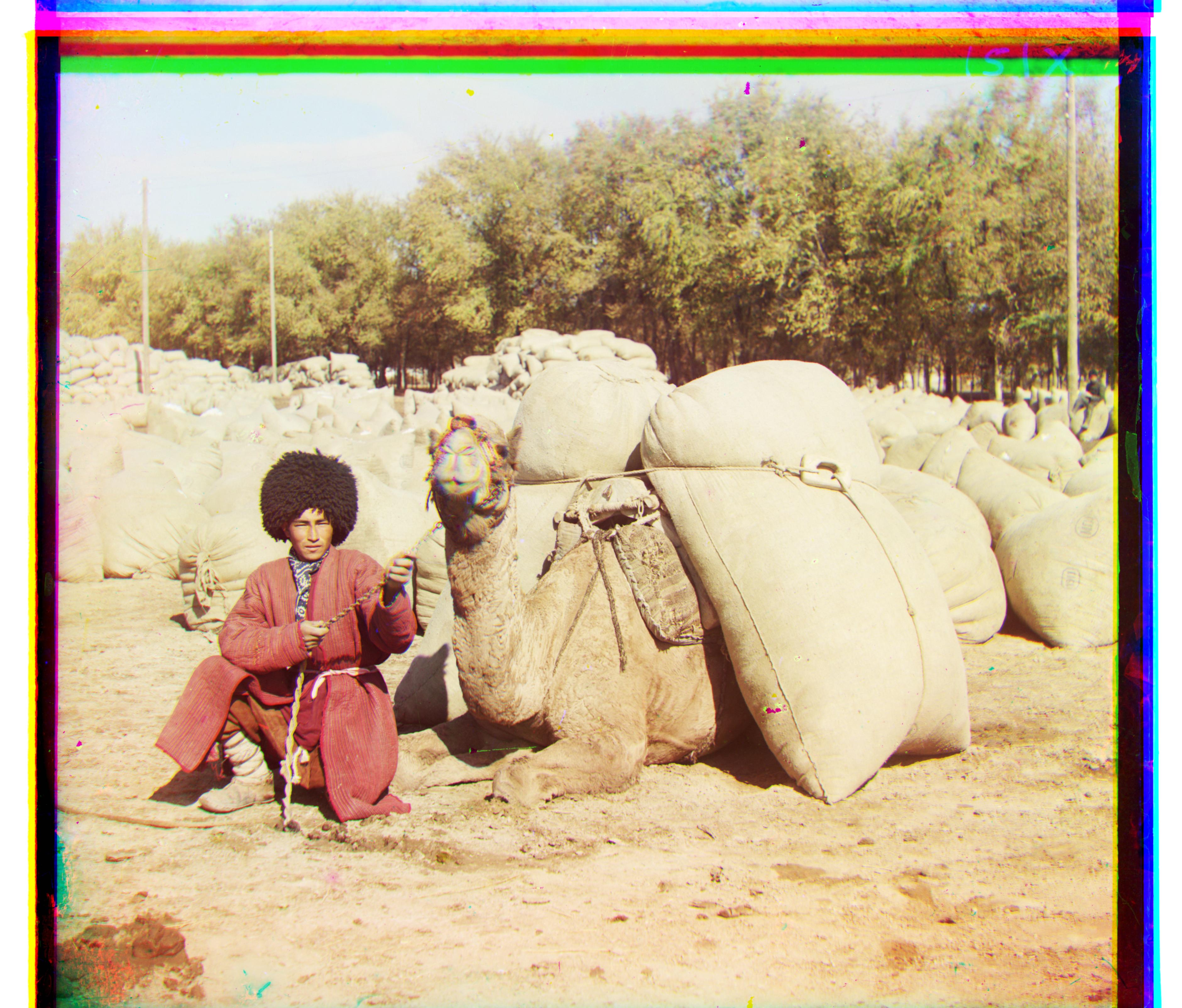
Turkmen
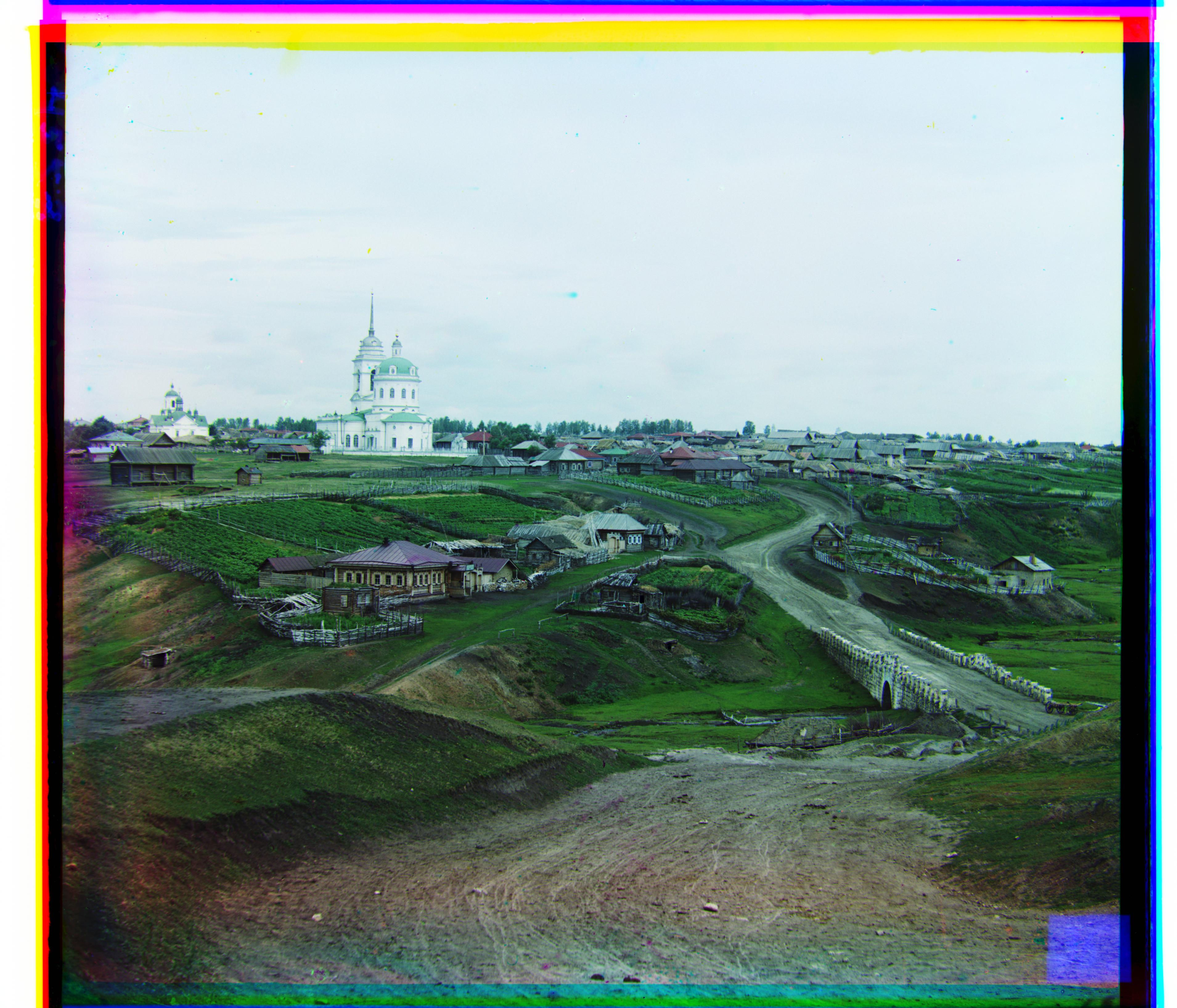
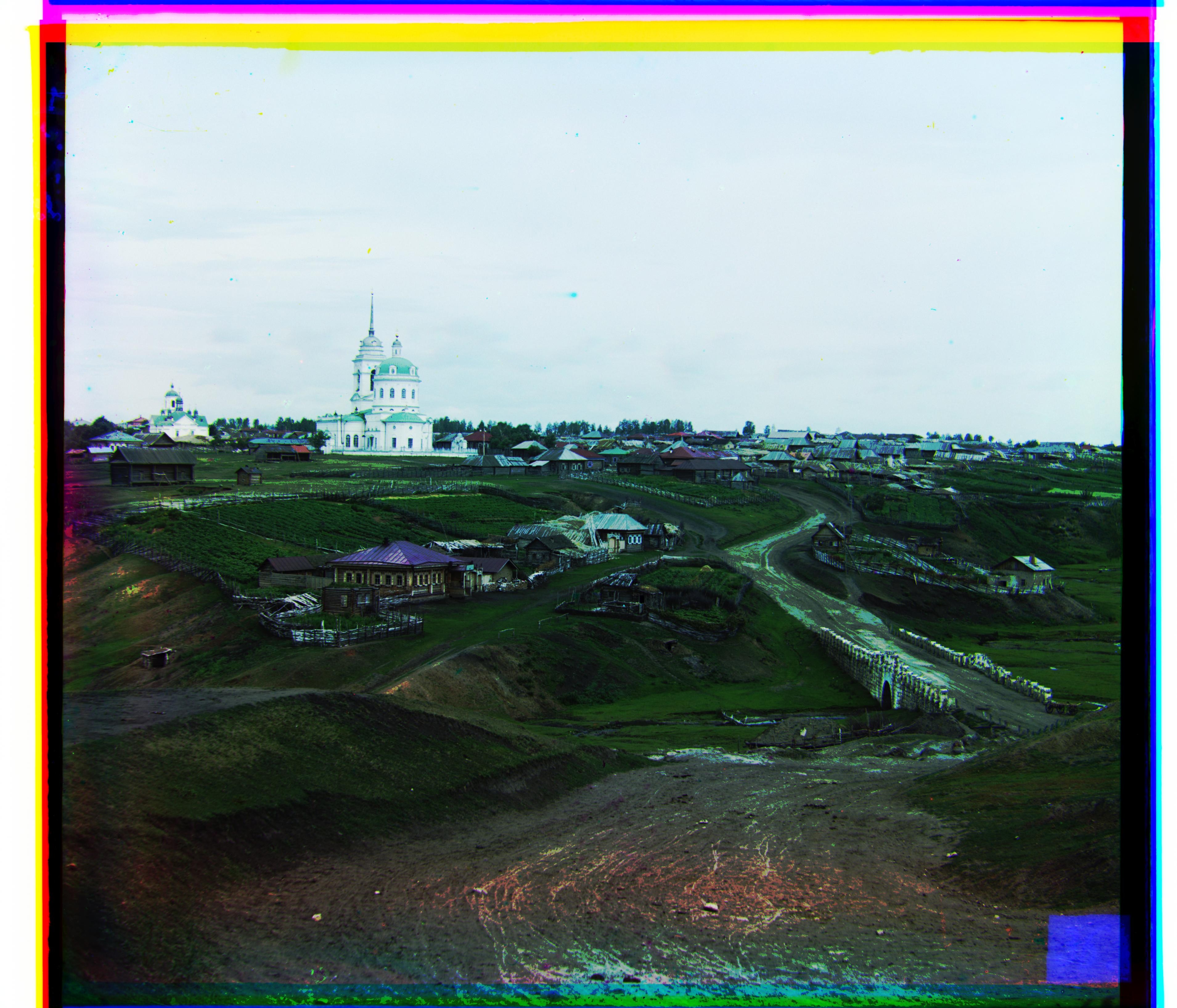
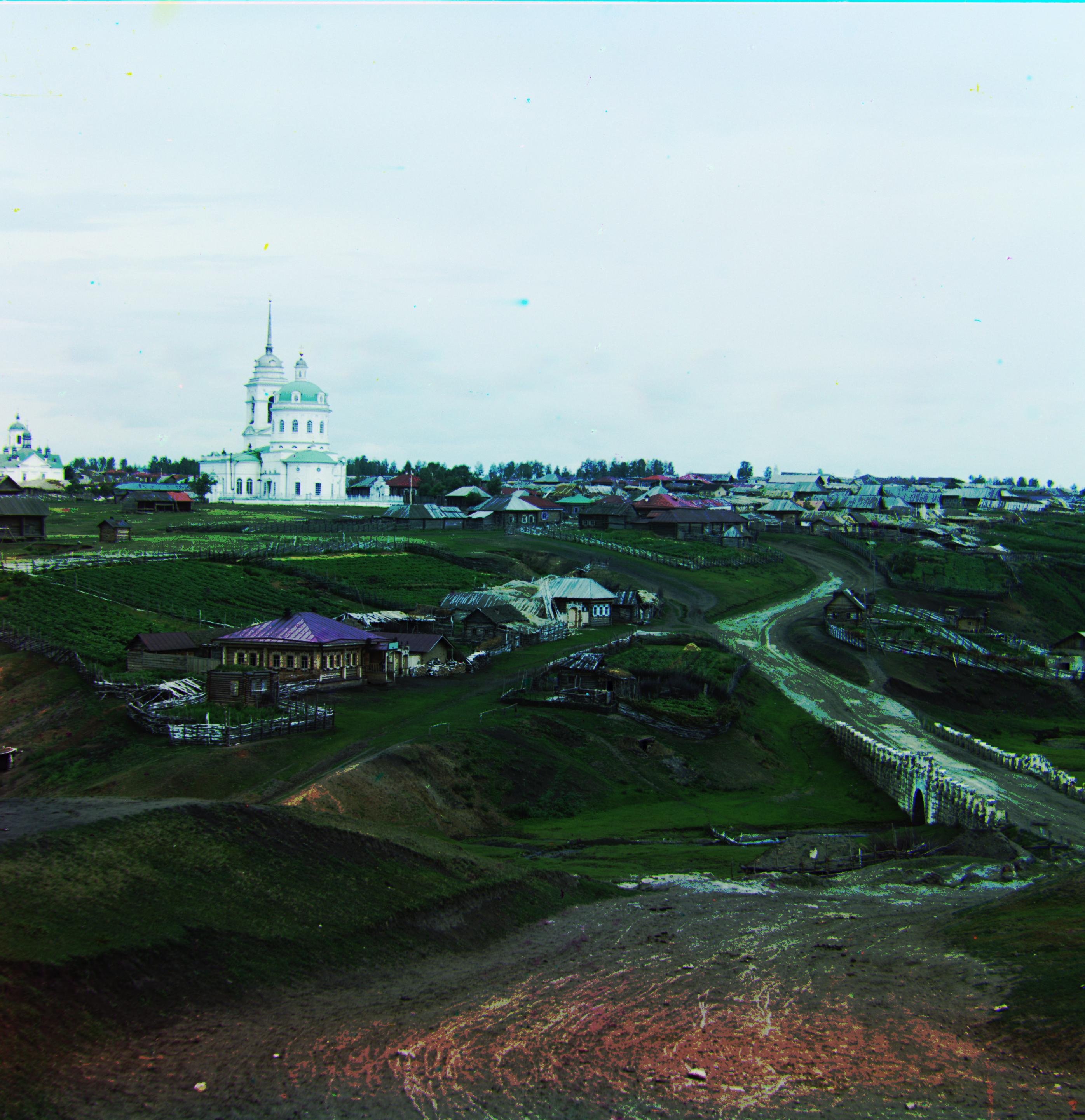
Village
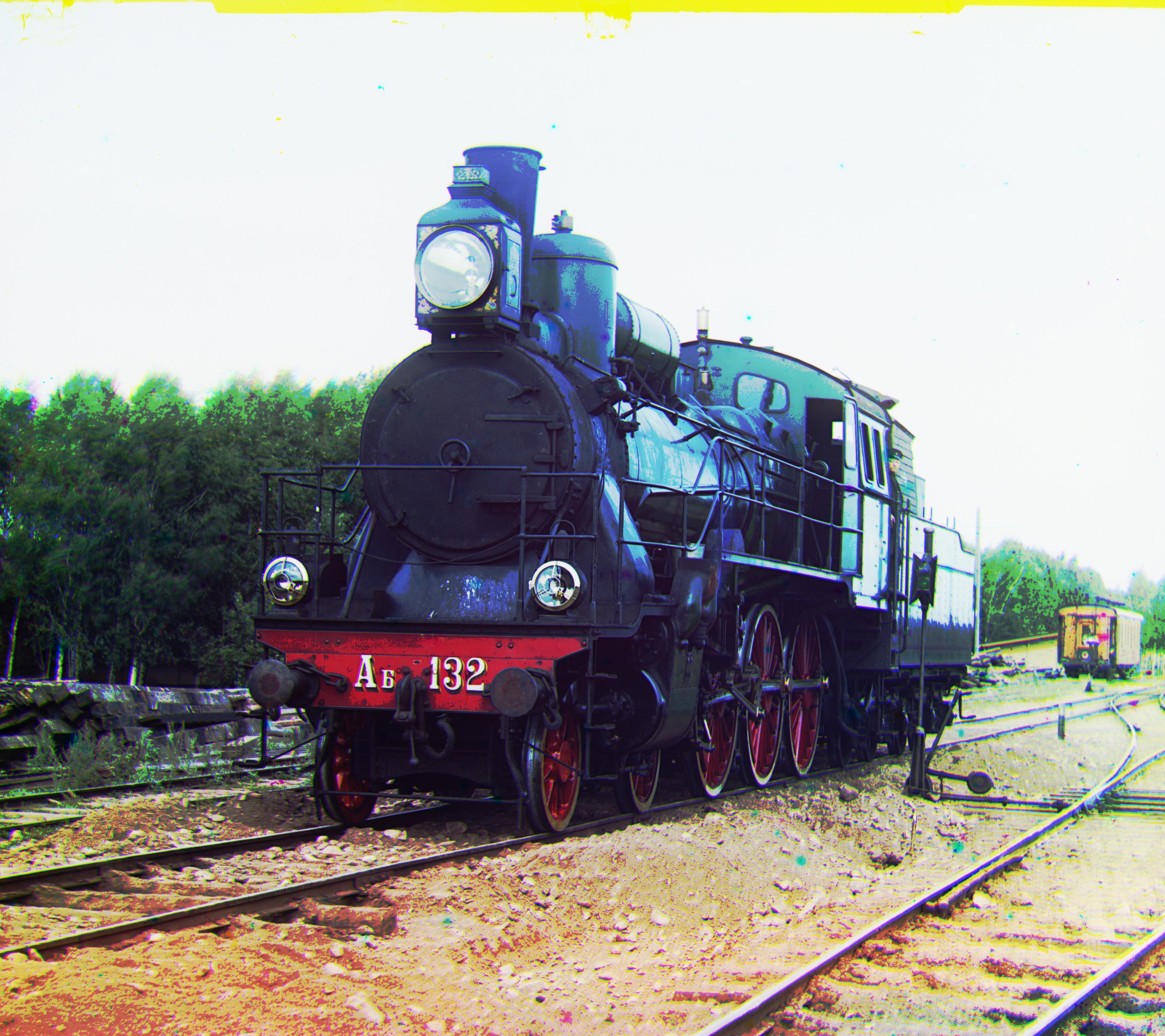
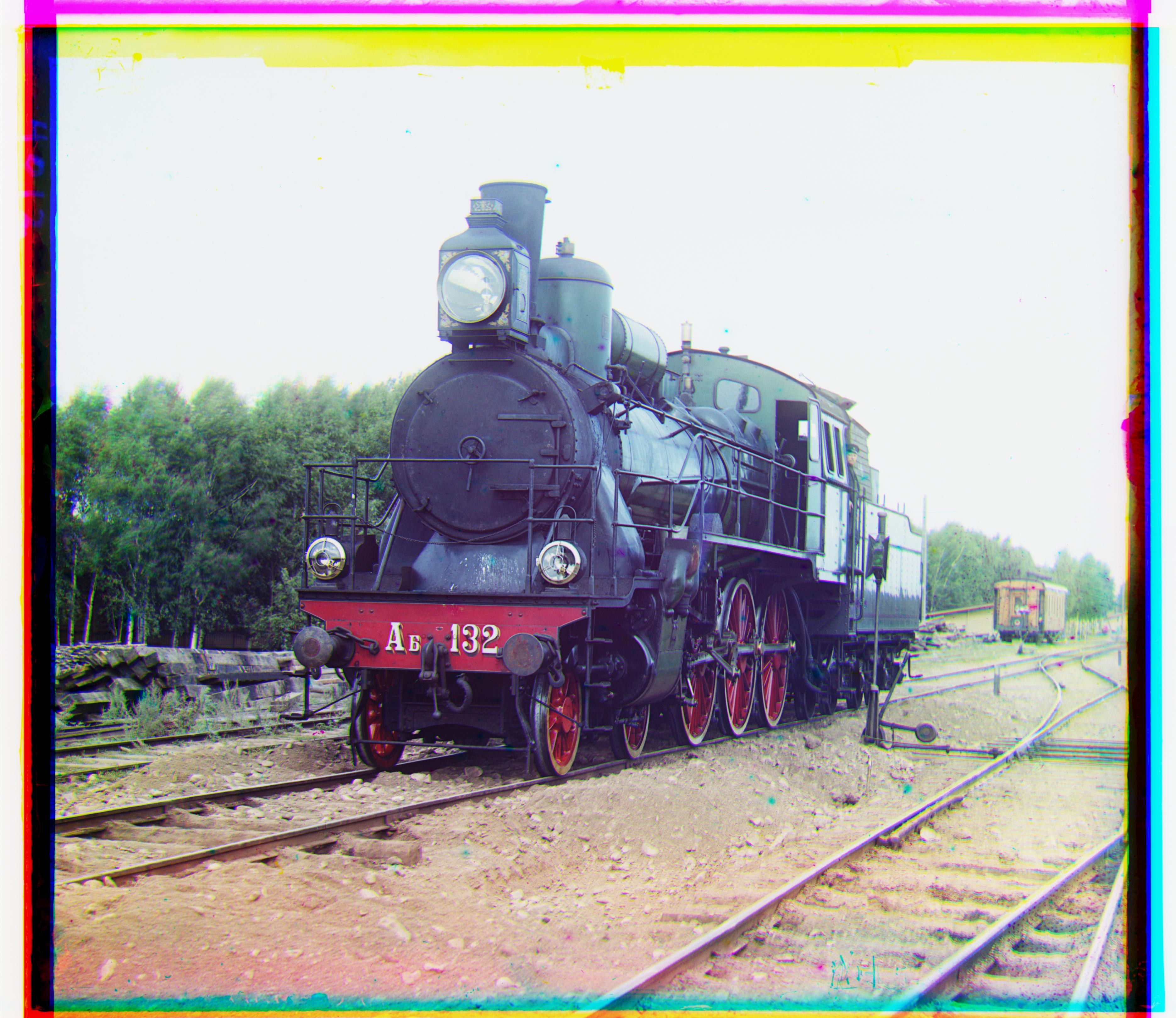
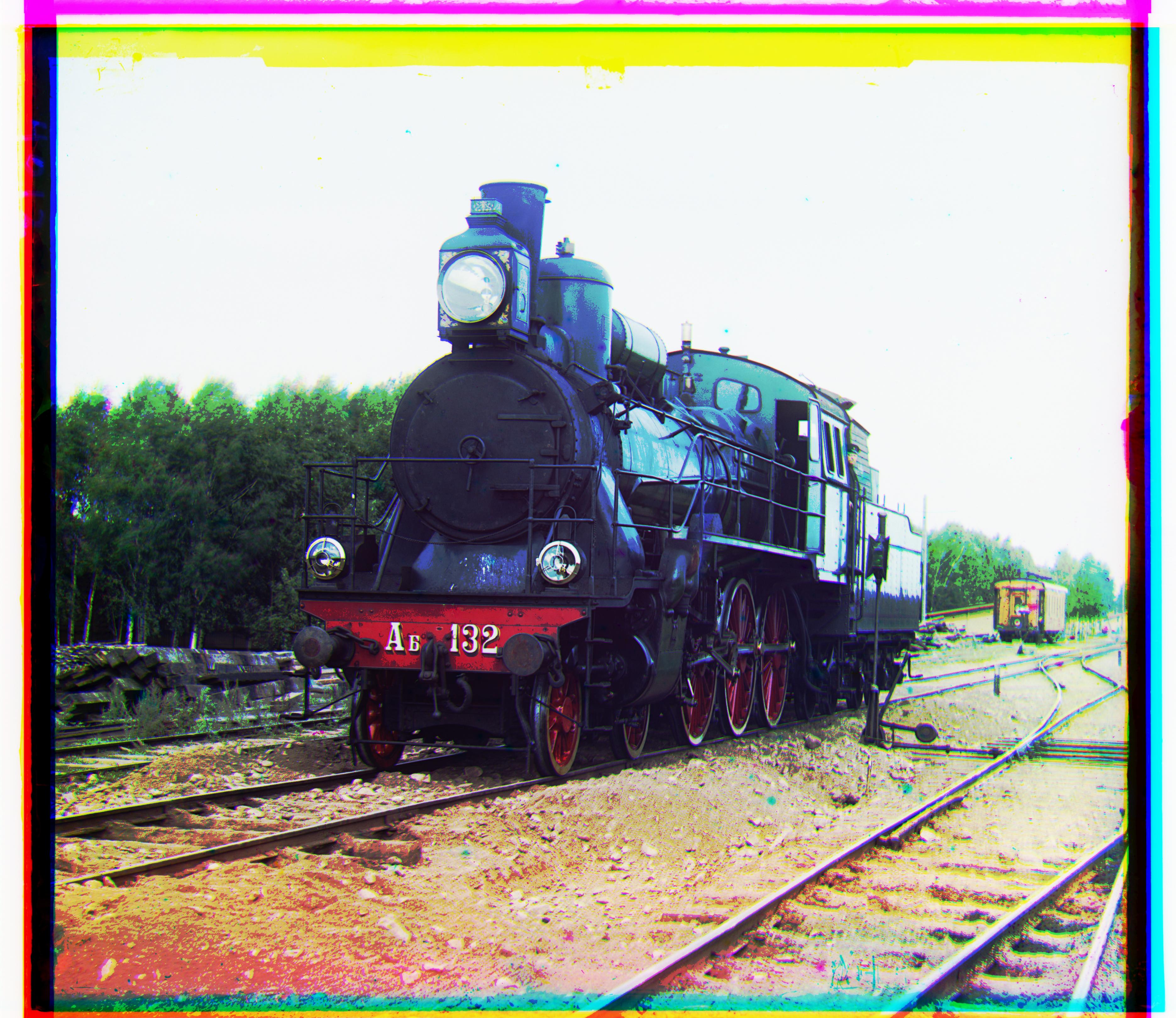
Train
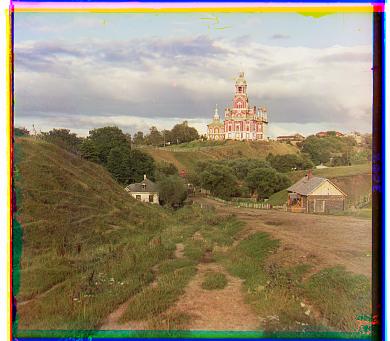
Cathedral
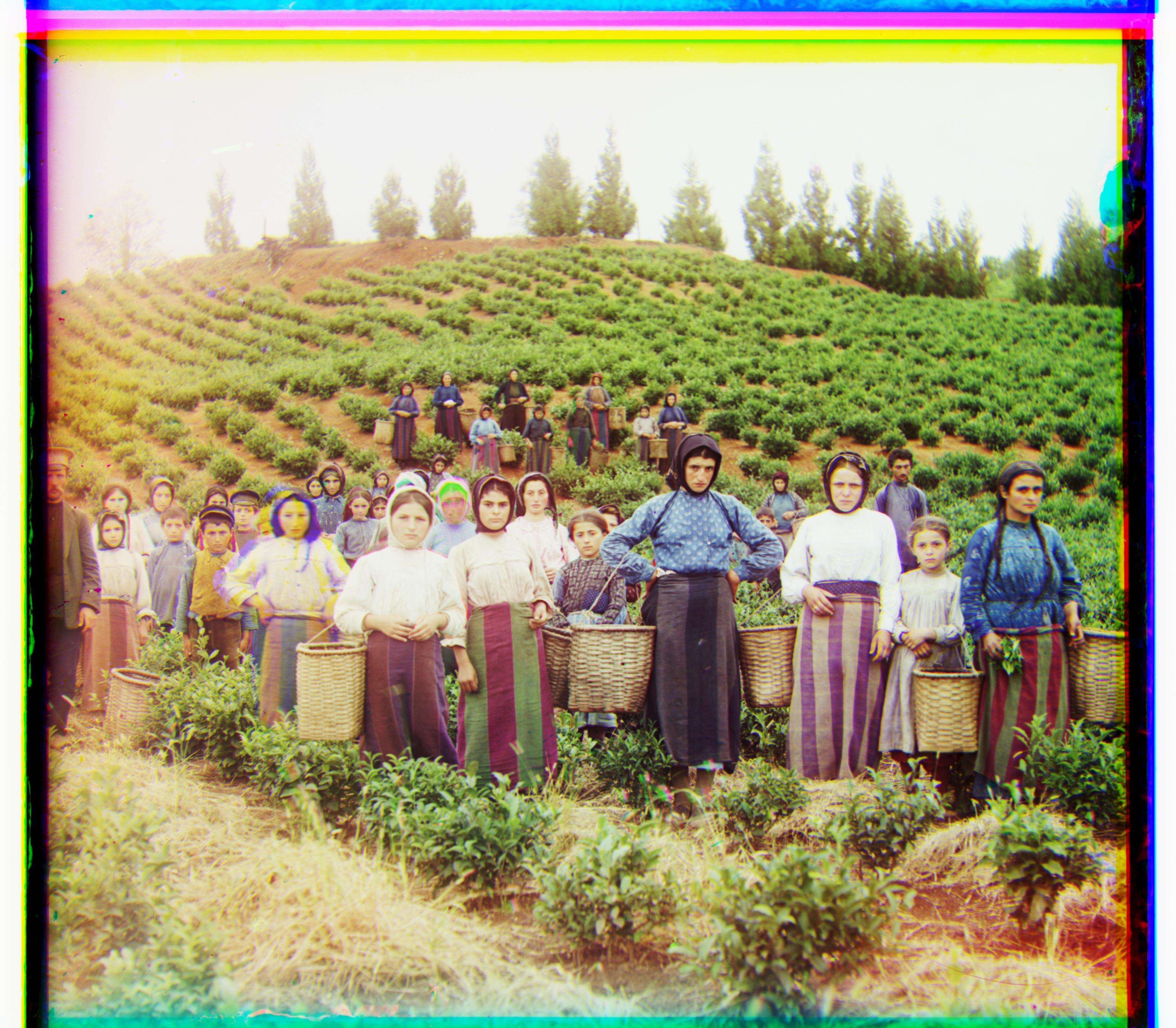
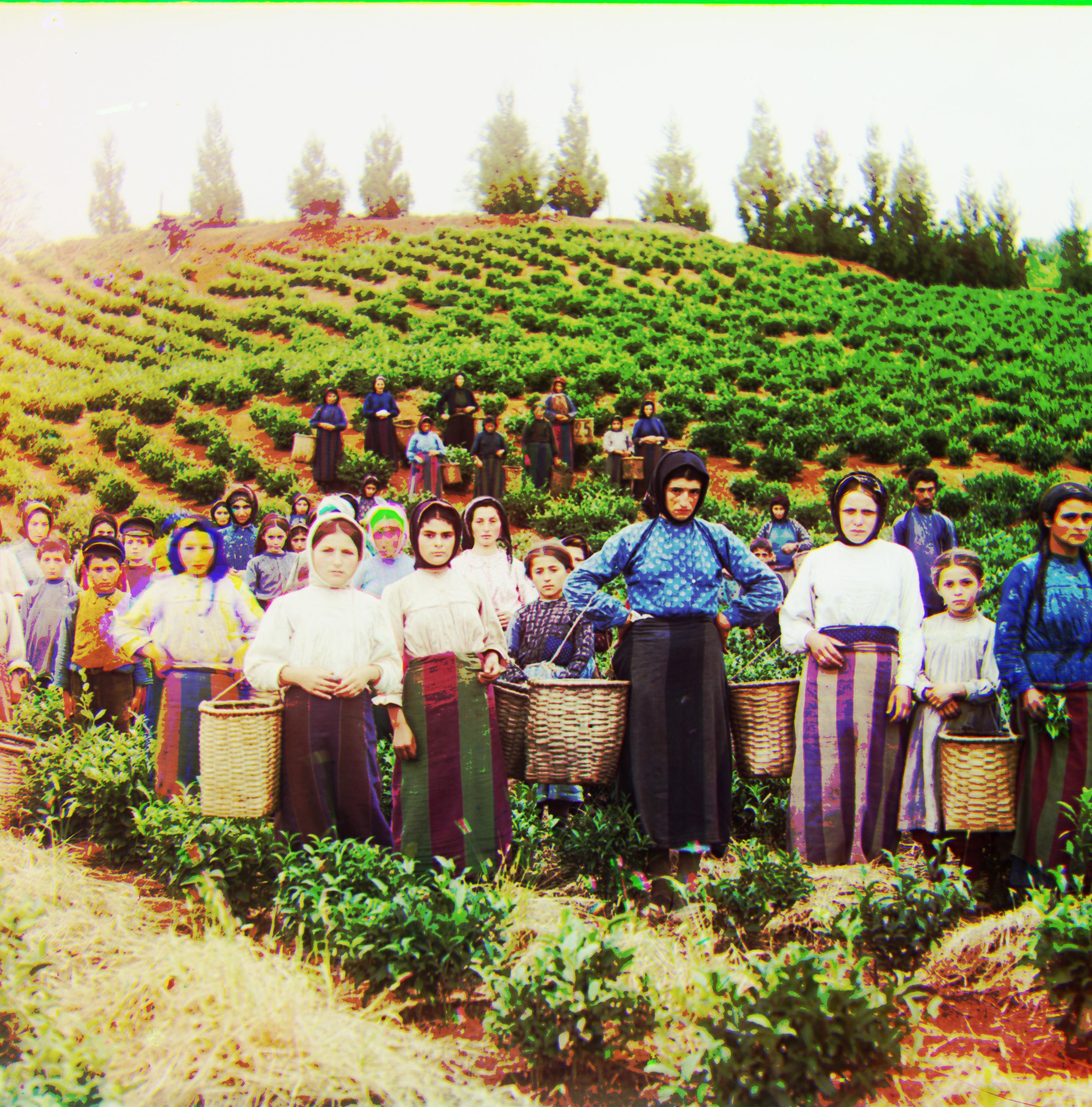
Harvesters
Emir misalignment
Aligned Emir image
Self-portrait with single-scale alignment
Self-portrait with multiscale pyramid method
Turkmen with single-scale alignment
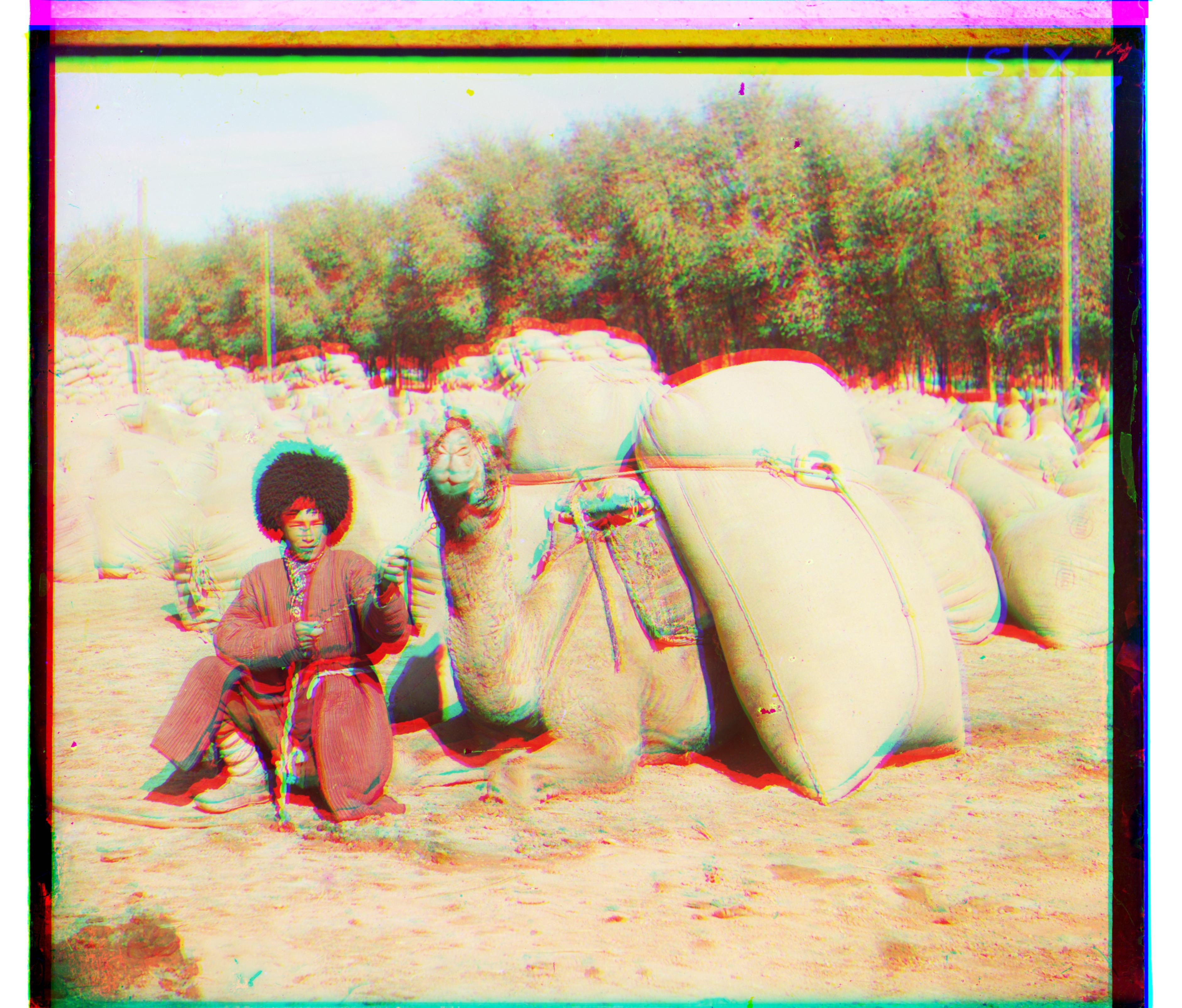
Turkmen with multiscale pyramid method
Image 00453a
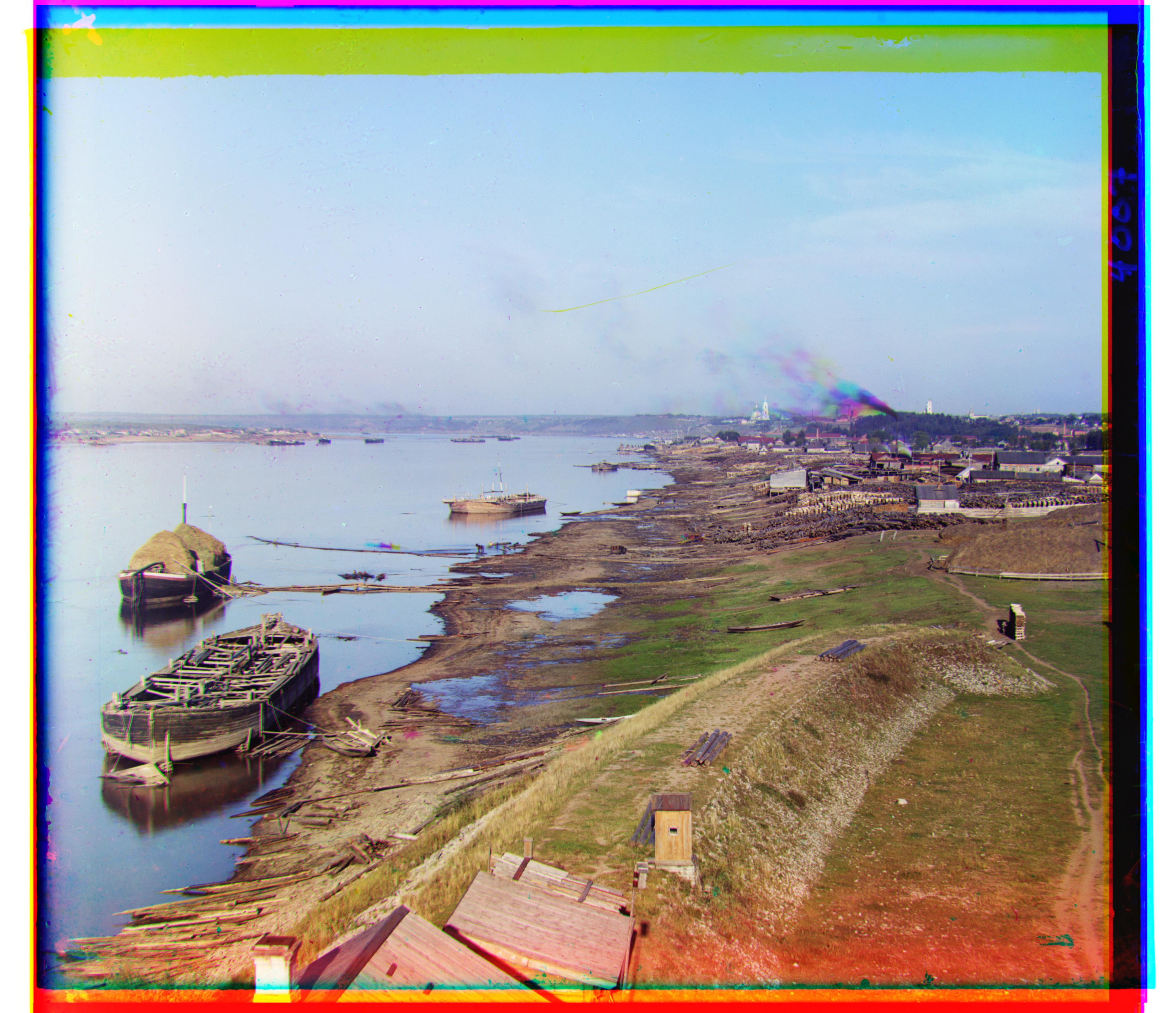
Image 00472a
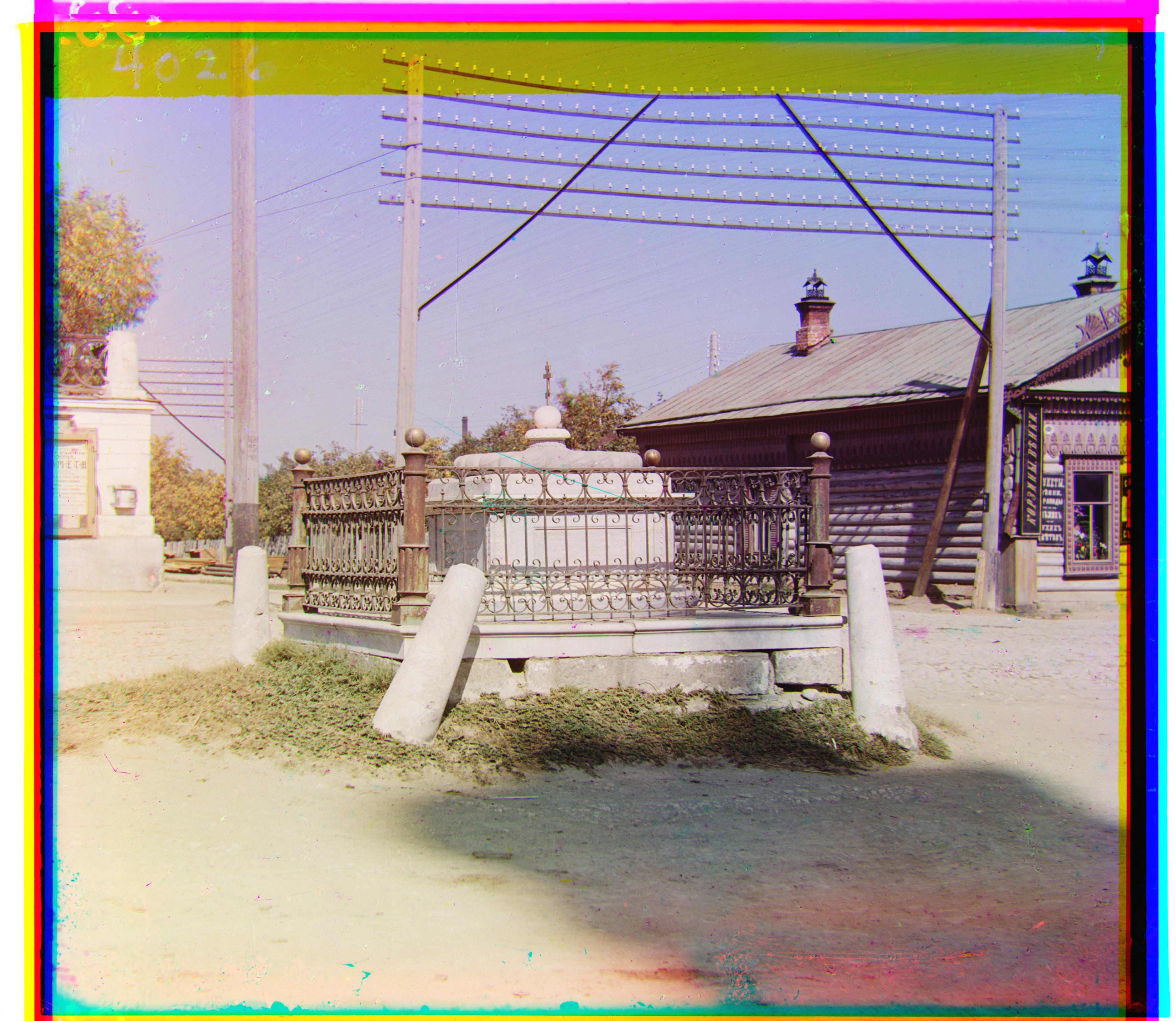
Image 00434a
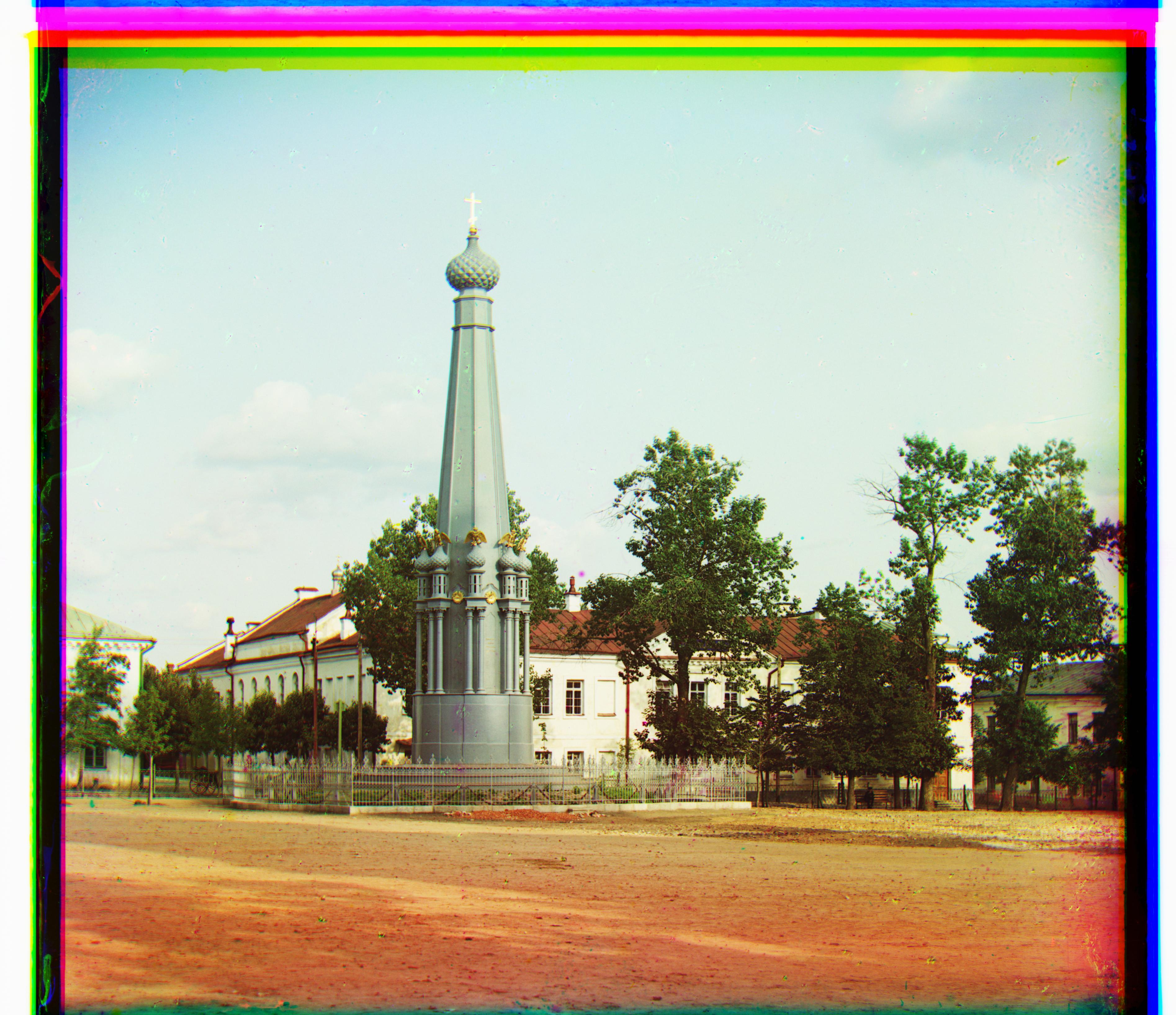
Image 00447u
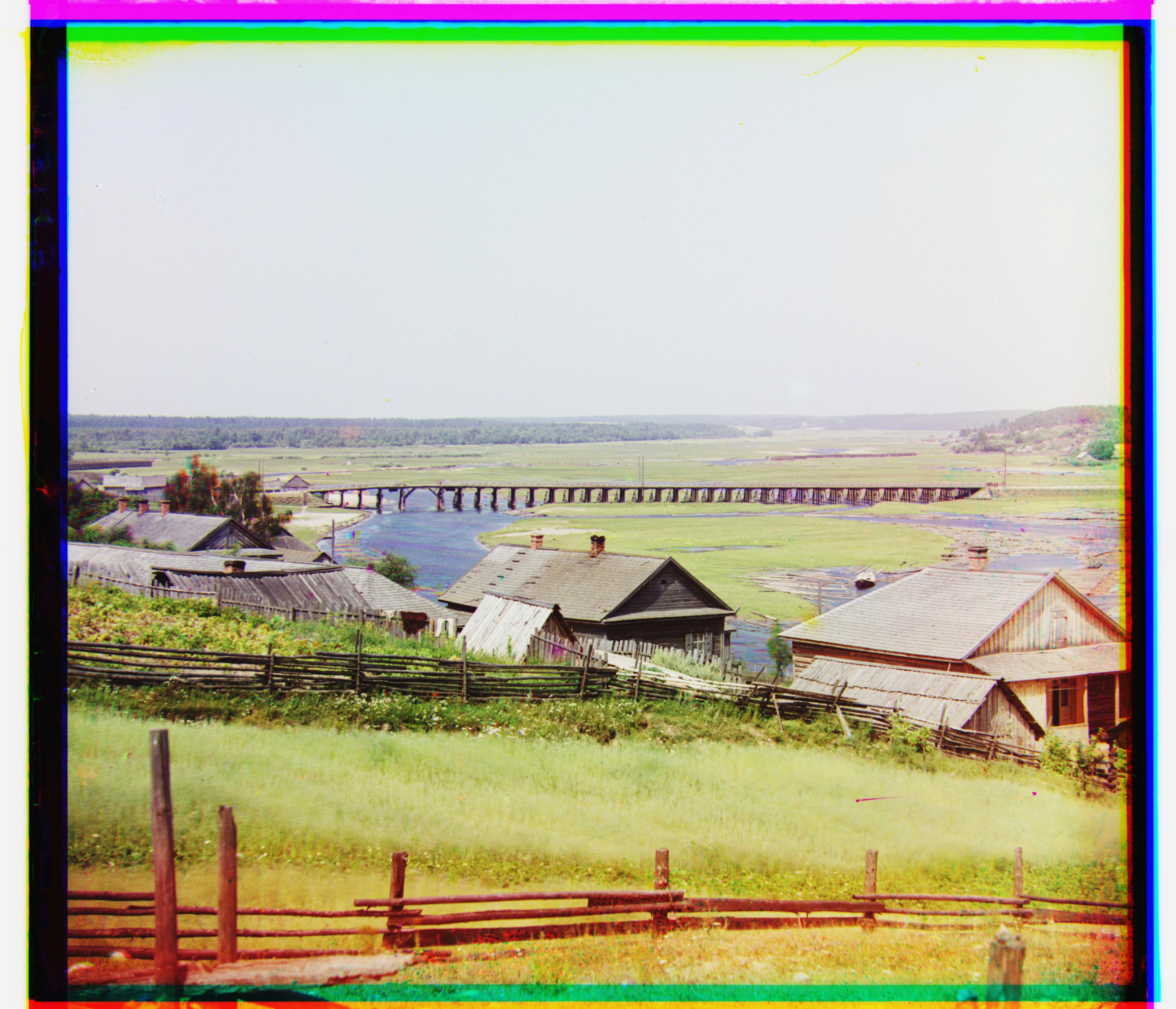
Image 00729u
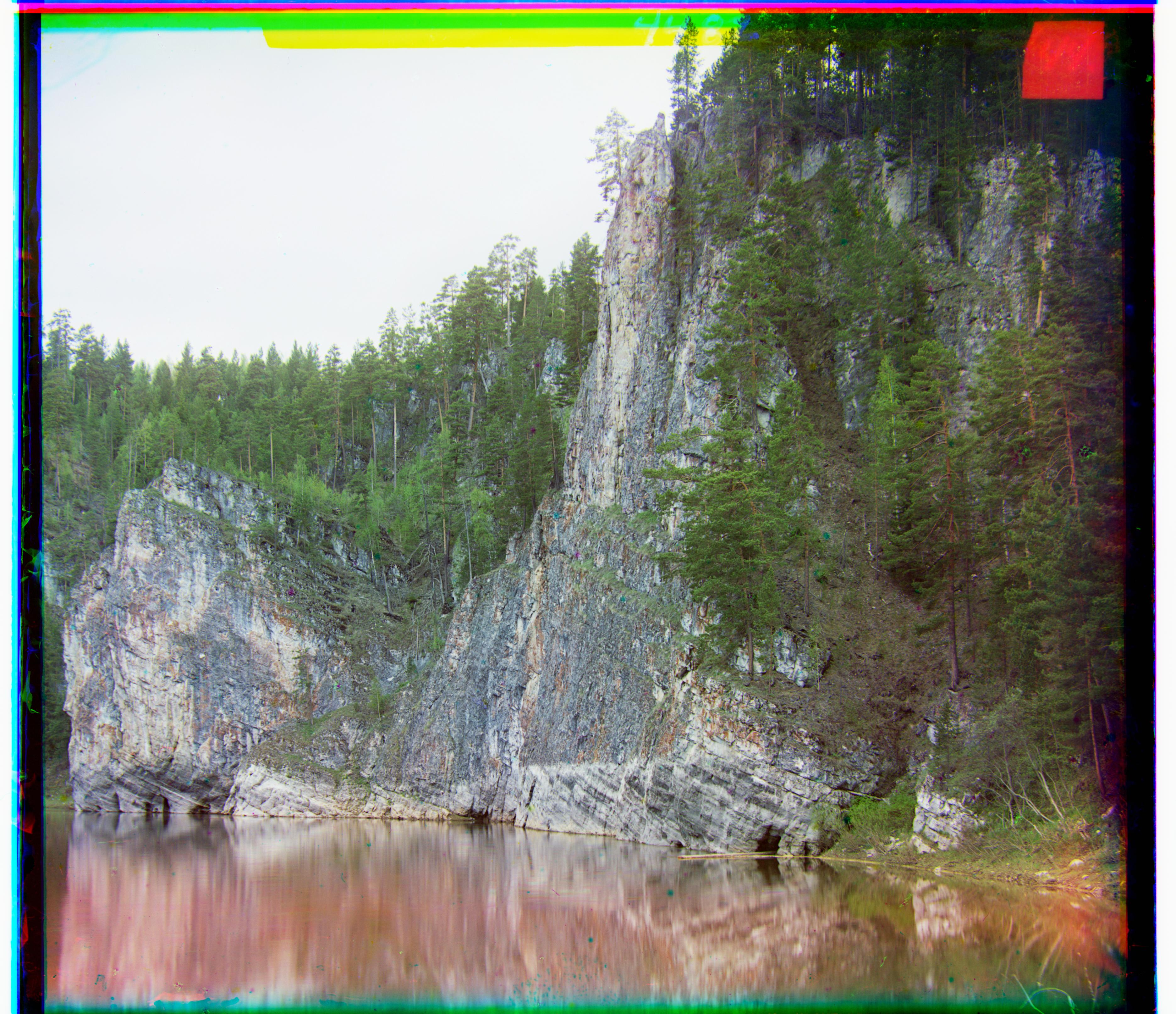
Image 00777u
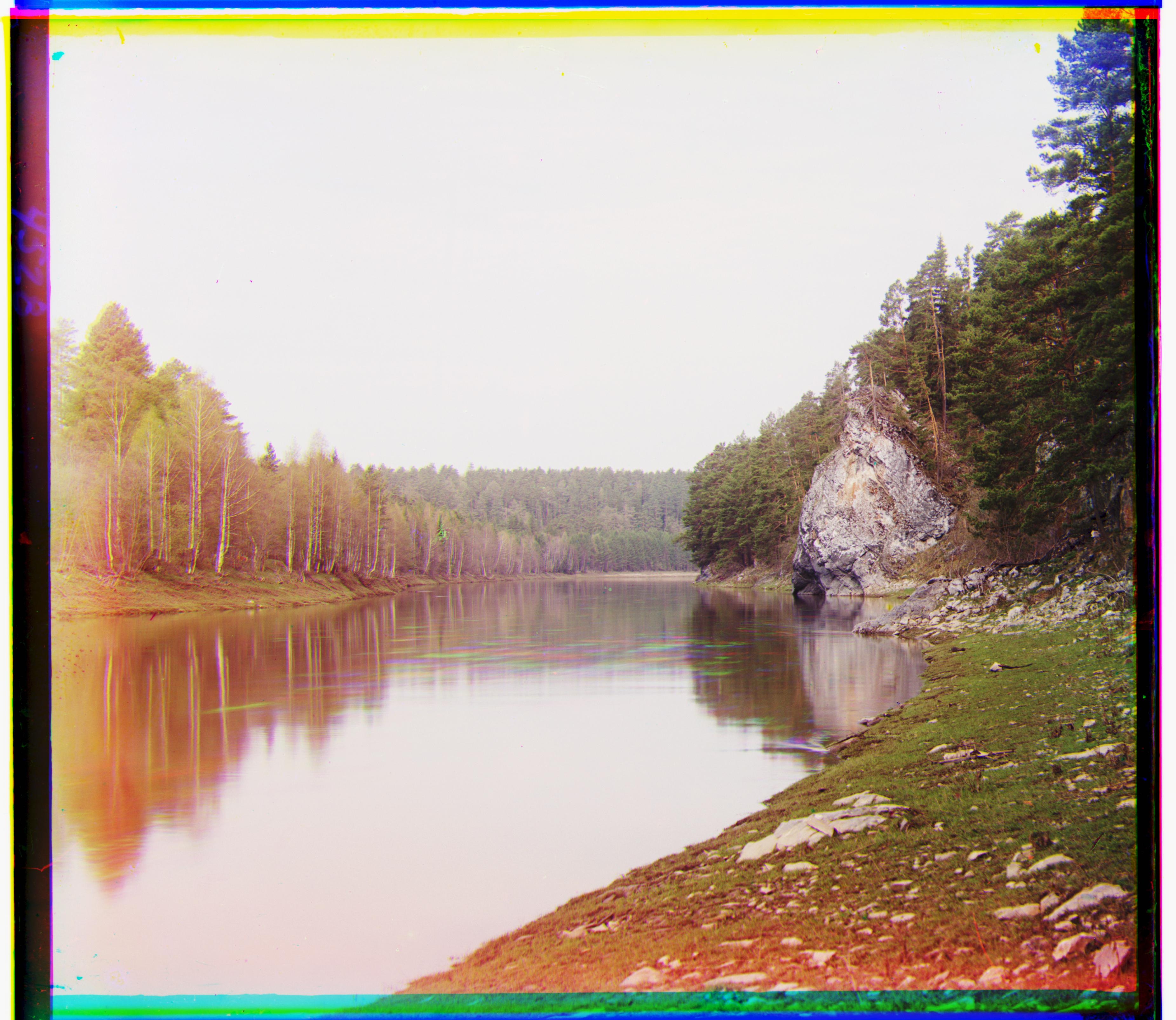
A screenshot of pytorch tensor implementation is as follows:

I rescaled the brightness level to minimum = 0 and maximum = 1, then I scaled the brightness by a constant, scaling up the ones above the average value, and scaling down the ones below, depending on the brightness level itself and color channels. The values are finally clipped between [0, 1]
Self-portrait
Self-portrait with contrast
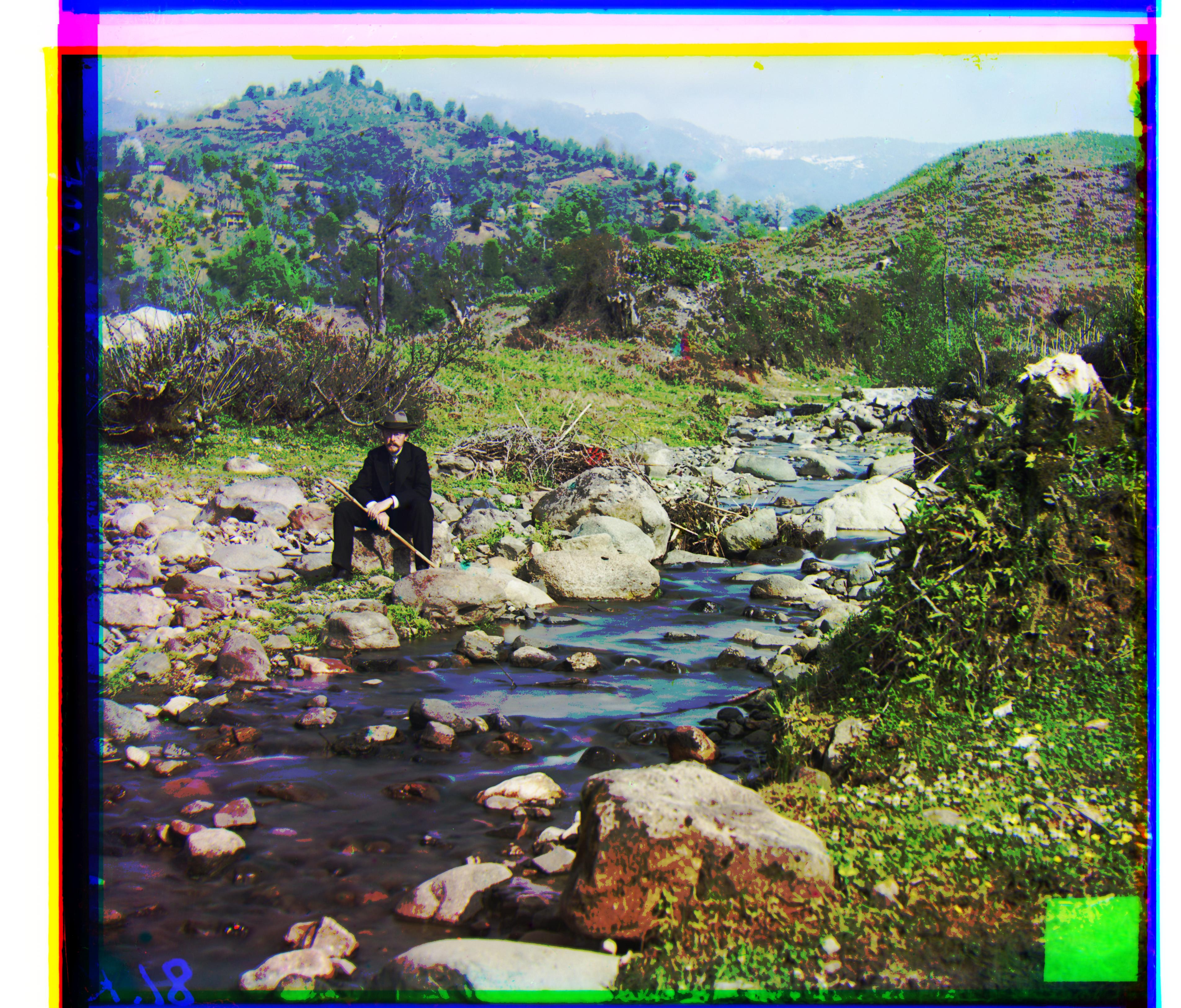
Turkmen
Turkmen with contrast
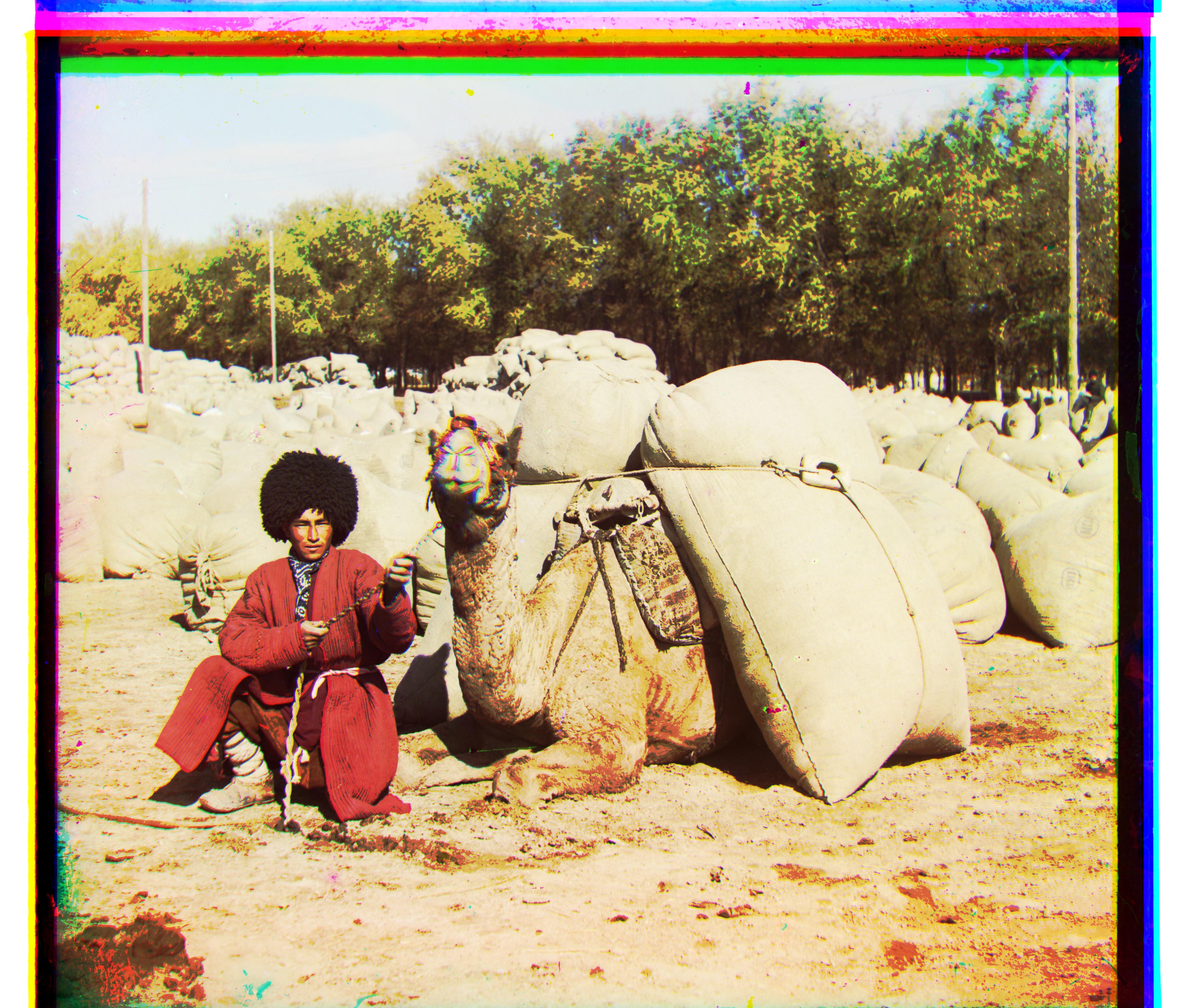
Lady
Lady with contrast
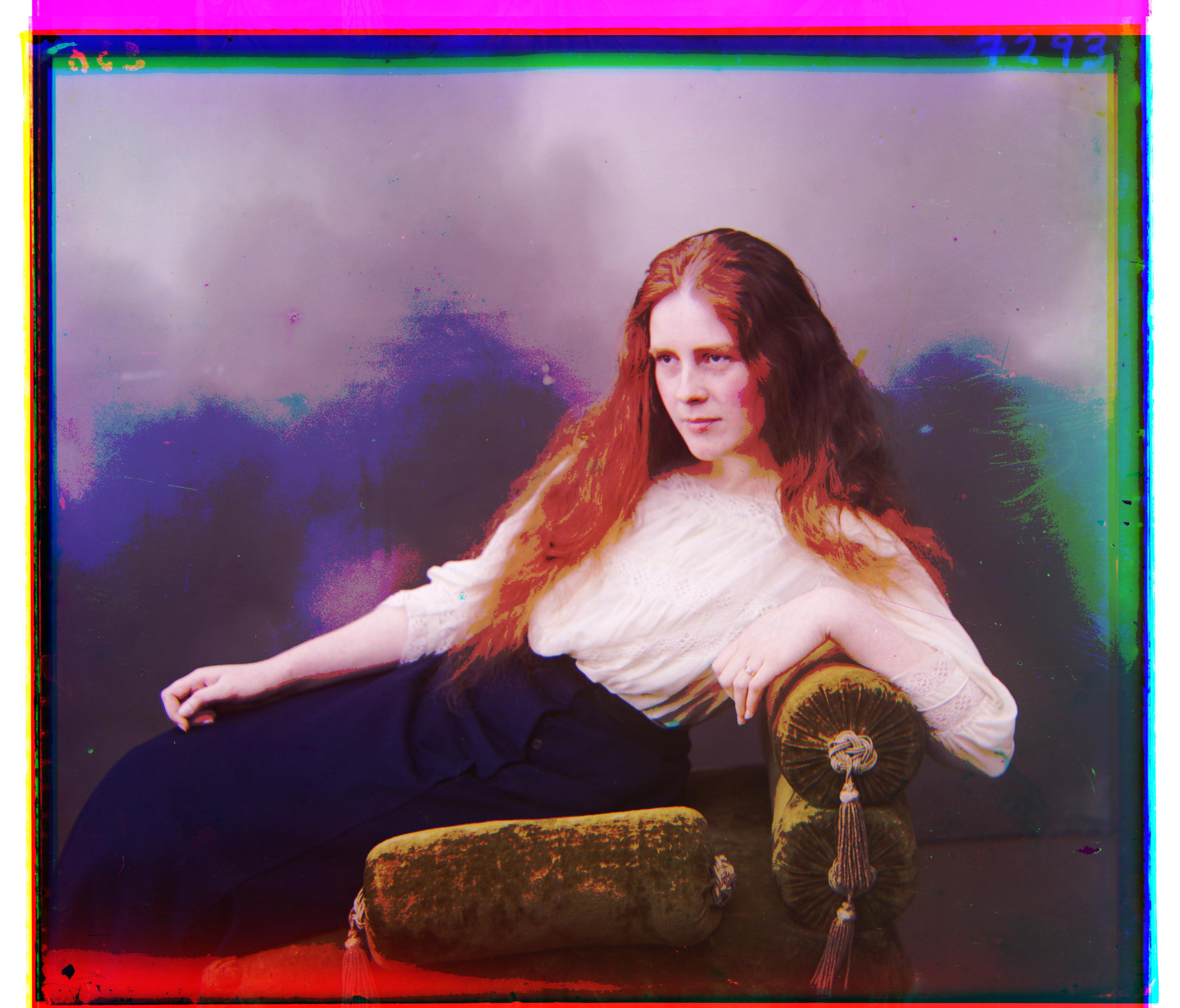
Emir
Emir with contrast
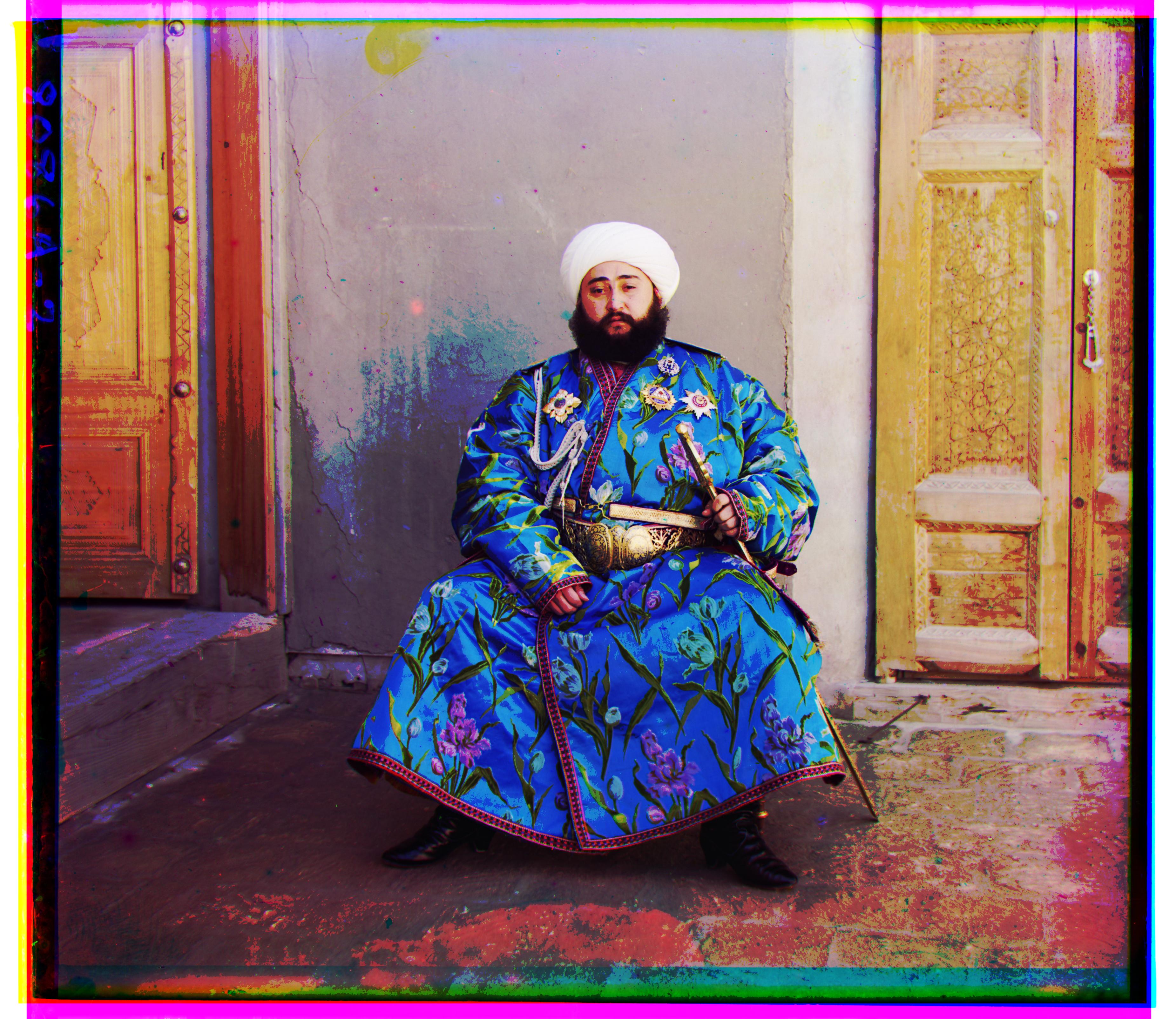
Three generations
Three generations with contrast
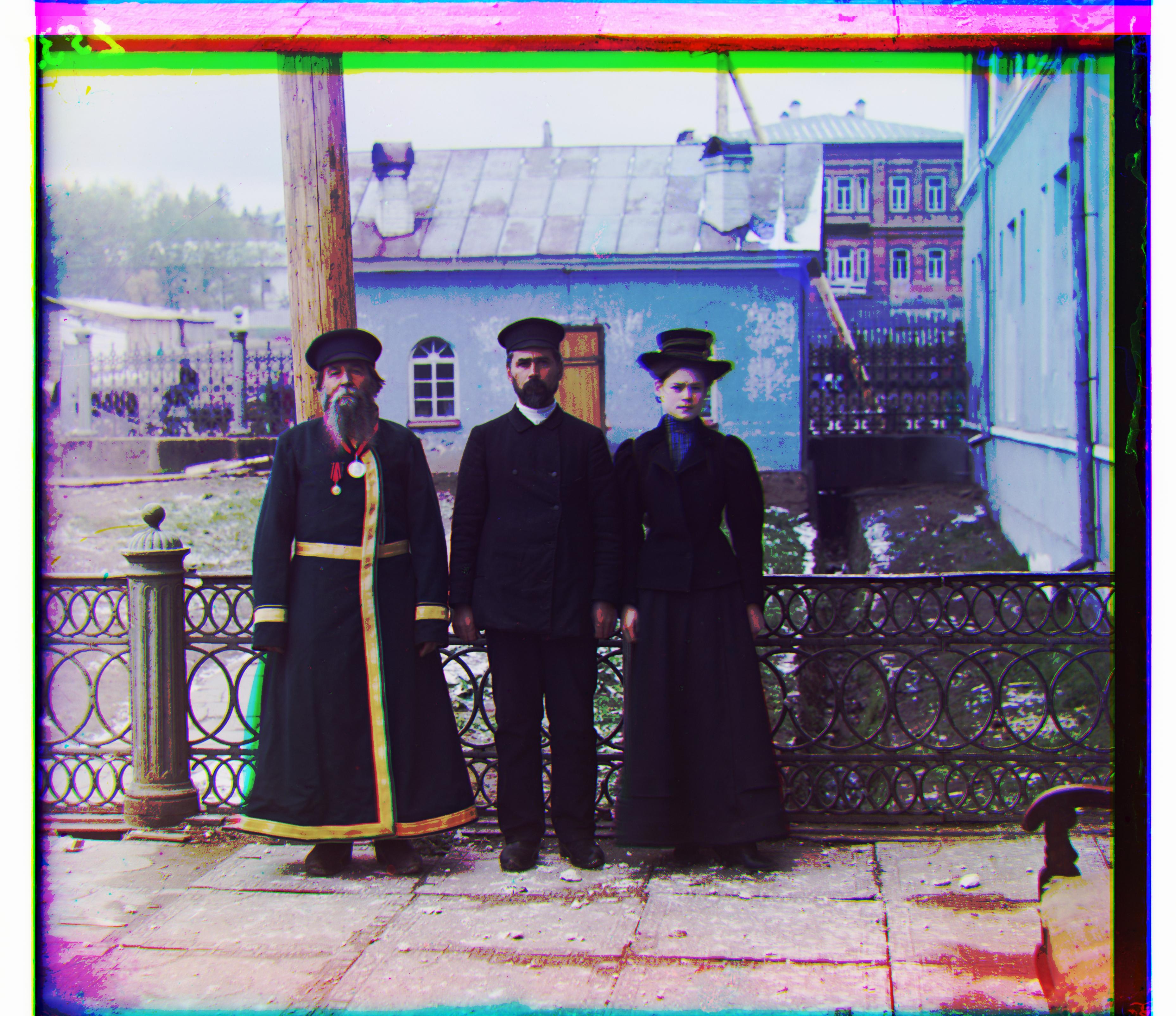
Harvesters
Harvesters with contrast
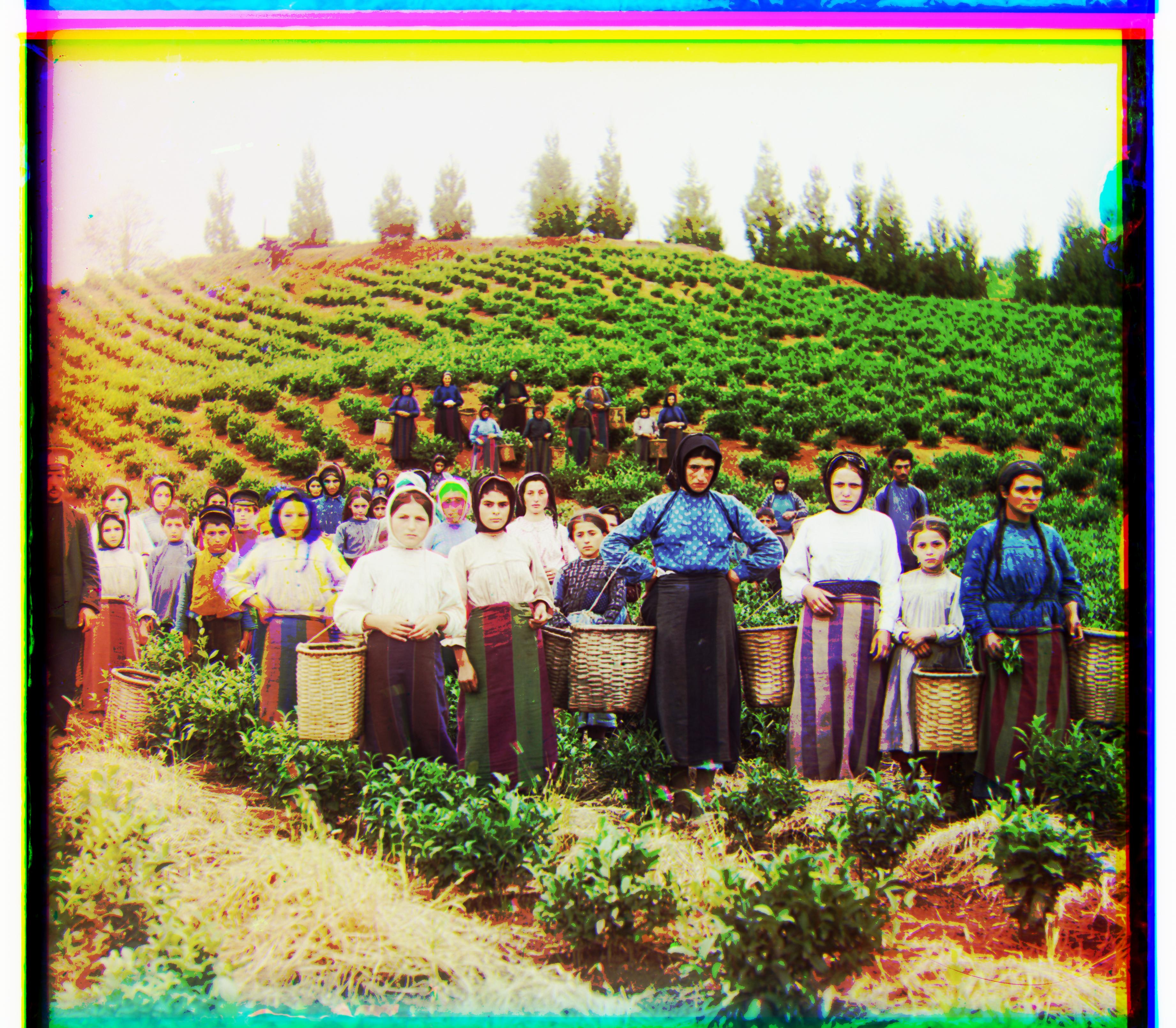
Cathedral
Cathedral with contrast
Icon
Icon with contrast
Village
Village with contrast
Train
Train with contrast
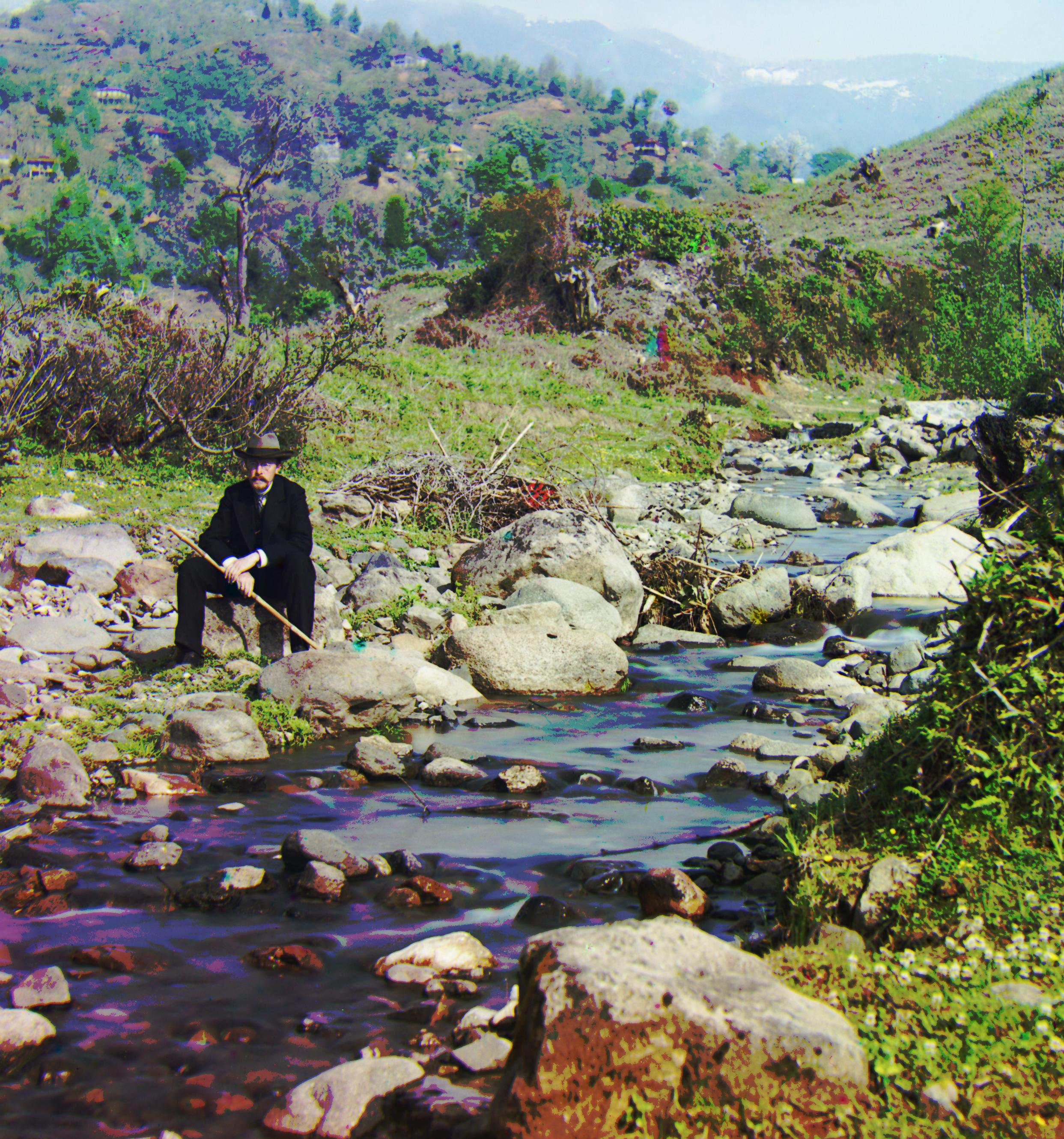
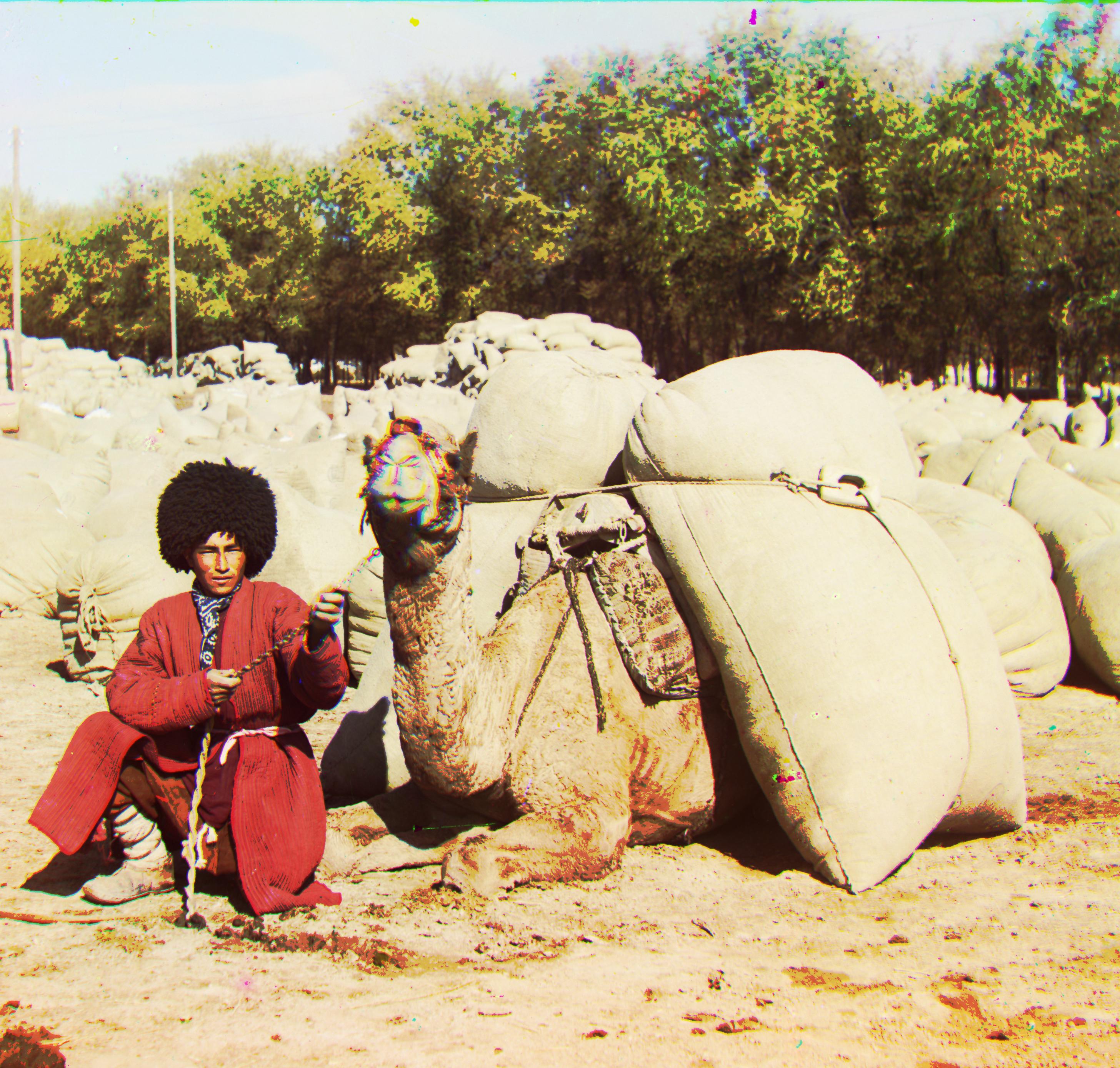
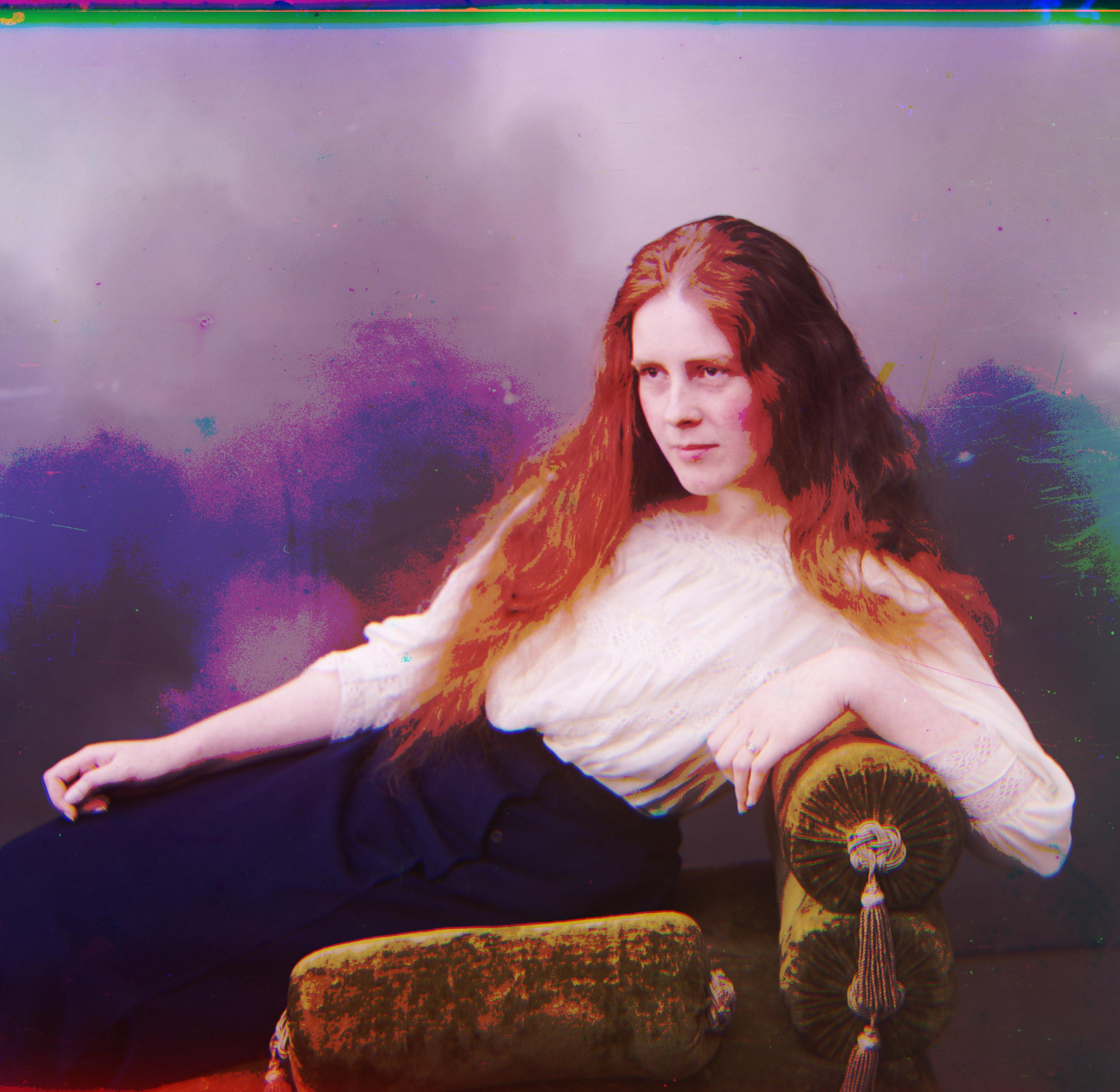
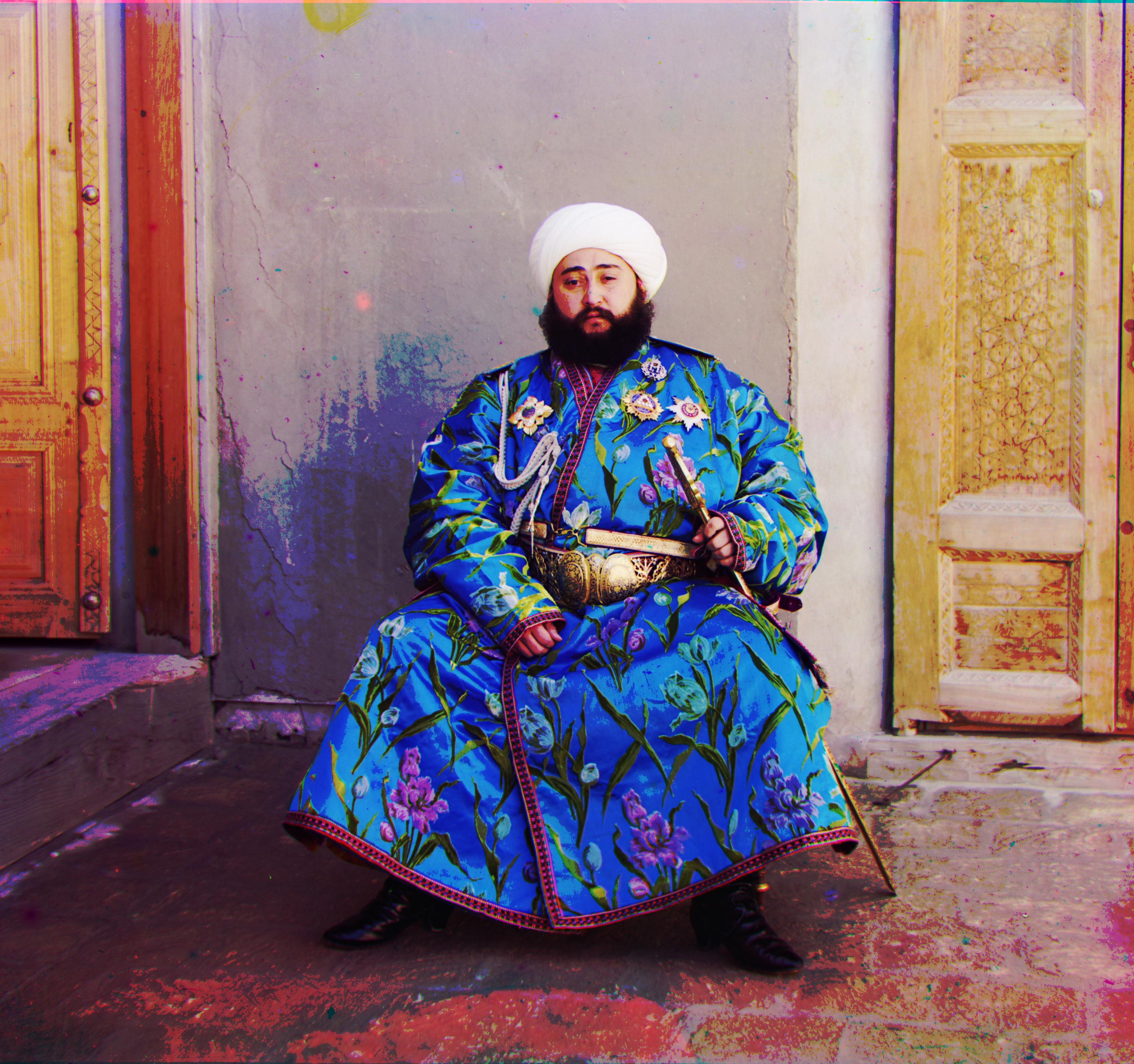
- First I removed the originally existing black edges by detecting the edges with a threshold.
- Then I recorded the shifts in the two channels being aligned. I crop out these misalgned edge areas by cropping using the corresponding values.
Self-portrait with contrast
Self-portrait cropped
Turkmen with contrast
Turkmen cropped
Lady with contrast
Lady cropped
Emir with contrast
Emir cropped
Three generations with contrast
Three generations cropped
Harvesters with contrast
Harvesters crop
Cathedral with contrast
Cathedral cropped
Icon with contrast
Icon cropped
Village with contrast
Village cropped
Train with contrast
Train cropped