


Welcome to the webpage for Kevin You's submission for project 5.
In this assignment we edit cat photos!
We first implement image reconstruction. Our goal is to reconstruct images from latent codes. We first investigate the loss used. We fix vanilla GAN with default parameters.
| Layer 0 | Layer 0, 2 | Layer 2 | Layer 2, 4 | Layer 4 | Layer 2, 4, reg = 0.1 | Layer 2, 4, reg = 1 |
|---|---|---|---|---|---|---|
|
|
|
|
|
|
|
|
|
|
|
|
|
|
Here, the layer number corresponds to after which convolution layer is the L2 norm being taken. Reg means to add L2 regularization to delta. The top row is 250 iterations and bottom row 1000 iterations. I prefer layer 2,4 for having the best 250 iteration image. Next we consider different models.
| Ref | Vanilla | StyleGAN |
|---|---|---|
 |
 |
 |
 |
 |
Here, vanilla sticked closer to the input sketch, but style gives better images. We generally focus more on quality of image and less so the input sketch (which is the point of having ML models generate images!), so style is prefered. Finally we consider different latent spaces with StyleGAN.
| Ref | z | w | w+ |
|---|---|---|---|
|
 |
 |
 |
 |
 |
 |
Here I would say w and w+ are pretty close. The losses were also roughly 27.2, 19.0, 19.0, respectively. We will use w and w+ for part 2.
A final note about speed. Loading the model too a long time, sometimes over a minute (?). However, the actual 100 iterations were very fast in all cases, taking no more than a few seconds.
 |
 |
 |
 |
 |
 |
 |
 |
 |
Here, the first image is sparse (only lines drawn), while the second and third (own) image is dense (areas filled). The third image also intentionally used "incorrect" colors. For w, the program had a difficult time with one of the dense one, which is somewhat expected, but w+ seemed to do fine with both. However, w gave more diverse outputs, whereas w+ seem to be overfitting.
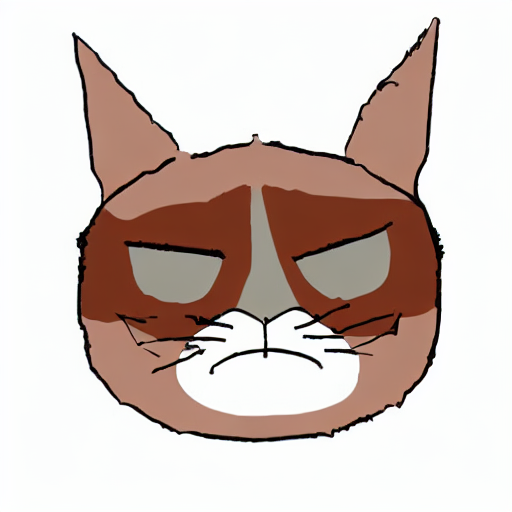
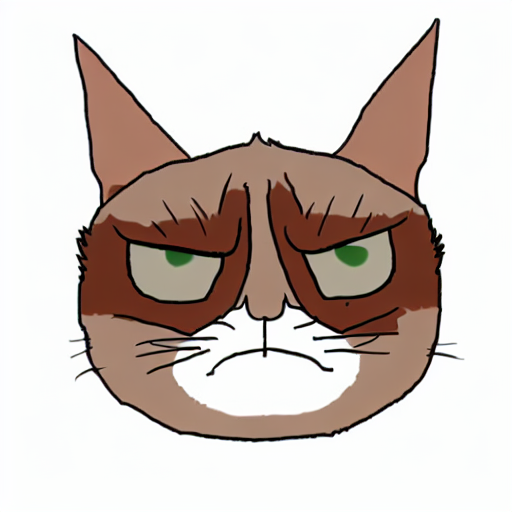
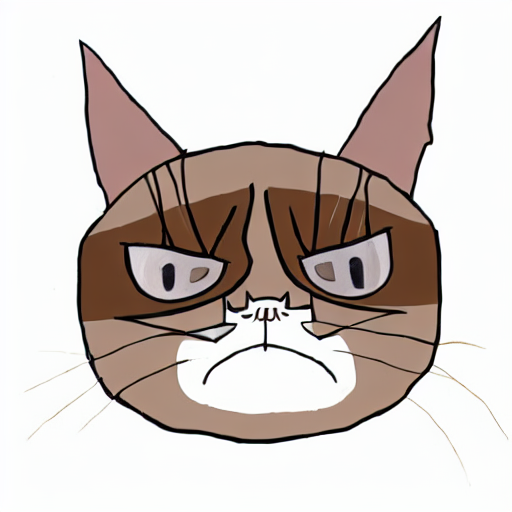
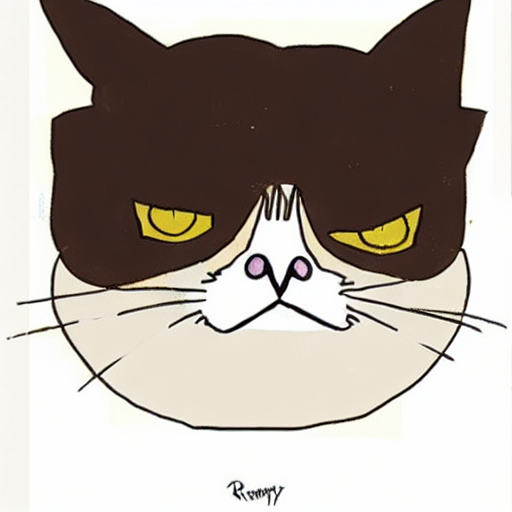
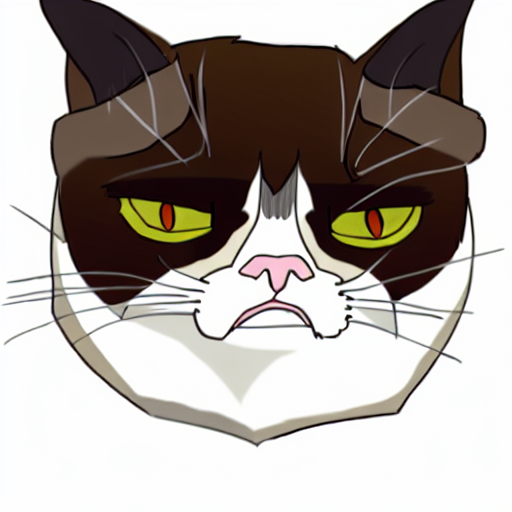
Finally for part 3, we start with default parameters and prompt "grumpy cat as royal painting". We attempt to change the propmt to "grumpy cat photorealistic", the strength to 2, and the seed to 42.
| ref | default | strength 2 | change propmt | change seed |
|---|---|---|---|---|
 |
 |
 |
 |
 |
 |
 |
 |
 |
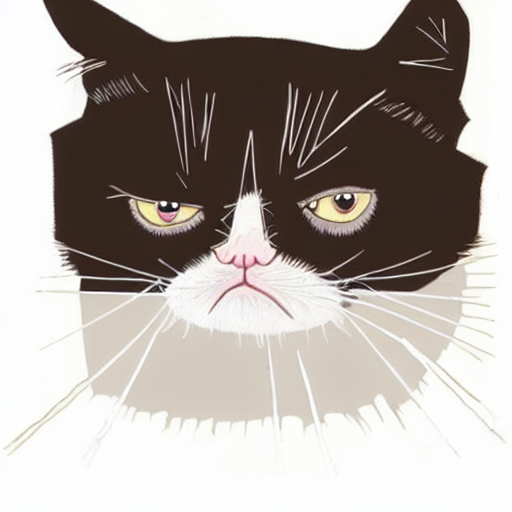 |
Results are here. The top row uses 500 steps and the bottom 700. It seemed like 700 had more diverse outputs, as expected. It is clear especially through the bottom row that strength allowed the image to change more.