Welcome to the webpage for Kevin You's submission for project 2.
I followed the Poisson blending equation from the assignment page exactly.
Well, I actually also tried without casing on whether the neighbor was masked or not. In this case, the matrix A operates by first taking the gradients and then masking. The clever observation is that A has a nice transpose, which corresponds to first masking and then taking the gradients in the opposite direction. This is elegant because we can write a linear operator for A instead of writing a matrix. However, this method does not work because the boundary conditions are not imposed. If boundary conditions are to be imposed, by casing on whether the neighbor was masked or not, I don't see an easy way of representing the transposed operation. Thus I resorted back to defining the sparse matrix.
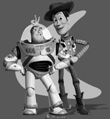
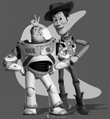
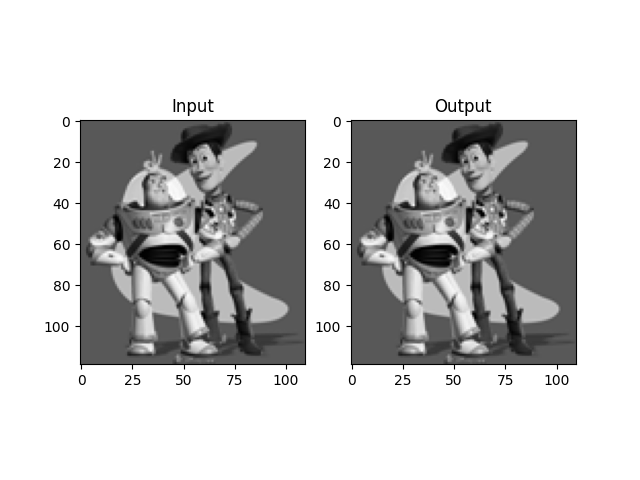
This is the toy problem, in order of input, output, and comparison. To noone's suprise, the output looks exactly like the input (Note that one should not trust only the comparison, since matplotlib normalizes each subplot seperately before displaying them in grayscale, so it is possible that output has a wrong offset. Nonethless, in our case we also see the two images, and we are good)
This is my favorite example, consisting of a stuffed animal monkey sitting in Schenly park when snowing.
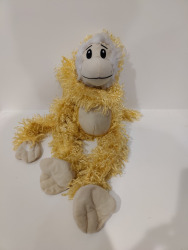
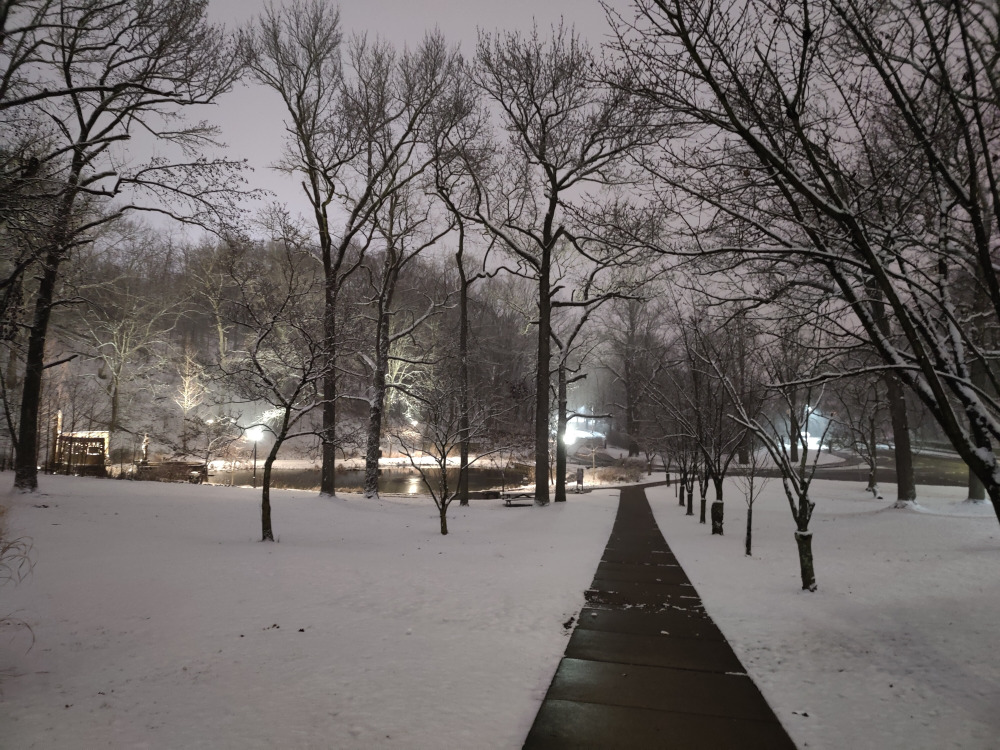
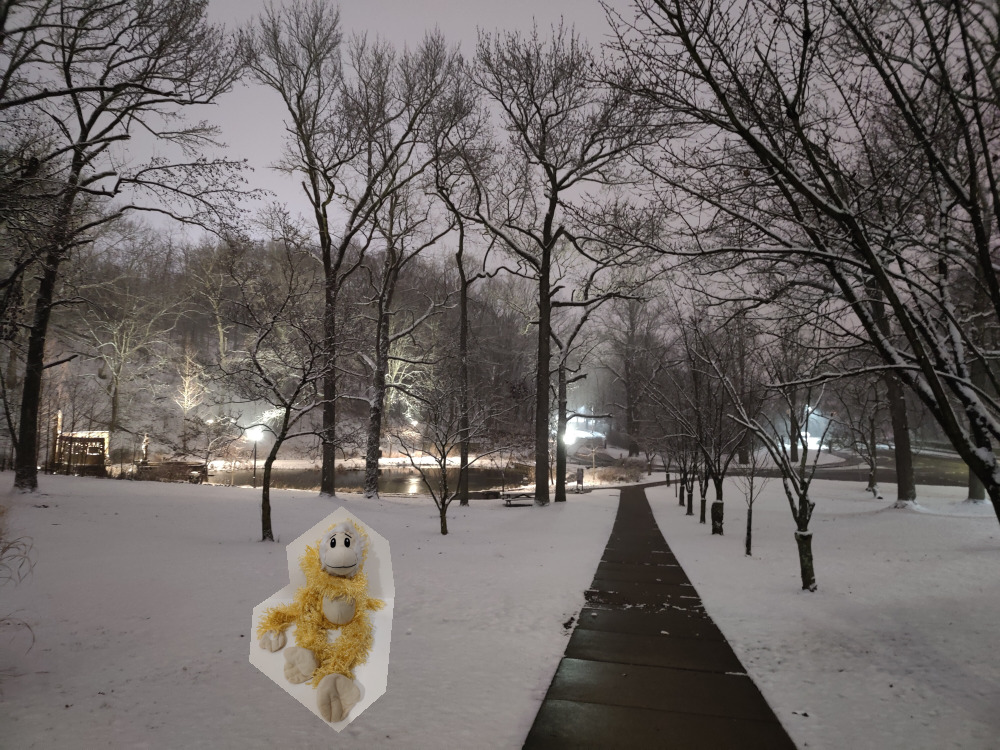
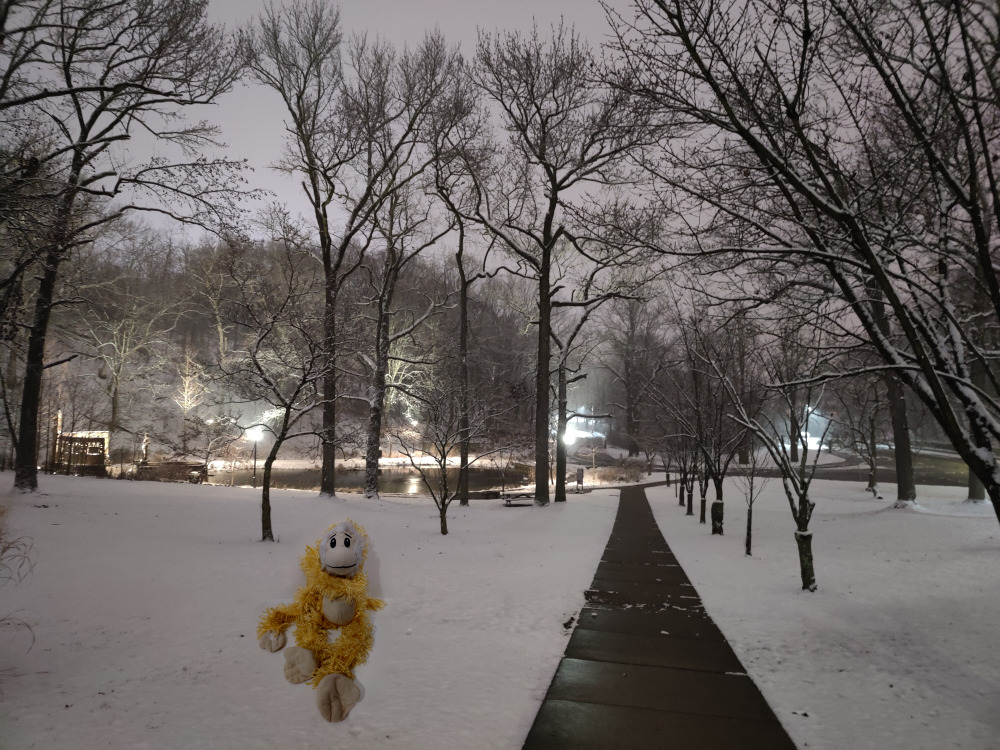
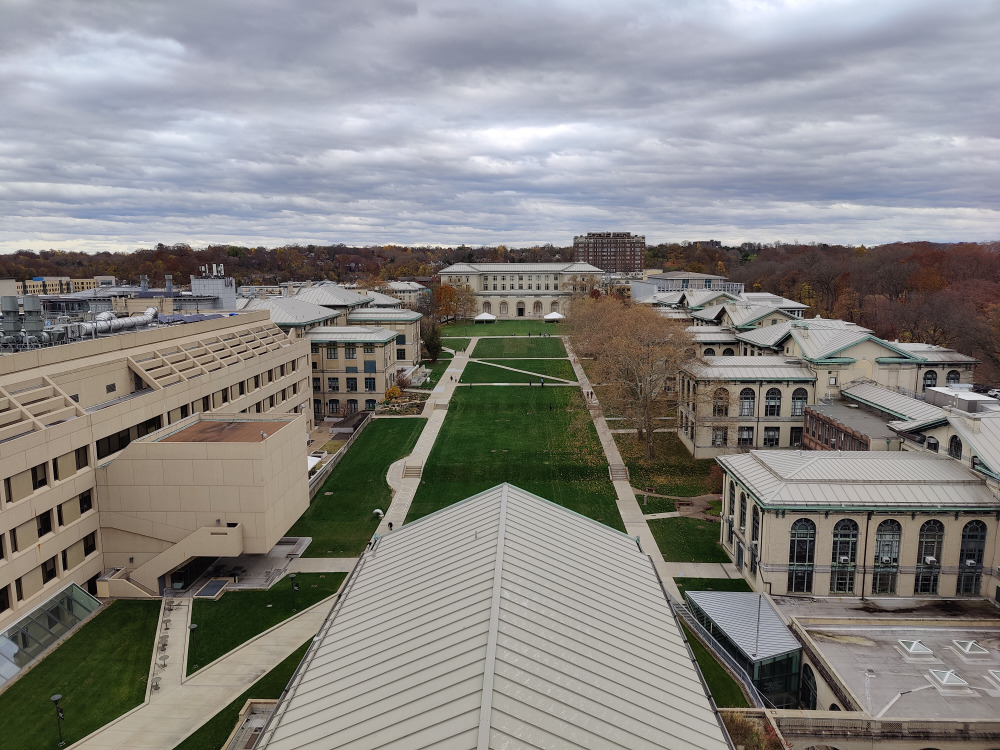
This is another example of a dog on Tepper quad.
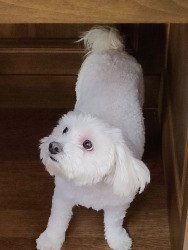
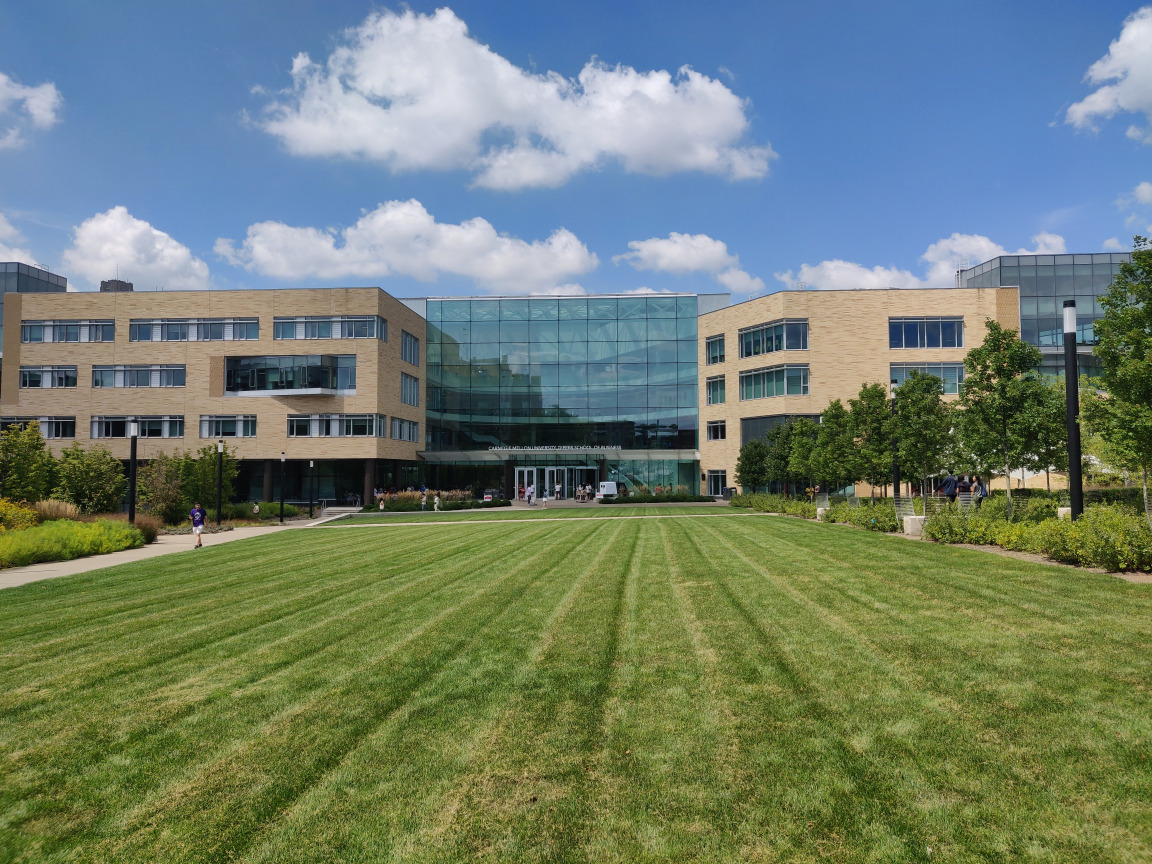
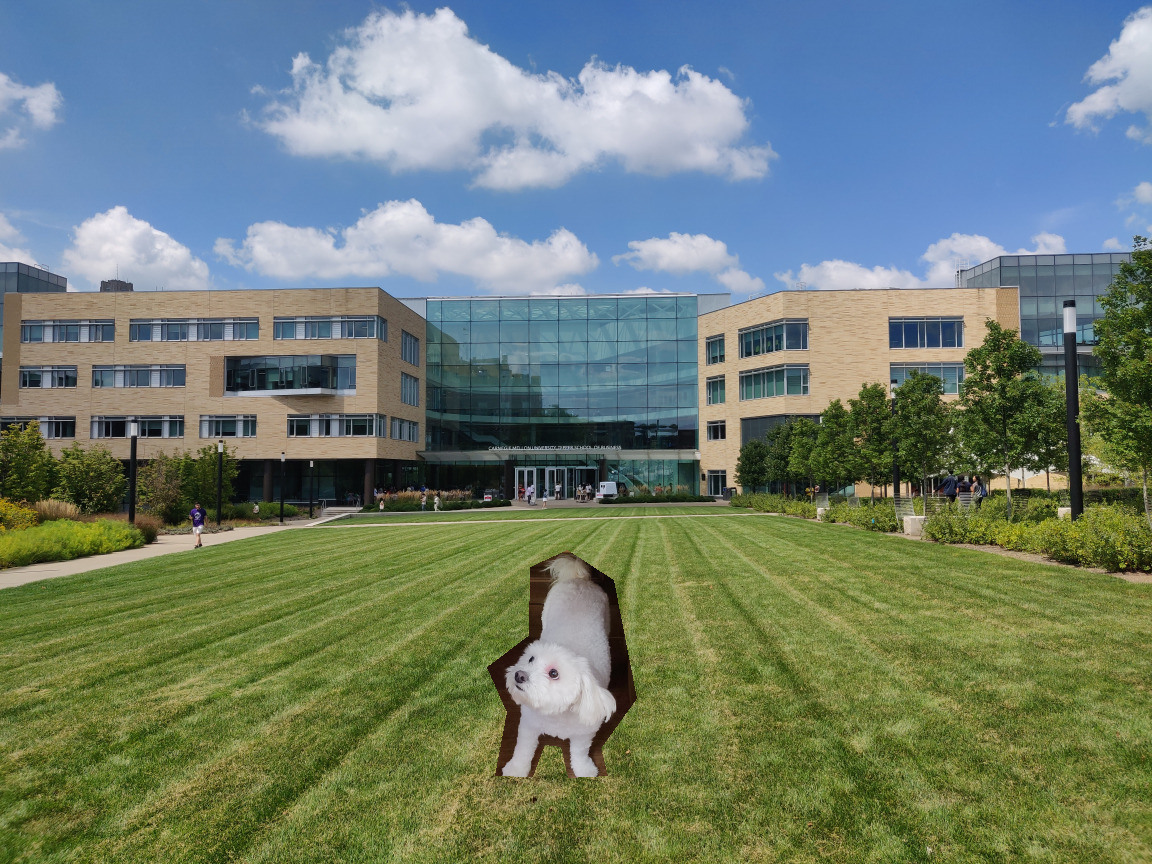
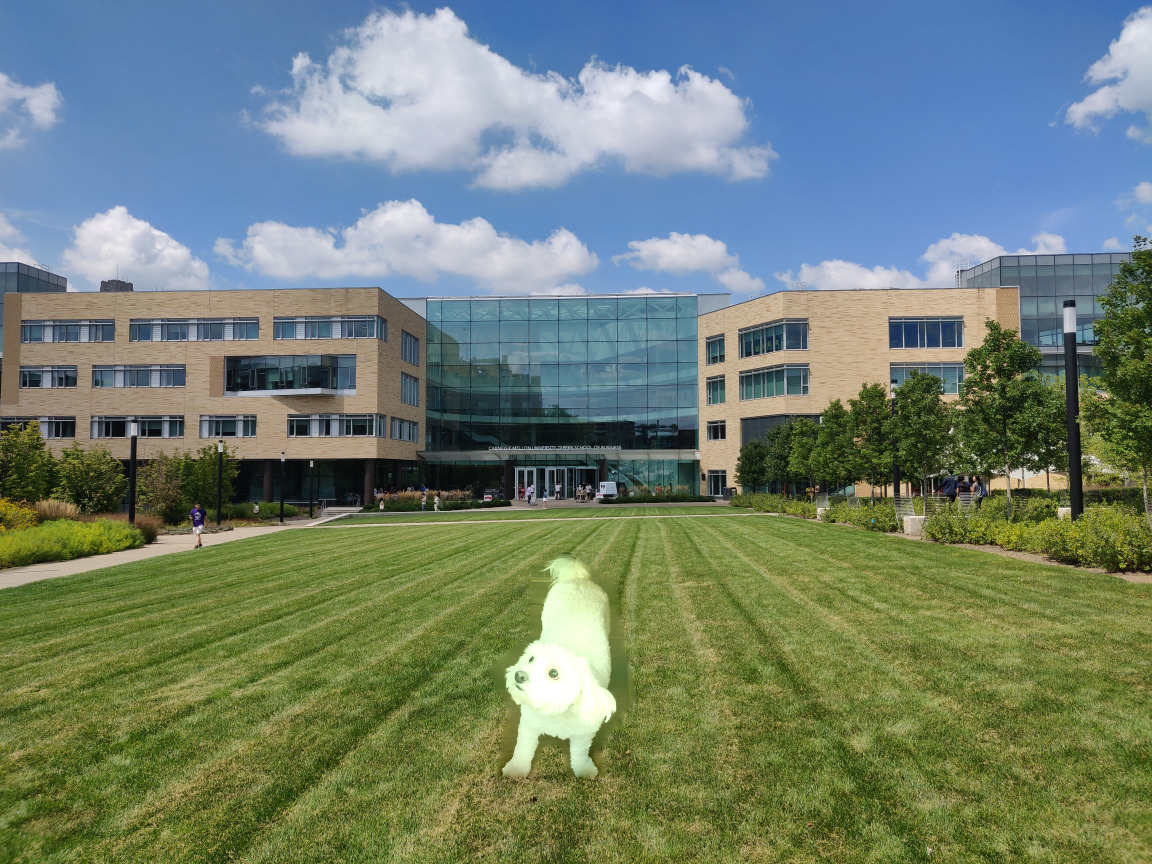
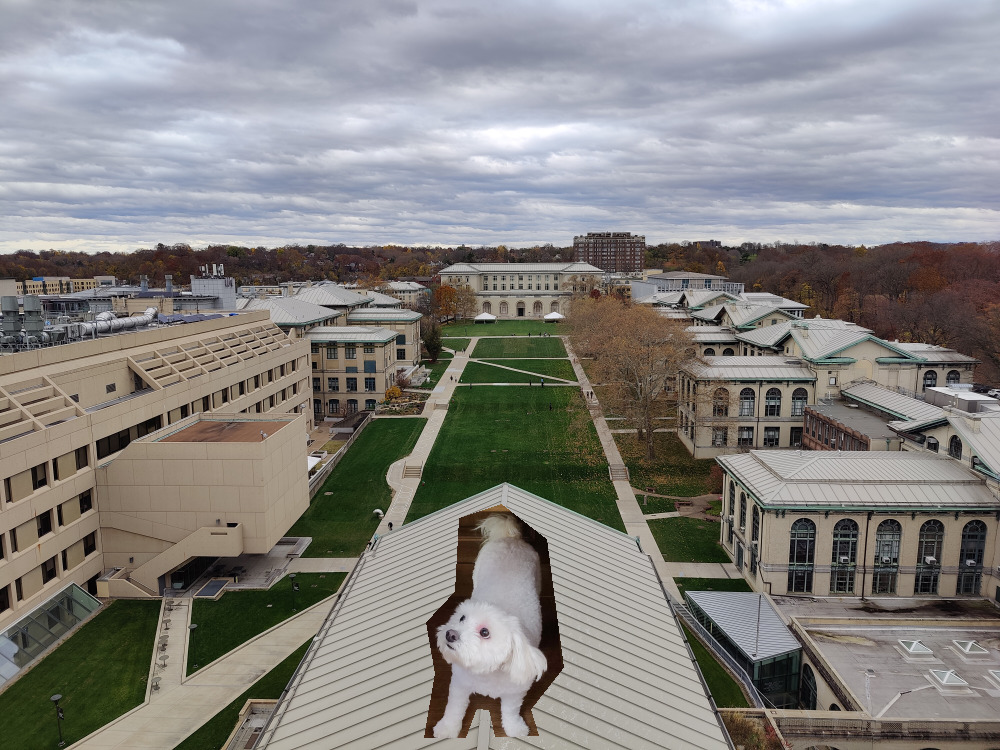
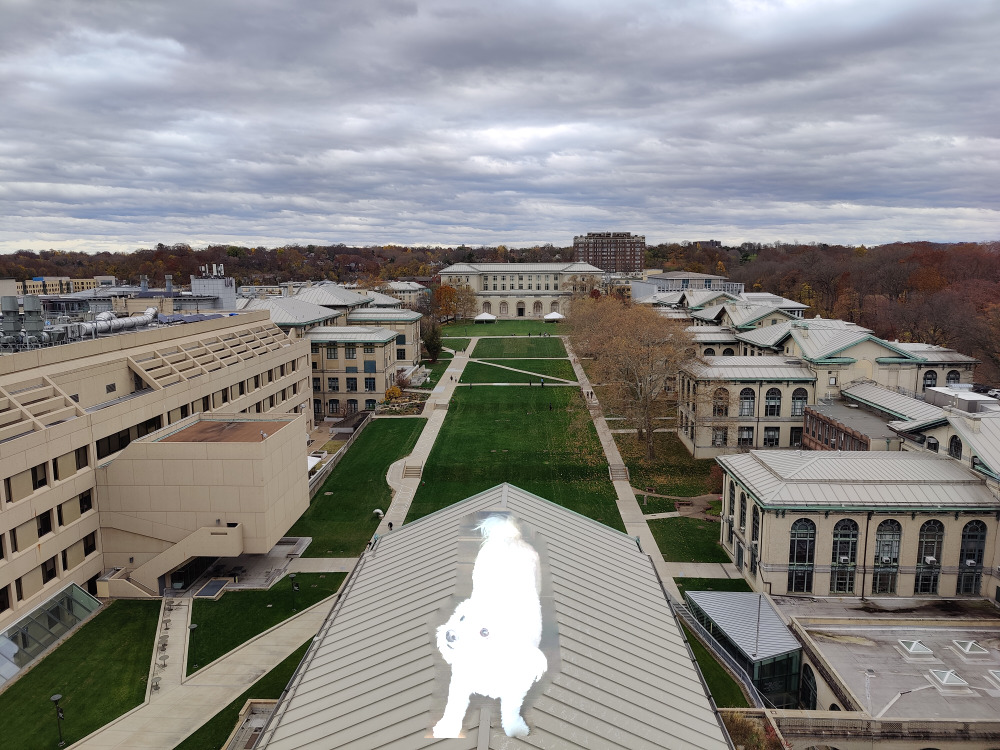
Finally, here is a failed example of a dog on top of Hammerschlag hall. This failed as the roof, which was bright, matched with the background of the dog, which was dark. Thus, the dog became even brighter, and oversaturated. Also, the patterns of the roof did not fit with the lack of pattern near the dog.
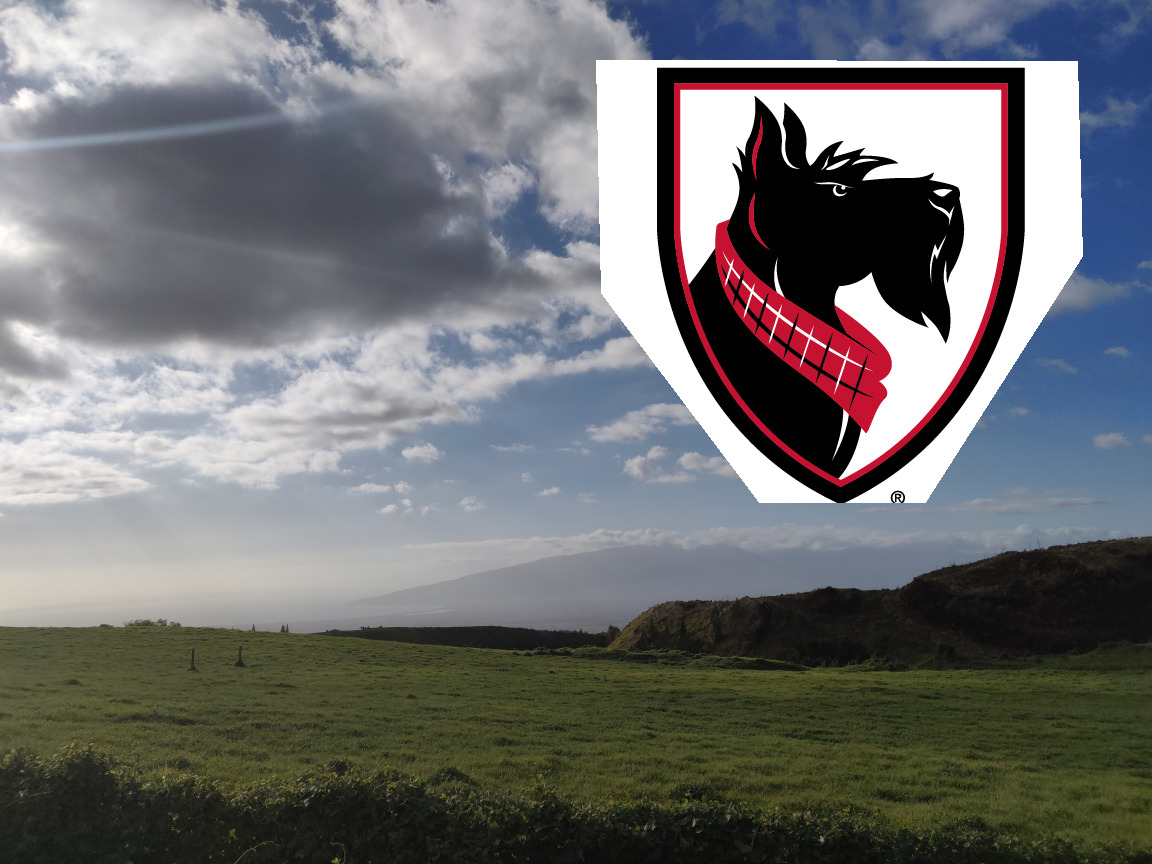
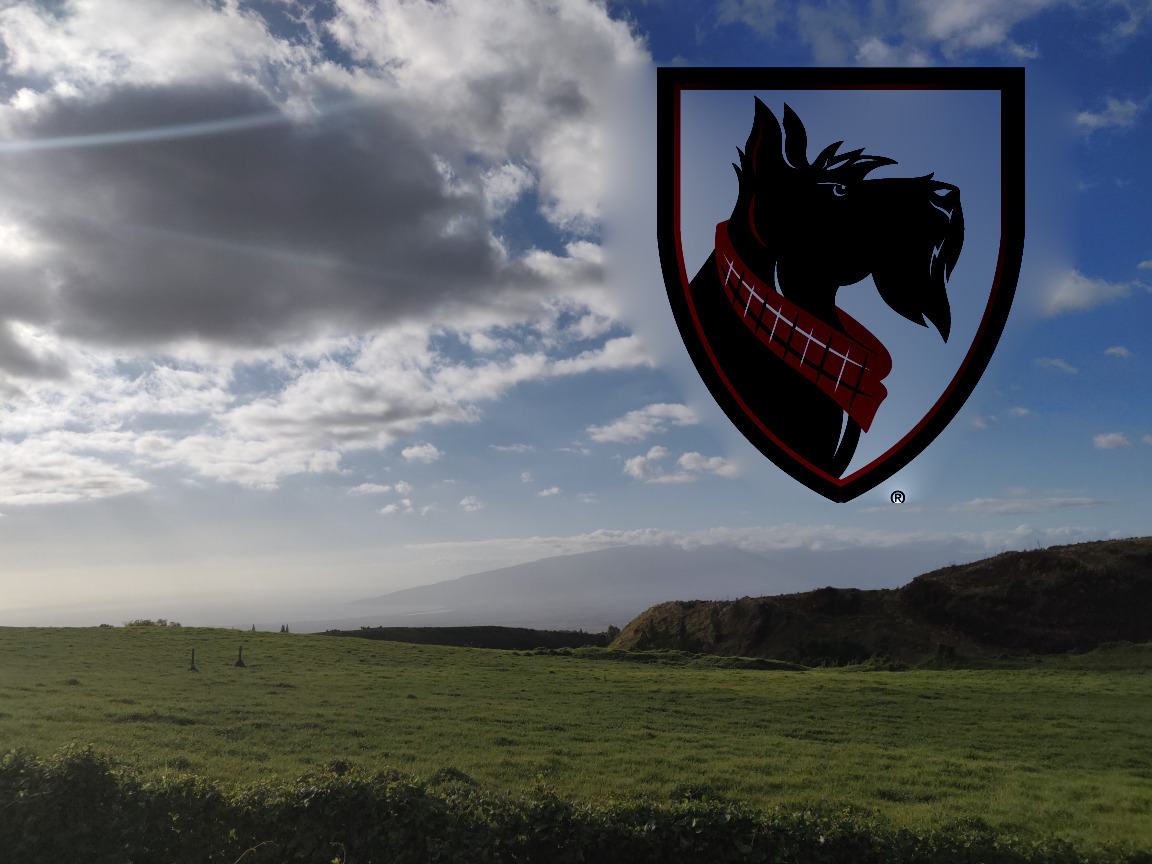
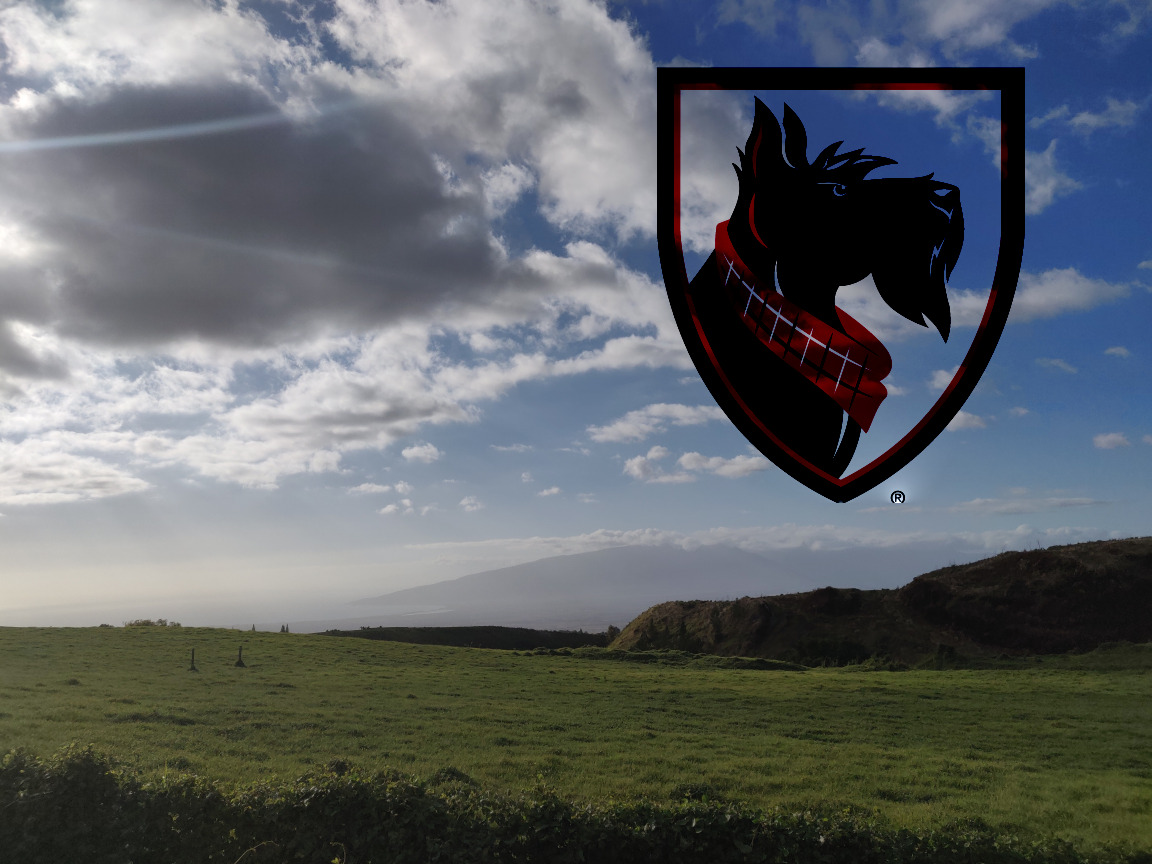
Here is the CMU logo put on the sky. The first image is blend with normal blending, and the second image by mixed blending. Of course, mixed blending preserves details of the sky, making the logo seem like it floats in front of the clouds.

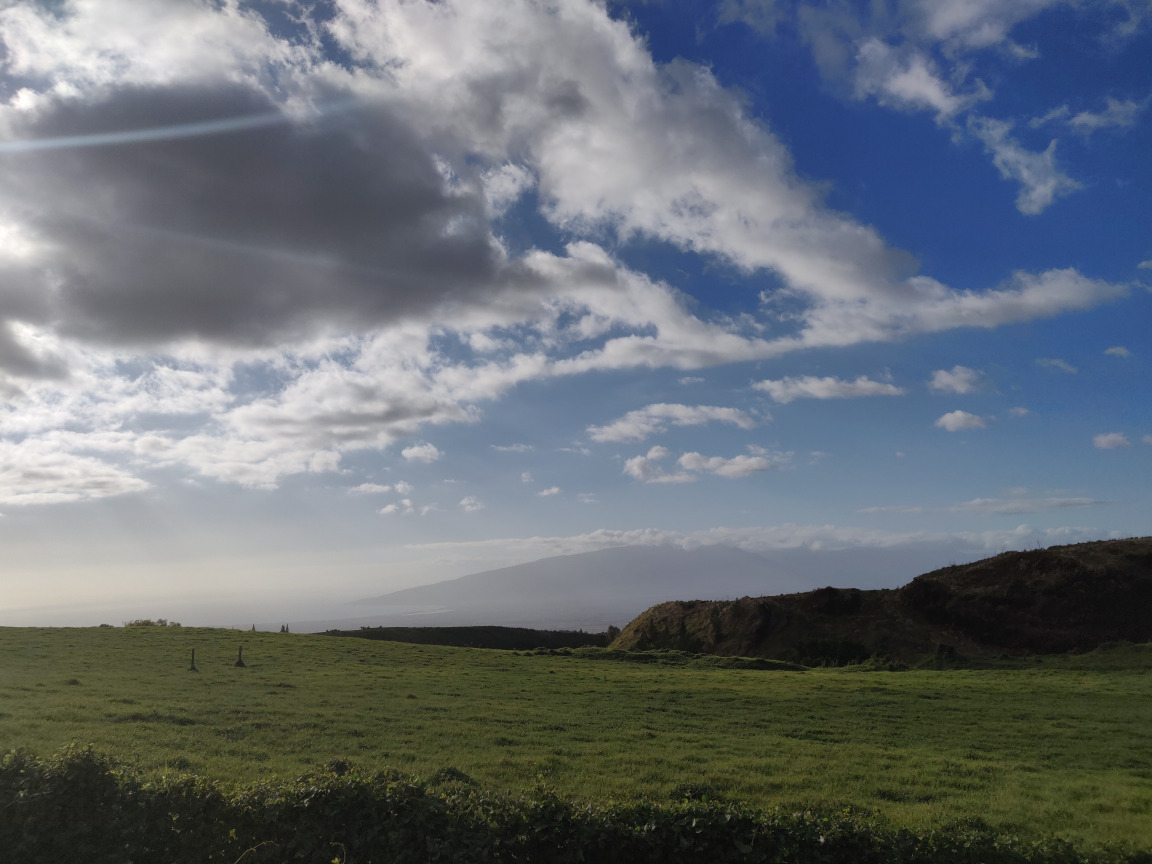
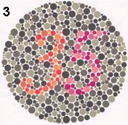
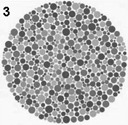
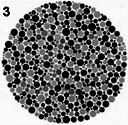
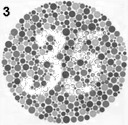
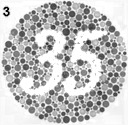
Finally, I implemented a simple color2gray process. To do this, I convert the image into LCH space, use the chroma as the foreground image and the luminance as the background image. My mask is all of the image but one row of pixels on each border of the image. Shown below is 1. the original image 2. the luminance 3. mixed blending with twice the luminance as guide 4. mixed blending with chroma as guide 5. mixed blending with twice the chroma as guide.