**Assignment #2 - Gradient Domain Fusion**
Student name: Daniel Zeng (dlzeng)
(##) Overview
The main goal for this assignment is to look at Gradient-domain processing and see its different applications. More specifically, we are looking at Poisson blending, which is a method to seamlessly blend a source object into a target image.
(##) Toy Problem
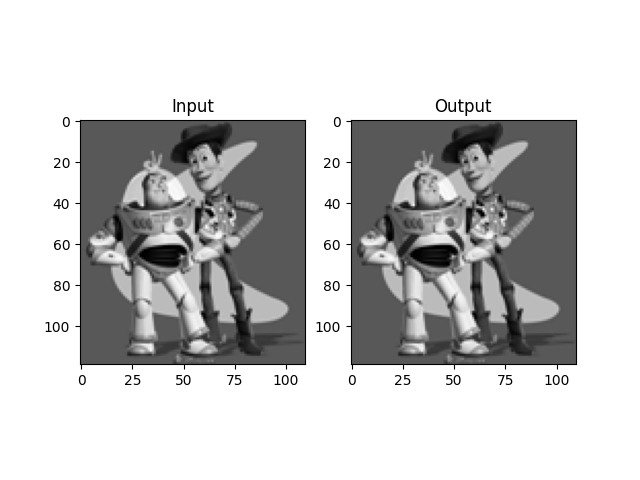
The idea behind this problem is that we will use the $x$ and $y$ gradients of the source image, and one specific pixel intensity, to reconstruct the image. By making the $x$-gradients match in the source and target image, and making the $y$-gradients match as well, then solving this optimization problem will yield a target image that is the same as the source image plus any constant. We then have one additional constraint on the top left corner intensity to match in the source and target image to enforce that these two images are the same.
Below is the result of the toy problem. The left side is the original image, and the right side is the reconstruction from gradients.
(##) Poisson Blending
Similar to the toy problem, we will set up an optimization problem to match the gradients of the source object and the target image. The difference here is that we will have a mask to indicate the region of interest in the source and target image. For pixels inside the mask, we will enforce that the gradients match. For pixels on the boundary of the mask, we will enforce that the gradients match using the intensity value from the target image. Solving this optimization problem will yield a target image that has the source object seamlessly blended into the target image.
Below are some examples of Poisson blending.
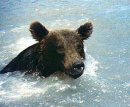
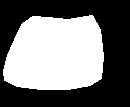
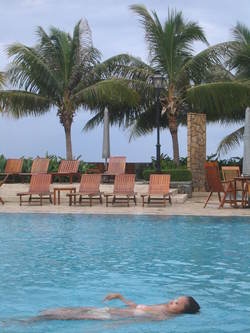
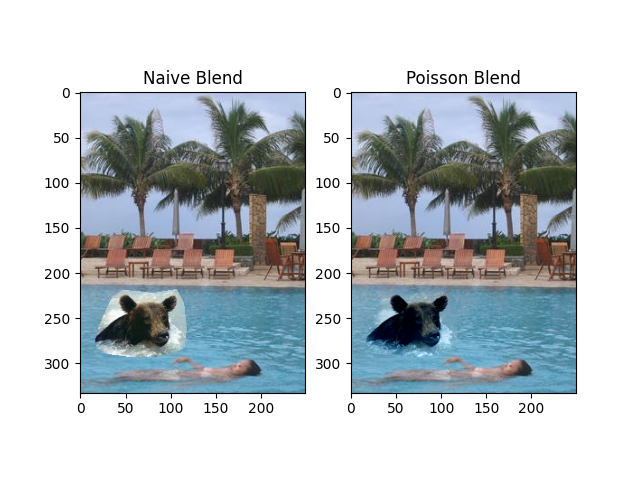
The first example is blending the bear into the swimming pool from the example images. We have our source image, the mask yielded from `masking_code.py`, and the target image, and then we display what it looks like with naive blending and Poisson blending. The result of the blend makes the edges along the bear figure blend perfectly into the water, but the bear looks very blue.
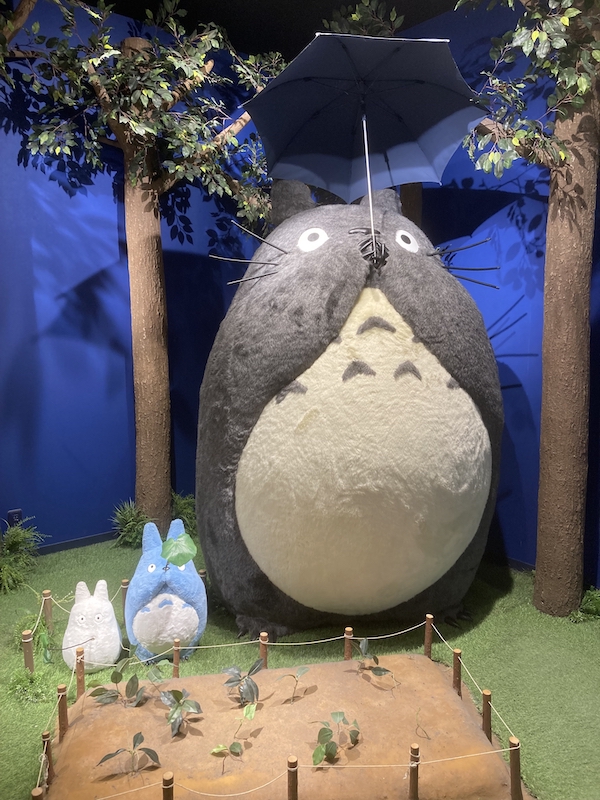
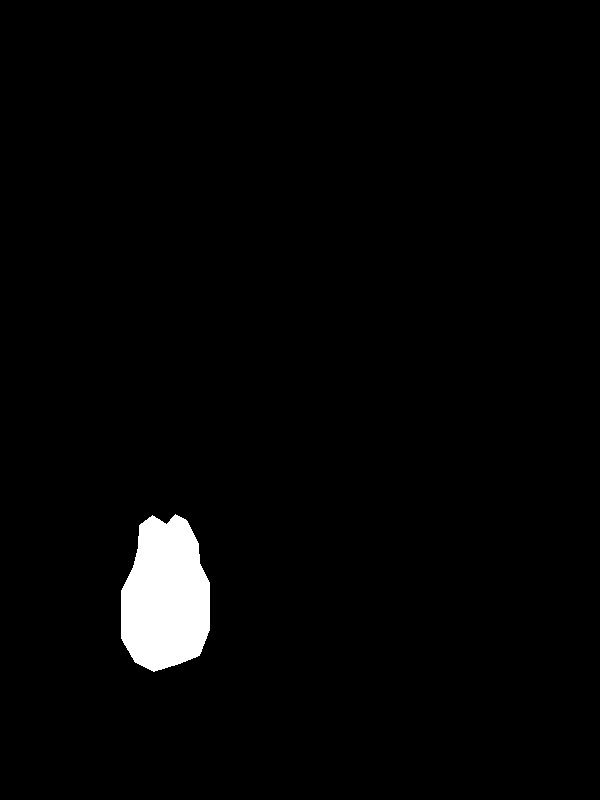
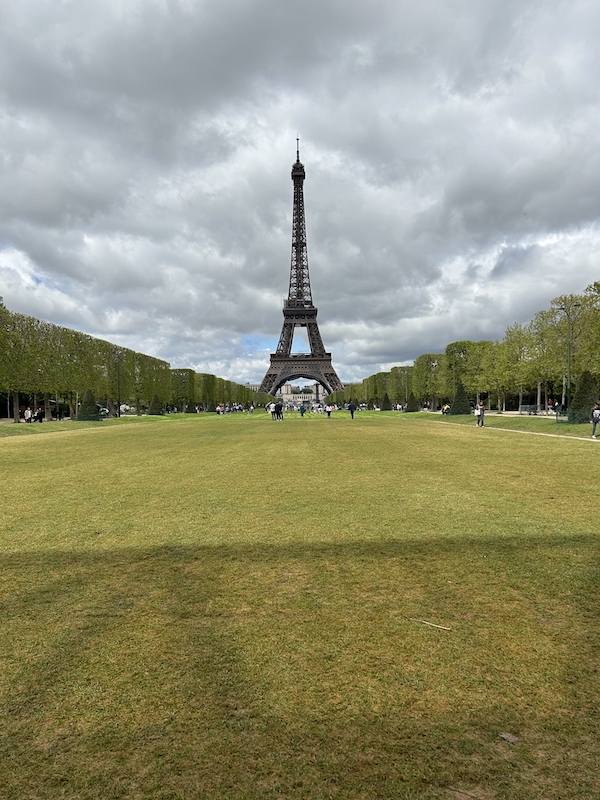
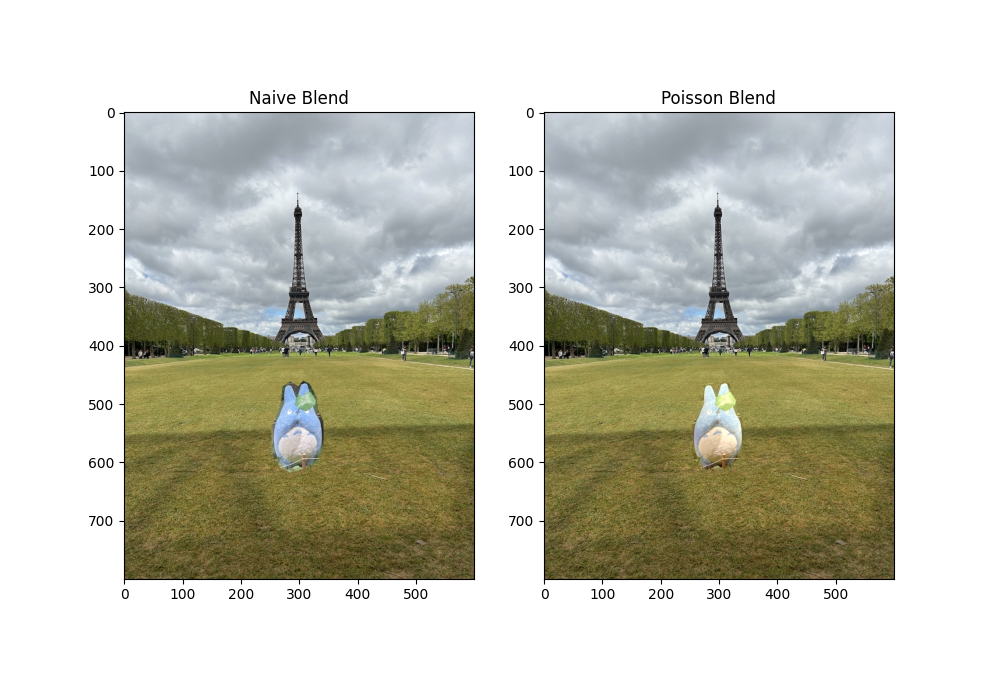
My favorite example is blending a Totoro figure into the lawn in front of the Eiffel Tower. We have our source image, the mask yielded from `masking_code.py`, and the target image, and then we display what it looks like with naive blending and Poisson blending. The result of the blend makes the edges along the Totoro figure blend perfectly into the grass.
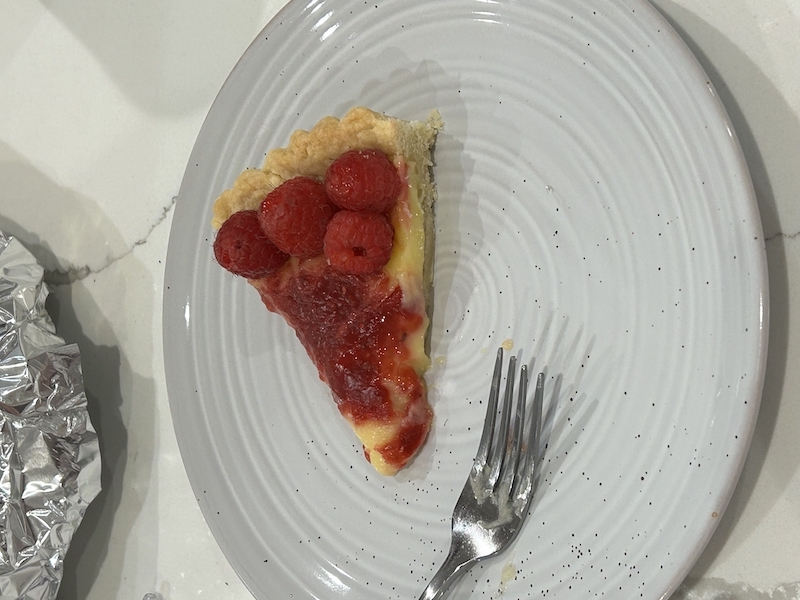
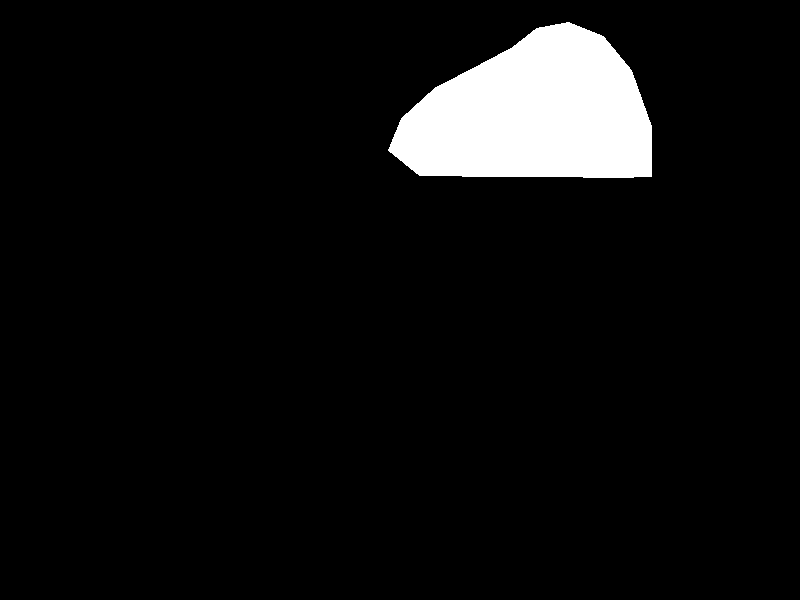
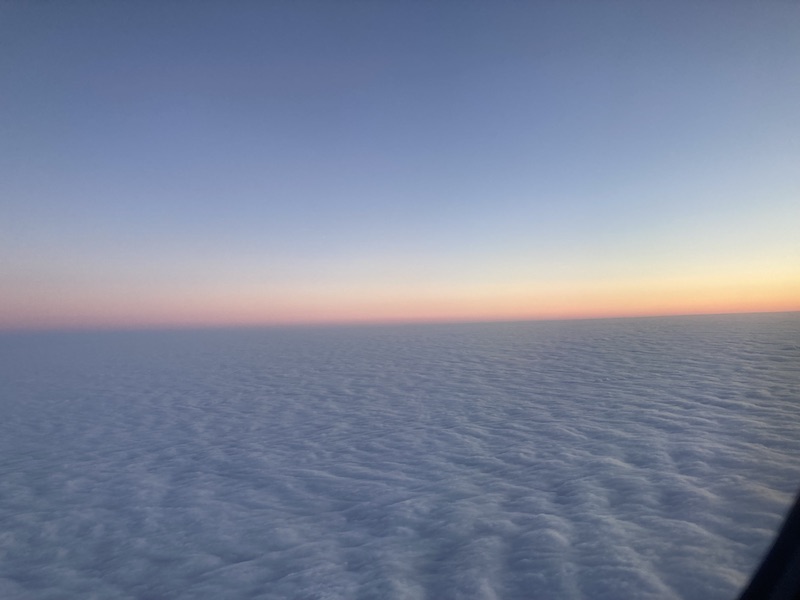
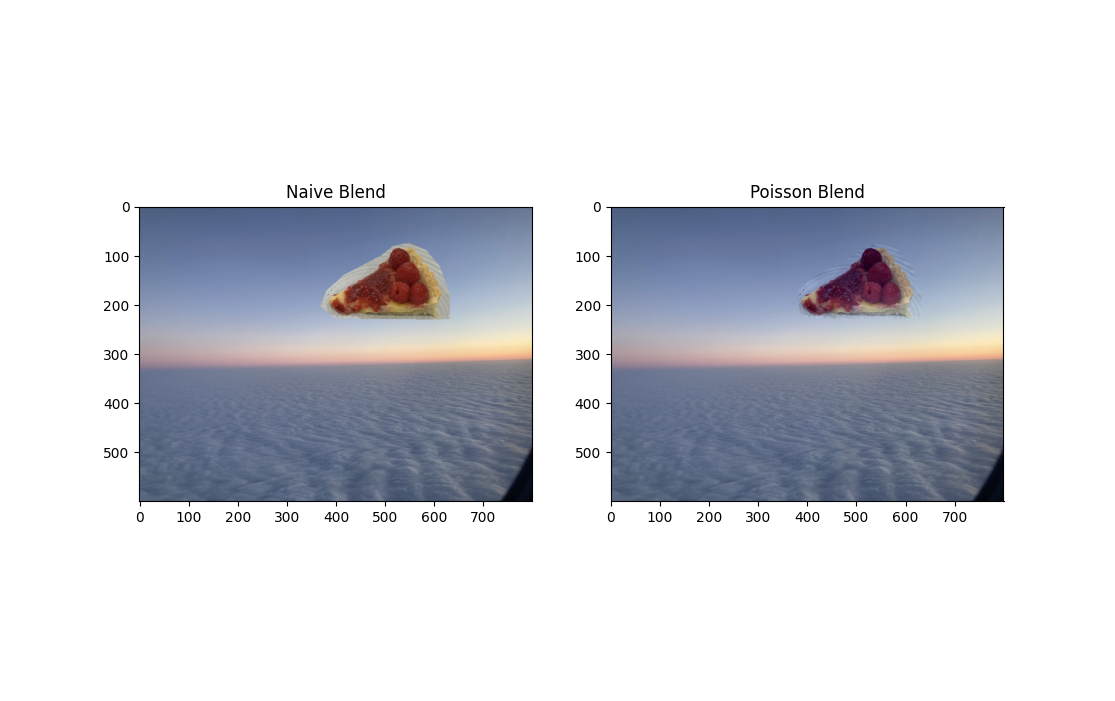
The next example is blending a cheesecake into a picture of the sky. We have our source image, the mask yielded from `masking_code.py`, and the target image, and then we display what it looks like with naive blending and Poisson blending. The result of the blend isn't as good as the Totoro one, but this is due to the lines in the mask not being cut perfectly more-so than the Poisson blending algorithm.
(##) Bells and Whistles
In addition to implementing Poisson blending, we have also implemented Mixed gradients blending. As outlined in the writeup, this method is essentially the same as Poisson blending, but it changes which gradient to compare the reconstructed image to based off the magnitude of the gradient in the source object and in the target image.
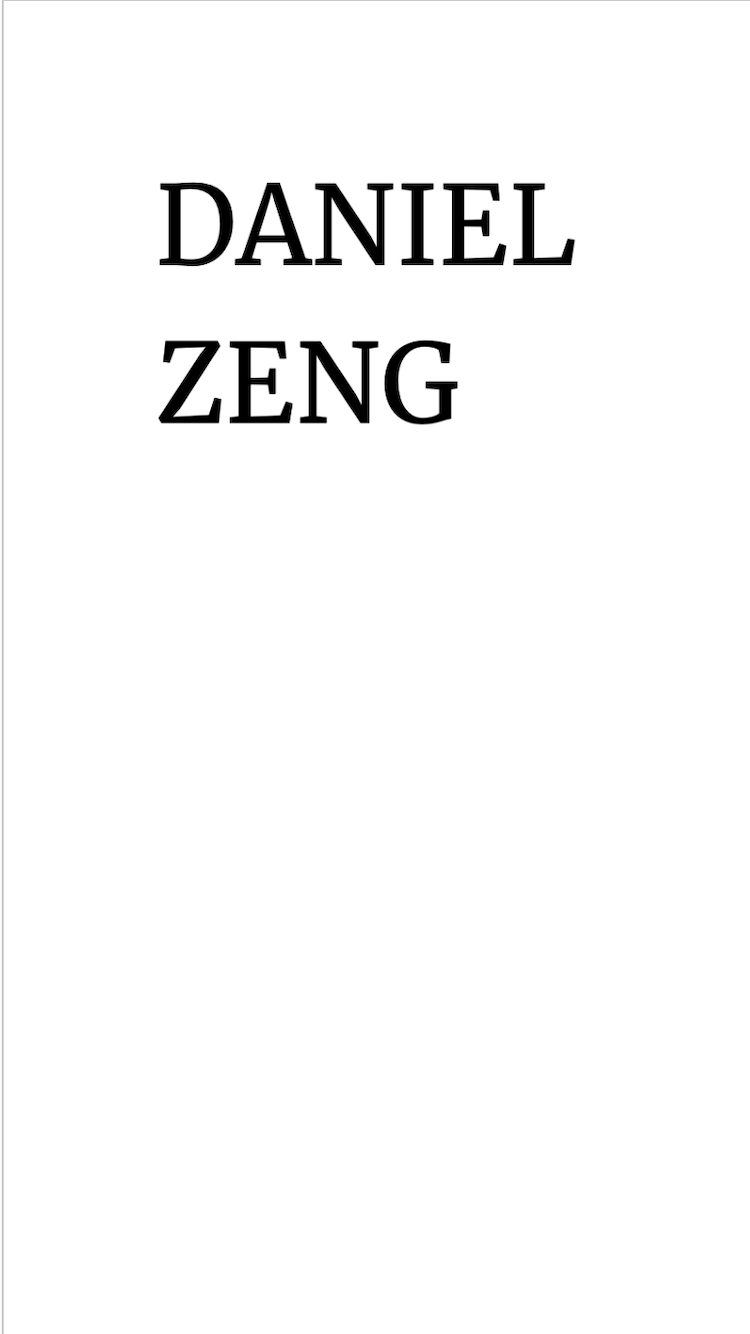
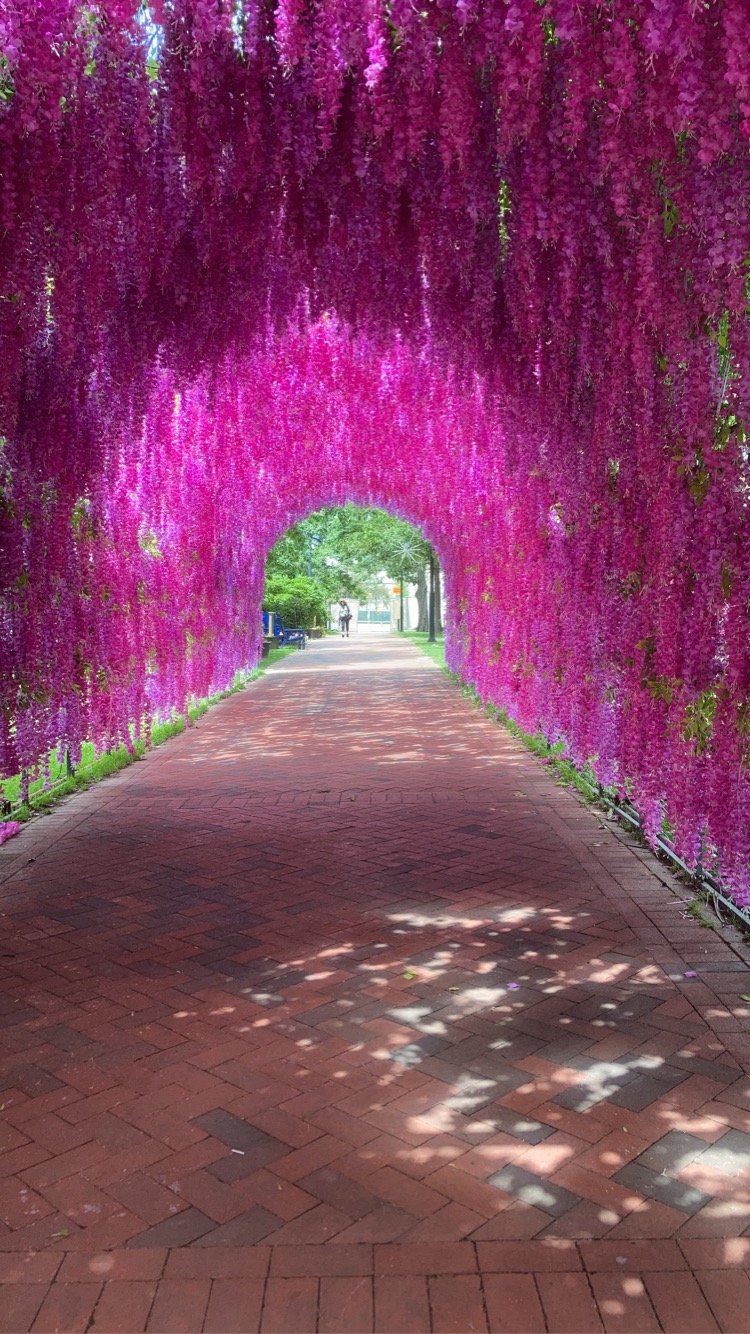
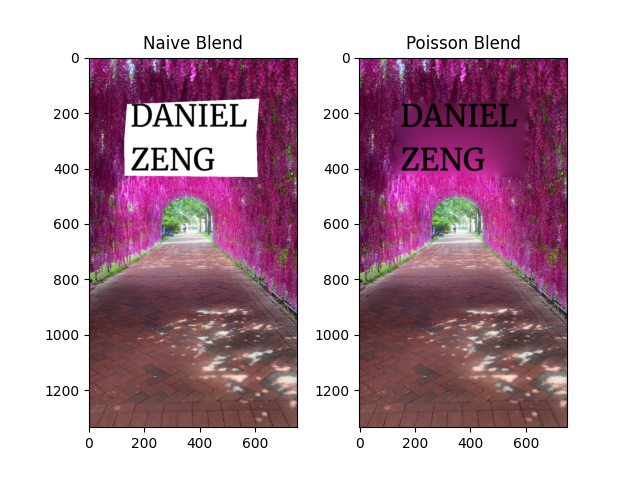
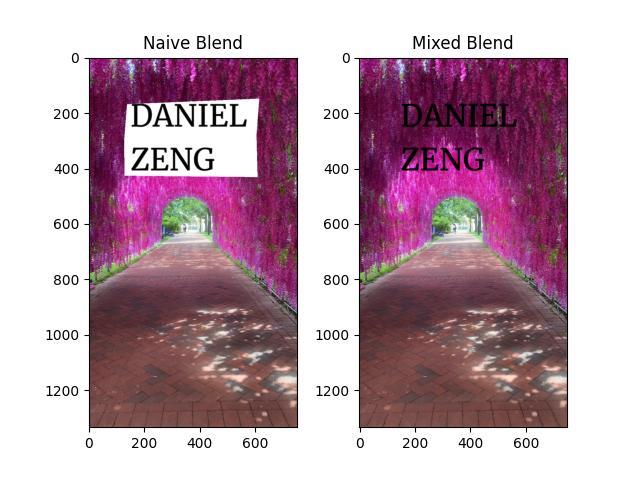
Below is an example of Poisson blending failing, but Mixed gradients blending succeeding. The source object is my name on a white background, and the target image is a tunnel with a lot of details in the flowers. With Poisson blending, the result will be very blurry on the flowers, and it will look like the source object is just pasted on top of the flowers. With Mixed gradients blending, the result will be much better, and the flowers will be preserved.
Name on the tunnel with Poisson BlendingName on the tunnel with Mixed Gradients Blending
(##) Credits
Credit to [15-468](http://graphics.cs.cmu.edu/courses/15-468/) for the HTML template. All source pictures aside from the example images were taken or created by me.